


A remote job offer comes with a promise to pay for your computer and printer. Soon there’s an invoice from a store you can look up.
That sounds like something you could check before spending a cent. One applicant did, and the call to the store changed how they understood the job.
Overview
A dealership offer puts the applicant in charge of buying equipment
A job seeker said they heard from people using the name Melanie Grossman Motors after applying through a remote jobs website. The contact wanted to communicate through Microsoft Teams.
The pitch was that the applicant would buy a computer and printer.
A digital check would cover the expense, and the applicant was asked to connect their banking app for reimbursement and payroll.
The person later received an invoice that appeared to come from a computer refurbisher. They looked up the store separately and called to ask about the person named on it.
According to the applicant, the store said nobody by that name worked there. The public account does not show a payment to the supposed vendor or an actual check deposit.
The real business behind an invoice matters more than its appearance
A dealer can hire staff remotely and a real store can refurbish computers. What needs verification is whether the parties on the offer and invoice are actually doing business together.
In this case, the independently reached store could not substantiate the invoice contact. That matters more than a polished job website or a conversation that otherwise sounded professional.
The FTC’s employer impersonation warning describes fake employers who tell new hires to buy equipment from a preferred supplier and promise reimbursement or use a check to move money.
This article addresses the job solicitation and its payment instructions. It does not establish who operated the websites or whether any legitimate dealership or refurbisher participated.
The banking request creates a second exposure
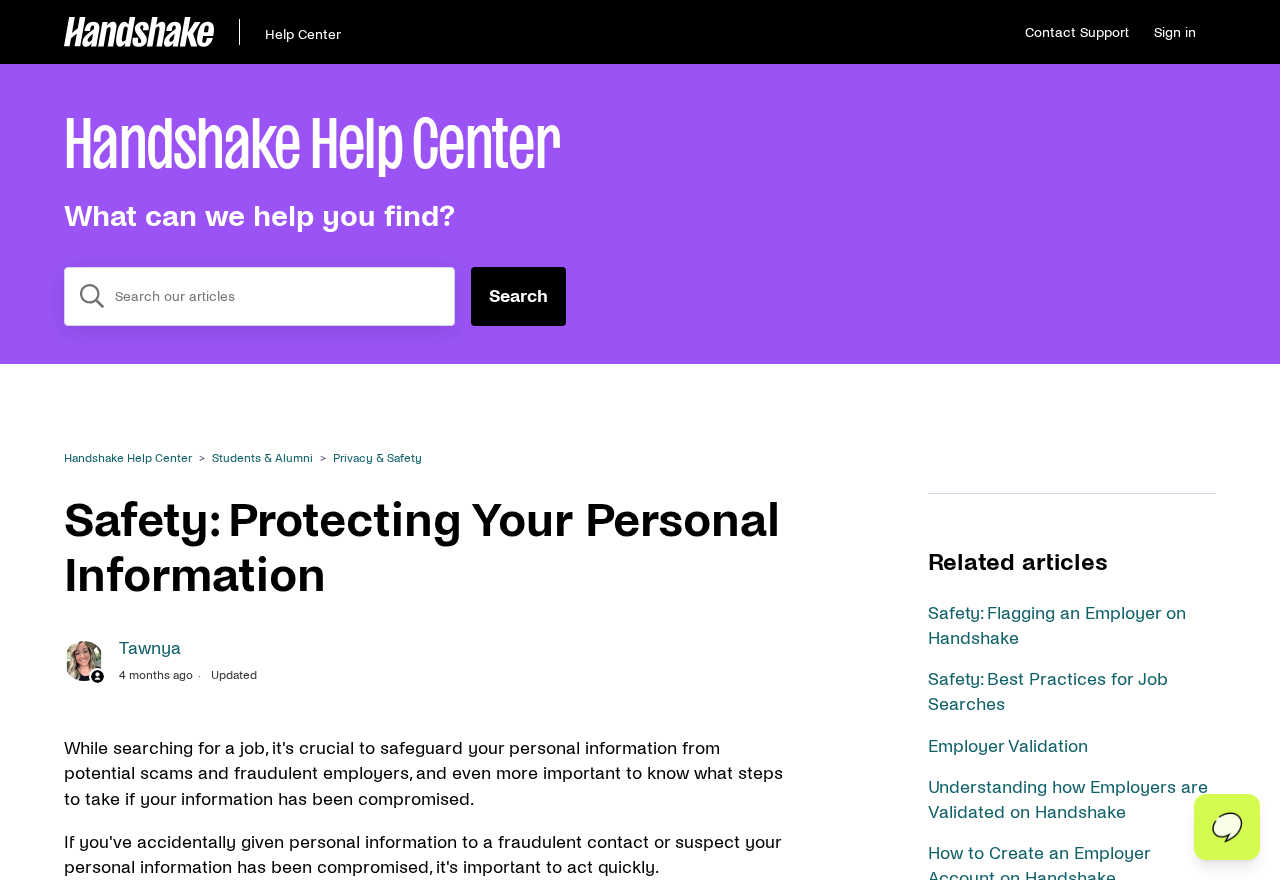
The image above shows Handshake’s public guidance on protecting personal information during a job search. It provides context for the banking request in this case.
Before connecting any banking app, identify who is requesting the connection and what you would be authorizing. Ask the bank if the permission screen is unclear.
A payroll setup normally happens after you have verified the employer and accepted a job. The promise of future payroll cannot verify a separate request to fund an equipment purchase.
Here are the parts of the pitch you can check before doing anything with your account.
- The offer arrived after a remote job search and moved to a Teams conversation.
- The employer claimed it would fund a personal equipment purchase with a digital check.
- The applicant was asked to connect a banking app in connection with the reimbursement and payroll.
- An invoice carried a store identity that the applicant could verify independently.
- The store did not recognize the claimed contact, according to the person who called it.
How the Scam Works
Step 1: An offer arrives while you are waiting on applications
An email that follows a round of applications can feel like a response you have been expecting. You may remember the position more clearly than the business name.
Check your application history and the original listing. Confirm who posted it, when you applied, and whether the person now contacting you appears in the same records.
If you applied through a platform, check the message in the actual account. A sender may mention a job site without using an employer profile verified by that site.
The applicant reported using a remote jobs website before the approach. That establishes how they described the sequence, without showing which platform or account was responsible for the solicitation.
Step 2: The conversation moves to Teams
The person handling the offer wanted to use Teams. That is a common business tool, so the switch can feel like the point where a job process becomes more official.
The useful question is whether the verified employer knows about the conversation. A Teams username and profile photo do not establish who has authority to make an offer.
Ask for a job reference and the name of the hiring department. Then find a genuine company channel yourself and check whether those details lead back to an open role.
Preserve the message history if the instructions change from interviewing to payment. The shift in what the person wants can be the clearest part of your report.
Step 3: The recruiter says you need a computer and printer
Remote work can genuinely require hardware. The pressure in this offer comes from treating purchase approval as a normal step toward getting started.
Ask who would own the equipment, who would place the order, and who handles returns or warranty support. An employer supplying its own hardware can answer those questions directly.
A genuine equipment policy can vary by company. Be especially careful when the contact requires a particular seller, controls the invoice, and asks you to fund the sale before verification.
The FTC’s work-from-home warning describes equipment checks that draw applicants into a separate transfer. The supposed reimbursement can be reversed while money sent out is harder to retrieve.
Step 4: Reimbursement becomes a request to connect the bank app
The applicant said the contact asked them to connect their banking app for the check and for future pay.
The account does not specify what the connection screen would have authorized.
Treat a request to log in, share a code, or approve access as a separate decision.
A legitimate bank sign-in screen may still be part of a request you should reject.
If you ever accept direct deposit from a verified employer, use the confirmed payroll process. Never share a bank password or approval code with the person who recruited you.
If the contact claims the check will fail unless you connect immediately, ask your bank directly whether that is how it handles the deposit. Leave the offer on hold.
Step 5: A third-party invoice gives the payment a destination
An invoice can make an equipment purchase feel settled. It lists items the applicant expects and borrows credibility from a store that seems to exist outside the conversation.
Look up the business without using the invoice’s contact details. Ask whether it issued that invoice, knows the representative, and recognizes any order or quote number shown.
The applicant’s call to the refurbisher brought the process to a stop. The reported mismatch meant they could no longer rely on the invoice to identify a genuine seller.
Do not give the recruiter another chance to substitute a different invoice. Keep the first one and report the payment request using the independent information you obtained.
Verify the Job, the Purchase, and the Bank Request Separately
A company’s registration or website can help you identify it. Those details do not prove that the person who sent the offer has any relationship with the company.
Start with the employer. Search for a job listing and check whether the hiring contact can be confirmed through a business channel established independently of the offer.
A genuine supplier can look up an order or quote without using your banking information. Keep the conversation to the order reference and the business named on the paperwork.
Compare the invoice issuer with the name that would receive the payment. If you are asked to pay a person or business that the retailer cannot identify, stop the purchase.
Finally, ask your bank about any access prompt you have already approved. Tell it what you saw on the screen and which account the supposed employer asked you to connect.
If the process really belongs to a known recruiting platform, go to the platform directly for help. Handshake’s safety guidance explains how to flag suspicious activity and protect personal information.
A real vendor may be unaware that someone is using its name. Share just enough of the invoice to help the vendor identify the impersonation, without circulating your personal details.
Preserve the message showing how the seller was introduced.
An invoice copied out of context may be less useful than the original email or chat that explains why you received it.
What an Independent Vendor Check Can Tell You
When you call a store, give the invoice number and ask which business issued it. If there is no reference number, provide the date and the items shown.
Ask whether the store can see an open sale in its own system. A seller can recognize the model on an invoice even when the document itself was never issued.
Keep the time of the call and the department you reached.
If the store says the invoice is unfamiliar, that detail is more helpful than an unsupported guess about its origin.
If the recruiter says a branch or contractor is handling it, ask the independently reached business to verify the relationship.
Another number from the recruiter is the same problem in disguise.
Ask whether the store has its own reporting channel for misused invoices. A copy with your personal information covered can help the store identify what was presented in its name.
What to Do if You Have Fallen Victim to This Scam
You may have stopped at the invoice, deposited a check, approved bank access, or already paid. Start with the actions that address what happened in your account.
-
Leave the invoice unpaid. Save a copy and the original message. Verify the supplier independently before considering any further instructions from the people who contacted you.
-
Call your bank if you deposited a check. Tell it the check was offered for equipment and that the vendor could not be verified. Leave the funds untouched.
-
Tell your bank if you approved a connection. Ask about linked apps, active sessions, permissions, and any changes or payments you do not recognize.
-
Report money you sent through the actual payment service. Provide the invoice, amount, destination, and timeline. Ask what action it can take now.
-
Protect exposed identity documents. Use IdentityTheft.gov if you gave the contact enough personal information to open accounts or impersonate you.
-
Report the contact through the relevant hiring platform and the FTC. Include the claimed employer, equipment invoice, and any instruction involving your bank.
Uninstalling Teams may stop notifications, but it does not revoke access you granted through a separate service. Contact the service where the permission was approved.
If you changed a password after the incident, still check for unfamiliar sessions and pending transactions. Ask the provider whether you need to revoke any separate access.
Document the bank’s advice and keep the case number. If a payment is still pending, the provider may have different options than after it has settled.
If you only sent a résumé, be prepared for follow-up messages using details from it.
Verify later requests independently, even if they refer to your work history or the same job.
Frequently Asked Questions
Is a work-from-home equipment allowance always suspicious?
Employers can legitimately cover equipment costs. You should be able to confirm the job and see who supplies the equipment before you hand over money or banking information.
An allowance does not need to go through an unknown third-party invoice. Pause if the contact tells you to use a check and pay a seller they alone can verify.
Why was calling the computer store helpful?
The call went to a number the applicant found separately. According to their account, the store did not recognize the person named on the invoice.
That undermined the invoice as a verified request for payment. You can make the same check using a store’s published contact information and the reference on the document.
Does this mean the dealership or the job board ran the scam?
The public report identifies the name used in the solicitation and describes what the applicant did.
It does not establish the operator’s identity or a business relationship with the job board.
Focus your report on the contact details, payment instructions, and the invoice. Those facts give the platform or authorities a way to investigate without relying on guesses.
Can I wait for an equipment check to show up in my balance?
Leave any already deposited funds alone and contact the bank. A balance change does not resolve whether the check is legitimate, or whether the seller issued the invoice.
The safest time to stop is before you deposit it. If you have already deposited it, ask the bank to review the check and explain what happens next.
What if I entered a code but did not send any money?
Contact the institution that issued the code. Explain whether the message mentioned a login, payment, password change, or app connection, and ask the provider to check what happened.
If you can still open the real app, look for unfamiliar approvals while following the provider’s instructions. A code can authorize an action before you see its effects.
Should I delete the invoice and block the recruiter?
Save the invoice and conversation first. Keep them available to the payment provider, job platform, or authorities. Then block the recruiter after you have ended the exchange.
Do not use the invoice’s contact information to seek help. Reach the retailer, bank, and platform through channels you can verify independently.
The Bottom Line
Walk away from a dealership job that routes equipment purchases through your bank and an unverified invoice. Confirm the job and supplier independently before any payment.
If you deposited a check, connected an account, or paid the invoice, contact your bank today. Save the invoice and original job messages so you can show exactly what happened.

Join the discussion
0 commentsShare your experience or ask a question about this article.
Discussion
Start the conversation
Have a question or something useful to share? Add the first comment.