


You’re trying to move crypto and a page looks like the Unit service you expected. So far, the name and the task seem to fit.
Before authorizing anything, find out which step you’re actually on. It’s much harder to solve a transfer problem once you’ve followed instructions from the wrong page.
Overview
The imitation uses a familiar part of the Hyperliquid ecosystem
The fake HyperUnit website was reported at hyperunit[.]vc. It copies the appearance of Unit and asks visitors to connect a cryptocurrency wallet.
The real Unit documentation describes a service for bringing assets from other blockchains into Hyperliquid and making withdrawals back to supported chains.
This doesn’t make the unrelated site part of the process. A name that matches the service you were looking for is not evidence that the page can handle your funds.
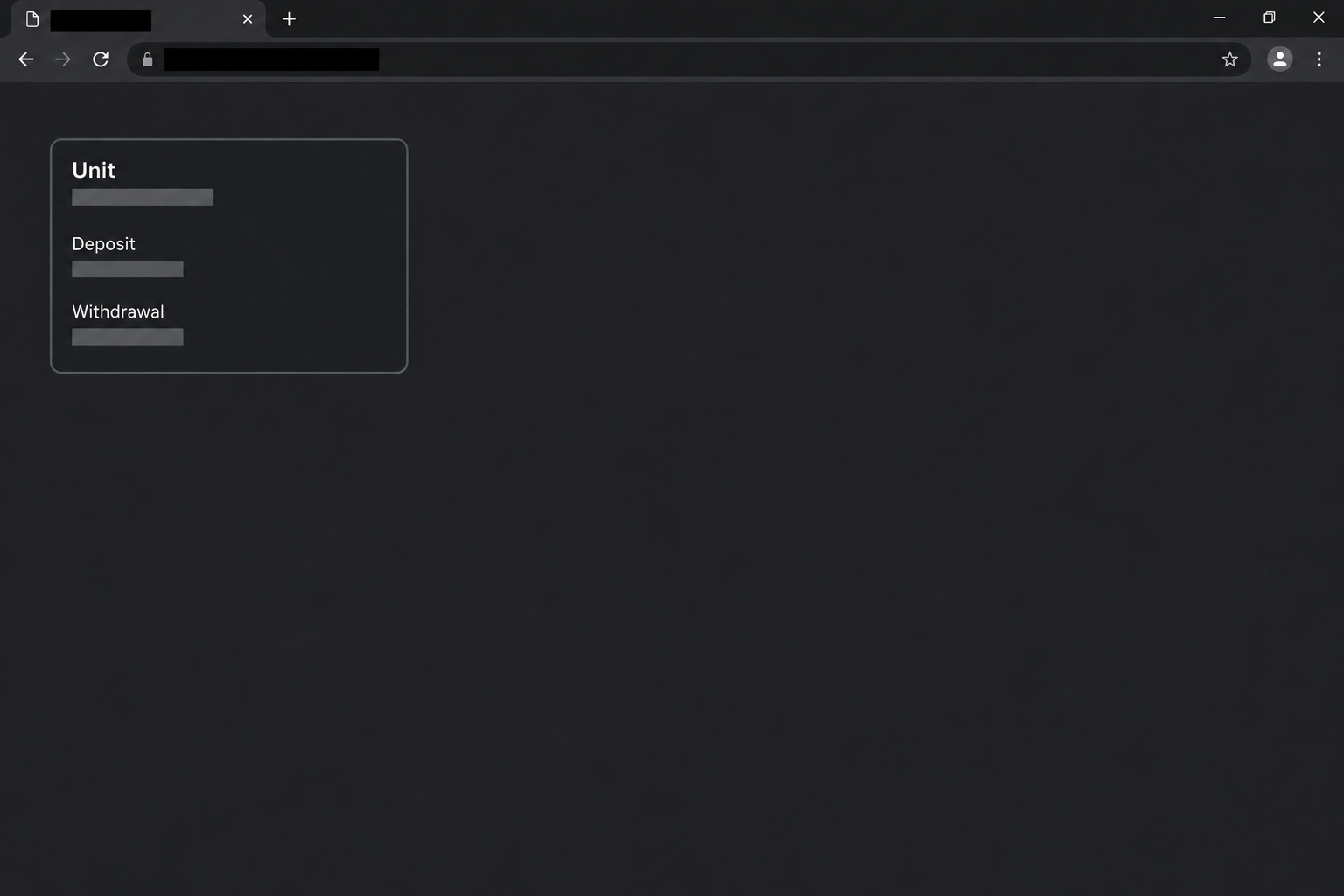
The illustration recreates a fragment of the lookalike browser view. It isn’t a genuine transfer screen and doesn’t depict an address or an actual wallet authorization.
A real deposit can have two records to check
Moving an asset involves more than seeing a number on a website. For a supported transfer, you need to know the asset, origin network, destination, and the service receiving it.
When a deposit looks delayed, the sending wallet may show a transaction before the service has credited it. That difference can make an unexpected offer of help feel timely.
The reported case shows a counterfeit Unit page requesting wallet access. No independently verified transfer, exact signed request, or separate fake support conversation was established for that sample.
If you were already trying to trace a real deposit, treat that as its own problem. You don’t need the lookalike to check funds you sent before finding it.
Exposure follows the action, not the logo
How you respond depends on what you did. Begin with the record from your actual wallet, exchange, or other provider:
- If you only viewed the page, don’t infer a transfer from its appearance.
- If you connected an account, use your wallet’s own controls to end the connection.
- If you signed something, determine whether it was a message, a spending approval, or a transaction.
- If you copied an address from the site and sent assets, preserve that payment record separately.
- If you disclosed a recovery phrase or key, use your wallet provider’s compromised-wallet guidance.
An address you copied and an action you signed can expose different assets. Check both if you did both, even if the page called them one operation.
How the Fake HyperUnit Website Scam Works
Step 1: The name fits the job you’re trying to do
Someone looking for a bridge is often thinking about fees or how long a transfer will take. The name on the page can feel like enough confirmation.
That is especially likely when a platform uses different services for different assets. Another site in the process might not surprise someone who has moved assets before.
The imitation takes advantage of that expectation. It looks like the right part of the workflow while leaving the reader to assume who operates it.
Before you compare fees or the displayed balance, identify the site from independently published documentation. That check doesn’t require a transaction.
Step 2: The browser presents a routine-looking wallet connection
A connection prompt is common in genuine crypto applications. It can look ordinary even when it comes from a site you didn’t mean to visit.
The case report describes that request but doesn’t establish the exact changes every wallet would display afterward. Don’t infer a particular contract permission from the site’s branding.
Connecting an address can make the screen feel personalized. A malicious page can show public account information without showing that a genuine deposit is underway.
If the site is not independently verified, leave the prompt unanswered. A connected account is not a safer way to investigate who runs a page.
Step 3: The next request may not match the transfer you intended
Before approving any request, establish what it does in the wallet. A genuine-looking label in the browser cannot turn an unrelated approval into a deposit to your own account.
Look for an asset, amount, network, permission, or destination that differs from what you meant to authorize. An unexpected change is enough reason to stop.
If the request gives another party authority to spend a token, the effect may outlast the browser tab. Declining now is easier than working out what remains active later.
A manual send is different again. If a page gives you a destination address, confirm it in the verified receiving service before considering any transfer.
Step 4: A displayed status can hide which transaction actually happened
An imitation can claim that funds are pending, rejected, or ready to release. Its status message doesn’t tell you what the blockchain recorded or which service received the funds.
Open your sending wallet or provider to find the genuine reference. The public record for the correct chain can show the amount, destination, and whether the transaction was confirmed.
That still may not establish that a service credited you. Use the receiving provider’s established route for the separate question of whether the deposit arrived.
If somebody tells you to make a second payment to release the first one, stop before sending it. You need independent confirmation before treating that as a genuine remedy.
Step 5: The confusion can leave you seeking help from the wrong people
A person worried about a missing deposit may turn to whoever responds first. A fake support account can sound authoritative if it repeats the same bridge or asset names.
That would be a separate approach, not a documented stage of the original page. Treat it as its own request and confirm the agent through the service you contacted yourself.
An authentic support team can ask for a public reference to investigate. It does not need your private key or a wallet backup to find a public transaction.
Keep the thread and the payment record together for your report. Do not send a fresh transaction so someone can supposedly reproduce the problem.
What to Do if You Have Fallen Victim to This Scam
-
Leave the imitation and save the details you already have. Record the time, chain, affected wallet, and whether you connected, signed, or manually sent anything.
If two different accounts were involved, separate the records now. A sign-in or deposit problem on one account doesn’t tell you what happened in the other.
-
If you connected but didn’t approve a follow-up request, disconnect the page. Check the wallet you actually used and see whether any activity appeared after the interaction.
A basic wallet connection does not by itself show that assets were sent. If you’re uncertain about what you accepted, ask the wallet provider to help interpret the event.
-
If you signed or granted permission, review the authorization independently. Use the wallet’s built-in history and support rather than a link supplied by the suspicious page.
MetaMask’s guide to token approvals explains the distinction between ending an app connection and revoking an allowance. Apply the steps for your own wallet and chain.
Not every network uses the same approach. Revoking a permission does not automatically stop other types of access or reverse an already completed transaction.
-
If you sent assets to an address shown on the page, verify and record the transfer. Preserve the hash, amount, chain, asset, wallet address, and time.
If a known exchange or custodian handled the transfer, contact it through its normal support route. Tell it what actually happened instead of assuming the payment can be reversed.
If you believe money was stolen, use the appropriate fraud reporting service. The FBI’s cryptocurrency reporting guidance lists useful evidence for US reports.
-
If you shared a recovery phrase or private key, protect any assets still at risk. Follow the genuine wallet maker’s instructions for a compromised wallet.
A replacement wallet needs new recovery material. Restoring the same exposed phrase on a different device doesn’t make it private again.
-
If a real deposit is pending, find that record separately. Consult the Hyperliquid help page for Bitcoin network deposits if that applies.
Use the right documentation for other networks. Give verified support the public transaction reference and the exact issue, not a key or a new payment.
-
Keep later offers to recover funds separate from the case. Do not pay a fee to a stranger who claims they can unlock, verify, or reverse a transaction.
If you shared the lookalike link with anyone, tell them which action to avoid. Point them to the verified documentation instead of circulating an alternate link.
Three Checks Before Moving Assets Between Networks
Confirm the service for that route, not just the platform name
The service you use for one asset may not handle another. Start with the receiving platform’s support documentation and confirm what it says for your network.
An address shown in a chat is not equivalent to an address you verified directly. Read the asset and chain in the genuine service, not in a forwarded screenshot.
If a support page no longer lists a route, pause rather than using a stranger’s substitute. Services can change support without making every newly advertised replacement genuine.
Make sure any pending transaction belongs to the right account
If a transfer appears in your history, check where it started and where it went. Confirm its status without copying the story from the site whose trustworthiness is in doubt.
A network confirmation and a balance update are different events. If the network confirmed your transfer, ask the receiving service why its balance hasn’t updated.
If you have multiple addresses, note which were involved. Support can use those public records to investigate without asking you to expose every wallet you own.
Challenge anything that creates a new financial obligation
A supposed troubleshooting session can turn into instructions to send money again. Treat that as a new transaction, not a routine continuation of the one you’re trying to find.
Before accepting anything, ask what the change does and why the verified service needs it. If you cannot confirm both, stop and preserve the information you already have.
If you opened the imitation after transferring through the real service, troubleshoot those events separately. The receiving service can explain its record of the original transfer.
What a Useful Deposit Timeline Looks Like
Record the action your wallet actually took
Suppose your exchange shows a completed withdrawal, but the receiving balance remains zero. Write down the time, amount, network, and destination as displayed in the exchange record.
If that record includes a transaction ID, save it. A wallet pop-up from an unrelated site isn’t a substitute for what the exchange actually recorded.
Now add when you opened the suspected imitation and what you did there. If the withdrawal happened first, the fake site didn’t originate that earlier transfer.
An unfamiliar signature request and a sent payment are different events. List them separately, even if both appeared while you were troubleshooting the same deposit.
Share only what verified support needs
The receiving team’s normal support route may request a transaction ID and the asset involved. Refer to the original record rather than copying details from the unfamiliar page.
If public details could connect your finances with your identity, share them privately through verified support. Avoid posting your entire wallet history in a public help thread.
Someone who asks for your recovery phrase or a new transfer to explain an existing deposit is asking for more than that investigation needs.
Preserve any new request and ask support to assess it separately. Confirming an earlier transaction doesn’t make a later wallet prompt necessary or trustworthy.
If someone claims your transfer went to the wrong chain, verify that against the original network record. Don’t send a replacement while you’re still working out what happened.
Frequently Asked Questions
Is Unit itself a fake service?
Unit is a real service documented in the Hyperliquid ecosystem. This warning concerns a separate site that copied its appearance and solicited wallet access.
Does opening the fake page mean my deposit went there?
Opening a page does not change where you sent an earlier payment. Review the original transfer’s public record and destination to establish what happened.
What if I connected the wallet but never signed?
Disconnect the unfamiliar site from your wallet and check the wallet’s recent activity. A basic connection does not by itself prove approval or loss.
Can a connected app still spend after I close the browser?
Previously granted permissions may survive closing a tab or disconnecting. Ask your wallet provider how to check and remove a suspicious approval on the relevant network.
What if I copied a destination and sent crypto myself?
Preserve the transaction details and contact any legitimate provider that handled the transfer. Closing the page or revoking a separate permission cannot undo that payment.
Should I pay a second fee to release a missing deposit?
Do not rely on an unsolicited instruction to send funds again. Ask the verified receiving service to explain what happened to the existing transaction.
The Bottom Line
Don’t connect or send funds through a HyperUnit lookalike. Check the asset and network against the provider’s documented route before you do anything with the wallet.
If you already interacted, inspect the exact request or transfer in your own records. Handle a delayed genuine deposit with verified support rather than the site that copied the service.

Join the discussion
0 commentsShare your experience or ask a question about this article.
Community experiences
Did this happen to you?
Your experience could help someone recognize the same scam. Submit a private report for our team to review.
I experienced this tooReports are reviewed before publication. Sharing publicly is always your choice.
Discussion
Start the conversation
Have a question or something useful to share? Add the first comment.