


Someone offers your asking price for a pair of running shoes. They send a courier link and say you can accept the payment there.
The screen gets stuck. Then someone offers to help you finish.
Overview
A shoe sale on Facebook Marketplace ended with a debit from the seller’s bank
A seller in Singapore described listing running shoes for S$225. A supposed buyer offered the full price and sent a page that looked like Lalamove.
The seller said the payment and pickup process stalled. A chat and later a phone call offered help with the problem. The seller approved several prompts while following that guidance.
The seller reported that an eGIRO arrangement appeared and S$11,000 moved out of their bank account. They contacted the bank to restrict transactions and filed a police report.
The seller said they contacted Chocolate Finance and learned that S$5,100 had been frozen. The remainder was subject to disputes, and the account gave no final recovery figure.
The seller could not tell whether someone opened a Chocolate Finance account or gained access to one. The report also leaves the purpose of each approval unclear.
The page changed what the seller was being asked to do
A seller expects to receive money. A bank approval may describe a payment going out, a new payee, or permission to debit an account.
When those descriptions do not match the sale, leave the page. Check your own bank or provider and look for these records:
- The original offer and any payment or courier link the buyer supplied.
- The exact wording of an approval prompt you saw or accepted.
- Any new direct debit arrangement or linked account you do not recognize.
- The amount, timestamp, and transaction reference of any outgoing funds.
- An independent payment confirmation, if there actually was a payment to you.
The reported seller had expected a credit of S$225. Their bank activity eventually showed a much larger outgoing payment. Only the bank and relevant providers can verify each action.
eGIRO is a legitimate service, and the authorization still matters
Electronic GIRO can authorize debits under an arrangement you set up with a provider. Receiving payment from a Marketplace buyer does not require you to grant an unexplained debit permission.
Chocolate Finance’s help pages describe its genuine bank-linking and scheduled top-up features. The seller’s account describes apparent misuse during a separate fake-buyer interaction.
Singapore Police Force alerts describe fake buyers who steer sellers to phishing pages. A real courier or financial provider can have its name used without taking part in the scam.
How the Scam Works
Step 1: The buyer makes an offer and arranges collection
A courier sounds plausible for a local sale. Check what the buyer asks you to do outside Marketplace and whether that matches the payment method you agreed on.
You can arrange a pickup using a courier’s official service. Open it yourself to verify the booking rather than relying on an incoming link.
If the buyer says you must approve a charge to receive money, pause. Check your payment account directly before touching anything else.
Save the original message and amount. They help establish what you expected to receive before the page gave you a different task.
Step 2: A courier lookalike shows familiar sale details
The reported page showed convincing details, according to the seller. A price and item copied from your conversation can look official while the page has no authority over your bank.
Check the courier name through its own website or app. Ask whether any pickup was booked, and use only contact details from the genuine service.
A page can look convincing on a phone where the full address is out of view. The practical test is a real booking or payment you can verify independently.
Do not put your banking password or approval code into a process started by a buyer’s link. You can check your own account without giving the buyer access to it.
Step 3: The stalled page introduces a supposed support person
The page in the reported case appeared to have customer support. The seller described getting more directions and eventually a call when the process would not finish.
A failed page is a reason to stop and check the original transaction. A chat inside that same page cannot independently verify the courier, payment, or buyer.
If a supposed rep asks you to approve something else to release a credit, read the approval’s full wording.
Leave the call if it asks for something you did not initiate.
Keep genuine app notices and the imitation support chat separate in your report. One shows what the platform told you. The other shows which instructions you were given.
Step 4: The real account shows activity you did not expect
The Singapore seller said a direct debit setup and outgoing funds appeared after the approvals. The public report does not identify every step that led to the debit.
Call your bank from its published number or use its app. Ask it to review both the debit and the permission behind it. Give each entry separately.
If you find an unfamiliar account at a second provider, ask its verified support team to investigate. Use your own phone and account records.
Tell investigators which approvals you remember taking and which ones you dispute. Do not try to recreate the fake page or repeat the action for them.
What to Ask the Bank About eGIRO
Ask which organization is listed for the mandate, when it was created, and whether it is currently active. Note any reference the bank can give you.
Then ask which debits have already been submitted and which have completed. Canceling permission for future payments and investigating an earlier debit can involve distinct steps.
Tell the fraud team if you think your online banking access was exposed. Ask which settings and linked services it wants you to review once the account is secure.
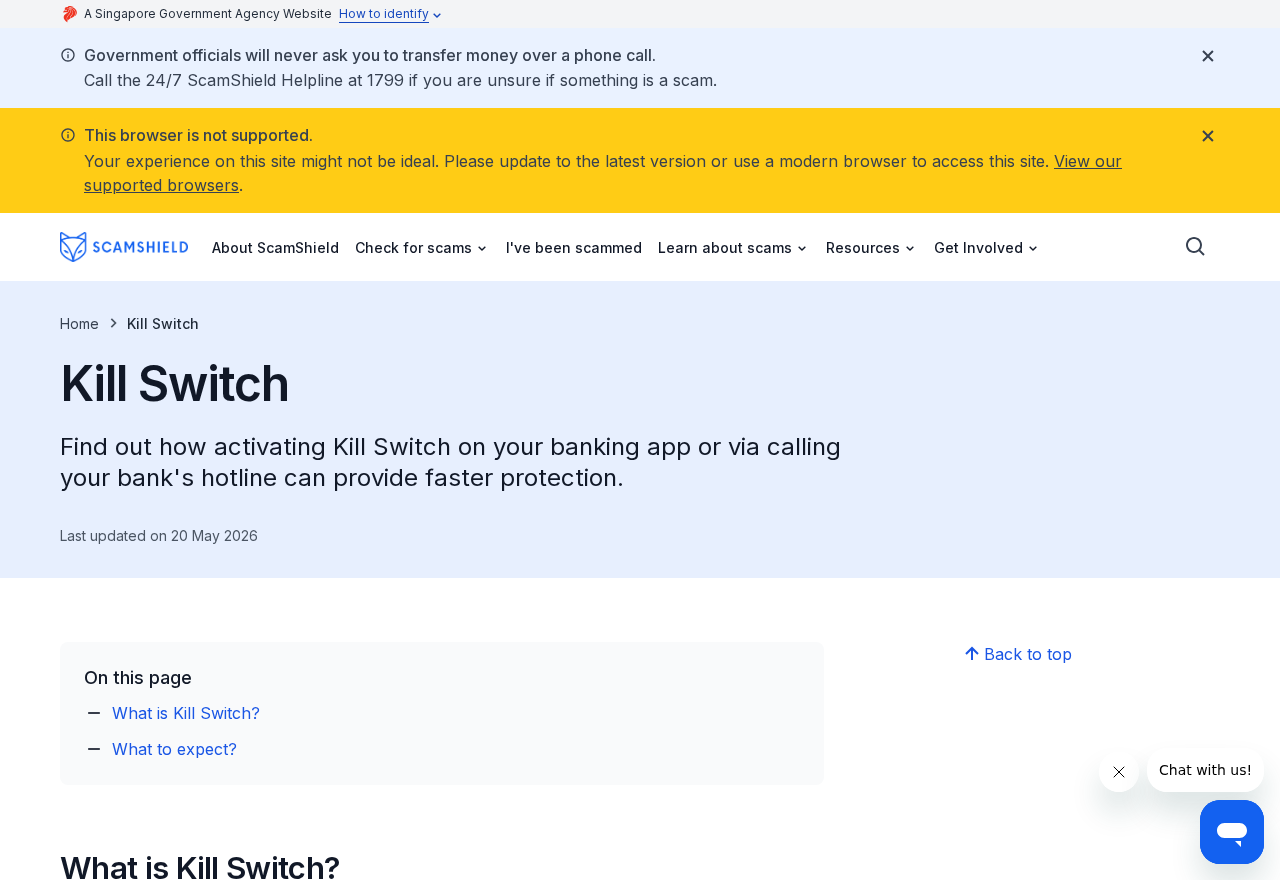
If your bank provides a kill switch, ask what it will restrict and how to regain access safely. ScamShield’s kill switch guide lists official routes for Singapore customers.
If you have a normal scheduled bill that might be interrupted, make a note and ask the bank how to deal with it after any immediate fraud action.
If the funds appear to have moved through another provider
Save the name shown on the bank debit. Ask your bank whether that name refers to a mandate, transfer recipient, or service used to collect the payment.
Reach the other provider yourself and explain that you do not recognize the account or action. Ask how it handles suspected misuse of somebody’s details.
Get separate case numbers if the bank and provider each open an investigation. Ask what records each wants and keep the originals available.
Do not send documents to whoever called about the stalled page. Give sensitive information only to a verified company that actually needs it for its case.
What if you stopped at the approval screen?
Call the bank if you entered account or sign-in details, even if you closed the page before pressing the final button. Ask what sessions and authorizations it can review.
If another provider sent a genuine registration message you did not expect, find its official help page yourself. Ask what contact information and linked account it can help you verify.
A registration notice and an outgoing debit may arrive apart. Check both the account’s transaction history and the section where the bank shows active payment arrangements, if available.
Keep a note of when the listing chat moved to the courier page.
If you received a real bank app notification, note its time and what it asked you to approve.
Ask the bank to clarify whether it has blocked online access, cards, or the specific arrangement. Those restrictions serve different purposes, and the answer matters when access is restored.
What belongs in each report?
Give the marketplace the listing and buyer profile, plus the point in the conversation when the courier page appeared. That helps the platform review the account that approached you.
Give the bank the debit and any linked payment arrangement. If it shows a reference, save it with the amount and the time you first noticed the withdrawal.
If the receiving provider confirms it opened a case, record that number. Ask whether the bank should send its own reference to the provider or use another fraud contact route.
A police report can connect the timeline across providers. Include the original asking price and actual withdrawal as separate figures, especially if the fraudulent page showed the smaller amount.
Keep records private and follow the receiving agency’s instructions for sending them. A marketplace report needs enough to identify the conversation. It rarely needs your complete banking history.
If you got two messages that appear to describe the same event, keep both until the bank compares them. Ask which account controls the mandate and which handled the payment.
If an offer arrives just after you listed the item, check how payment is supposed to reach you before sharing banking details. A courier booking and payment are separate arrangements.
If the buyer offers to handle delivery, ask for the collection details inside the marketplace. You can arrange pickup directly with the courier through its own booking page.
If the bank requires an in-person visit to regain access, ask what documentation to bring. Save the police reference before you go.
What to Do if You Have Fallen Victim to This Scam
Stop any approvals and call your bank immediately. If you suspect more transactions are in progress, use the anti-scam route your bank publishes.
-
End the fake support call. Close the page. Give no codes and accept no new prompts. Save what you can without reopening the link.
-
Call your bank directly. Report the attempted sale, any approvals, and the debit. Ask whether a kill switch or account restriction is appropriate.
-
Review and dispute mandates. Ask about unfamiliar direct debit permissions, linked accounts, pending payments, and debits that already posted.
-
Speak to any other real provider involved. Ask it to review the account or activity you did not authorize. Check the name through your bank records.
-
Save the evidence. Keep the listing, buyer and support messages, bank alerts, and transaction references. Keep screenshots private.
-
File a report. Use ScamShield’s victim guidance for Singapore reporting routes. Report the buyer profile and page to the relevant platforms.
If you only clicked the link, report it and review what you entered. Giving an email address does not require the same banking response as approving a debit.
If you cannot access the legitimate bank app, call the published fraud line. Ask the bank how to verify your identity without returning to the suspicious chat.
Tell the bank if any regular payment gets caught up in the restriction. Restore the services you actually use through verified support after it says the account is secure.
Frequently Asked Questions
Does a courier need a direct debit mandate so I can receive payment?
Treat an unexpected debit permission as a reason to stop. Check the courier booking with the genuine service and look for incoming payment through your own account.
A legitimate approval normally tells you what you are agreeing to. If it describes taking funds from your account, check with the bank before proceeding.
Is every page with the Lalamove logo genuine?
No. Open the app or genuine website directly and check the booking under your own account. A logo and the correct price do not prove who runs the page.
Report the impersonation through the actual courier and the listing site if you have the original message or page address.
Can I know which approval caused the loss?
Ask the bank what it can confirm about the mandate and debit. Give it the times and wording you remember. Keep the app records and call timing.
Without the provider’s records, it may be impossible to match a particular approval to a completed transaction. There is no need to reproduce it.
What if I see a mandate but no debit yet?
Call the bank promptly, tell it you did not intend to set it up, and ask how to revoke or restrict it. Ask whether any payment is queued.
Save the confirmation that the mandate was disabled. Ask the bank what else it sees and whether you should secure the account.
Should I call ScamShield or my bank first?
If money or account access is at immediate risk, call the bank’s fraud channel. Use ScamShield for guidance on follow-up reports and support.
Keep the timing of both contacts for your records. If a bank callback arrives unexpectedly, check it through the route you used first.
Will activating the kill switch reverse money already taken?
Ask your bank to explain what it can block and how it handles already completed payments. Report each debit with its own reference.
Save the case number and the bank’s explanation. An emergency restriction and a fraud investigation are separate actions.
The Bottom Line
If a buyer’s courier link asks you to approve bank access before receiving payment, stop. Verify the booking and payment separately through the genuine services.
If you approved anything, ask your bank to check the debit permissions as well as the balance. Save the messages and report what you can verify.

Join the discussion
0 commentsShare your experience or ask a question about this article.
Discussion
Start the conversation
Have a question or something useful to share? Add the first comment.