


Fake Reddit moderator messages put you in an awkward position: the sender sounds like someone who can ban you, and they want you to prove who you are in private.
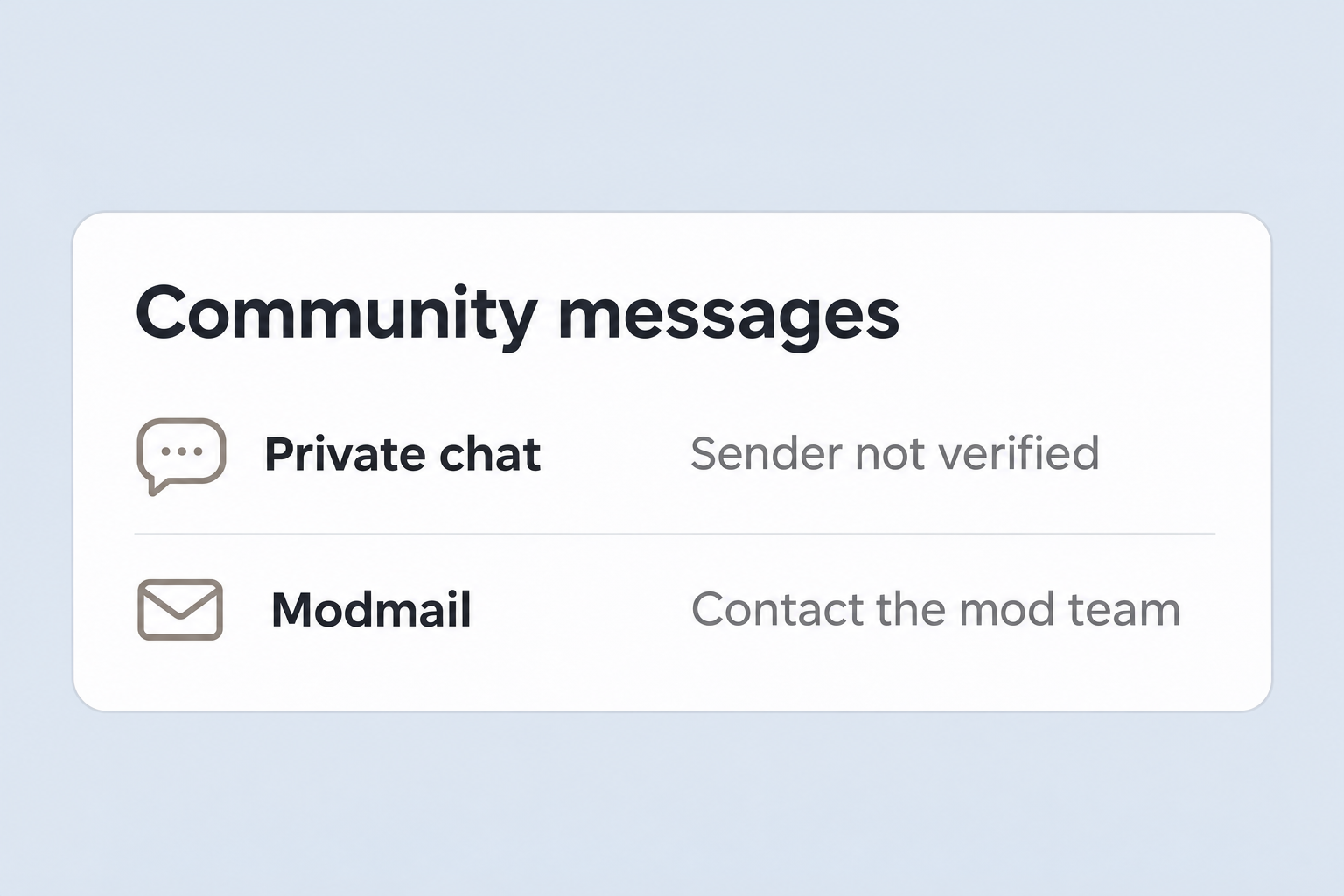
You don’t have to settle a warning in the chat where it arrived. Find the community yourself, check the scope of the claim, and ask the actual team through modmail.
Overview
A moderator and a Reddit administrator have different roles
Moderators enforce rules within the communities they manage. A warning about one subreddit is different from a threat to lock your entire Reddit account.
Reddit’s official message guidance explains how its own communications are marked. A name containing “Support” or a copied account picture does not grant that person authority.
Check outside the conversation where the threat started
You cannot independently verify the sender by letting them introduce a second helper. An outside chat arranged by the first account is still part of the same unverified conversation.
- Open the actual subreddit from your usual Reddit app or bookmark.
- Find the community’s modmail option and contact the team yourself.
- Check Reddit’s own notices separately if the allegation concerns your whole account.
Match the recovery steps to what you shared
Reading a message, sharing a sign-in code, and giving a screen-sharing app access are different events. Write down what happened before deciding which credentials or devices need attention.
If you can’t sign in or you see changes to your account, start recovery with Reddit directly. Don’t accept an offer from a stranger to restore access for a fee.
What to Do When a Private Chat Claims You Were Reported
- Leave the chat open only long enough to preserve the sender, time, and wording you need for a report. Don’t reply or follow any links.
- From your regular Reddit app or browser bookmark, open the named subreddit yourself. Confirm its spelling and check whether the message concerns that specific community.
- Use its modmail option to ask whether moderators sent the instruction. Mention the date and type of message without sending a password or code.
- If the sender claims the entire account is restricted, look for a genuine sitewide notice in Reddit and use its official help process. Don’t go to a second platform.
- Report the suspicious chat using the message’s own report control. You can block the sender after preserving the basic evidence.
If there is an actual ban, address it in the official channel that applies. Reporting an impersonation attempt does not overturn a genuine moderation decision.
Decide What the Sender Claims to Control
The first thing to check is whether the sender is talking about one subreddit or your whole account. Those claims have different forms of independent verification.
Someone may claim that a post broke a subreddit rule, that you have been muted, or that getting back into the community requires a private identity check.
Visit the community directly and use its normal help or appeal route. If you have a community notice already, refer to that rather than handing the private sender personal information.
A person who says Reddit will suspend your account is claiming a different kind of authority.
Search your genuine notifications and Reddit’s official account help instead of using their suggested contact.
Check the complete username and how Reddit identifies the account, not just the display name.
Decorative text, an intimidating profile description, or a saved image can look official at a glance.
Why a genuine moderator account doesn’t settle every request
A person can genuinely help run a community and still have no reason to request your Reddit password or an authentication code.
Verify the requested action as well as the sender.
Some volunteers do send private messages in ordinary conversation. That fact does not make private chat the proper place to share access codes, credentials, recovery documents, or payment details.
If a real moderator confirms a community warning, ask where the rule and applicable appeal process are documented. Stay in the official subreddit channel while resolving it.
Keep your message narrow: which subreddit, when the chat arrived, and what it asked you to do. Do not post identifying details publicly just to speed up an answer.
How to reach modmail without relying on the message
On desktop, open the subreddit and select Message the mods in the Moderators section. On mobile, open its top-right menu and select Message moderators.
Look for the community’s reply in your chat inbox with Reddit’s MOD label. This follows a message you started, unlike the private warning you received.
Modmail reaches the moderators of that subreddit rather than an account chosen in a private chat. It isn’t the route for recovering a sitewide suspended or hacked account.
If the community is private, unavailable, or you’re unable to use modmail, don’t let that push you back to a stranger.
Check Reddit’s own help or wait for a verified answer.
Recognize the Switch to an Outside Platform
A common move is to say the reported activity was an accident, then send you to somebody who supposedly has the power to fix it.
In a documented case, the conversation that started on Reddit was directed to Discord. MalwareTips’ report on the fake Trust and Safety message covers that specific handoff.
The important clue isn’t just the name of the other service. It’s the demand to leave the place where you can check the allegation and accept a new person’s authority.
Avoid transferring screenshots of live account settings, verification prompts, or recovery messages to someone the sender introduces. Even an image without a password may expose a code or recovery address.
A verification code is for a process you initiated through a trusted service.
Someone who asks you to recite it in a chat is asking you to authorize something they control.
A person seeking to investigate a community conversation doesn’t need control of your Reddit session or your email. Don’t grant either because they promise to retract a report.
If you moved to Discord before realizing what happened
Report the suspicious Reddit chat and the corresponding contact on Discord. Make it clear which service got which information so that reporters don’t assume the wrong account needs recovery.
Keep an image of the interaction with addresses, codes, unrelated names, and notifications omitted from copies shared with other users. Give platforms enough context through their private reporting channels.
If you did not send anything or approve a request, you can stop the conversation there. Moving to a chat platform isn’t evidence that your accounts were taken over.
Recover Based on What Actually Happened
You replied but didn’t submit credentials or approve anything
Stop replying and report the relevant message. Even a long conversation doesn’t give the other party account access by itself, although it may reveal information they can use later.
Be alert for a follow-up referring to your earlier discussion.
Treat a new account offering to resolve the old case as a separate unverified contact rather than a trusted continuation.
You entered a password or sent a verification code
Go to Reddit yourself on a device you trust, change the compromised password, and confirm your recovery email. Secure that email account separately if its credentials were exposed.
Review your Reddit account activity for sessions and activity you don’t recognize and use the available sign-out control. Enter the address yourself rather than using one from chat.
Check posts, messages, email changes, and legitimate security alerts for actions you didn’t take. If your account was used to message people, warn them through a separate verified channel.
If you gave the other service’s password or code instead, secure that service too. A fake Reddit dispute can lead to an unrelated Discord, Google, or email account compromise.
You cannot sign in, or somebody altered your recovery settings
Use Reddit’s hacked-account help from a trusted device. Save the genuine account emails and your original username for the support request.
Where available, turn on Reddit’s two-factor authentication after you regain control, and store backup codes securely. Don’t approve prompts or disclose codes on demand.
If you granted access to an outside application, remove access you don’t recognize and check the relevant platform’s app permissions. Changing a password isn’t a substitute for reviewing those grants.
You installed something or allowed someone to control your computer
End the remote session and disconnect the affected device if control or unknown activity is continuing. Switch to a trusted device to contact support and protect sensitive accounts.
Tell workplace IT immediately on an employer-managed device. On a personal device, identify what you installed and follow trusted removal guidance rather than letting the impersonator “undo” the changes.
If you also disclosed payment information, call the institution using the number on your own card or app.
Act separately on each kind of exposure rather than relying on Reddit support.
Report the Message So the Platform Can Find It
Reddit’s chat reporting instructions explain how to report an individual message. On desktop, hover over it to find the flag; on mobile, press and hold the message.
Report the message where the impersonation or request appears, not only a greeting that contains no context. Choose the available reason that best describes the behavior.
If the scam continued elsewhere, don’t assume either platform can see the full exchange. Give a concise account of the handoff in the appropriate private report without copying live codes.
On an active community, moderators can also warn users about a pattern even if another team must handle platform-wide action.
Send the warning to real modmail, not an unverified volunteer account.
How to check whether the account has a real restriction
After opening Reddit independently, find the warning inside your account rather than looking for a similar screenshot on the web. Read which feature or community the notice actually names.
If Reddit says it locked the account as a security precaution, follow its locked account guidance. That is different from a ban or an ordinary rule warning.
If you’re seeing a subreddit notice with no account-wide message, keep the conversation with the verified community team.
A platform restriction shouldn’t be handled by an account suggested in a chat.
Someone with a real moderation complaint may need to wait for the community response. A chat should not substitute for that wait just because it arrives immediately.
Check your sign-in settings after you regain access
On the desktop site, open your profile menu and select Settings. Look for the account authorization area and open the two-factor setting if you use a Reddit password.
Follow the prompts with your own authenticator, then save the backup codes somewhere private. Don’t test the codes by sending a screenshot to the person who contacted you.
If you sign in through Google or Apple, review the sign-in protection and active sessions with that provider too. Keep control of the account that unlocks the Reddit login.
Review the recognized applications in your account and remove unknown grants using Reddit’s own controls. Record anything suspicious for support before clearing it.
If you moderate a subreddit
Let the other moderators know through a channel you all already use. Review modmail and recent actions for messages or changes you did not authorize.
Use Reddit’s official moderator support path for a suspected account compromise. If members received suspicious messages, warn them without republishing the impersonator’s instructions or inviting them to contact the sender.
When you describe the incident, distinguish your community’s authority from Reddit’s sitewide support. That gives members a concrete way to verify any later copycat message.
Frequently Asked Questions
Does a private chat prove a subreddit warning is fake?
No, because moderators can use chat like anyone else. Verify the specific claim through the community’s normal route, and don’t share a password, a recovery code, or payment.
Where can I ask the community whether it sent a warning?
Open the subreddit through Reddit yourself and use its modmail option. Mention the date and the message’s purpose so the real moderators can check their own records.
What if the message claims my whole Reddit account will be banned?
Look for an official notice from Reddit. Use the official account help or appeal instructions that correspond to the notice instead of an account or link supplied in chat.
Does Reddit need me to ask a Discord contact to clear a report?
Don’t treat a Discord introduction as an official Reddit appeal. Use Reddit’s own controls for sitewide matters and the subreddit team’s modmail for a community-specific problem.
What if I pasted a verification code and still have access?
Act quickly to secure the account associated with the code and end unfamiliar sessions. Check that your recovery contact and authentication settings still belong to you.
Can I report the chat without warning the sender first?
You can use Reddit’s message reporting control without engaging with the sender. Preserve the basic details beforehand, particularly if you plan to block the account afterward.
The Bottom Line
The fastest reliable check for a fake Reddit moderator message is to open the community yourself and ask through modmail. A sitewide notice takes a separate route through Reddit.
If the stranger asks for a code or tries to move the dispute elsewhere, end that conversation.
Take recovery steps based on what you actually provided, not what the message threatened.

Join the discussion
0 commentsShare your experience or ask a question about this article.
Community experiences
Did this happen to you?
Your experience could help someone recognize the same scam. Submit a private report for our team to review.
I experienced this tooReports are reviewed before publication. Sharing publicly is always your choice.
Discussion
Start the conversation
Have a question or something useful to share? Add the first comment.