


A payroll diversion scam can leave an employee with a normal pay stub and no money in their usual account. The stub isn’t proof that the bank received it.
The best moment to intervene is before payroll releases the payment. If payday has already passed, the goal changes: establish where it went and ask payroll to trace it.
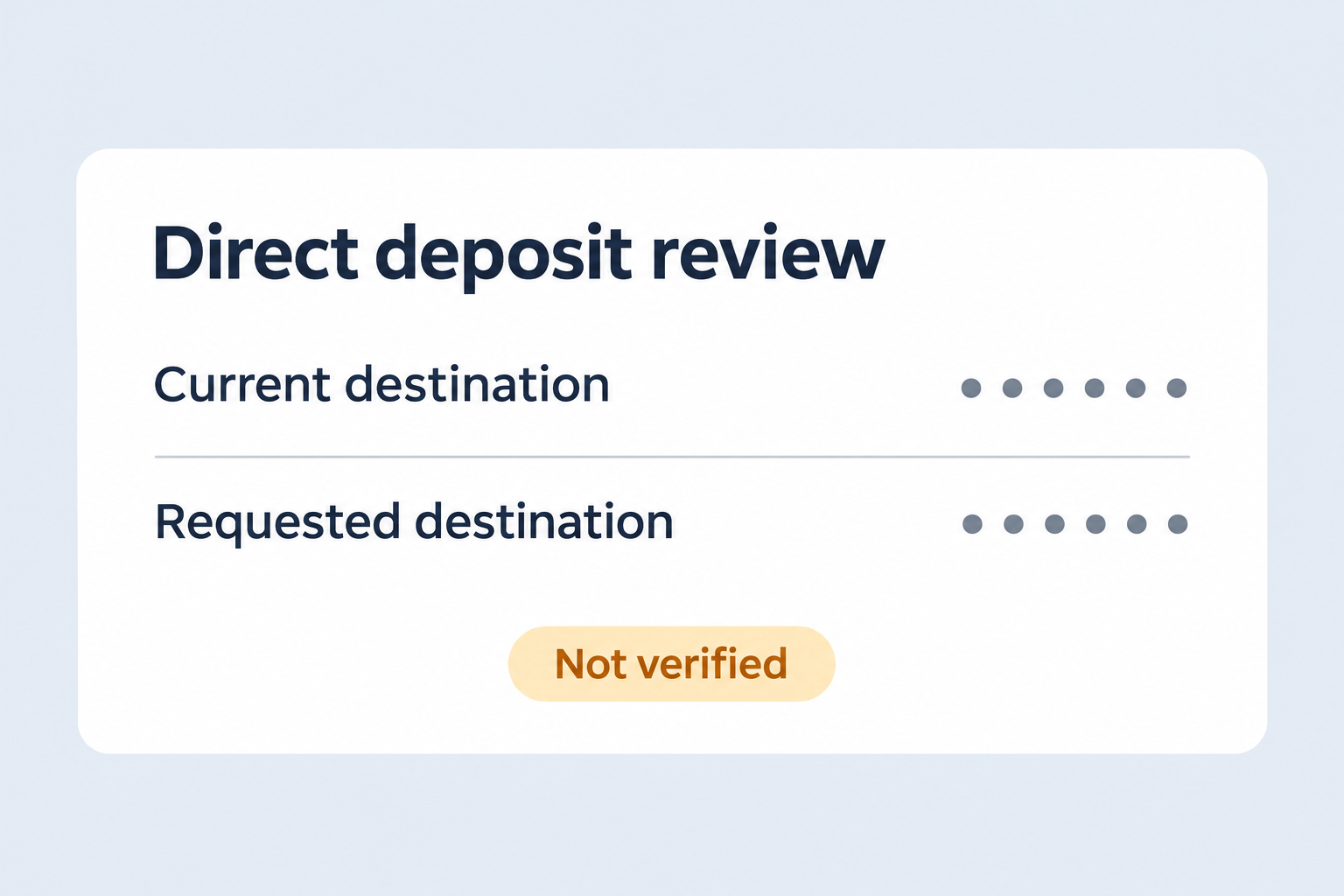
Overview
A change notice is a reason to check immediately
Even a genuine notification can report a change you didn’t make. Open the payroll system through your normal employee route instead of accepting or disputing it through the message.
The FBI describes fraudulent employee self-service portals that capture credentials and give impostors a route into the real system. Your own workplace login is where to check.
Check the effective date, not just the balance
A pending change might be queued for a later period. The record payroll actually uses to calculate the next payment can differ from an editable profile on your screen.
- Confirm your active account and the destination listed for the next payroll.
- Check each allocation if your pay goes to more than one account.
- Verify the payroll cutoff and ask whether the batch has actually left.
On payday, separate the statement from the deposit
Your statement documents payroll activity, while your bank history documents what posted at your bank. When they disagree, payroll and the banks need the transaction details to investigate.
A late payment can have ordinary causes such as a changed schedule or a returned deposit. Don’t call it diversion until you have evidence that the destination changed without approval.
What to Do When You See a Change You Didn’t Make
- Open your payroll app or company portal using a saved route. Switch to a trusted device if you already suspect account compromise.
- Record the last digits, effective date, and status of every unfamiliar payment destination. Avoid emailing a full account number or sharing anyone else’s payroll information.
- Call payroll through the company directory. Ask if they can hold the affected change or payment and whether the upcoming file has been sent.
- Notify your employer’s IT or security team if you followed a login link or gave anyone a code. Follow their recovery process to secure the account.
- Ask payroll to confirm the destination and next pay date through a trusted company channel. Get a case or ticket number before ending the call.
If you cannot access the portal, don’t wait to regain entry before calling payroll. A locked employee account does not necessarily pause a deposit already in the queue.
What your payroll team needs to hear
Say that the direct deposit destination may have changed without your approval, and give your employee ID through the employer’s designated secure process if it asks for identification.
If you’re reporting an alert, give the time it arrived. If you’re reporting missing pay, provide the pay date and whether your bank shows a partial deposit.
Tell them explicitly if a split deposit is involved. The evidence can be a missing portion of the paycheck rather than a zero balance or a completely different account.
Ask for the current processing stage in plain language. Has the edit been accepted, has the payroll calculation been finalized, or has the payment file reached the financial institution?
Names for these stages vary by system. What matters is whether a fix in your employee profile can still affect this payment or will apply only to later checks.
Why the warning and the profile can disagree
A direct deposit change notice can itself be a lure. It can also be a real service alert triggered by an unauthorized change, which makes ignoring all of them dangerous.
Leave the message untouched while you check independently. The button labeled “undo,” “confirm,” or “cancel change” is not a safe way to establish whether the notice is authentic.
Suppose the approved destination still appears in the active account list. That lowers concern but doesn’t settle it if a separate pending or future-effective instruction appears elsewhere.
A provider may show direct deposit under Payment Elections, Bank Accounts, or a similar label.
Use your employer’s instructions, and ask payroll to inspect the change record if you can’t see it.
If a payroll system lets you edit account data, don’t assume overwriting the suspicious row releases the right payment. Ask payroll to confirm what it will actually send.
An FBI payroll warning recommends heightened scrutiny of bank changes, including monitoring and additional verification. A notification works only if someone knows how to respond before the cutoff.
The confirmation you should ask payroll to send
Ask for the next payment’s date and verified last digits, not a new spreadsheet containing account details. Confirm any partial fixed amount or percentage affecting where the remainder goes.
If the confirmation arrives in the same suspicious thread, contact the payroll office independently again. A second message in a compromised conversation doesn’t provide a second source of verification.
For new employees, confirm with onboarding who provides payroll, whether the first check is expected by direct deposit, and where the company will send account notices.
How to Trace a Paycheck That Didn’t Arrive
First, compare the pay date and expected net amount with your bank’s actual transaction history. Check the account that normally receives pay, not just the balance shown on a dashboard.
A correctly timed but different amount can come from overtime, deductions, taxes, or a split payment. Confirm the expected amount before reporting the whole check missing.
If a deposit is actually missing, ask payroll if the payment was sent, returned, still processing, or reissued. An employer may also have a different release or holiday schedule.
If the payment was released, request the ACH trace number if available, the effective date, and the last digits of the destination through a secure company channel.
Your own bank can look for a deposit to your account.
It won’t be able to trace an unrelated recipient account for you simply because your wages were meant for you.
Ask payroll or the processor to contact the originating financial institution about tracing the transfer and pursuing any available recovery. The employer needs to coordinate this part.
The FBI’s business email compromise guidance advises contacting the financial institution quickly. A trace identifies the payment, but it isn’t a promise that the funds can be brought back.
Ask payroll for a written follow-up about the missing wages and how it will communicate any replacement payment. Keep the payroll dispute separate from the bank’s recovery work.
If you received only part of your normal pay
Check both the pay stub and each bank account you regularly use. Note every amount that posted, along with the dates, before calling payroll.
A partial credit may reflect a legitimate election or an unexpected deduction, but a new split also gives payroll something specific to check. Ask for each destination actually used.
Do not attempt to reach a stranger whose account digits show in the record. Give the information to payroll and its bank rather than trying to retrieve funds yourself.
If You Entered a Password or Approved a Sign-in
Tell IT which account you entered and where you saw the message. An employer using single sign-on may need to look beyond payroll when securing access.
Use the employer’s real recovery procedure to reset the exposed password. A clean password change is important, but existing sessions or unauthorized sign-in methods may require separate action.
When your workplace handles it centrally, ask IT to review active sessions, changes to authentication methods, and any access to related systems. Don’t disable company-wide controls yourself.
If your corporate mailbox is at risk, ask IT to review mailbox activity and forwarding rules. Don’t assume the absence of a notification proves no deposit change was submitted.
When the password was reused on another account, replace it there too using a unique password. Use the account provider’s verified site instead of any link in the payroll notice.
If the portal exposed personal records, ask what information was viewable and whether the employer has identified any unauthorized access. Keep requests and findings in the same incident record.
When all you did was receive the email, report it through your employer’s normal process and verify your record. That alone doesn’t mean your device or payroll account was compromised.
Three Controls That Make This Easier for Employers
An employee should know the approved channel for changing direct deposit before receiving a warning. Put that route in new-hire instructions and in a place people can find later.
When an unexpected request comes in, verify it through a known phone number or authenticated employee route rather than the new contact information supplied with the change.
The FBI’s warning on payroll change requests covers messages that impersonate employees. That is distinct from unauthorized access to the employee’s own payroll profile.
The fake employee email payroll guide covers what finance staff can do when the supposed employee asks by email to replace a payment destination.
Make late changes visible before approval
Give reviewers a clear list of destination changes entering the affected pay run, with effective dates and masked account information. Triage edits close to the cutoff for verification.
Where the system supports it, send change alerts to an already verified channel. Avoid using an address or phone number the same recently edited profile introduced without confirmation.
A small operation can separate the person who records the change from the one who approves it. Both should know how to pause an individual change and notify the employee.
After an incident, preserve the change record, approvals, payment details, and timeline in the authorized system. Don’t circulate payroll reports to staff who don’t need the data.
When multiple employees report similar alerts, check the scope before assuming a single account mistake. Assign one team to coordinate containment, employee notices, and follow-up with the processor.
Practice what happens after the payroll file goes out
List the processor’s incident number and the authorized people who can contact it. Verify those details outside an emergency, not by reading an old email thread during one.
Include a short question in the playbook: can the provider still stop this payment, or do they need to start tracing a released transaction instead?
Record the processor’s response and any next deadline in the incident. Give the employee an update time even when the bank doesn’t yet have an answer about recovery.
When the alert arrives after hours
Find your employer’s approved incident line or report the message to the on-call security contact. Leave a payroll ticket with the pay date and a safe callback number.
If you can’t reach payroll until morning, don’t send banking details to a general mailbox. Tell the on-call team that the change may affect the next release.
Use any emergency instructions already available in the employee portal, especially when the normal payroll office is offline. Keep the ticket reference and the time you reported it.
Keep a record you can use on payday
Save a redacted image of the changed election or alert in the system your workplace authorizes. If the entry disappears after correction, you still have a dated record.
Compare the employer’s return call with the ticket you initiated. A person asking you to read back a one-time code cannot establish their authority simply by quoting your name.
If you received confirmation that an election was fixed, check the bank feed on the actual pay date. Follow up if the amount or destination still doesn’t match.
Frequently Asked Questions
How do I know whether my direct deposit was changed?
Check the approved payroll portal and contact payroll through your workplace directory. Ask about both the active bank account and any pending or future-effective elections.
Can I trust a direct deposit confirmation email?
Use it as a reason to check, not as permission to click. A real notification and a fake alert can look alike, and a real notification may reveal unauthorized activity.
Can payroll stop the transfer after I report it?
That depends on the payment’s stage and the institutions involved. Ask payroll to confirm whether the file was released and whether a hold or recovery request is possible.
Does a payroll statement prove the money reached my bank?
A payroll statement isn’t the same as a posted bank credit. Compare net pay, deposit dates, and any split amounts, then ask payroll to trace a released payment.
Can my bank see the account that received my pay?
Your bank can check for money sent to your account. If a different destination was used, payroll and the institution that originated the deposit are the right starting points.
Does restoring my old bank details fix this pay period?
A profile correction can protect future checks without changing a payment already sent. Ask payroll to confirm the destination for this pay period before considering it resolved.
The Bottom Line
A payroll diversion warning matters before payday as much as after it.
Check the effective destination through your normal payroll route and ask a known contact when the file goes out.
If your wages already went missing, report the exact pay date and amounts, get payroll to confirm the destination, and ask for a trace and a written follow-up.

Join the discussion
0 commentsShare your experience or ask a question about this article.
Community experiences
Did this happen to you?
Your experience could help someone recognize the same scam. Submit a private report for our team to review.
I experienced this tooReports are reviewed before publication. Sharing publicly is always your choice.
Discussion
Start the conversation
Have a question or something useful to share? Add the first comment.