


A post says a BBC interview vanished from iPlayer after an argument about money. The preview looks like a news story, and the names are familiar.
Before looking for the missing footage, try finding the story itself on the publisher’s site. That simple check matters more than how convincing the preview looks.
Overview
The Ratcliffe Interview That Didn’t Happen
A social media post claimed that BBC presenter Laura Kuenssberg confronted businessman Jim Ratcliffe about his finances. A page styled like The Guardian said the episode had subsequently been removed.
Full Fact examined the claim and established that neither the article nor the alleged interview was real. The false report was promoting a cryptocurrency trading platform.
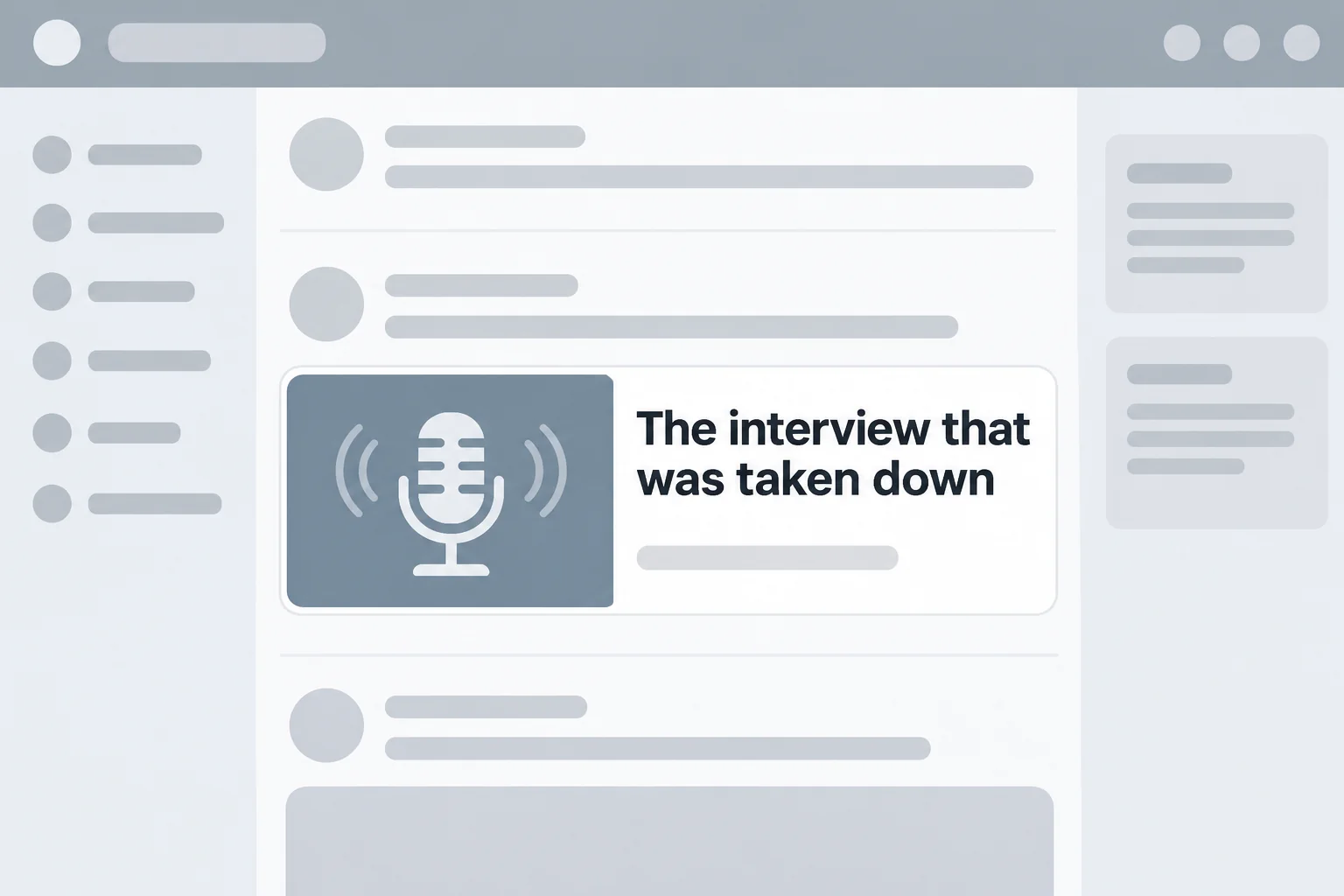
The image above shows how a claim like this can look in a feed. It isn’t a copy of the original Facebook post or the BBC’s artwork.
The Real Purpose Was an Investment Sign-Up
The disagreement was the reason to open the story, not the product. The apparent article then pointed readers toward a trading service and invited them to register.
The Guardian documented the impersonation as part of its reporting on cloned news pages. In one case described by a reader, a destination imitated the exchange Kraken.
That doesn’t mean every Ratcliffe post led to the same site. Full Fact reported that the promoted platform changed while it was checking the story.
Treat the apparent article and the trading offer as separate objects to verify. An authentic article wouldn’t prove a service is safe, either.
What to Check Before You Click or Sign Up
- Open the newspaper from a bookmark or by typing its genuine address in a new tab.
- Search on that site for both people and the reported program, not just the viral headline.
- Check the broadcaster’s own program listing if the claim concerns an episode or interview.
- Verify any broker by the regulator’s record and independently obtained contact details.
- Ignore phone calls from anyone claiming to finish an investment registration you don’t recognize.
If the page is only visible through the social post, don’t rely on that as evidence of a cover-up. It’s a reason to stop and check elsewhere.
How the Fake Guardian Investment Scam Works
Step 1: The Post Offers a Story You’re Supposed to See Before It Disappears
The fake interview brought together a well-known businessman, a recognizable presenter, and an explanation for why the footage couldn’t be found.
In an ordinary story, failing to find the original program would prompt questions. Here the claim that it was taken down tries to answer those questions in advance.
Don’t use the supposed removal to explain away the lack of independent evidence. Check what the newspaper published and what the broadcaster actually aired.
If a friend sent it, you can tell them what you found without blaming them. They may have shared the headline without opening the article or seeing its investment link.
Step 2: The Fake Article Borrows a Newspaper’s Appearance
The page uses the look of a publication readers already know. Its visual resemblance is not proof that it came from the newspaper.
Start with the address bar rather than the masthead. If the page is not on the publisher’s real site, look for the story through the real site anyway.
The fact-checkers also found a watermark associated with Google’s AI tools in an image accompanying the false Ratcliffe story. That finding concerned the specific image they examined.
You do not need special image analysis to reject the claim. The publisher and the broadcaster are better places to check whether their alleged work exists.
Step 3: The Article Sends You to a Separate Trading Site
Once the supposed story mentions a secret investment, the next link takes you away from news. The destination is where you may be asked to register.
Watch for the change in purpose. A story tells you what happened; a sign-up form asks you to give a business something it can use.
Don’t enter your telephone number to see what the company offers. Find the operating firm’s name, website, and contact details independently before giving it any information.
Sometimes the site uses a name you have seen before. Do not sign in just to check whether it recognizes your account.
Step 4: The Follow-Up Makes It Feel Like You Started an Investment
The Guardian describes how people who leave details can hear from a caller asking them to open or fund an account. The interaction may continue away from the original page.
That doesn’t establish that every reader who clicked got a call or paid. It explains why you might receive a pitch even if you closed the page later.
If a caller says they’re from the exchange named in the article, hang up. Open the genuine service independently and find its own support channel.
Stop at the first request to pay into an unfamiliar account. A reference to your registration or address does not verify the person calling you.
How to Verify a News Story That Leads to an Investment Pitch
Verify the Story Without Following the Social Media Link
Open a fresh tab and navigate to the publisher yourself. Use its search for the presenter, the guest, and the timeframe cited in the post.
Then do a separate search on the broadcaster’s website. Look for the episode, any clip it published, or the show’s accompanying coverage.
If those checks don’t corroborate a claim, don’t send it onward as news. It takes only one forwarded post to put the investment link in another person’s feed.
If an image is all you have, search for distinctive words from the headline from the real publisher’s homepage. A screenshot alone will not show the address the publisher used.
When you find an article, check its date and read past the headline. An old interview with the same guest does not authenticate a new investment claim.
Match the Company to the Address and Number You Were Given
For a firm claiming to serve UK customers, open the FCA Firm Checker yourself. Search for the firm or reference number it claims to use.
Read what the record says about the firm and relevant service. Compare the listed website and contact information with what appeared in the pitch.
If a name matches but the details don’t, don’t let the caller explain the mismatch away. An impostor can point you to a genuine record it doesn’t control.
Absence from a warning list is not approval. A new site can reach your feed before anyone has reported it or published a warning.
Check Account Activity in the Real Service, Not the Article’s Dashboard
If you already use Kraken, sign in from your known bookmark or official app. An account number or balance elsewhere doesn’t prove that Kraken is holding your money.
Kraken’s security guidance explains how to spot lookalike sites and what to do if you entered your details on one.
Check actual transfers with your bank or provider. A screenshot of a growing balance does not settle whether an order happened or where a payment went.
Separate the Investment Company From the Payment Recipient
Look at who will receive the money before authorizing anything. If the real company and the person or business on the payment instructions are different, stop.
That difference may need an explanation from a genuine provider. It is not something the person requesting payment should be allowed to clear up over a call.
If you’ve already sent money, use the name and reference visible on your actual statement. The account name on a receipt from the suspect site may be different.
Keep records of payments to more than one destination. They may need to be reviewed by different providers, even when the account page groups them under one supposed investment.
What Your Risk Depends On After You Reply
Leaving a telephone number mainly creates a route for more contact. Sharing a card number creates a different problem that the card issuer needs to know about promptly.
If you shared a password, change it through the provider’s genuine service. Check wherever you reused it, especially the email account you rely on for password resets.
Tell your provider what the prompt said if a caller talked you into approving it. The wording on your screen matters more than what the caller told you.
Record the time of the approval and whether an unfamiliar device or transfer appeared afterward. Those details can help the provider work out what happened.
If you provided an identity document, note which copy you sent and the information it includes. Tell your bank if you’re concerned someone could use it to impersonate you.
Keep unexpected account-opening or identity-check messages in your records. Verify them with the named provider through its real website instead of answering the message.
What to Do if You Have Fallen Victim to This Scam
Stop communicating with the investment contact.
Close the fake page and end any call. Don’t let the person who contacted you take control of the device, move money, or watch you sign in.
If you sent no information and paid nothing, report the post using the platform’s own menu. A click alone is not proof that your bank account was accessed.
Call the institution that handled any payment.
Use the number on your card or the contact route inside the official app. Give the actual date, amount, recipient, and payment reference.
Ask whether the transaction is still pending and what recall or dispute options are open. Report even if you approved the payment because you believed the offer was real.
Protect any genuine trading account you may have exposed.
Use your official app or bookmark from a device you trust. Reach the provider’s security team and say what you entered, approved, or shared.
Follow the provider’s instructions for changing the password and checking sign-in methods, devices, and withdrawal details. Update other accounts that used the same password.
Preserve the evidence before the post moves or disappears.
Save the original post, the address shown in the browser, correspondence, and the names or numbers that contacted you. Keep them private and avoid reopening the destination.
If you sent cryptocurrency, include the network, transaction ID, and receiving address in the record you give your exchange or the authorities.
Keep your wallet’s recovery phrase out of the report.
Report the impersonation and the loss through separate channels.
Use the social network’s report option on the post or ad, and tell any mimicked organization through its verified website. Include the link as evidence, not as a recommendation.
In England, Wales, or Northern Ireland, open Report Fraud’s reporting page and choose the fraud report option. Describe the fake article, the destination, and each payment.
Save the reference number when the report is submitted. If you’re in Scotland or the crime occurred there, Report Fraud directs you to Police Scotland.
Decline anyone who offers to recover the money for another fee.
A message naming the investment or quoting your loss isn’t proof that the sender can help. Return to the institution already handling your case.
Don’t give a stranger a verification code or make a payment to release an alleged refund. Ask your real provider how it will update you.
Frequently Asked Questions
Did the BBC Delete an Interview With Jim Ratcliffe?
Full Fact found that the alleged confrontation in the post never happened. The fake page used the removal claim to explain why readers couldn’t locate the episode.
Search the broadcaster’s website rather than using a video or download attached to the post. Neither proves the alleged episode aired.
Was the Fake Investment Story Really Published by The Guardian?
No, the news page imitated the newspaper rather than appearing on its actual site. A familiar logo, type style, or byline doesn’t change who published it.
Look up the article from the newspaper’s homepage. Check whether the newspaper itself reported on the fraud, which is different from endorsing the offer.
Was Kraken Behind the Trading Offer?
The Guardian described a destination that looked like Kraken in one reported case. It did not say that Kraken ran the offer or that all versions led there.
If you are asked to sign in, go only through the service you know. Don’t try an unfamiliar page with real account details.
Can I Trust a Site That Names a Real Financial Firm?
Names and reference numbers can be copied. Check the regulator’s listing and then use the contact details there, not the ones supplied by the person seeking payment.
Ask the genuine business if it recognizes the website and offer. Never let a matching company name stand in for that check.
What If I Left My Phone Number but Didn’t Send Money?
Expect that someone may call or message about the supposed registration. Reject the sales pitch and don’t confirm additional details when asked.
Keep a record of repeated contacts and block them. If you gave other information too, tell the relevant provider what was exposed rather than assuming it was only your number.
Is There Any Way to Recover a Cryptocurrency Transfer?
Contact the exchange or service you used promptly. It can advise on reporting the transaction, but you shouldn’t assume an on-chain transfer can be undone.
Keep the transaction ID and follow official instructions for making a report. Anyone guaranteeing recovery in return for upfront payment is offering something you haven’t verified.
The Bottom Line
Don’t register through a story about the missing Ratcliffe interview. Look it up through the original publisher and broadcaster, then verify any financial firm separately.
If you already sent details or money, close the fake site and contact the actual provider. Preserve the evidence without accepting help offered by a new caller.

Reviews & discussion
0 commentsShare a firsthand experience, or ask a question.
Community reviews
Jim Ratcliffe
Moderated reader experiences, not an editorial verdict.
Start the conversation
Have a question or something useful to share? Add the first comment.