


A wallet alert is the sort of email you read twice. It is hard to leave an unfamiliar transaction sitting there while you decide what to do.
This particular notice gives you a lot of detail. Start by checking where that detail came from.
Overview
A security alert dressed as a transaction record
The “Suspicious DEX Activity Detected” email presents itself as a warning from Ledger, a legitimate hardware wallet maker. The message claims it spotted activity involving a protected wallet.
DEX is short for decentralized exchange. In ordinary use, it lets people trade certain assets through blockchain applications. The acronym does not tell you who sent an alert.
The sample uses Ethereum Mainnet and labels the transaction type an unlimited token approval. It gives a time and lists the status as pending approval.
It also shows 12.5 ETH and 38,450 USDC alongside a gas fee. Those are figures printed in the message, not amounts verified as belonging to the recipient.
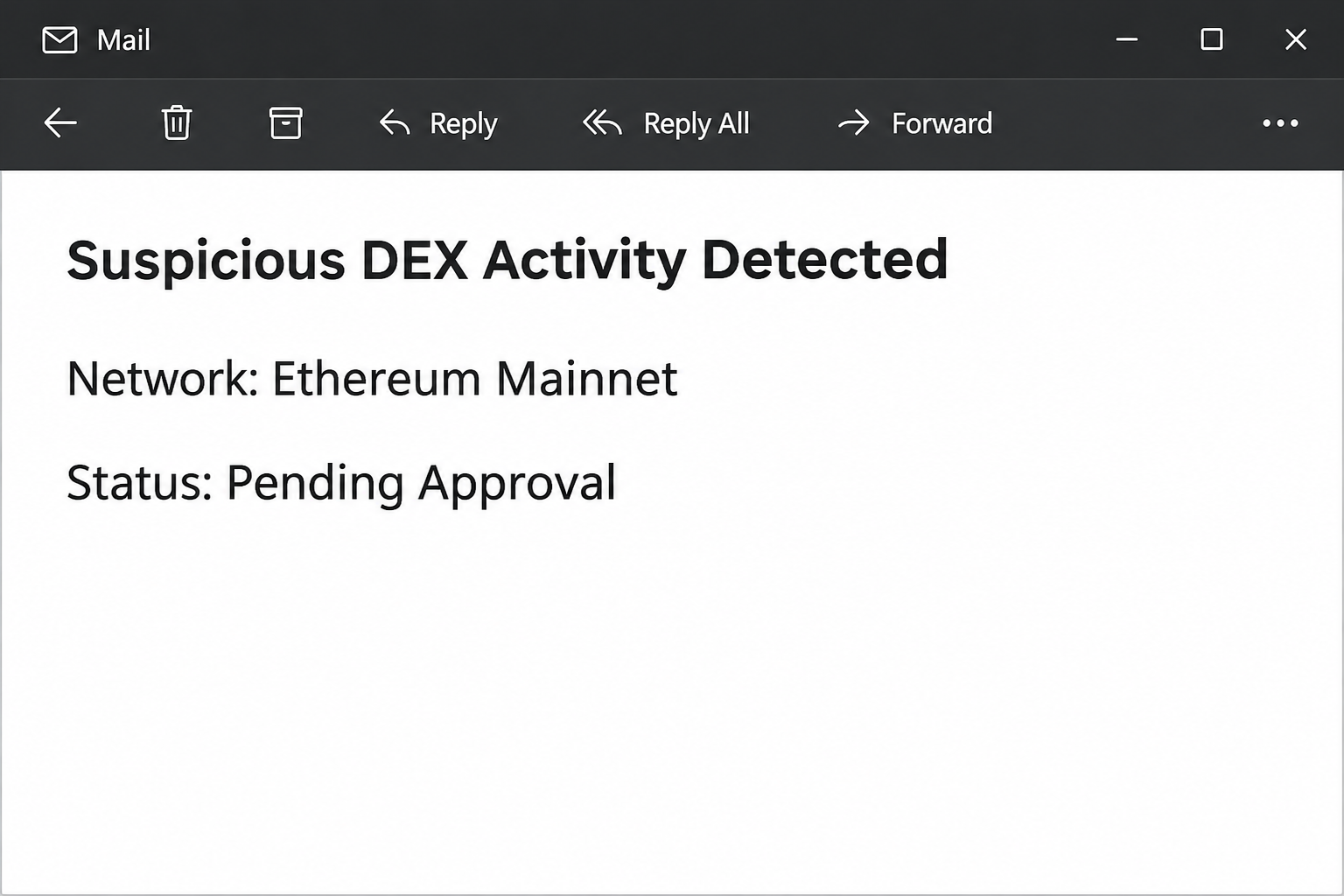
The image above recreates the headline and a few identifiers from the wording. It does not capture a real wallet, active transaction or Ledger notification.
Good security vocabulary does not rescue a bad link
The email mentions contract addresses and recommends checking unfamiliar browser extensions. It invokes Revoke.cash and Etherscan, legitimate tools that can have roles in investigating real approvals.
The names are not evidence that those services participated in producing the message. A fraudulent notice can mix familiar security advice with an unverified action.
The most prominent action asks the recipient to review activity in Ledger Live. The linked site was reported unavailable when checked, so the next screen could not be confirmed.
The sample shows impersonation and an untrusted review link. It does not establish whether the destination requested a recovery phrase or presented a transaction.
Three records you should not confuse
A local wallet display, an on-chain record and an email are different things. If they disagree, investigate the wallet and chain through tools chosen independently of the email.
An approval is generally permission for a contract to spend a token within specified limits. It is not the same as a swap that already completed.
Also, a public blockchain showing an actual event does not prove who authorized it. Check which address, network, token and contract are involved before deciding it applies to you.
- The email’s figures are claims, even when they resemble a block explorer table.
- An established permission may remain active after you close a tab or disconnect an app.
- A recovery phrase can restore control of accounts derived from it. A public address on its own cannot do that.
- A pending request you see on your own device is not an instruction to accept it. If you did not start it, stop.
Use Ledger’s phishing notices for vendor guidance. Keep the issue of whether the email is genuine separate from whether any actual wallet activity needs attention.
How the Scam Works
Step 1: A message creates urgency without needing access to your wallet
There is no need for the sender to control a wallet to write that it detected suspicious activity. The opening asks you to assume the alert can see yours.
Many recipients will have connected a wallet to an app at some time. The vague possibility that one of those sessions is still active gives the message room to work.
A person can receive this email even without using Ledger. Having a device makes the impersonation feel more relevant, not more trustworthy.
If you have more than one account or network, that makes an independent check more important. Do not use the email to choose which address or contract to trust.
Step 2: The transaction table invites readers to recognize rather than verify
The notice lists a network, transaction type, amounts, timing and status. Each piece makes it look as if someone collected live security data.
A table is easy to skim, and a large figure can pull your attention away from the source. Notice how quickly the message gets you thinking about loss.
The email does not establish that a matching transaction exists on your address. Even a real address copied from elsewhere would not prove this notice describes your funds.
You can check known account activity without trusting any link in the alert. Start from the address and network your wallet already shows.
If you recently made a swap, compare the date and exact account rather than mentally merging two events that happen to use the same chain.
Step 3: Reasonable advice is mixed with an unsafe route
The notice names independent tools for investigating approvals. Mixing sound advice into the message makes it easier to mistake the sender for a real security team.
But a tool’s name in an inbox is not a verified connection to that tool. Search from your usual trusted entry point instead of relying on the email.
The same goes for the Ledger app. Open your installed official app or start from Ledger’s site, rather than fetching a copy from the notice.
If you find no matching activity, you do not have to complete a review to dismiss the email. Report the suspicious message and leave the destination alone.
Step 4: The review link changes who is asking you to act
The reported link says “Review Activity in Ledger Live.” That is a promise about where the link goes, not a verified identity for the page it would open.
Because the destination was down when examined, we do not know what it would have requested. Treat any follow-up asking for a phrase or signature as a separate exposure risk.
A web page does not need the words from your recovery backup to investigate a public blockchain record. Do not feed it that information to understand an alert.
Likewise, connecting to view an account, authorizing a new permission and signing a transfer are not the same. Read what your own wallet presents before any action you intended.
Step 5: The action you took determines what can go wrong
An unfamiliar page can be suspicious without your tokens moving. Conversely, if you signed a dangerous request, deleting the email later will not cancel a recorded authorization.
If someone sees your recovery words, the issue is bigger than one approval. Revoking permission for a particular contract does not stop a person who can restore the affected wallet.
Wallet vendors generally cannot reverse a confirmed blockchain transfer. In some cases, investigators or a receiving platform may be able to help after a rapid report.
This is why the first question is not “Is the wallet hacked?” Start with whether you visited, shared a backup, signed anything or saw a movement you did not initiate.
What To Do If You Fell Victim
-
Get away from the message before checking balances.
Close the linked page and ignore any follow-up claiming there is an emergency. Open the wallet you normally use without following anything from the email.
Check the affected address and network. A balance on the wrong chain is not a useful answer, and numbers copied from the notice do not belong in your wallet settings.
If you have a hardware device, do not confirm an unexpected prompt just to make it go away. Inspect it only through your normal trusted setup.
-
Identify what you exposed.
A public address, an email address, an approval signature and a recovery phrase require different responses. Write down what was actually submitted or approved.
If you only read or opened the notice and never submitted or signed anything, the email is not evidence that a transaction took place.
Note any unexpected download or extension installation separately. Do not run a file for a second time to find out what it does.
-
Check verified permissions before changing them.
If the issue is a real token allowance, use independently trusted wallet documentation or a verified chain tool to identify the exact account, network and contract.
Disconnecting an app can end its browser connection, but it does not necessarily erase a recorded allowance. Discuss a targeted revocation with trusted support if you are unsure.
Review the new action on your wallet. A revocation service should never need the secret words that let you restore every affected account.
-
Treat a disclosed recovery phrase as a different emergency.
If you typed or sent the words anywhere untrusted, consider the accounts derived from them at risk. Reach genuine vendor support through a safe device.
Ask for help migrating remaining assets to an independently generated wallet with a new backup. Do not reuse the old phrase or give it to anyone helping you.
Some situations need careful handling to avoid losing remaining assets. Do not rely on a stranger in direct messages to move funds or verify your backup.
-
Keep records of confirmed unauthorized activity.
Save transaction hashes, times, network details and the public addresses involved. Export facts from wallet history or a trusted explorer instead of adopting the email’s numbers.
If a custodial exchange was involved, report promptly through its verified support. For suspected theft, share the information with law enforcement or your local fraud reporting service.
Separately report the attempted impersonation to Ledger’s real support. Never send the recovery phrase or private key with an evidence bundle, even if a form or person requests it.
-
Plan for copycat support contacts.
People claiming to recover crypto can approach you after public posts. Someone who knows a public transaction hash does not necessarily represent an exchange or investigator.
Keep the first conversation private and use direct official channels. Do not share your screen while navigating backups or accept a promise to return coins for an advance payment.
If you find the wallet activity was legitimate, still report the fraudulent email. A matching time or chain does not make the message the real source of information.
If the Email Arrived After a Swap You Made
Start with the swap receipt in the wallet you actually used. Compare its network, account and asset against your own records before bringing the email’s claims into the comparison.
A completed swap and a token allowance may both appear around the same time. Their proximity does not make them interchangeable, and it does not confirm any security alert.
If there is an allowance you recognize but no longer need, review the supported way to remove it through your real wallet or a trusted provider.
A wallet may show a network fee for changing an allowance. That is different from a stranger asking you to transfer money to get an account unlocked.
None of these actions depends on answering the email. If the records still do not make sense, check with official support rather than trying a second wallet tool at random.
Frequently Asked Questions
Is the Ledger “Suspicious DEX Activity Detected” email genuine?
The documented message impersonates Ledger and uses an untrusted review link. Its transaction-style content is not proof of any corresponding activity on your account.
Go to your installed wallet or official vendor guidance without using the email. If something really happened, you can investigate it separately from the suspicious notice.
What is an unlimited token approval?
It is a permission that can allow a contract to spend a very large amount of a particular token instead of being limited to one small amount.
The label printed in a mail message does not give that permission. Independently verify your own blockchain activity before deciding whether you need to revoke one.
Did the reported link ask for a recovery phrase?
That is not established. The reported page was unavailable during inspection, so its exact content and fields could not be checked.
Regardless, never type the phrase into an ordinary browser form or send it to support. Actual account recovery should follow the hardware wallet provider’s verified instructions.
Will disconnecting the website undo an approval?
Not necessarily. A site connection lets an app communicate with a wallet; an on-chain permission may remain active independently of that connection.
Do not revoke an address just because the email tells you to. Confirm the existing allowance using the correct chain and account first.
Can an attacker take funds with my public wallet address alone?
A public address generally lets others look up public transactions and send assets to that address. It is not the secret required to control the wallet.
An address can, however, make targeting look personal. Do not confuse a mail message that repeats public information with one that has trusted access to your funds.
Does a pending label mean my tokens have already moved?
No. A pending label in a suspicious email is just text. If your own wallet shows a pending transaction, independently confirm what request it refers to.
Look at the real history and account, not the email table. The correct response differs for an unsigned prompt, an actual recorded permission and a completed transfer.
The Bottom Line
The Ledger DEX email sounds technical because it supplies the details you expect in a wallet alert. Its numbers and security advice do not authenticate its sender.
Use your own wallet to find out what happened. If you signed something or exposed a backup, respond to that specific action rather than following the email’s review link.

Join the discussion
0 commentsShare your experience or ask a question about this article.
Community experiences
Did this happen to you?
Your experience could help someone recognize the same scam. Submit a private report for our team to review.
I experienced this tooReports are reviewed before publication. Sharing publicly is always your choice.
Discussion
Start the conversation
Have a question or something useful to share? Add the first comment.