


An email says somebody is selling your Minecraft account. The sender knows your player name and why you might want to hold on to it.
A second message makes the claim feel harder to ignore.
Overview
A rare cape made the warning feel personal
The player who reported this attempt said their account had a 2015 Minecon cape. An unsolicited email warned that the account might be for sale and named their Minecraft username.
A follow-up claimed their profile was under review. It included what looked like a screenshot of the player character inside a server. The player went looking for an explanation.
The player said the website showed their username as active and connected to Discord.
A page can display a known username and a status without proving who has control of the account.
The report documents the warning and the verification request that followed. The account’s supposed sale, the server’s membership claims, and any completed takeover were unverified.
A Discord community asked for a Microsoft security code
The player said they were asked to verify their account in a Discord community. The process wanted their Minecraft name and account email, then a code related to Microsoft sign-in.
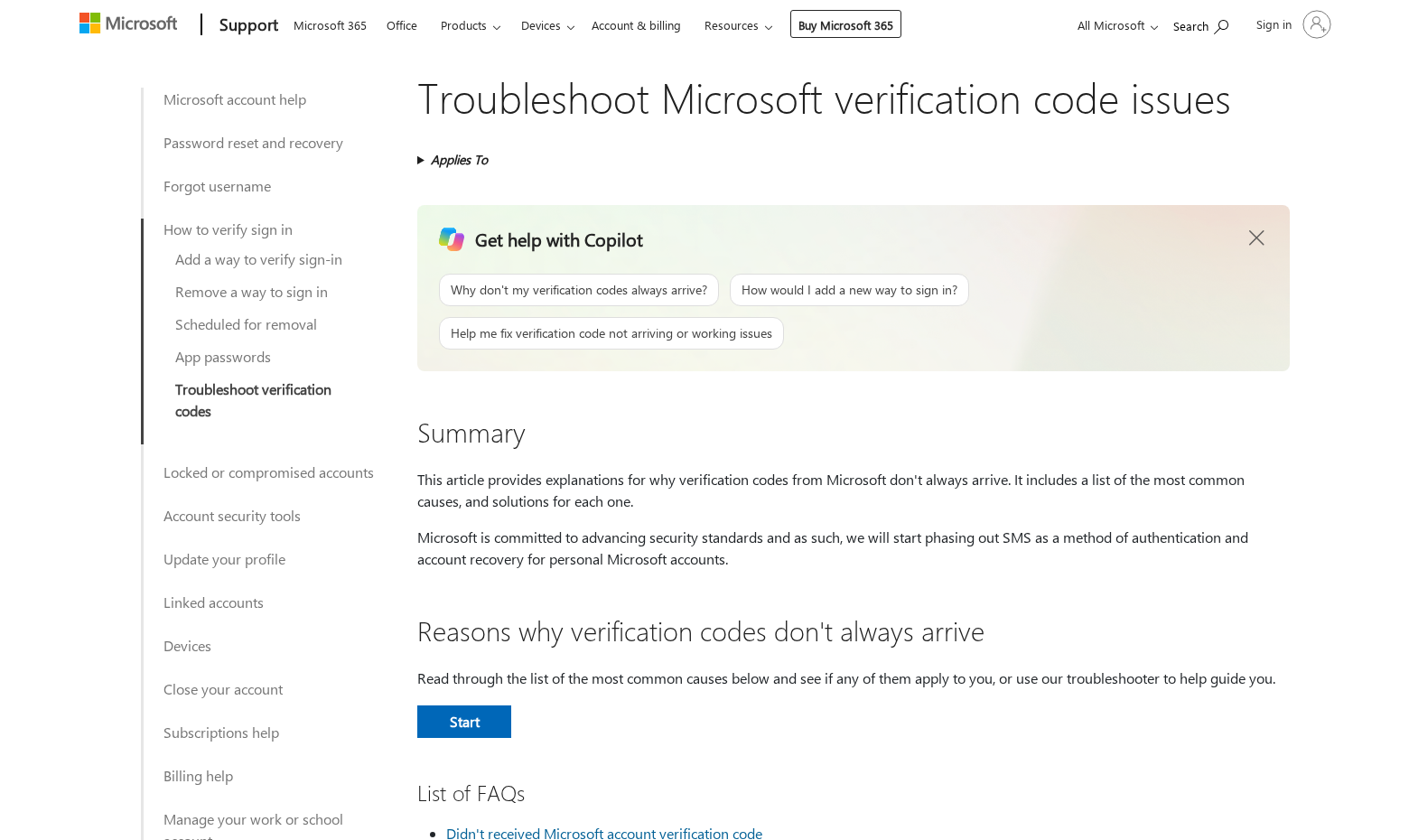
Microsoft explains how to handle verification codes. A code sent for Microsoft account access belongs in an official process you began yourself.
Stop and check when the message includes any of these details:
- Someone tells you your Minecraft profile is being sold and points you to their own investigation.
- A screenshot shows your skin or cape but offers no notice from Minecraft or Microsoft.
- A community says only its checker can settle whether your account has been taken.
- A chat or private form asks you to hand over a Microsoft security code.
- The offer to verify your account becomes a threat that you will lose it.
A person running a community can ask you to follow its rules. A Minecraft account’s Microsoft sign-in remains yours to secure and verify through Microsoft.
The account matters beyond the game
Minecraft uses a Microsoft account for sign-in. It may be the same account you use for email, Xbox, subscriptions, cloud files, or purchases.
That is what makes the request for a security code more serious than a request for your player name.
If you shared a code, review the Microsoft account’s security activity quickly.
A cape can give the warning a convincing detail. Start your response with Microsoft sign-in and recovery settings. Check the game itself after you know you control the account.
How the Scam Works
Step 1: A warning arrives about a valuable account
The first message in the report was framed as a heads-up. It gave the player a reason to believe that someone in a community knew about an account sale.
Keep the original email if you receive one. See whether you can open the game with your usual launcher and view the account through the Microsoft route you already use.
A username, skin, or cape may be visible publicly or shown in screenshots. Knowledge of those things tells you far less than a fresh record from Microsoft about account access.
If a friend says they saw your account being advertised, ask them to preserve what they saw. You can check your account without following the seller’s or the stranger’s link.
Step 2: A second message makes the threat specific
In this case the follow-up introduced the idea of a community review and included an image. It also suggested the player might be banned if they ignored the notice.
A real ban or account issue can be checked independently.
Read any notice you see in the real game, then look up the official Minecraft help process if you need to appeal.
If the screenshot is the only source for a supposed ban, stop there.
You have a picture that someone sent you. Open Minecraft or the official help center to check your status.
Leave the image in its original message. You can report it as part of the approach without repeating publicly where the sender said the account was being sold.
Step 3: The investigation moves to a Discord server
A real invitation can bring you to a server with a familiar layout and other people online.
Those details help a page look lived in. They tell you little about authorization.
The player saw what looked like community verification. A request to submit Microsoft account secrets is a reason to walk away even if the chat looks busy.
If you joined a server from the email, close the conversation. Use Discord’s own reporting menu if a message solicits account details. Avoid clicking more material to investigate it yourself.
Record the account or server name and the time you were asked to verify. Keep your address and any incoming security codes out of images you send publicly.
Step 4: A genuine code can arrive during a fake process
An unexpected Microsoft message may be real even when the person asking for it is an impostor. Read the message to see which account or action it refers to.
Enter a code only on Microsoft’s own page after initiating the action yourself. Closing the Discord chat does not prevent you from taking care of your real account.
If you shared the code, start with account security instead of waiting to see whether your cape or purchases disappear. Check your email access and recovery methods as well.
Save the time of the code and the time of your last normal sign-in. Microsoft’s recent activity can give you a record against which to check unexpected events.
What to Check Before Looking for the Cape
Open Microsoft account security on a device you trust. Review recent activity and look for successful logins or changes you don’t recognize. Make note of unfamiliar devices and recovery details.
A failed attempt or a code you did not request is worth noting. A successful sign-in or a recovery address you did not add needs more immediate attention.
If your account still opens, make sure the contact methods listed are actually yours. Change an exposed password and follow Microsoft’s instructions for removing access you do not recognize.
Check the email tied to Microsoft, especially if it forwards messages or shares an older password. A secure inbox helps you keep control when a recovery email arrives.
Once you are confident the sign-in is secure, open Minecraft through the launcher you use normally. Check your profile and which account is signed in before assuming anything disappeared.
Photograph or save any genuine change you see. A launcher signed into a different account can show different purchases or characters.
Before opening a claim, check the account name and history.
If friends receive new messages from your account
Tell them through a reliable channel to ignore messages you did not send. Ask them not to follow invitations or share security codes in response to your name.
Ask for the timestamp and a copy of the suspicious message. Review any associated Discord account separately. Your Microsoft account and your Discord account have distinct settings and recovery processes.
If you manage a shared realm or community, tell another trusted moderator there could be unusual activity. Give them the time window so they can check actual changes.
Separate Game Access From Chat Access
If you have more than one Microsoft account, check which one owns the game. Look for the account used by the launcher, your past purchase receipts, and your usual gamertag.
If the purchase receipt went to an older email address, find the original receipt in your records.
Keep the order identifier for official support rather than sharing it with a server moderator.
Game and chat accounts sometimes share the same email address. That does not make a message sent in one service a confirmation about the other. Verify each account separately.
Check whether anything changed in Discord after you joined.
A message you did not send, an unfamiliar authorized app, or a new login warrants checking Discord’s own account settings and help.
If you lost Microsoft access, use the recovery process while you still have receipts and prior account details.
Your friends can help secure a server while you work on the login.
Check what the alert on your phone was actually about
Microsoft’s guide to its text messages explains that a security message can relate to sign-in or verification. Check it in the context of activity you initiated.
Read the type of request before considering any response. If you expected to sign in to an unrelated device, wait until you can verify that request directly.
A family member who owns the account may receive the notification on a different phone. Tell them not to forward the number to you or to anyone in the chat.
After you secure the account, check any payment methods attached to it.
Record the date and amount of a purchase you don’t recognize, then use official billing support or your issuer.
If recovery takes time, save the support case number somewhere other than the account you cannot open. Use that number when contacting Microsoft again.
What to Do if You Have Fallen Victim to This Scam
Begin with the account behind Minecraft, especially if you shared a Microsoft code or signed in through a page arrived at from chat.
-
Leave the verification chat. Save the email and the message asking for the code. Do not share the code with anyone.
-
Open Microsoft directly. Review your recent account activity and note anything you did not do.
-
Secure the accounts you exposed. Change any password you entered on an unfamiliar page. Review recovery details, devices, and the linked inbox.
-
Use account recovery if locked out. Follow Microsoft’s recovery process. Keep genuine receipts and past account details available in case you need them.
-
Check purchases and messages. Review unexpected billing and contact the payment provider about any charge you did not authorize.
-
Report the impersonation. Give Discord the relevant message and your email provider the original approach. Keep your private account information out of public posts.
If a sign-in notification offers you the chance to deny an attempt you didn’t initiate, use the official account controls.
Open the provider independently if you are unsure about the alert.
Add a stronger sign-in method you control and store any recovery information securely. Check that Microsoft can still reach you at your genuine recovery address before making other changes.
A person who offers to get the cape back in exchange for a fee or access to your account can make recovery harder. Work through verified Microsoft and Minecraft channels.
Frequently Asked Questions
Does a screenshot of my Minecraft character prove the account was stolen?
No. Check your Microsoft sign-in activity and open the game yourself. The character’s appearance tells you little about who signed in, when they signed in, or what changed.
If you find a genuine sign-in or a profile change, record it. Use the official account recovery route as soon as you can.
I got a Microsoft code but didn’t give it to anyone. What now?
Keep it private and check activity directly with Microsoft. Note whether the alert refers to your usual email and whether any changes or successful sign-ins show in the account.
If the code arrived after you used a verification form in chat, stop using that form. Save the message and report the request through the platform.
Can a Discord server verify who can access my Microsoft account?
Keep Microsoft login details in Microsoft’s own sign-in flow. A Discord server’s membership process cannot tell Microsoft who is authorized to use your account.
When a community asks for a Microsoft code to prove ownership, leave that process. Check your game profile and security settings directly.
What if I typed my account email but stopped before the code?
An email address can make later approaches more targeted. Review unexpected sign-in messages and watch for claims that the community needs you to finish verification.
If you entered a password or approved a prompt, treat that action separately. Change the exposed credentials and review the account for unfamiliar access.
Can Minecraft support help if the game still opens but the cape is missing?
Check the active account and launcher first. Compare the profile with your earlier records. If the change is genuine, give the official help center the available purchase or account details.
If the Microsoft login itself has changed, secure it first. A cosmetic issue inside the game is separate from restoring your ability to use the account.
Should I warn other players if my account sent messages?
Yes. Contact friends through a channel you control and tell them which messages you didn’t send. Ask them to avoid links and keep any codes to themselves.
If you recovered access, check your sent messages before assuming everyone saw the same thing. Give the platforms specific messages when you report what happened.
The Bottom Line
An email about your rare Minecraft cape can get your attention. Check the account through Microsoft and Minecraft yourself before you trust a community’s story about a sale or ban.
If you shared a Microsoft code or lost access, start account recovery immediately. Give the game and chat platforms the records they need through their published channels.

Join the discussion
0 commentsShare your experience or ask a question about this article.
Discussion
Start the conversation
Have a question or something useful to share? Add the first comment.