


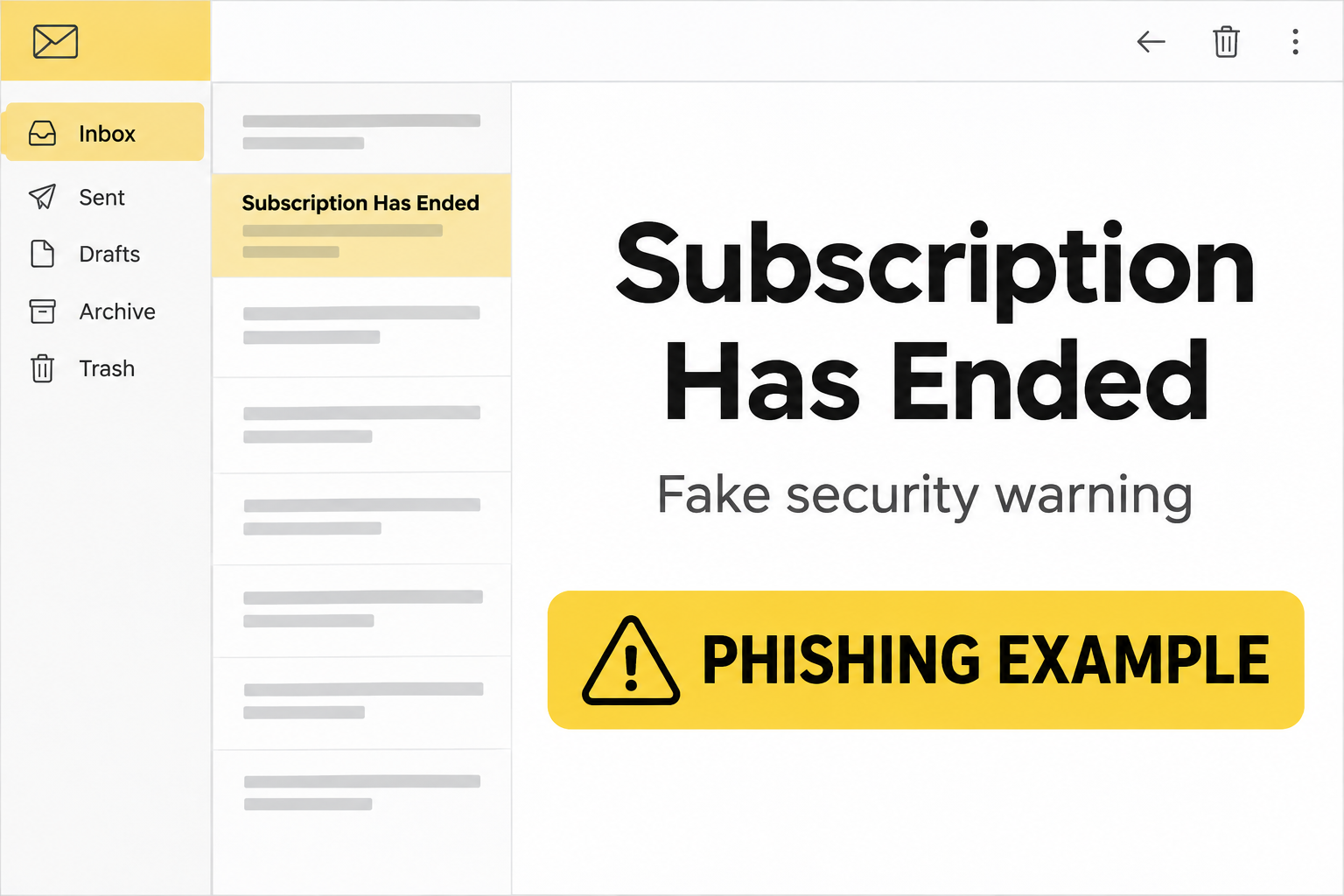
The email says your Norton subscription is over and your photos could be next. Below the warning, an emergency renewal offer makes it sound as though there’s still time.
Before you touch the renewal button, it helps to know where this particular email goes. It isn’t the same story as every Norton alert in your spam folder.
Overview
The pitch pairs a threat with a discount
The Norton Subscription Has Ended email scam says threats were detected and warns that your photos and files could be damaged. It then advertises a supposed 72% discount.
The discount and the threat are doing different jobs. One makes you want to stop the damage. The other makes clicking feel like a bargain instead of a gamble.
One documented version puts the warning in an email with a subject about protecting login details. Another version adds a timer. Neither element tells you anything about your device.
An actual subscription can expire. That’s what makes the hook plausible. It doesn’t authenticate the message, even if your own renewal date is coming up.
The destination asks for webmail credentials
The renewal button in the documented example doesn’t lead to a Norton purchase or subscription page. It opens a counterfeit cPanel Webmail sign-in on a domain unrelated to Norton.
That difference is the central clue. A webmail password can open your inbox. It cannot renew a Norton subscription through a third-party portal.
cPanel is real software used by hosting providers. A copy of its sign-in design doesn’t belong to your host any more than a Norton logo proves who sent the email.
Here are the details that identify this particular version:
- The message threatens damage to existing photos and files.
- The supposed emergency offer advertises 72% off.
- The button says renewal, but the destination asks for your email account password.
- A familiar webmail design is used on a site other than your established mail host.
This isn’t a refund call or a real scan result
Other Norton impersonation scams may ask you to call about a charge, buy a real product through a misleading referral, or enter card details on a fake checkout.
This one is different at the point that matters most: the observed form wants webmail credentials. Don’t assume the same remedy applies to every message that uses the Norton brand.
If you only read the message, nothing in it demonstrates that Norton scanned your device or that your files are in danger. If you entered credentials, secure the email account.
How the Norton Subscription Has Ended Email Scam Works
Step 1: An alarming headline makes a routine subscription feel urgent
The message ties a familiar account event to a frightening consequence. Renewals lapse, but most people don’t expect a lapse to put their photo library in immediate danger.
The file-damage claim does not include evidence a real security tool could help you examine. There is no reliable device alert, threat report, or app history attached to it.
Open the installed Norton app directly if you use it. If you don’t, open your usual security app or Windows Security to check its actual status.
What you see there is useful to your device. What the email asserts about your files isn’t a substitute for it.
Step 2: A supposed bargain turns fear into an action
A 72% discount makes the offer feel concrete. It also gives the recipient something simple to focus on while the warning talks about threats and permanent damage.
The message doesn’t need you to believe every sentence. It needs you to choose the visible button before checking whether the deal has anything to do with your subscription.
If the email shows a countdown, leave it running. You’re not losing a verified offer by waiting. A genuine plan should show its status when you open your real account.
Don’t confuse a seller’s usual promotion with proof that a particular email came from them. Discounts can be copied into messages just as easily as logos.
Step 3: The click takes you to a different service entirely
The original message talks about Norton. The documented destination shows a cPanel-style email prompt. That break between the message and the page is more useful than any design detail.
Someone who uses hosting-provider webmail may recognize the cPanel layout and assume they’re being asked to verify their identity. The context still doesn’t add up.
For genuine cPanel Webmail, use the address your host gave you. The cPanel sign-in guide explains why the correct address depends on your hosting setup.
A padlock indicates an encrypted connection to the site in the address bar. It doesn’t mean the site belongs to Norton or to your email host.
Step 4: The real risk follows the password, not the renewal story
A mailbox password can expose current messages, previous conversations, account recovery links, and attachments. It can also let someone send new mail under your real address.
On a small business account, even a short period of access can matter. Someone might learn which invoices are pending or which customer is waiting for a quote.
A password reused elsewhere creates a separate risk. Changing your Norton account password won’t protect webmail unless it was actually the same password and you replace both.
The page might show an error, reload, or go nowhere after a submission. What you saw next isn’t a dependable indication that your entry was safe.
Check Your Real Subscription Without Following the Email
Separate device status from billing status
If you’re a Norton customer, open the Norton app from its usual shortcut. Look at the security dashboard and use your known account route to review your plan.
One screen tells you how the installed product is behaving. The other can tell you whether you have an active plan, when it renews, or which account holds it.
The two answers may differ. You might be signed into the wrong account, using a license purchased elsewhere, or seeing a real billing issue unrelated to the fake email.
Check your existing receipt or use Norton’s normal support channels if you can’t match the plan. Don’t give your email password to someone who calls back about a renewal.
Know what the sender can and can’t prove
Norton’s email verification guidance describes legitimate communications and provides a way to report suspicious messages that borrow the Norton name.
An email address that looks plausible is one clue. It isn’t permission to type a mailbox password into a page that arrived through an unexpected billing link.
Check sender details without clicking the offer. If the destination is hard to inspect on your phone, skip it and go straight to the app you normally use.
A familiar name and a correct address can coexist with a fake message. An old customer list or a guessed product name is enough to make the pitch feel personal.
A click, a password, and a card number call for different actions
Closing a fake login page without entering anything is not the same as handing over a password. Note the time and whether a file appeared in your browser downloads.
If you reached a page asking for card details, you may have encountered a different variant. Don’t assume the webmail steps cover a card you actually submitted.
Look at the card account through your bank’s usual app. A charge visible there is evidence of a transaction. A threat or offer inside the email is not.
If you don’t remember which mailbox password you used
Some households have a personal mailbox and another address from a cable company, school, or small business. The address you saw on the fake form is a useful clue.
Start with the provider that manages that address. A mailbox you read through a familiar app may still be hosted by your employer or another company.
If you use the same password with several addresses, treat each reuse as an exposure. Don’t wait for a login alert on every service before replacing it.
If the affected mailbox belongs to a shared office, tell the owner before making changes that might interrupt other staff. The host can help identify accounts and current sessions.
What to Do if You Have Fallen Victim to This Scam
-
Stop using the message to navigate.
Close the suspicious page and don’t return through the renewal button. Keep the subject and sender details for a report if you can do that safely.
If you only received the message, report it as phishing. Check your plan separately only if you actually need to verify your subscription.
-
Change the email password if you typed it.
Start from the mail provider’s real site or app on a device you trust. For hosted business email, use the contact details you already have for the host.
Tell the host that the form looked like cPanel Webmail. That context helps distinguish a mailbox compromise from a fake Norton charge.
-
Revoke unfamiliar access and look for mailbox changes.
Check account activity, recovery details, forwarding, and filters. Ask the provider to end active sessions if your interface doesn’t give you that option.
If you approved a prompt or shared a sign-in code, say so explicitly. That can change what your provider needs to revoke or investigate.
-
Protect other accounts that depended on that inbox.
Replace reused passwords, starting with high-value accounts. Look for password reset notices or payment changes you didn’t request, including alerts in trash or archive.
If someone used a business mailbox to send new payment instructions, warn the affected recipient by a known number or a separate communication channel.
-
Report financial exposure to the right place.
If you entered card details on a different landing page or see a charge you didn’t authorize, contact your card issuer through its trusted number.
Tell the issuer what information you provided and whether you recognize the merchant. Don’t call any number supplied by the suspicious email.
-
Treat an unexpected download as a separate device issue.
If you downloaded and ran something, stop signing into accounts from that device and seek a security check. For work equipment, contact your support team.
The documented email’s fake sign-in is not a confirmed software install. Don’t let an unnecessary scan delay changing a disclosed password from another device.
The Real Reason the Fake Page Looks Convincing
The campaign borrows authority twice. The email starts with a security brand people know. The next page borrows the familiar task of opening a mailbox.
That second switch doesn’t have to persuade everyone. A recipient may think their password simply unlocks the purchase form or confirms they’re the right account holder.
Look at what a page is asking for before entering it. If the seller and the requested account belong to different services, stop and check why independently.
Even a legitimate use of a third-party sign-in should start from a service you chose to open. An unsolicited threat is a bad place to establish that trust.
If the genuine security app reports a problem, handle it through the app. You can respond to a real warning without accepting the email as evidence.
The fake subscription warning doesn’t become genuine because the installed app also needs attention. Treat them as two separate events until you have evidence that connects them.
An outdated protection database, a stopped scan, and a billing problem are different issues. An email renewal link doesn’t diagnose any of them.
If your license came with a new computer or internet plan, check the original receipt. It may identify who handles renewals without relying on the coupon.
Frequently Asked Questions
Is this a real Norton notice about my photos?
The documented email is not a trustworthy Norton notice. It threatens damage and sends readers to a fake webmail form. Check device alerts in the installed security app.
Does the 72% renewal offer make the email legitimate?
No. A price reduction printed in an email can be invented. Check offers inside your real Norton account or through another channel you already trust.
Why did a renewal link ask for my cPanel password?
The observed page imitated cPanel Webmail to ask for mailbox credentials. That’s not a way to renew Norton. Go directly to your hosting provider if you entered the password.
Is this the same as a Norton refund phone scam?
No. This example leads to a counterfeit webmail login, not a phone call. A fake renewal invoice that asks you to call about a charge is a separate pattern.
What if I clicked the button but didn’t enter anything?
Close the page and report the email. Check for an unexpected download if something opened or saved. A click alone doesn’t establish that an account or device was compromised.
What if my Norton plan really is about to expire?
Check the app and your genuine subscription account independently. A genuine expiration and an impersonation email can happen at the same time. Don’t use the message to settle the bill.
The Bottom Line
Don’t renew Norton through this email. The threat to your photos is a pressure tactic, and the documented button leads to a fake webmail sign-in.
Check any real plan directly. If you entered a mailbox password, start with that mailbox, revoke access you don’t recognize, and check who may have received messages in your name.

Join the discussion
0 commentsShare your experience or ask a question about this article.
Discussion
Start the conversation
Have a question or something useful to share? Add the first comment.