


A request for a catalog might be the most ordinary email your sales desk gets all day. It is also one people are trained to answer quickly.
This one deserves a second look, especially if your team quotes jobs from a shared inbox.
Overview
A buying inquiry that reads like work
The quotation and technical details email scam starts with a plausible question: can your company supply the items a potential buyer needs? It sounds like the opening of a sale.
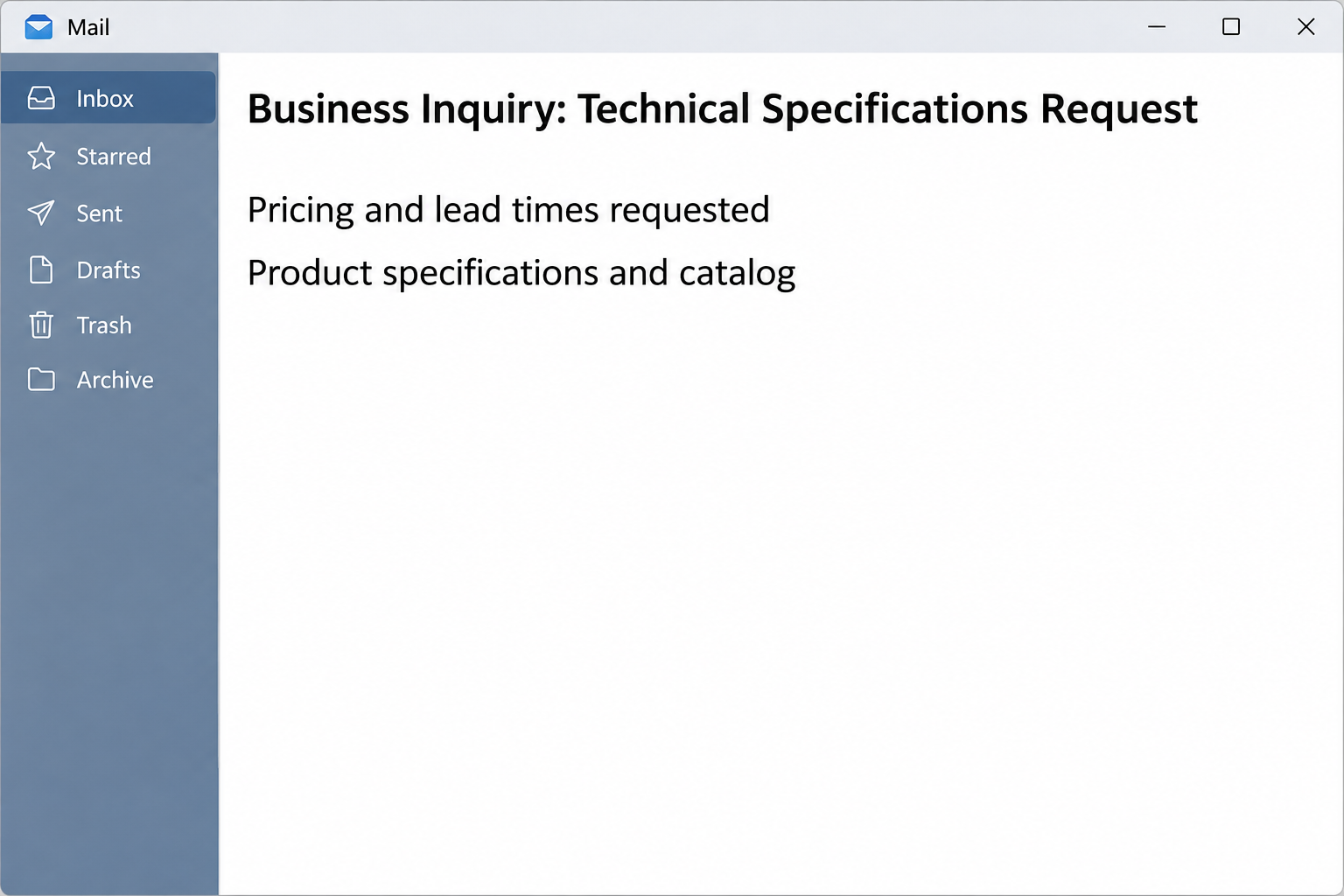
The subject pairs “Business Inquiry” with “Technical Specifications Request.” The sender introduces himself as Felix Wagner and claims to handle business relations for Bayerische Industrie GmbH.
He says he found the company online and asks about pricing, delivery lead times and product specifications. He also requests a catalog, another perfectly ordinary ask.
None of those details makes the company or the person responsible. The inquiry borrows a business identity; it does not establish who controls the sender’s mailbox.
The image above recreates the opening premise. It is not a verified message from the named company and does not include the destination from the reported email.
What makes this stand out is how little drama it needs. An estimator does not normally stop to interrogate a request for basic dimensions, availability or price.
The surprise is in the paperwork
The email describes a technical PDF, but its prominent documentation link is not the same thing as an attachment you can examine in your mail client.
In the documented case, the link opened a page resembling Google Drive. It presented a purchase order, a specification sheet and a contract as if they were ready to review.
Trying to open a listed file brought up a dialog for a secured document. Instead of showing measurements or terms, it requested an email address and password.
The page was reportedly hosted on a real cloud storage service. The infrastructure and the operator of an individual page are different things. A cloud provider’s name is not consent.
There is no evidence from the sample that a real purchase order was waiting or that opening the message installed anything. The observed risk was a copied sign-in screen.
Where a sales team can pause
A lock icon can say something about an encrypted connection, but it does not identify the person who published the page. Professional formatting proves even less.
A request for documents is also not a command to use the sender’s document system. An actual buyer should be able to explain how to share through your approved process.
- There is a request for a quote, but no independently verified relationship with the requester.
- The promised attachment is presented as an outside action rather than a normal file.
- The document list looks complete, yet the files are gated behind a form asking for mail credentials.
- The purported buyer’s company identity cannot be established from the signature block alone.
For a distributor or manufacturer, a customer sometimes does require a procurement portal. The safe distinction is whether the destination came through a contact or process you verified independently.
How the Scam Works
Step 1: The request lands where people are measured on response time
A sales representative sees a handful of standard questions and assumes someone else probably sent the detail. A shared mailbox makes it even easier to move quickly.
A new buyer often starts without a contract number, and there is no existing thread against which staff can compare a sender. That ambiguity benefits the impersonation.
The request is specific enough to feel commercial without giving the recipient much to quote from the message itself. The missing specifications make the next action seem necessary.
Someone might forward it to engineering with a note asking for help. That can make the recipient of the forwarded copy less skeptical because a familiar colleague passed it along.
The colleague may simply be routing a query, not endorsing the sender. Treat an internal forward as useful context, never as independent confirmation that the original was genuine.
Step 2: You are sent outside the mailbox to see the specifications
The email points to “Review Attached Documentation.” The words make it feel like the document is part of the message, even though the control sends you to another page.
Nothing about a link labeled “PDF” guarantees the browser will receive a PDF. It can be an ordinary web page that happens to dress itself like a document viewer.
This matters before entering any information. Your company’s approved storage entry point is a separate channel from whichever web address the requester supplied.
A buyer’s staff can usually explain who owns a share or provide a project reference. Pause the quote if you cannot verify who is asking.
If you are using a phone, a preview can hide most of the destination. There is no need to investigate the suspicious page from either phone or desktop yourself.
Step 3: The directory view makes the deal look further along
A file list is persuasive because it appears to answer what you expected: one place for technical specifications, a purchase order and an agreement. That makes it feel prepared.
It also invites scanning rather than scrutiny. People who spend the day finding the right revision may focus on document titles and overlook where the browser actually is.
The reported files looked like familiar procurement paperwork. Their presence in a browser was not proof the documents were supplied by the business named in the original email.
A newly opened page can resemble a tool you use every day and still not be operated by that tool. Recognize the layout without trusting what it points to.
Step 4: The requested secret has nothing to do with quoting the job
The dialog, titled “View Secured Document,” is where the request changes. To answer a question about price or delivery, you do not need to tell the buyer your mailbox password.
A valid authentication flow might send you through your own provider after you have verified the invitation. The copied dialog was part of the unfamiliar page shown in the report.
When you cannot explain why a page needs your password, do not fill it just to see what happens. Close it and use the verified company route.
If a password manager leaves the fields blank, do not override it from memory. That mismatch can help you notice you are no longer on your normal sign-in site.
An automatically filled email address, where present in similar campaigns, would not settle the question either. An email address identifies a destination for mail, not a trusted portal.
Step 5: A stolen mailbox can affect orders that have nothing to do with this inquiry
If someone captures a working password, misuse depends on the account’s protections and what else was shared. The sample does not show a confirmed successful compromise.
A sales mailbox can contain open quotes, vendor invoices, delivery addresses and negotiations. Those records tell a stranger which customers are expecting a call or an amended document.
A payment instruction in an existing thread can look less suspicious than a message from a stranger. The original email is only one part of that investigation.
Depending on permissions, an intruder might also see shared folders or use the account elsewhere if its password was reused. Administrators should verify actual access rather than assuming it.
The operational question is what the recipient did and what the provider shows afterward. A message in the inbox and an unauthorized sign-in are not the same incident.
What To Do If You Fell Victim
-
Stop and write down what happened.
Work from the last thing you actually did: opened the email, followed the link, typed a password, approved a prompt or gave someone a file.
Record the time and which workstation or browser was involved. Do not return to the suspicious page to take a more complete screenshot.
On a work device, use the organization’s reporting route before deleting evidence. Keep the original email private rather than copying it onto a customer thread.
-
Tell the people who can secure the mailbox.
Contact your help desk or administrator using a known number, approved portal or an unaffected channel. State plainly whether any password or request for approval was submitted.
For a personal Google account, use Google’s compromised account guide from a trusted device. With a managed account, follow the security team’s directions.
If sign-in information went into the form, change it through the real provider and ask about ending active sessions. Changing a password and terminating a session are different actions.
-
Check where the account can send or receive mail.
Review forwarding, mailbox rules, delegates and recovery settings with the administrator. Actual platform logs are more useful than assumptions based on how the fake page looked.
Ask which shared mailboxes or files the account was allowed to access. A quote desk user may be able to view material that is not in their own inbox.
Document anything unexpected before removing it, if your security team tells you to. Otherwise let the team collect evidence through its own tools.
-
Protect pending quotes and payment instructions.
Identify customers that were already discussing invoices, bank details or changes to delivery. Test concerning communications against a number from your established customer or vendor record.
If there is evidence of unauthorized mail, contact the affected people from a verified channel. Do not ask them to trust another unexpected email from the same mailbox.
For any disputed wire or payment, give your finance team and bank the real transaction details immediately. A police or fraud report is not a substitute for calling the bank.
-
Find out which coworkers got the same inquiry.
Give security the claimed company name, subject and arrival time. A team can contain a repeated message centrally instead of teaching each recipient to open it for comparison.
If the inquiry reached engineering, procurement or an outside distributor, tell each affected group which action to avoid. Keep the warning short enough that people actually read it.
A forwarded version can circulate after the original disappears. Check distribution lists or group inboxes if that is part of your normal procedure.
-
Make the next real request easier to handle.
Give new customers a safe route for specifications, whether that is an approved upload portal or a normal attachment evaluated under company policy.
If tender documents require registration, verify the buyer through a public business channel or a contact you already know. Do not use the suspect signature as your sole verification.
Train the team around decisions they already make: a routed email is not verified, and getting a quote out faster is not a reason to bypass sign-in checks.
Frequently Asked Questions
What is the quotation and technical details email scam?
It is a phishing email disguised as a buyer’s request for prices and specifications. The supposed document viewer asked for account credentials instead of showing the files.
It is aimed at a business task rather than at a delivery refund or a password expiration. That fit with someone’s normal duties is part of the deception.
Is the named German company responsible?
The message borrows the name Bayerische Industrie GmbH. Neither a business name nor a job title proves that anyone who works for that company sent it.
Do not use numbers or addresses supplied by the message to verify the identity. Look for an independently confirmed route before entering any business relationship.
Can a real Google hosting service serve a fake Drive page?
Yes. A page owner can use legitimate infrastructure to host misleading material. The provider’s presence in an address does not make an individual file share genuine.
Use the service the way you normally reach it and verify the sender separately. A copied page cannot replace those two checks.
What if I clicked but closed the page without typing anything?
The observed screen sought a password; following the link is not proof anyone got one. Record the action and report it, especially if it was a work account.
If the browser saved a file or you approved something, say so. Do not open the download as a test. Those facts change what your security team needs to examine.
What if I typed the password but never got the files?
Treat the password as exposed. A fake page does not need to provide a working login or a file for information already entered to be at risk.
Use the genuine account recovery route immediately and mention any reused password. Your administrator can assess whether other sessions or factors need attention.
Can I reply and ask for a regular attachment?
Do not negotiate with the suspicious sender. If you have a legitimate reason to check the request, start fresh with someone you have independently verified.
Give legitimate vendors and buyers instructions for your own approved share process. You can accommodate a real inquiry without rehearsing the suspicious one.
The Bottom Line
The good part of this email is how ordinary the job sounds. The warning is where it leaves the job behind and asks for access to your mailbox.
Hold the quote, verify the buyer independently and report the page. If anyone entered credentials, treat that briefly opened quote as a security issue, not a missed sale.

Join the discussion
0 commentsShare your experience or ask a question about this article.
Community experiences
Did this happen to you?
Your experience could help someone recognize the same scam. Submit a private report for our team to review.
I experienced this tooReports are reviewed before publication. Sharing publicly is always your choice.
Discussion
Start the conversation
Have a question or something useful to share? Add the first comment.