


The ad shows a dress you recognize and a price much lower than the one you remember. The account has the right name and plenty of comments.
Before you enter your card, try to find that exact offer without opening the ad. The result tells you more than the comments below it.
Overview
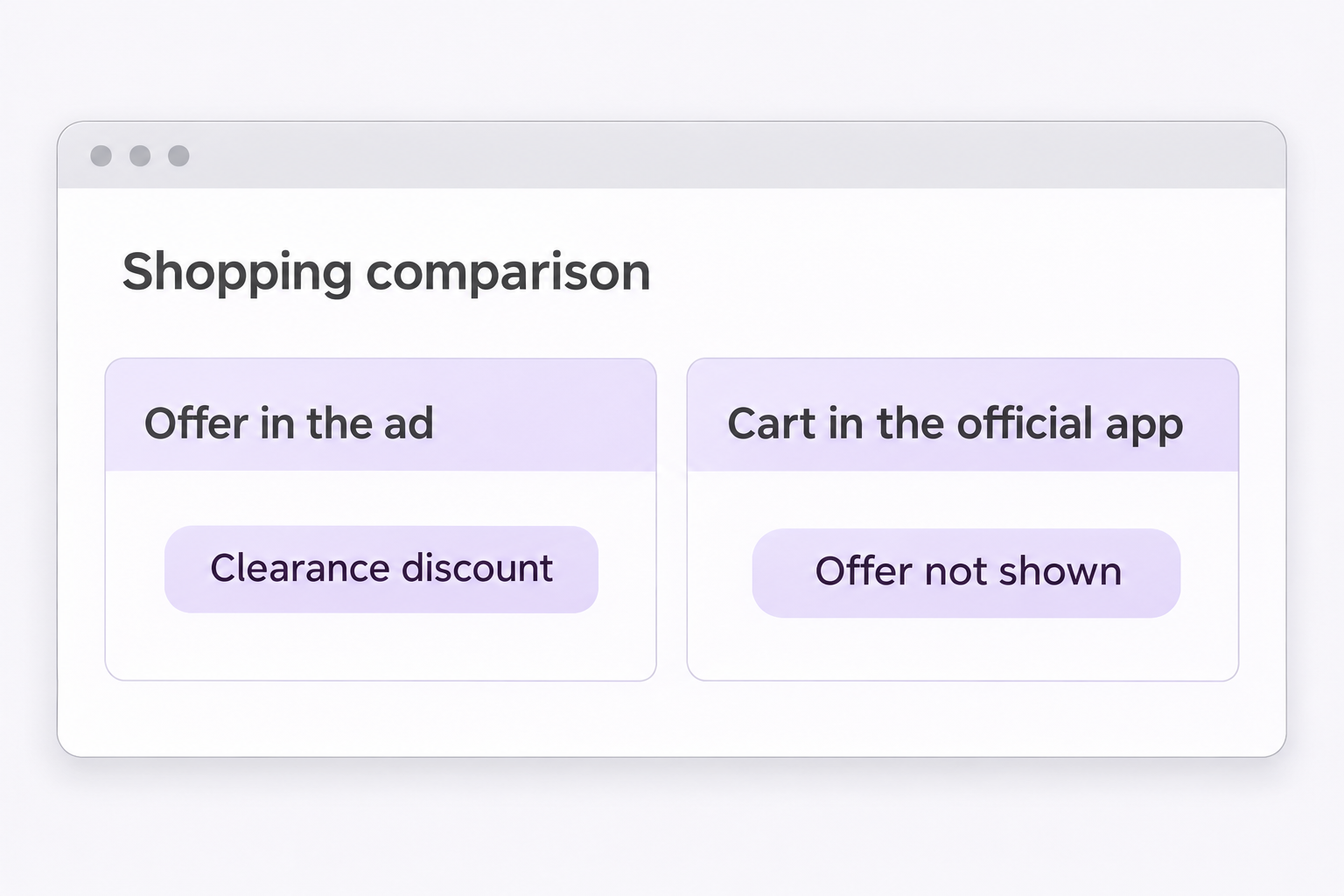
Illustration: The advertised discount does not appear in this example cart.
Rebuild the purchase without the advertisement
A SHEIN sale can be real, exaggerated, region-specific, or entirely made up. Those possibilities can look nearly identical when all you have is a social media post.
Open the official app you already use, or navigate to the retailer on your own. Find the same item and make the offer show up in that shopping session.
Don’t compare the ad with a screenshot someone else prepared. Compare it with an independently opened listing and your own cart, before you submit an order.
Match the item, the seller, and the final discount
- Match the product by item number if available, not just by a photo that may appear on several listings.
- Compare the variant, quantity, seller, and shipping region. A similar style or another seller isn’t proof that you found the advertised listing.
- Review the price in the official cart, including any coupon conditions, before trusting the total advertised on social media.
If one of those details doesn’t match, don’t use the ad’s payment page to get around it. You still haven’t confirmed you are buying from the same place.
What the retailer and FTC have documented
SHEIN’s fraud warning describes fraudulent storefronts and social ads that can send shoppers to unauthorized payment pages. It separates those schemes from genuine sales on the platform.
The FTC’s online shopping advice also recommends checking the seller, full price, and terms independently. A logo and product picture don’t answer those questions.
This guide is about checking an advertised deal, not identifying a particular lookalike store. The same check works even when the ad is gone by the time you read this.
What a Fake Sale Can Copy From a Real One
When an advertiser copies a product photo, you may recognize the item before noticing anything unusual about the seller. Familiarity with the merchandise is not familiarity with the merchant.
A discount can also be attached to the wrong color or size. The pictured version may be more expensive than another variant, even on a valid listing.
An advertised total may exclude shipping, taxes, or a minimum purchase needed to use a coupon. Those discrepancies are reasons to check, not proof that a store is fake.
The risk changes when the advertiser says you can’t find the discount in the real app and must pay on a separate page. At that point, pause the purchase.
An account can buy ads or accumulate comments without proving an affiliation. Treat the page name, follower count, and enthusiastic replies as claims you don’t need for this purchase.
Verify the Deal in Your Own Cart
Find the same item in the right market
Start the official SHEIN app or open the U.S. store independently if you’re shopping in the United States. In another country, select and verify the market that serves your address.
Use the product name or item number from the advertisement if you have it. You can type those details into the app without visiting the offer link.
Make sure the listing shows the right version. Compare a product identifier when visible, then the color, size, quantity, and listing photos you actually intend to buy.
If two listings use the same pictures, check the seller shown on each. A visually identical item doesn’t make delivery, returns, or responsibility for disputes identical.
If nothing matches, stop before entering payment details outside the app.
The offer might be limited, expired, or unverified, but there is no reason to pay a stranger to test it.
Apply a coupon only where you can see its effect
Add the confirmed product and variant to your cart. Open the cart or checkout review and examine the subtotal before applying anything.
If the ad advertised a code, enter it only in the official coupon field. Watch how the cart changes before you choose a payment method.
Check whether the code requires a minimum spend, particular category, first order, or other condition. Compare the same basket on both sides of the claim.
A discount can apply to one item but not to the rest. Look at the final payable amount, including shipping where shown, rather than the largest number in the ad.
Some genuine promotions apply only to selected accounts. If your cart says you don’t qualify, don’t move to an unknown checkout that claims it can give you access anyway.
Ask about a mismatch without forwarding private checkout data
If you still think the offer might be official, open Customer Service from the independently opened app or site. Ask whether it recognizes the product and promotion.
Give the service agent the product number or a cropped image of the offer when useful. Do not include a full card number or a login verification code.
If a supposed representative on social media asks you to leave the app to finish a purchase, end the conversation. Verify any follow-up from the actual customer account.
Keep a copy of the promotion for your own records. You can preserve the image, advertiser name, and date without publishing the personal information in your order.
Three Ways the Ad and Cart Can Disagree
The product exists but the advertised price does not
Finding the item independently is evidence that it exists, not that the advertised discount is authorized. Check the seller and add the specific variant before comparing totals.
Compare single items with single items. A photo might show a matching set when the listing price covers only the top, or one piece of a multipack.
Watch for a change in currency or market. A screenshot priced for another country may show a different total even when the seller and item are legitimate.
The discount exists but the payment route changes
Sometimes the genuine app has an unrelated discount on the same product. That doesn’t validate the person who sent you an external invoice or payment handle.
If the cart shows an acceptable price, complete the purchase there or walk away. There’s no reason to finish through a direct message simply to preserve an advertised price.
Check the recipient name before approving any transfer you didn’t expect. A request to pay a seller privately should not be confused with an order placed through the marketplace.
The order exists but the notice claims you need to pay again
Open the official app and go to your account’s order list. Select the original order by item, seller, and date, then check what the platform says about its status.
A delivery email or text can arrive while an order is active without coming from the seller. Don’t treat timing alone as authorization to pay a new shipping fee.
If you already have the order, leave the ad and work from that record. It makes it easier to separate a real support issue from a new demand.
If Someone Promised Store Credit Instead of a Sale
A social media promotion promising large store credit is not the same as a discount that appears in your checkout total. Find out who runs the promotion.
If the offer takes you to a survey, paid offers, or a subscription, you’re no longer just applying a coupon in your cart. Read the terms before providing anything.
An advertisement may call an offer free while the next service asks for card details for a trial. Check the trial price, renewal terms, and cancellation route separately.
A genuine coupon will not appear because you compare two identical pictures. You need to see the actual price change where you plan to put in your payment information.
It’s also worth separating a missed deal from a problem with a purchase. If you haven’t sent money or credentials, you can leave without reviewing every claim in the advertisement.
Know Who Would Actually Receive the Money
Use the merchant on the receipt, not the name in the ad
A social post can recommend a real product or send you to an independent reseller. Check whether the merchant receiving your payment is the one you intended to use.
Before you pay, check what will identify the merchant in your receipt. Look for the same seller on the listing and in the account’s confirmation screen.
If a marketplace seller is involved, open its terms and see how returns are handled. Don’t use the brand’s name as a shortcut for checking the actual seller.
If someone asks for a private transfer instead of letting you finish through the checkout, you may lose the platform’s order record. Ask the platform before sending anything.
Don’t repeat a payment just because a page showed an error
A pending authorization may appear even when a checkout didn’t appear to finish. Check the payment app or your account’s transaction history before attempting the same purchase again.
If the real retailer shows an order, compare the amount and time. If it doesn’t, ask your issuer what the entry represents rather than treating an email as a receipt.
Don’t give a private seller a full bank statement just because they offer to investigate. Your issuer can tell you what evidence it needs without exposing unrelated transactions.
Record the terms before a deal changes
Save the ad, product variant, advertised conditions, and final amount in one place. A code on its own can’t show which products the discount was supposed to cover.
Save any promised delivery date or refund window if you paid. If the advertisement disappears or the seller edits the listing later, you can still explain what you accepted.
If you never paid, a screenshot can help the social platform identify the promotion without asking you to click it again. Include the public advertiser name, not private messages.
What to Do if You Paid Outside the Official Cart
- Save the advertisement, the product as described, your payment confirmation, and any message about shipping. Preserve the checkout address as text rather than revisiting it.
- Open the real account through a known route and look for a matching purchase in your orders. Check the correct email and market before deciding the order is missing.
- Compare the payment with your order record. If the retailer can’t locate it, contact the payment provider and explain whether you authorized the charge under misleading circumstances.
- If you typed card details into a lookalike page, call the issuer promptly even if the page showed an error. Ask about securing the card and monitoring transactions.
- If you shared the SHEIN password or an account code, secure that account independently. Change any other accounts that used the same password, especially your recovery email.
- For a gift card or payment app transaction, retain the receipt and contact the issuer or service immediately. Ask what recall or dispute options are available.
- Report the ad through the platform that displayed it, and let the real retailer know its identity was used. In the United States, report it to the FTC.
A refund promise made by the unknown seller isn’t a reason to wait past your payment provider’s deadlines. If you’re unable to reach the seller, report that fact accurately.
A fake order confirmation is different from an authorized order followed by a billing dispute. Our SHEIN order you didn’t place guide explains that separate problem.
Frequently Asked Questions
Does a big discount prove a SHEIN ad is fake?
A large reduction is a reason to verify the exact product and price in the official cart. The amount alone doesn’t identify who placed the ad.
What if I find the same product at a higher price?
Check whether the variant, seller, shipping region, and coupon terms match. If you can’t reproduce the offer, don’t switch to an unverified retailer to force the lower price.
Can a promotion work for some accounts but not mine?
Yes, a genuine offer can depend on region, eligibility, or other terms. An ineligible cart does not make the unknown payment address in the ad safe.
What if an order confirmation never appeared in my account?
Check which email, region, or account you used, and compare the payment with the retailer’s own order listing. If they still don’t match, contact your payment provider.
Do I have to change my passwords if I only viewed the ad?
Viewing an ad doesn’t by itself expose your password. Take action based on what you entered, approved, installed, or paid, not just what appeared on the screen.
How can I tell whether a seller is on the real marketplace?
Look for the seller in the independently opened app or official store and confirm the product listing there. Don’t rely on an invoice or logo supplied by the advertiser.
The Bottom Line
To verify a SHEIN sale, rebuild the purchase in your own cart. Match the specific item and seller, then check the real total before choosing how to pay.
If the sale only works through an unfamiliar payment page, leave it unpaid. If you already paid or entered card details, preserve the record and call your payment provider.

Join the discussion
0 commentsShare your experience or ask a question about this article.
Community experiences
Did this happen to you?
Your experience could help someone recognize the same scam. Submit a private report for our team to review.
I experienced this tooReports are reviewed before publication. Sharing publicly is always your choice.
Discussion
Start the conversation
Have a question or something useful to share? Add the first comment.