


You can read an encrypted conversation because the phone turns it back into something you can see. What happens if an unwanted app on that phone can see it too?
Sturnus makes that distinction worth understanding. It also changes how you should respond to unexpected banking activity on a phone you normally trust.
Overview
Sturnus focused on what an Android phone could already display
ThreatFabric identified Sturnus as an Android banking Trojan with remote control and screen-monitoring capabilities. The described samples could capture information shown inside messaging apps as well as collect banking data.
The original researchers saw limited activity and configurations targeting financial institutions in parts of Europe. That finding doesn’t establish the campaign’s current size or the number of devices it reached.
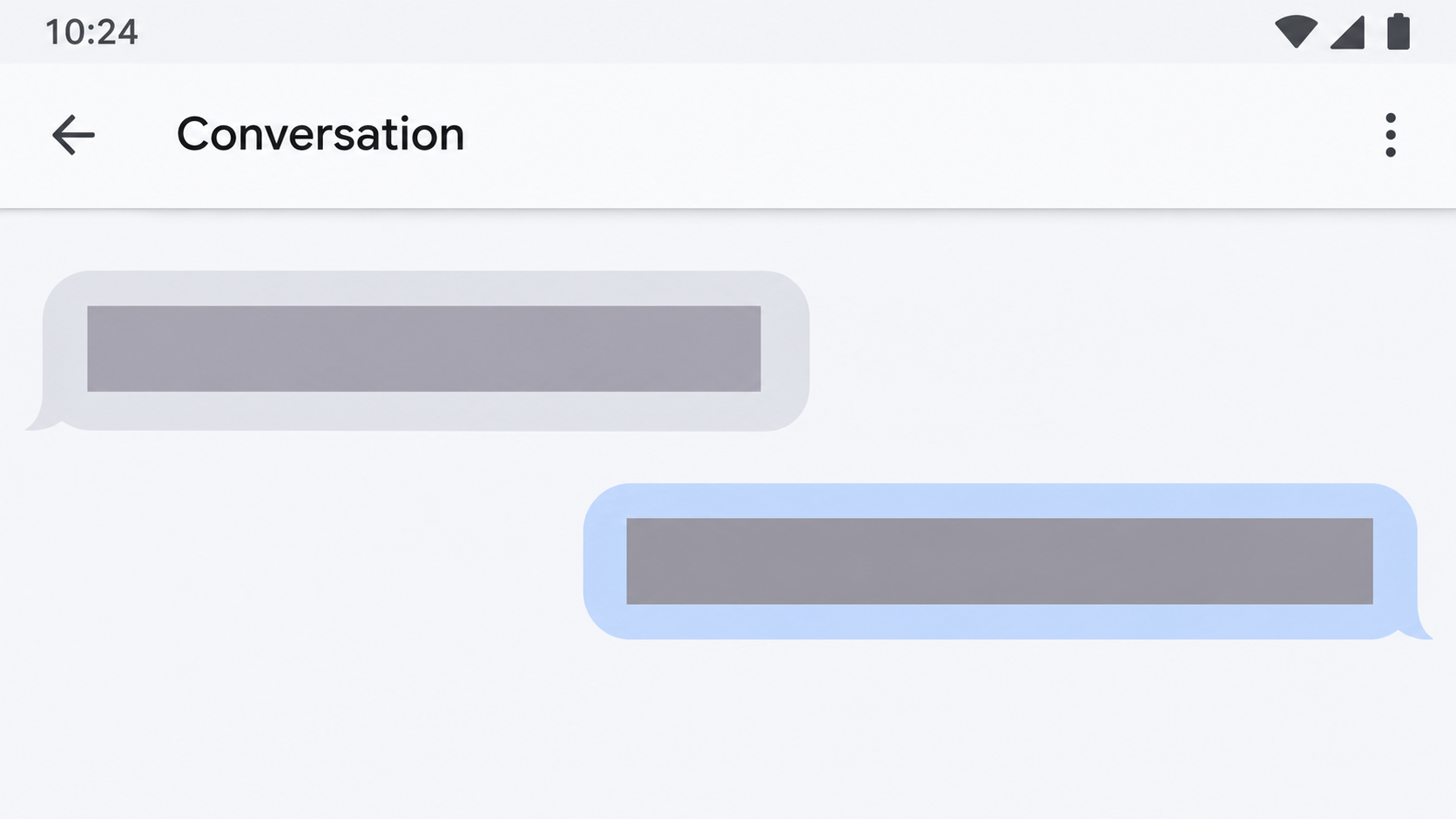
The cropped conversation above is a reconstruction with no real messages. It illustrates the readable part of a conversation on the phone, not the observed appearance of the malware.
The device is where encryption stops helping
End-to-end encryption is designed to protect messages between endpoints. The phone still needs to decode messages so you can read them, and that is where this threat can see information.
Researchers reported abuse of Android accessibility features to observe screen content.
That is not a finding that WhatsApp, Signal or Telegram encryption was mathematically broken or that their genuine apps installed Sturnus.
Use these distinctions when you work out what might be at risk:
- Receiving a message doesn’t give an unrelated app permission to see your conversation.
- An unfamiliar outside-store app with extensive device access deserves attention even if the original download looked like an ordinary browser.
- A trusted contact’s communication can be exposed on an infected endpoint without their own phone being compromised.
A banking screen and a security approval can both be misleading
ThreatFabric described fake banking screens and the ability to conceal some activity from view. You may have a reason to investigate even if you didn’t spot a fake login.
Don’t diagnose Sturnus from a black display.
A dark screen is a common symptom with unrelated causes; a confirmed unfamiliar app and an unauthorized transaction give support more to work with.
The banking response starts outside the suspect phone. That protects the fresh credentials you create and gives you a more reliable view of what actually happened to the account.
How the Sturnus Android Scam Works
Step 1: A familiar identity makes the unwanted app look routine
The reporting describes unauthorized packages using the names of familiar apps, including a Chrome disguise. That’s distinct from an update delivered by the legitimate Google Play listing.
A logo and app name can be copied, so the source of the download matters.
If you see a browser update request in a pop-up or message, don’t install it there.
An app’s presence in your downloads is different from its presence in the installed list.
Tell support whether you saved an APK, installed it, or went further and granted new access.
Step 2: Permissions expand what the installed app can observe
Accessibility is useful for people who need help reading a screen or controlling a phone.
It also deserves scrutiny when an unrelated download asks for capabilities that don’t fit its purpose.
Sturnus was designed to observe interactions and information shown in apps.
That lets an operator see things a normal app shouldn’t need simply to browse a page or play a video.
If a trusted accessibility tool is enabled, leave it alone.
The risky finding is an unauthorized service attached to an app you can identify, not the existence of the settings screen.
Step 3: A conversation is exposed where you read it
A message can be protected on the journey and still visible when you open it. This is like a sealed envelope that has arrived and been opened on your desk.
An app that can observe the phone’s screen has no need to intercept the message while it travels. It can watch the readable information shown to you.
Moving a private chat from one service to another won’t fix the affected endpoint. Switch devices before discussing a suspected compromise or sending new details about what you know.
Step 4: A bank action can happen around the same time
Fake login screens may collect credentials that you think you’re giving to the bank.
Remote-control capabilities can also make it difficult to rely on what you can see at a glance.
If you notice a transfer or approval you didn’t start, contact the bank from another device. Ask what was attempted, which sessions were used and what can still be stopped.
Keep the conversation exposure separate from the transaction. Your bank can help with its account, but it cannot tell you whether message content was visible on an infected phone.
How to Triage Banking and Chat Exposure Separately
Remember which app was open
If you saw an unfamiliar prompt while reading a message, record which app was in use and roughly what time. That can help narrow the discussions or information at issue.
There is no need to copy an entire conversation for a bank. Tell it which transaction or approval is in dispute and whether you saw the prompt yourself.
If someone was discussing sensitive information with you, reach them another way. Let them know what may have been visible rather than claiming their own device was infected.
Review connected devices from an unaffected phone
A messaging account’s linked-device list helps you spot unfamiliar access. It doesn’t tell you what someone saw through the original phone while the app was open.
Turn off connections you can identify as unauthorized from a trusted device. Check the account phone number and recovery settings too, especially if there were requests you didn’t make.
If a work messaging account is involved, follow the employer’s procedure for sharing details about sensitive chats. Avoid photographing the whole thread just to document one suspicious event.
Verify accessibility tools rather than switching everything off
Some people depend on a screen reader or other accessibility tools to use their phone. Keep the services you know you need and investigate unfamiliar apps one at a time.
If you need help identifying an app, ask the device maker or your support team using settings information, not screenshots of banking screens or private conversations.
Record the change before you make another one. If a permission returns by itself or the phone blocks removal, get help rather than disabling every service you can find.
What to Do if You Have Fallen Victim to This Scam
-
Move payments and security approvals to an unaffected device. If you see a payment alert, contact the bank through a number from your card or another channel you already trust.
Ask the bank to check new devices, transfers and changes to payment recipients. If you approved something without knowing why, give the exact time and say you suspect phone compromise.
-
Keep the suspect phone away from confidential work. Where safe, switch on airplane mode and verify Wi-Fi is disconnected. Keep another device available for important communication.
If an employer or investigator is handling the phone, ask what evidence it needs before deleting an app or changing its permissions.
-
Secure any messaging account that behaved unexpectedly. Use the service’s trusted app on a clean device and check its active or linked sessions before continuing the conversation.
For WhatsApp, open Linked devices from the Android menu or from Settings on iPhone. Choose a device you don’t recognize and log it out.
If you can’t access the account or expect a high-risk contact to be affected, seek private help through the account provider or your organization’s security team.
-
Choose what to tell other people based on actual exposure. Use a trusted channel if you need to explain that confidential details may have been visible on the phone.
Don’t start by sending screenshots of sensitive conversations. Describe the time window and advise the recipients to question new requests they receive in your name.
-
Record the permission and installation timeline. Tell support which app was installed, where it came from and what you noticed afterward. For your bank, preserve suspicious transaction references.
Keep a copy of trusted bank or provider notices from the unaffected device. An earlier device scan and the account’s own activity record answer different questions.
How to Remove Sturnus From an Android Phone
Step 1: Find the suspect app without opening it
For personal devices cleared for cleanup, use Settings > Apps and view the full list. Look for the app that appeared around the time of the unexpected installation.
Open its app information rather than launching the app. A malicious label may resemble a system app, so don’t remove the genuine Chrome app or unrelated services simply by name.
Take note of what the app can access. If the app’s identity remains unclear, ask a technician to compare it with the downloaded package or the detection report.
Step 2: Check accessibility and device administration first
Search Settings for Accessibility and review enabled downloaded services. Turn off the one you can verify belongs to the unwanted app, not other services you use daily.
If Uninstall is unavailable, search Settings for Device admin apps. Select the verified malicious app if enabled and deactivate its administrator access before trying again.
The names of those settings vary by model. If your phone repeatedly closes the panel, contact your device maker or a trusted technician from another device.
Step 3: Remove the identified app and unintended access
In the app’s own information page, select Uninstall, acknowledge the system prompt and return to the app list to verify that the entry is gone.
Check Install unknown apps through Settings search. Revoke the permission for the browser or file manager you used to install the unsafe package, if you left it enabled.
Also review Notification access and Display over other apps for related unfamiliar entries. If a managed or assistive service is involved, ask the person who owns that setup first.
Step 4: Check Play Protect and get the Android scanner
Once reconnecting is appropriate, open Play Store, tap the profile icon and choose Play Protect. Run its check and restore protection if it was turned off without your authorization.
Open the verified Malwarebytes Play listing if you need a second check. Confirm the publisher, select Install and open it directly from the listing.
Don’t install a replacement APK that calls itself a security update. A second download offered by the same source would put you back in the same position.
Step 5: Act on detections and confirm they don’t recur
In Malwarebytes, select Device, then Scan now. Wait for the scan to finish, and read the names of any findings before following the option to remove a confirmed unwanted app.
Use Android’s uninstall confirmation if the scanner hands you back to the system.
After restarting when appropriate, recheck the application and services list and verify that the identified entry stays gone.
The screenshot illustrates Malwarebytes’ progress screen, not an independently recorded Sturnus detection or a test on your device. Persistent symptoms need more than a progress screen.
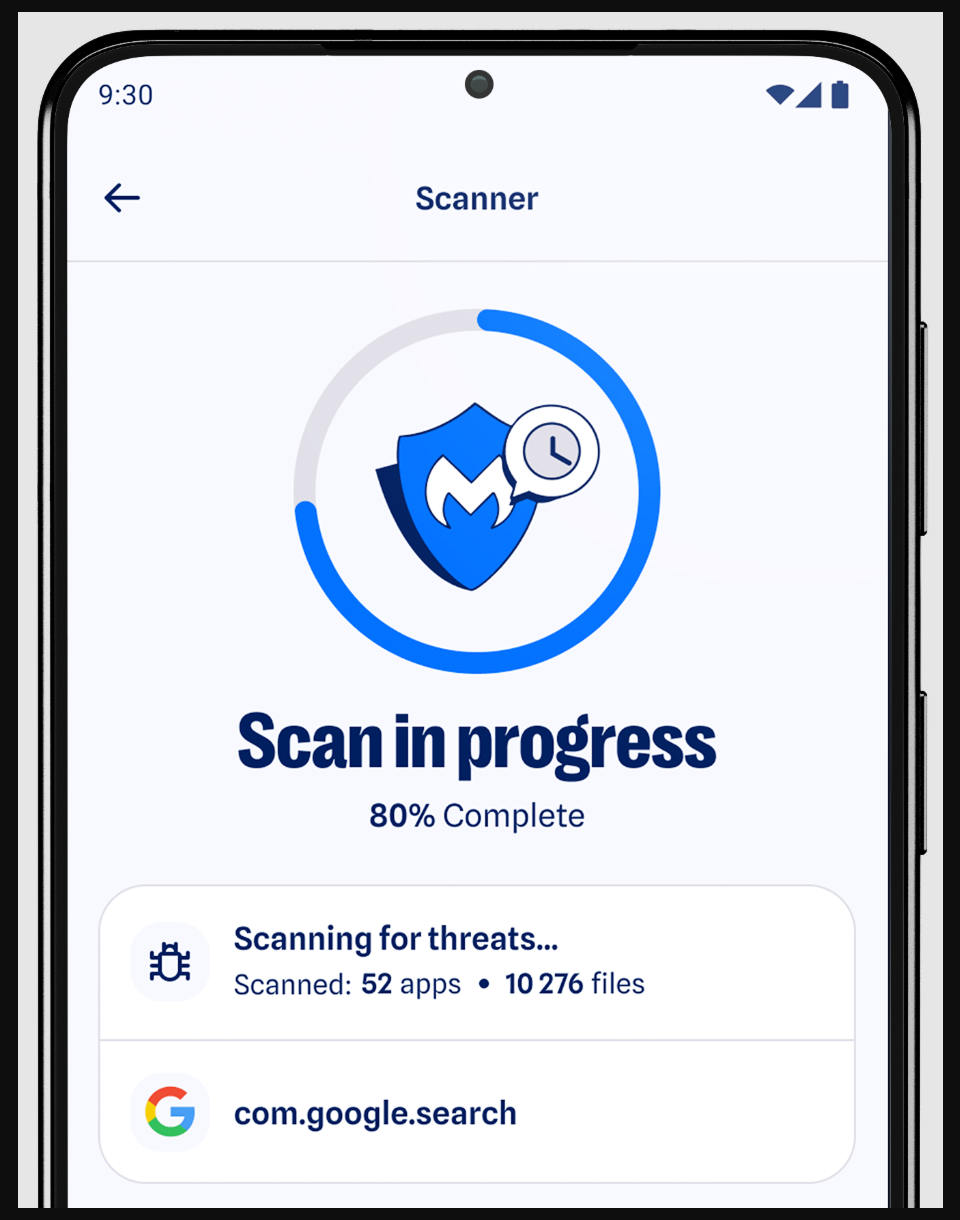
The Android protection offer from Malwarebytes is optional and affiliate-linked. It does not replace the free account steps or the need to resolve a recurring detection.
Step 6: Plan a verified return to banking and messaging
If the app returns or you can’t establish control, use the MalwareTips Android support forum or your manufacturer for advice. A managed phone needs its own administrator.
Confirm important backups and the Google account used to set up the device before considering any reset. A reset deletes local data and won’t undo a transaction or message exposure.
Have the bank help you enroll a trusted device and verify the new login yourself. Check your messaging sessions again before returning to any conversation that may have been exposed.
Frequently Asked Questions
Did Sturnus break end-to-end encryption?
No, the research describes acquiring information after the phone displays it. The distinction matters because switching services without replacing or cleaning the device won’t necessarily solve the problem.
Does any enabled accessibility service mean the phone is infected?
No, many legitimate apps use accessibility with your consent. Compare which service is enabled, what it belongs to and whether you expected it to be running.
Is a black screen proof of an attack?
No, a dark display has many ordinary explanations. If it appeared with a recent suspicious installation, unexplained payment or verified app alert, investigate the combination rather than the symptom alone.
Is Chrome responsible for the fake update?
The disguised application is distinct from the legitimate Chrome browser. If you need an update, use the verified publisher’s Google Play listing rather than an unrelated prompt.
Can I change a banking password on the same phone?
Don’t use a phone that may still be compromised. Secure the account from a device you trust and ask the bank to review what old sessions can still do.
Is an old message still safe after removing the malware?
Removal can’t recover private information someone may already have seen. Use your best available timeline to decide what was visible, and get advice before notifying high-risk contacts.
The Bottom Line
Don’t trust a phone with new bank codes or private messages if it may be running Sturnus. The threat concerns what the phone displays, not simply which service you use.
Move sensitive activity to another device, check accounts directly, then remove the verified unwanted software. If the suspect app resists removal, ask for help before reconnecting or resetting.

Join the discussion
0 commentsShare your experience or ask a question about this article.
Community experiences
Did this happen to you?
Your experience could help someone recognize the same scam. Submit a private report for our team to review.
I experienced this tooReports are reviewed before publication. Sharing publicly is always your choice.
Discussion
Start the conversation
Have a question or something useful to share? Add the first comment.