


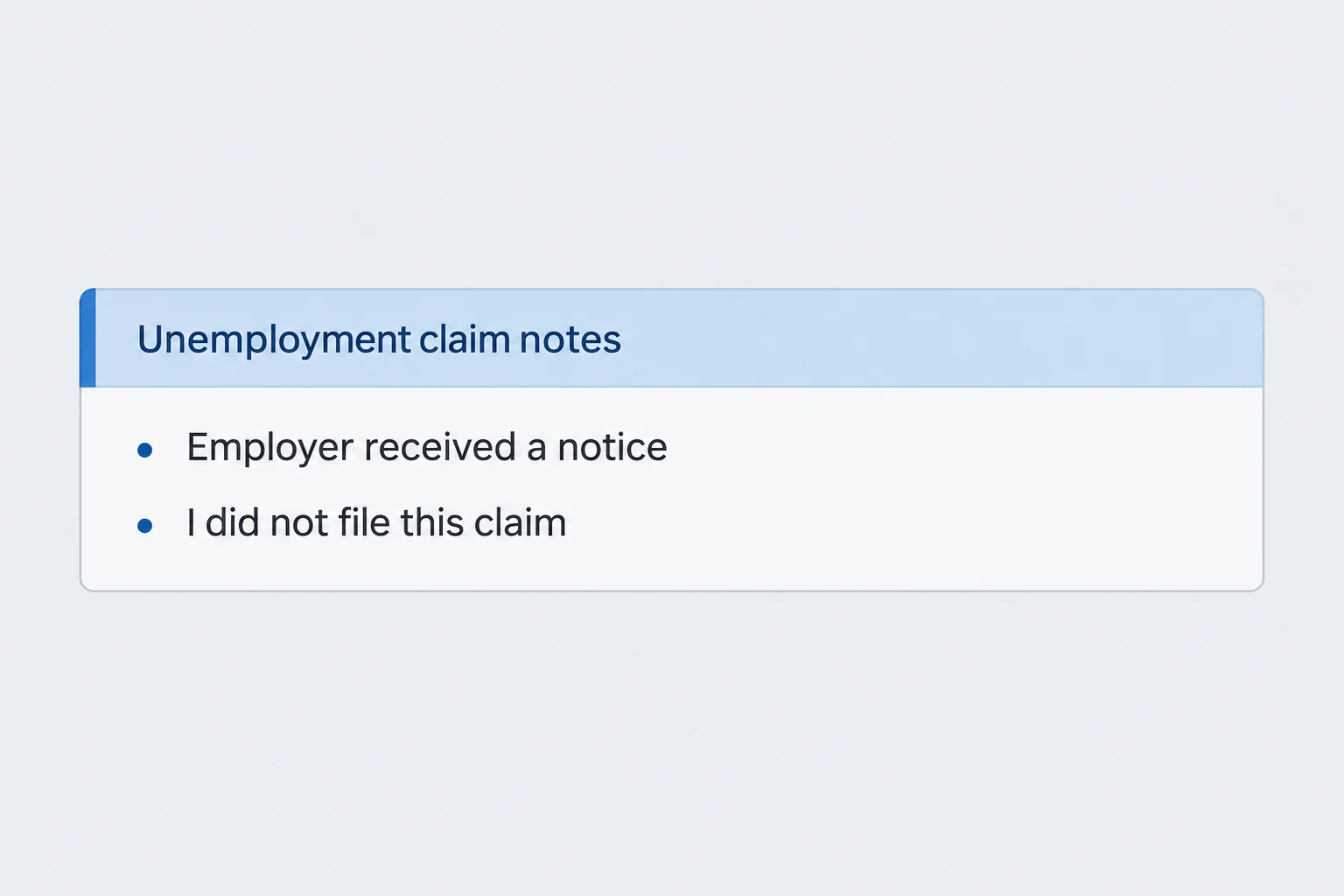
Your employer asks about an unemployment claim you never filed. You’re still working, and the notice is from a state you don’t even recognize.
Start by separating two things: whether the notice is genuine and whether the claim is yours. The answers can be different, and both matter.
Overview
A genuine notice can expose a fraudulent claim
Unemployment identity fraud can start with someone filing a claim in your name. An employer may get the first official notice, before any benefit or tax document reaches you.
The U.S. Department of Labor’s guidance identifies an unexpected request to an employer as a warning sign. You do not have to wait for a tax form.
Ask which state sent the notice, what kind of notice it was, and whether a response is due. Those details matter more than whether HR has seen it before.
Keep the employee, employer, and state roles separate
- As the worker, tell the issuing state that you didn’t file the claim and ask how to document suspected identity misuse.
- If you’re the employer, verify the notice and provide accurate employment facts through your established channel by the deadline that applies to you.
- If you already collect benefits, tell the state whether you see a new claim or an unexpected change to your existing claim or payment destination.
One report can support another, but the employer’s response does not guarantee the agency has recorded your identity fraud report. Keep the two confirmation records separate.
Verify the agency without sending more identity data
Use the Department of Labor’s state directory and open the issuing agency’s official website independently. Do not use a search ad or a link in an unexpected message.
Ask the agency whether it issued the notice and how to report it if you never applied. An agency may need identification through an approved secure route.
Do not send copies of identity documents to a number or address from a message you haven’t verified. A fake request for verification can look like the real process.
What to Ask HR Before the Notice Deadline
Get the details without circulating the whole notice
Reply through your normal work channel or call HR using the staff directory. Tell them you did not file the reported claim, if that is true.
Ask which agency issued it, the notice date, and which form or case reference you can safely share. Keep photos of the notice out of group chat.
The employer may hold information it cannot disclose in full. A notice type, issuing state, and relevant reference can still be enough to start an official fraud report.
If HR sends you a copy, keep it securely. Blur personal identifiers before sharing it outside the employee, agency, or authorized adviser who needs the actual information.
Employer response windows vary by form and state
In California, EDD’s employer guidance describes different notices for initial claims, determinations, and wages used. They serve different purposes and can have different deadlines.
For example, California describes a ten-day response window for employers who receive the initial claim notice DE 1101CZ. That is not a national deadline for every worker.
If your employer sees something similar from another state, look up that state’s instructions. Use the due date on the independently verified notice, not a general article’s example.
Ask HR to keep a copy of its response and note how it was submitted. You need a record if the agency asks later whether the employer responded.
State the facts without deciding the case for the agency
If the person works for you, state their actual employment status and dates. If they never worked for you, say what your records show without identifying another employee unnecessarily.
Don’t mark every claim from a current employee fraudulent. Reduced hours, earlier employment, and state-specific rules can complicate eligibility, even when someone is still at work.
If the worker says they didn’t file, include that fact in your response. The agency decides how to investigate and what documentation it needs.
Find the Correct State and Create a Record
Start with the state that issued the notice
On the Department of Labor’s unemployment fraud directory, locate the agency named on the correspondence. Follow its identity-fraud reporting route rather than filing a claim.
Tell the agency you did not submit the claim. Provide the notice reference, the date you learned about it, and whether you received any money or debit card.
You might receive a letter from a state where you’ve never lived or worked. Report it to that state rather than assuming your home agency can remove it.
If you receive separate notices from multiple states, report each one to its issuer. Keep one private list of dates and case numbers so records don’t get mixed up.
Ask how the agency marks and investigates an alleged false claim
Ask for a confirmation number or another way to follow up. Agencies may not acknowledge every report immediately, and a missing receipt does not mean the case is resolved.
If the agency requires a sworn document or police report, ask where to submit it securely. Write down whether this is required for your case or optional documentation.
Tell the agency if you are about to file a legitimate claim yourself. Ask how to proceed without taking ownership of a claim you didn’t make.
If you made a report but didn’t hear back, confirm the state used the correct contact information. Follow up through its listed channel before submitting repeated reports.
Know when you are dealing with an account takeover
If you already had a legitimate claim, an unexpected change to your payout account or address can indicate someone accessed it. Call the agency through an official channel.
Identify the last payment you expected and the first one you didn’t receive. Ask the agency to review the payment and the change, rather than starting a duplicate claim.
Change credentials through the genuine portal if the agency advises it and you still have access. Secure the email account that receives recovery messages if it may be compromised.
Where supported, turn on multifactor authentication and check contact details after regaining control. Don’t assume changing a password will undo a payment that has already been redirected.
How to Handle an Unexpected Benefit Payment or Tax Form
Leave an unexpected benefit payment untouched
If a debit card, check, or direct deposit arrives for benefits you didn’t request, do not activate, spend, forward, or cash it. Ask the issuing agency what to do.
If someone offers to collect it personally, do not hand it over. A legitimate agency can explain the appropriate procedure through contact details you found independently.
Record the date and issuer without copying account details unnecessarily. Your bank can trace a deposit if money appeared in an account before you knew about the claim.
Request the correction from the issuer of Form 1099-G
If you receive a federal tax form for benefits you never got, check the issuer and Box 1. Compare the amount with any unemployment you actually received.
IRS guidance on unemployment identity theft directs taxpayers to the issuing state for a corrected form. It says to report only income actually received.
Keep the state fraud report with your records. If a tax notice arrives, use the IRS’s official correspondence route and respond by its deadline rather than ignoring the notice.
If you actually received part of the amount or have an unusual filing situation, ask a qualified tax adviser about your records rather than assuming the entire form is wrong.
If the tax form was your first clue, our guide to correcting a 1099-G you weren’t expecting covers the payer and tax year, including errors unrelated to unemployment identity theft.
If HR’s notice came first, keep it with the tax records without assuming any benefit was paid. The state can confirm the claim and whether any payment actually left.
Preserve any separate overpayment or appeal deadline
A fraud report, tax correction, and overpayment determination are different matters. A confirmation for one isn’t proof that the others have been withdrawn.
If you receive a decision saying you owe money, independently verify it and ask the agency which appeal or dispute process applies. Keep proof that you responded on time.
A little preparation makes the call easier. Have the notice date, claim reference, ordinary case number, and fraud report confirmation available, but share them only with the correct agency.
What to Do If You Discover a Claim You Never Filed
- Note the issuing state and notice date. Verify the sender through the Department of Labor’s directory before responding or uploading identification.
- Notify your employer through its normal HR channel. Ask it to respond to any genuine employer notice and keep a record of when it did.
- Report the claim to the state that issued it. Tell the agency if you received benefits or if someone may have redirected payments from a genuine claim.
- Preserve any notices, payment records, and report confirmations. Leave unexpected benefits untouched until the agency explains the proper handling.
- If a 1099-G is wrong, request correction from the issuer and retain its response. Raise any separate appeal or decision deadline when you contact the agency.
- Use IdentityTheft.gov for a recovery plan if your personal information was used. Review your credit accounts for anything that doesn’t belong to you.
- Consider a free credit freeze with each of the three bureaus if new credit is a concern. This does not stop or correct a state benefits claim.
Write down the next promised step before finishing an agency call. Knowing who is responsible for a correction helps you notice if the case is passed to the wrong office.
Don’t pay an outside service that guarantees deletion of the claim. Decisions and corrections belong to the state agency or another authority handling the particular record.
If your agency says it has no such claim, keep the notice and record that answer. The message might be an impersonation attempt, not an actual claim.
Track What Each Office Has Confirmed
Make a short list for the next call
Put the employer notice in one row and the state fraud report in another. Add the date of any determination, a tax-document issue, or a questionable payment separately.
Record a follow-up date for each unresolved matter. If you talk to a different employee next time, you can give the correct reference without retelling everything.
When someone says the claim has been flagged, ask what that status means. It may not mean the state has finished investigating or corrected every related record.
Confirm the right records before closing the file
Match any corrected notice to the tax year, claim, and issuing state where the problem occurred. A correction from one agency does not address a different state’s claim.
When the state confirms a payment was redirected, keep its record of the payment and any instructions it gives. Don’t attempt to locate or contact the recipient yourself.
If a legitimate claim needs to continue while the report is open, ask the agency how to certify for benefits or meet deadlines without interfering with its review.
Keep an official answer distinct from a new solicitation
If a caller knows the reference from your earlier report, that alone doesn’t identify them. Call the agency with independently sourced contact details and ask for the relevant team.
If you receive a link to upload identification, check that the agency actually directs you to that service. Ask whether there is an alternative if the link cannot be verified.
Tell a family member who helps you manage paperwork which state you contacted. They can recognize a genuine follow-up without posting copies of your notice in public.
Frequently Asked Questions
Should I wait for a 1099-G before reporting this?
No, because a state notice or employer inquiry is enough to start checking. Report the suspected claim to the issuing state even if no payment has reached you.
Can a claim appear in a state where I never worked?
Yes, the Department of Labor lists unfamiliar states as a possibility. Contact the agency that issued the notice and explain your work and residence history accurately.
If HR responds, do I still need to report identity fraud?
Yes, because your employer’s response addresses its employment records. You should contact the issuing agency yourself to document that you didn’t submit or authorize the claim.
Why did I receive unemployment paperwork if I’m still employed?
The notice might reflect identity fraud, an error, or an otherwise legitimate claim. Verify the paperwork and ask the state what claim it is associated with.
Does an IRS identity theft affidavit fix an incorrect 1099-G?
Not by itself, because the employer or state benefits record is separate. For an inaccurate unemployment form, start with the state and follow the IRS’s specific guidance.
What if the notice references a real claim I filed?
Check whether a payment destination or other account detail changed. Tell the agency that you recognize the original claim but did not authorize that particular change.
The Bottom Line
Tell the issuing state promptly if HR discovers an unemployment claim you didn’t file. Keep your own fraud report and ask your employer to handle its separate response.
Don’t spend unexpected benefits or hand documents to an unverified contact. Track each tax correction, claim dispute, and appeal separately until the appropriate agency confirms the outcome.

Join the discussion
0 commentsShare your experience or ask a question about this article.
Community experiences
Did this happen to you?
Your experience could help someone recognize the same scam. Submit a private report for our team to review.
I experienced this tooReports are reviewed before publication. Sharing publicly is always your choice.
Discussion
Start the conversation
Have a question or something useful to share? Add the first comment.