


A caller says your service qualifies you for help you haven’t claimed. They sound sure about the benefit and know details you don’t remember sharing.
Before you hand over a document or agree to a fee, there’s one thing worth checking: who is actually offering to help?
Overview
Real benefits give a false offer something to borrow
VA benefits scams don’t always invent a benefit. A caller can take a real program, describe it accurately, and still have no authority to handle your application.
Some offers promise a faster decision or a guaranteed disability rating. Others say you owe money or need to update the bank account that receives your benefits.
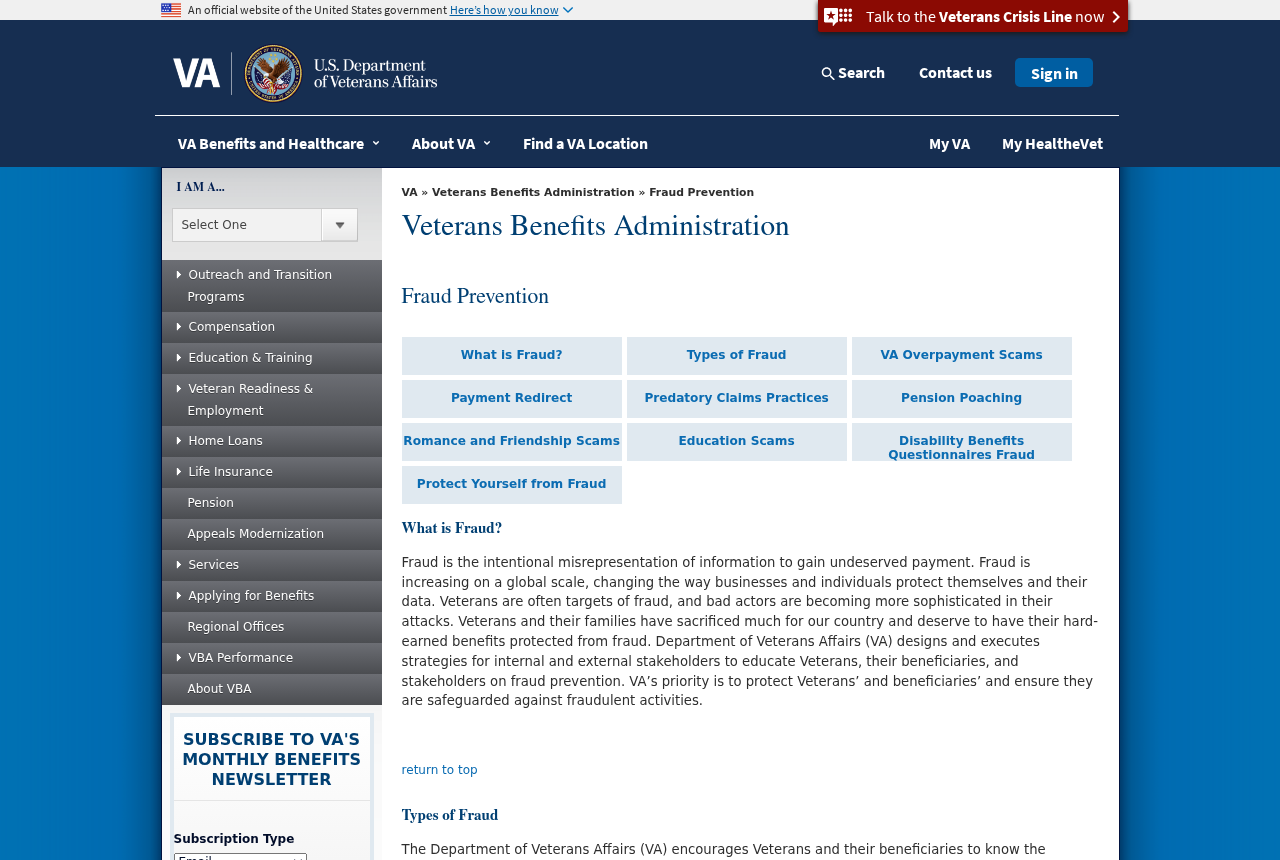
The Veterans Benefits Administration’s fraud guidance describes bogus overpayment notices, payment redirection and predatory claims practices. These are different ways to exploit the same trust.
The Department of Veterans Affairs is real. An unsolicited message claiming to act for it isn’t the place to send a payment, a password, or a disability record.
An initial claim is different from an appeal
You don’t have to pay someone to help file an initial VA benefits claim. The VA lists free help and explains how to check a representative’s accreditation.
A VA-accredited attorney or claims agent may be able to charge for qualifying work after an initial decision. That doesn’t make a fee for initial filing legitimate.
An accredited Veterans Service Organization representative provides help with benefit claims for free. If the fee explanation is vague, pause before you appoint or pay anyone.
You can ask a verified representative to explain where your claim stands without sharing your VA sign-in. The ability to help with forms isn’t permission to take your password.
Three checks can stop three different losses
- For a claims offer, verify the individual’s accreditation and whether the proposed work is for an initial claim or review after a decision.
- For a debt notice, confirm that the debt exists through a VA channel you opened yourself. Don’t use the caller’s payment instructions.
- For missing benefits, check whether the VA has the correct payment destination. Contact it promptly instead of assuming the bank is running late.
These checks aren’t tests of how convincing the person sounds. They take the most important question out of that person’s hands.
How the VA Benefits Scam Works
Step 1: The approach starts with a benefit you recognize
A social media ad might mention disability compensation or a program you saw in the news. An unsolicited caller could say they work with veterans in your area.
Some people hear a different story: an official sounding notice says a benefits payment was too large and the excess needs to be returned immediately.
Both approaches use familiar language to make the request feel like ordinary VA business. You can verify the program without trusting the person who mentioned it.
Step 2: The offer turns into a private task you must complete
In the claims version, the next request may be to sign an agreement or send medical and service records so someone can get started.
For a supposed overpayment, the message may insist you use a particular repayment route. The threat of losing benefits can make it hard to slow down.
A request to update payment details may also be framed as a security measure. Don’t treat the instructions as safe because the message mentions a genuine deposit.
There’s no need to decide whether the approach is fake while someone is on the line. End the conversation and go to the VA yourself.
Step 3: The request puts your money, data or account at risk
A predatory agreement can put you on the hook for money even if the company never had a special way to get the claim approved.
A fake debt demand can lead you to pay someone who has nothing to do with the VA. The real balance, if there is one, remains unresolved.
Someone who collects enough personal details or obtains account access can also try to redirect a benefits payment. That loss might not show up until a deposit is missing.
One bad interaction can involve more than one request, but not every case does. Tell the VA what you actually sent, signed, or changed.
How to Check an Offer Without Handing Over Your Records
Verify the person, not the logo
Use the VA’s guide to accredited representatives to find the right type of help and reach its search tool from there.
Check the individual by name. An office name, service emblem, or testimonial from another veteran isn’t the same as an accreditation record for your representative.
A real person may be impersonated too. If an ad names somebody in the directory, contact that person through a route you confirmed separately.
Ask who will prepare the claim and who will be listed on the appointment. Keep the answer with any agreement you are asked to sign.
Ask exactly which work the fee covers
Ask whether the work is an initial filing, a decision review, an appeal, or something else. Don’t agree to a fee just because someone calls it a consulting charge.
A legitimate representative can tell you what they’re doing, when a fee would become payable and whether no-cost help is available for that stage.
A promise to skip the queue or guarantee a rating isn’t a decision from the VA. Don’t give up money or signing authority on the strength of that promise.
If you’re unsure what you signed, don’t rely on the company to interpret the agreement for you. Bring the complete copy to a verified representative or legal adviser.
An appointment is an authorization, not a password
The VA explains that different appointment forms are used for organizations and individuals. Read the names and purpose before signing anything.
If you’ve worked with a VSO before, ask whether a new appointment replaces the one you already have. Don’t sign a blank form so another person can complete it later.
A representative may need particular records through an approved channel. They don’t need the verification code you just received to prove that you’re ready to speak with them.
Check how records are shared, who receives them and what you can withhold until the role is clear. It’s reasonable to ask before emailing sensitive information.
Missing Payments and Overpayment Notices Need Different Calls
If a monthly deposit didn’t arrive
Compare the expected payment with your bank records. Note whether the payment is missing, the amount is different, or your bank shows it was rejected.
Contact the VA through its established benefits channel and ask whether the payment was issued. Ask it to verify the deposit information it has on file.
If your details were changed without permission, make that clear. Ask what the VA needs to investigate and whether any upcoming payments can be protected.
A bank can tell you what reached your account, but it may not see where the VA sent a payment after a change.
If a message says you owe a debt
A bogus overpayment notice can seem plausible if a recent claim changed your monthly amount. A real adjustment still doesn’t make the message’s payment link trustworthy.
Start at the official VA website and go to the relevant debt-management or benefits service. Ask whether there is an account balance and how to review the notice.
Don’t send money to keep the issue quiet. A legitimate dispute or repayment arrangement belongs with the VA, not with a caller who pressures you to decide immediately.
Keep the message and the actual notice separate. If the dates or amounts don’t agree, point out the discrepancy when you call.
What to Ask When Someone Offers to Review Your Claim
Start with the stage your claim is in. Someone who says they can help may be discussing a different stage from the one you actually need.
Ask for the name of the individual doing the work. If you only have the company name, don’t let that substitute for a person you can verify.
Then ask whether you’re authorizing advice, representation, or something broader. Read the actual appointment form and agreement instead of relying on a summary over the phone.
Keep the proposed fee in writing. If it depends on the outcome, ask exactly what it is calculated from and when the provider says it becomes due.
Don’t sign a document that gives the company a bigger role than the one it described. A follow-up appointment is a reasonable time to review any unclear wording.
When you get a decision, keep the original notice somewhere safe. The decision and its instructions are a better starting point for review than a stranger’s deadline.
A person rushing you to send the only copy of a record is not doing you a favor. Use the official submission route or one your verified representative confirms.
Make sure family members know where to find the official channels too. An offer sent to a caregiver can be just as persuasive as one sent to a veteran.
For a surviving spouse, the names on the benefit and the bank account may differ. Check which person the request actually concerns before handing over either person’s information.
If one message refers to disability benefits and another to pension, don’t assume they are about the same claim. Ask the VA to identify the record at issue.
Keep private copies of any fee or representation agreement that you already signed. If you seek a second opinion, bring the full document rather than only its signature page.
Don’t pay a second company to fix paperwork merely because the first company won’t answer. Ask an accredited representative which part, if any, really needs correcting.
Good help should leave you knowing where your claim stands and what the representative is authorized to do. It shouldn’t leave you locked out of your own account.
What to Do if You Have Fallen Victim to This Scam
- End the conversation. Don’t send another fee, approve a sign-in prompt, or submit additional documents while someone waits on the phone.
- Contact the VA independently. Tell it whether the issue concerns a claim, alleged debt, missing payment, or a change to direct deposit.
- Tell your bank if money moved. Give it the payment reference and destination. Ask about stopping, disputing, or recalling the transaction that was actually used.
- Secure the affected sign-in. If you handed over credentials or codes, use the official account provider’s recovery process and ask the VA to review unauthorized changes.
- Get independent advice on paperwork. Save signed forms and fee agreements. Ask a verified VA representative how to check any appointment or claim made in your name.
- Protect exposed identity information. If you sent a Social Security number or identity document, use IdentityTheft.gov to see what steps fit the information shared.
- Keep a record. Write down the date, amount, requested action, names used and what you disclosed. Keep records private when they contain health or service details.
- Report the approach. Use the VA’s fraud resources to find the correct reporting channel, then keep the reference number.
An unsolicited offer to recover a benefits payment for a new fee is another reason to stop. Continue through the bank and VA contacts you verified.
If you’re helping a parent or another relative, start by asking what they were told. It’s easier to learn what needs protecting when nobody is being blamed.
Help them make the call if they want support. Don’t forward their records to a third party or sign in as them merely to speed things up.
If the approach involved a downloaded file, unexpected remote access, or an app, mention that separately. A change to the benefit record and a device problem need different remedies.
Frequently Asked Questions
Can someone charge me to file my first VA benefits claim?
Don’t pay for help filing an initial claim. You can seek help from the VA or an accredited VSO representative without paying a filing service.
Is every paid VA representative a scammer?
No. Accredited attorneys and claims agents may charge for certain work after an initial decision. Verify accreditation and what the proposed fee covers before signing.
Can an outside company guarantee my disability rating?
No. A private promise can’t set the VA’s decision. A guaranteed rating is a reason to walk away from the offer, not to pay a higher fee.
Should I repay an overpayment using a link in a text?
No. Check the actual debt through an official VA route. Only use the payment methods the VA confirms for your verified account.
What should I check if my VA deposit is missing?
Contact your bank and the VA. Ask whether the payment was issued and whether your direct deposit details were changed without permission.
What if someone has my service records but I haven’t lost money?
Tell the VA what you shared and ask which account or claim changes to check. If identity information was included, review recovery steps for that exposure too.
The Bottom Line
Don’t pay someone to file an initial claim or follow repayment instructions from an unexpected message. Use a verified VA channel or an accredited representative you found independently.
If you’ve already paid, signed, or shared account details, contact the VA and, where money moved, your bank. Ask them to check the specific action you took.

Join the discussion
0 commentsShare your experience or ask a question about this article.
Discussion
Start the conversation
Have a question or something useful to share? Add the first comment.