


The call comes while you’re trying to get payroll out. The person says they’re from your bank, and they know enough about your company to sound familiar.
Then they ask you to do something you’ve never had to do before. That’s the moment to put the phone down.
Overview
Find out who actually moved the money
Small business banking scams can produce nearly identical lines on a statement. What happened before the money moved is what your bank needs to know first.
One owner approves a payment because a caller claims the money must be moved for safekeeping. Another discovers a payment nobody at the company authorized.
A third owner finds a debit even though nobody logged in. Money can leave a business account through a payment instruction that doesn’t require using your password.
The response starts with an accurate description. If a scammer talked you into releasing a wire, tell the bank that. Don’t describe it as a stolen password.
If you found an unfamiliar debit, explain which employees can authorize payments and whether anyone recognizes the company pulling the money.
A good reason to call the bank isn’t a reason to trust the caller
A real fraud alert can be worth acting on quickly. The safe move is to open a new conversation with your bank, not follow instructions from the alert.
A caller may know your company name, the bank you use, or a transaction you’ve made. Those details don’t give the caller the authority to move your balance.
Sometimes the request is framed as an account check. A code or approval you provide may be doing something else entirely.
Stop at the first request you weren’t expecting. You don’t have to settle whether the first call was genuine before checking with the bank.
Three facts beat a convincing story
Get the bank’s number from your card, an existing statement, or the banking app you already use. If you’re using a computer, open your saved banking address.
- Who initiated the request: a named employee, a supplier, a caller, or nobody you recognize?
- Where is the money supposed to go: a saved beneficiary, a new account, or a company that originated a debit?
- What actually happened: a pending instruction, a posted payment, an unexpected approval prompt, or a charge nobody can identify?
It’s fine if you can’t answer all three. A partial account of what happened is more useful than waiting for the next statement to fill in the gaps.
The Calls, Messages and Account Changes That Cost Businesses Money
The fraud desk that wants you to make a transfer
Imagine someone calling just after you send a supplier payment. They say they can see a suspicious transfer and offer to help you protect the account.
A purported safe account isn’t a parking place controlled by your bank just because the caller says it is. Stop if moving money is their proposed solution.
A real banker can explain which payment they’re concerned about through the bank’s established channel. You can contact the bank yourself even if a caller objects.
Ask whether there’s a pending transfer and whether it can be restricted. Don’t make a second transfer to compensate for the first one.
The sign-in prompt that isn’t about signing you out
A message about a locked business account can be alarming if payday is close. That’s exactly when you’re least inclined to inspect how you reached the sign-in page.
If a link takes you to a form, the familiar logo tells you very little. Close it and open the bank where you normally do.
Read any approval request on the device where it appears. A prompt that mentions an unfamiliar amount or beneficiary isn’t a simple identity check.
You can ask the bank to explain a legitimate step without sharing a code with a caller. Someone telling you to ignore the wording is another reason to stop.
The invoice is real, but the payment details aren’t
The amount can be right and the due date can be right. If the destination changes, the payment itself still needs independent verification.
That matters even when the new instructions arrive in a thread you’ve used for months. A compromised mailbox can send from an address you already trust.
Call the supplier using contact information you’ve already verified. Don’t take a new number from the same email that introduced the changed bank account.
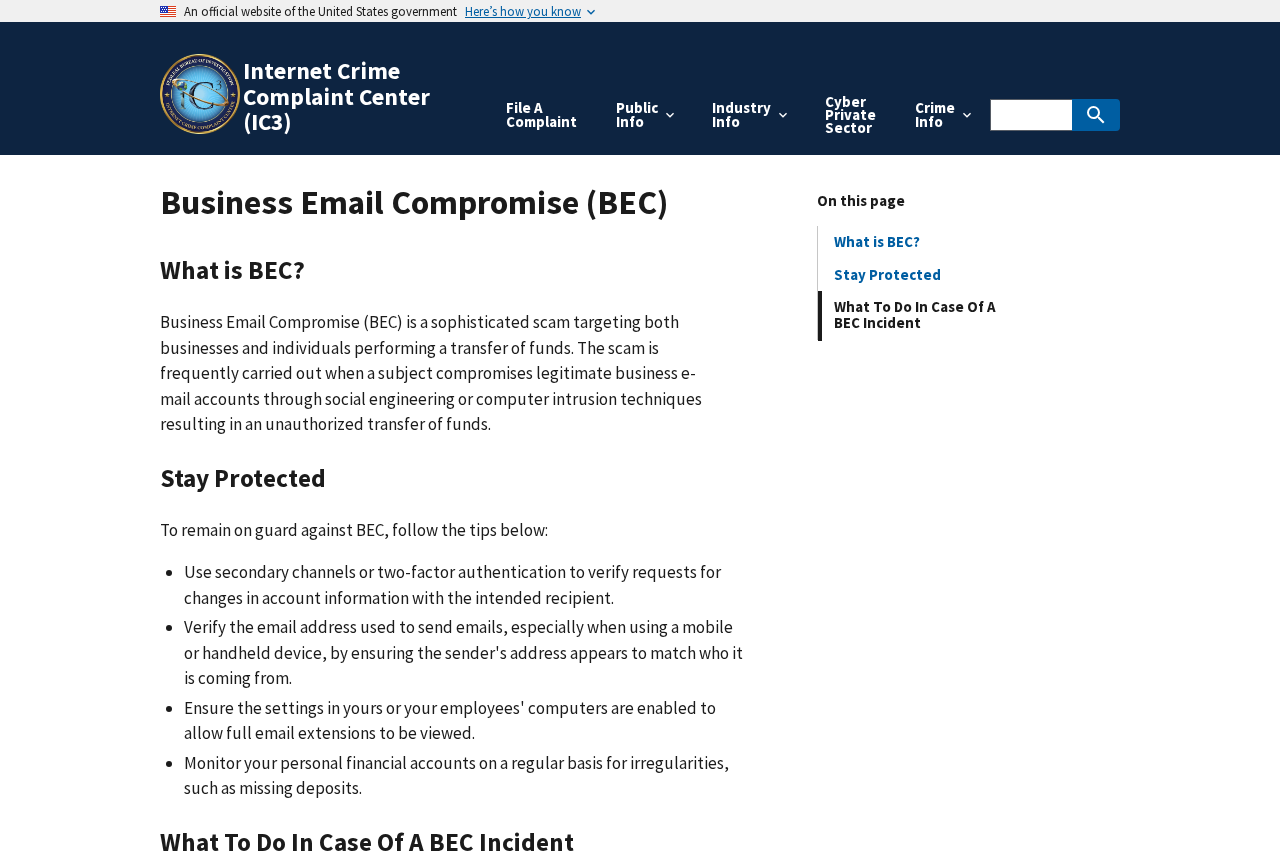
The FBI’s business email compromise guide recommends a second channel when account information changes. The point is to reach someone outside the conversation that introduced the change.
Confirm what the supplier wants before updating the permanent vendor record. Otherwise, one bogus change may affect more than one invoice.
A strange debit doesn’t automatically mean your login was stolen
An ACH debit pulls money from the account. A wire is a different payment type. Ask the bank to identify the transaction rather than relying on its abbreviated description.
A payroll provider, payment processor or tax service might use a name you don’t see on its website. Check your own agreements and records for a match.
If you cannot match it, don’t wait to see whether it repeats. Ask the bank which company originated it and what options you have for that specific debit.
A password change won’t necessarily stop a company from trying another debit. Ask the bank about the available controls and the effect on legitimate debits you still need.
A new payee can matter even when the balance looks right
Check for changes to recipients, limits and alerts. A new payee may be more revealing than the current balance if no payment has gone out yet.
If your bank shows account users separately, see whether a new user or device appeared. Ask bank support to confirm what you can see and what they can check.
An unexpected alert disappearing from an inbox is worth investigating too. A mailbox problem can hide payment notifications without changing anything in the bank app.
Check the payment queue before sending payroll or reconciling month-end. A posted balance won’t always show a transfer that hasn’t reached its scheduled release time.
Change the Routine Before Someone Tests It
Give payment changes a different path from ordinary invoices
Keep verified vendor contacts where staff can reach them without opening an invoice attachment. A callback rule fails if the only number available comes from the suspicious message.
For a new destination, have one person record the change and a second verify it independently. Both should see what changed, not just the amount to approve.
If your firm has two employees, put the rule in writing anyway. The finance assistant should know a late approval is safer than a rushed exception.
For a one-person business, independent verification still works. Call the vendor from an existing number, then keep a note of who confirmed the change.
Use permissions that match the job
A bookkeeper might need statements and transaction history without needing permission to add beneficiaries. A payroll operator may need a different set of permissions.
Ask the bank whether it offers separate users, alerts for new payees, payment limits, or dual authorization. Availability depends on the business account and provider.
Give each operator their own access. When someone leaves, revoke their user rather than changing a shared password that the whole office knows.
If you use a contractor, agree in advance who handles urgent calls from the bank. Don’t leave that decision to the busiest person in the office.
Decide which alerts someone will actually read
An alert sent to an unused inbox is easy to miss. Send transfer and beneficiary notifications to people who can take action when they arrive.
Review how you cover evenings, holidays and payroll days. The best escalation plan starts with names and a verified phone number, not another shared folder.
Keep the company’s incident contact list available even if email is down. A banking problem can coincide with a compromised mailbox.
If your bank offers debit filtering, ask how approved originators are set up. A blanket restriction might also stop legitimate rent, tax or insurance payments.
Record a baseline of expected payees and recurring charges. That gives staff something concrete to compare with the next unfamiliar line on the statement.
A Five-Minute Drill for the Next Payroll Day
Pick a day when no real payment is waiting. Ask the person who normally runs payroll to show how they’d verify an urgent message from the owner.
Do it without sending an imitation bank message or collecting credentials. A conversation is enough to find out whether the worker can locate the real approval procedure.
Try the same question for a supplier changing its account. Can staff find a number they trust if the business owner is on a plane?
If the answer is no, put the missing contact or instruction where they already work. Adding another document somewhere they never look won’t fix the problem.
Agree on a sentence anybody can use to pause the payment. For example: “The account changed, so we’re holding it until the supplier confirms.”
Decide who covers a genuine emergency after hours. A scammer shouldn’t be able to manufacture approval simply because only one person is answering messages.
Give each bank account a named owner and backup. The person calling the bank should know which provider handles the payment, particularly when payroll and operating accounts differ.
Then check the rule again after a change of staff or bank. The callback number that worked last year may not reach the right team now.
If a procedure is too slow for routine work, simplify it rather than allowing permanent exceptions. Protect new destinations and changes first; ordinary invoices can stay ordinary.
What to Do if You Have Fallen Victim to This Scam
- Contact the bank immediately. Use its established fraud channel. Give the amount, time, transaction ID, payment type and whether anyone at the business approved the instruction.
- Ask what can still be stopped. A scheduled payment and a completed wire are different situations. Ask about cancellation, recall, reversal or a dispute for the exact transaction.
- Protect the remaining money. Ask the bank to review pending payments, payee changes, access and any limits that should be set while you investigate.
- Use a different trusted device if needed. If you installed something or gave someone remote access, tell your IT contact before using that device for banking again.
- Protect the work mailbox. Have IT review active sessions, inbox rules and forwarding if invoice threads or bank alerts may have been exposed.
- Save a timeline. Keep the original email or text, bank confirmation and time of each call. Record what you remember about approvals while the details are fresh.
- Alert the people who can prevent the next payment. Tell the finance owner and affected supplier using known contacts. Share the change to watch for, not login details.
- Make a report after the bank call. In the US, report internet-related fraud to IC3. Keep the reference alongside your bank’s case number.
Don’t promise a supplier that a recall will work. Give them the case reference you can share and agree how to handle the real invoice while the bank investigates.
If you used several accounts or payment providers, check each one separately. An issue on your main account doesn’t tell you what happened in a separate payroll service.
Your bank may need a written statement or supporting records. Ask for the deadline and the right place to send them. Keep copies of what you submit.
Check deadlines promptly even if the transaction is small. Business account protections can differ from consumer protections, and the route can depend on how the payment was authorized.
Frequently Asked Questions
Should I transfer my balance if a fraud caller says it needs protecting?
No. End the call and contact the bank yourself. Ask the real fraud team what it sees and whether it can restrict the account.
Can I still report a payment that I approved?
Yes. Explain that you approved it because you were misled. Ask immediately whether the bank can stop or recall it and what evidence it needs.
Should I send a replacement payment to the real supplier right away?
Verify their original instructions and tell them what happened. Coordinate with them and your bank before sending more money, particularly if the status of the first payment is unclear.
Does an unauthorized debit prove someone signed into my account?
No. A debit can originate outside your online banking session. Ask the bank to identify the originator and check whether anyone also changed your account settings.
Is a separate callback needed when I recognize the email address?
Yes, when payment details change. Even a real mailbox can be compromised. Reach the supplier using a number you already verified.
What if a caller didn’t get any money but I approved a prompt?
Call the bank now and explain exactly what the prompt said. Ask it to review recent access and pending transactions rather than waiting for a charge.
The Bottom Line
Don’t let a caller, text, or email redirect company money. Verify changes through a number or banking channel you already trust, even when the payment can’t wait.
If you already approved something or spotted an unfamiliar debit, call the bank now. Tell it how the transaction happened and ask what it can still stop.

Join the discussion
0 commentsShare your experience or ask a question about this article.
Discussion
Start the conversation
Have a question or something useful to share? Add the first comment.