

For this thread, I will be posting setup screenshots from Vuze Leap and Vuze Torrent Client, and any unwanted software.
In the first round, I have no Anti-Adware specific software installed to prevent, only controlled and educated mouse-clicks.
In the second round, I have installed Unchecky to test if it can protect against Click-Happy users.
Contents:
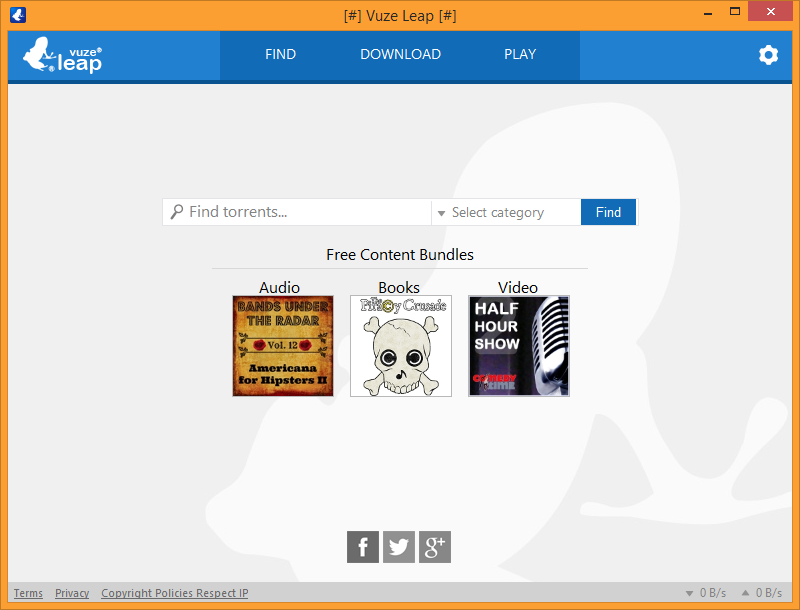
Screenshot 1: Default screen for Vuze Leap.
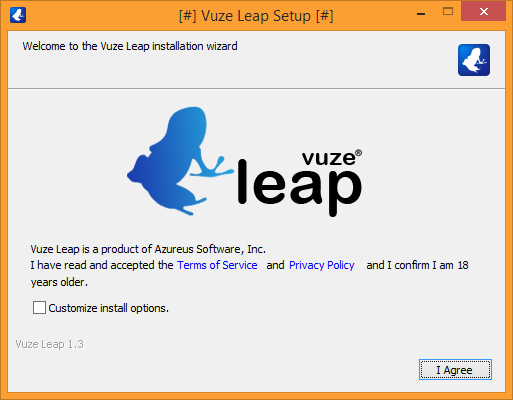
Screenshot 2: Marking 'Customize install options' will bring you this screen.
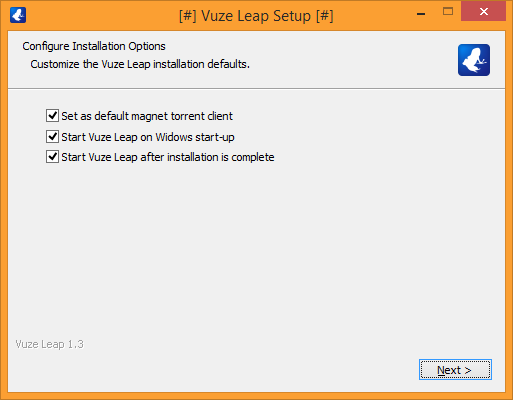
Screenshot 3: Before Leap is installed you will be get a 'Search Offer' aka Yahoo Toolbar or Vuze Toolbar powered by Yahoo Search.
Clicking on CANCEL will only REJECT the SEARCH OFFER.
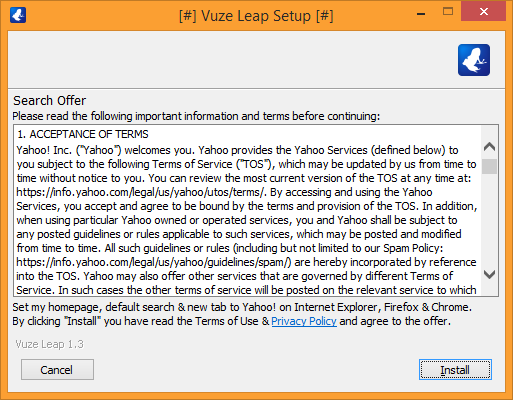
Offers may differ per install, per system.
Screenshot 4: Installer proceeds to install Vuze Leap and is automatic after you click on CANCEL from SEARCH OFFER above.
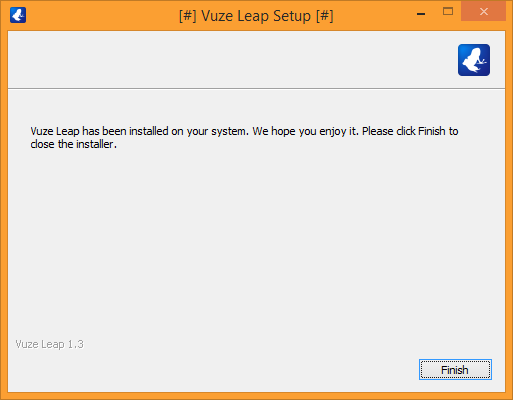
Screenshot 5: You can now use Vuze Leap.
End of Vuze Leap software.
--------------------------------------------------------------------------------------------------
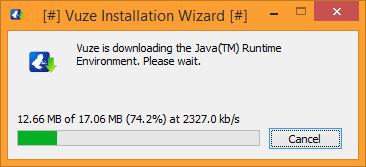
Screenshot 1: Vuze requires Java Runtime Environment (JRE) and will automatically start to download.
Remember to uninstall Java if you plan to uninstall Vuze software.
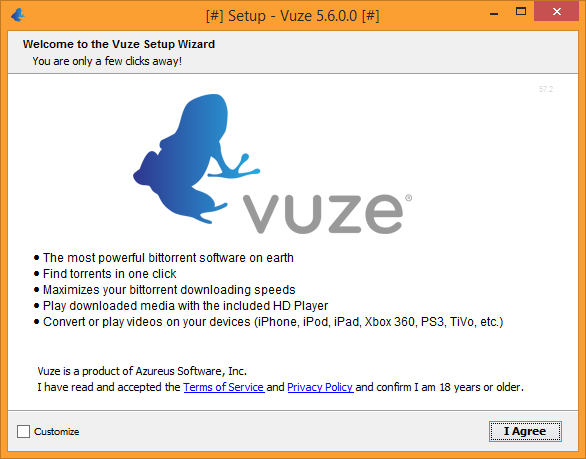
Screenshot 2: Default screen for Vuze Torrent Client
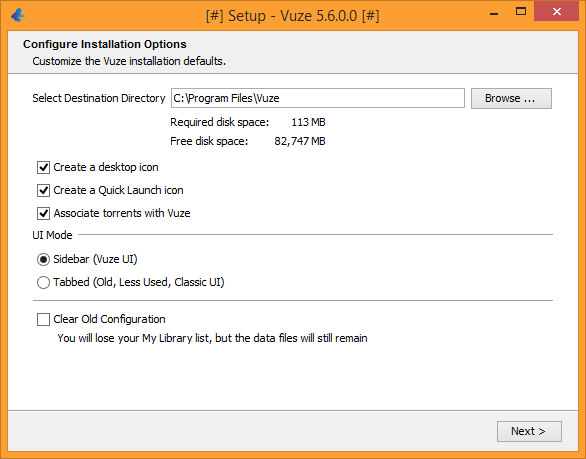
Screenshot 3: Marking 'Customize' will bring you this screen and additional options, prior to install.
Screenshot 4: Before Vuze is installed you will be get a 'Free Search Offer' aka Spigot Toolbar, powered by Yahoo Search.
Clicking on DECLINE will only REJECT the SPIGOT Toolbar.
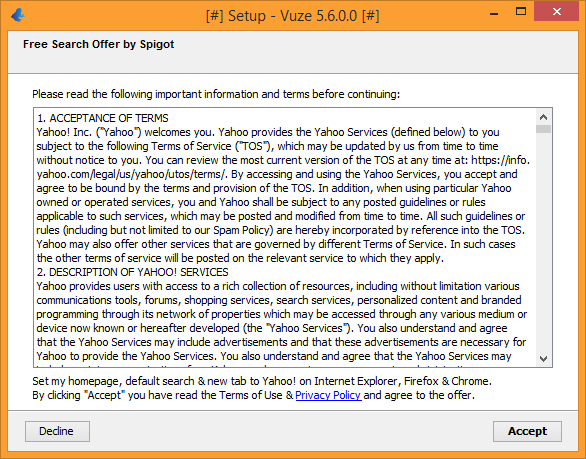
Note: Offers may differ per install, per system.
Screenshot 5: More Sponsored software aka "Recommended by Vuze"
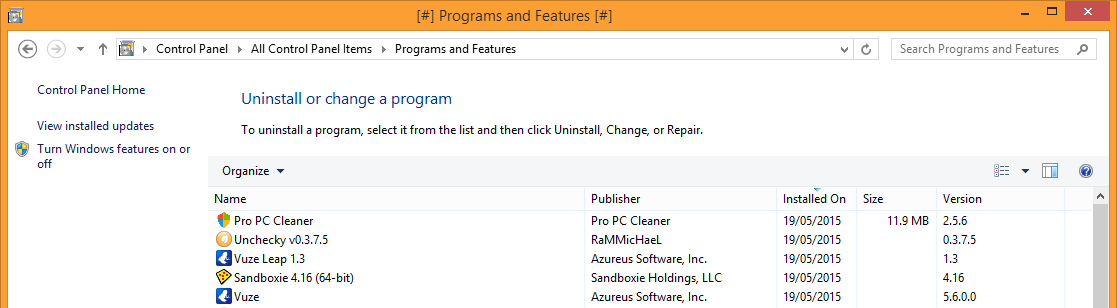
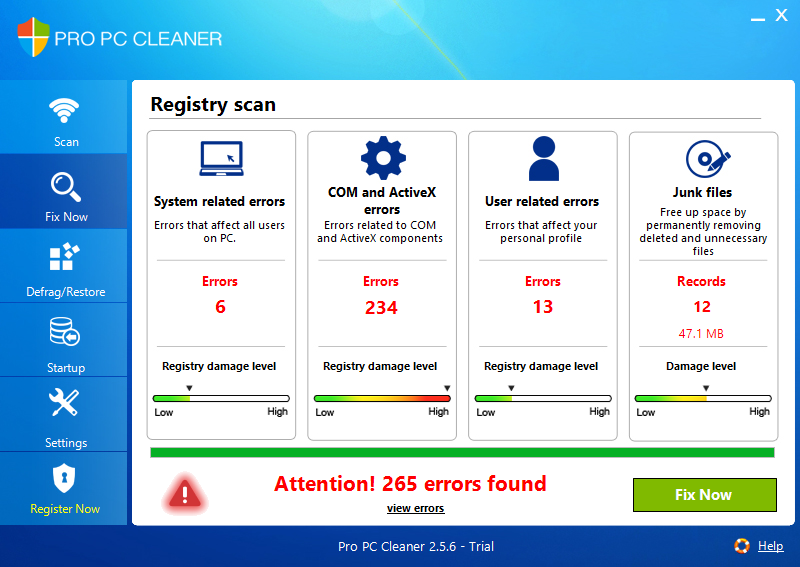
Clicking on DECLINE will only REJECT the PRO PC CLEANER software.
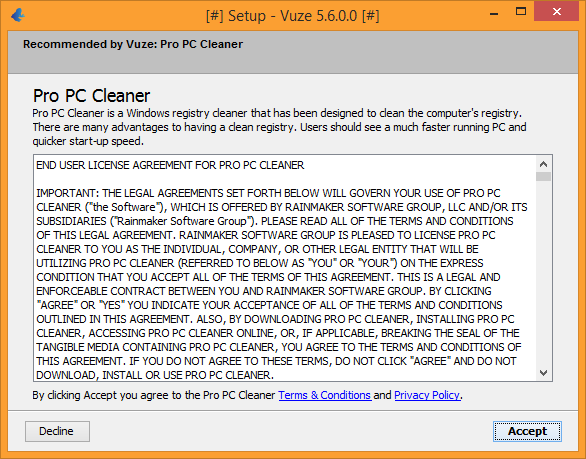
Note: Offers may differ per install, per system.
Screenshot 6: Vuze will now be installed... (keep scrolling)!
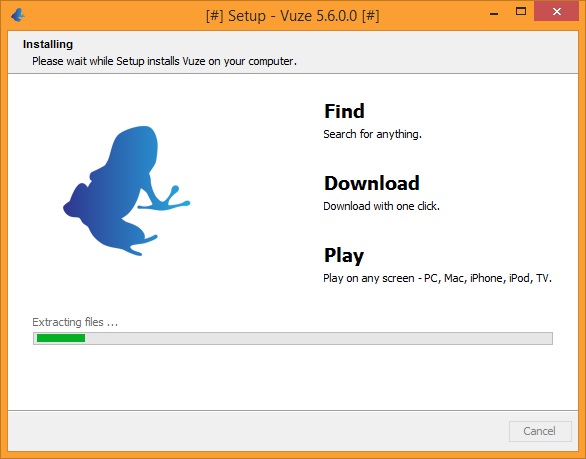
Screenshot 7: Vuze may offer Feature Content to it's users, optional. Safe to Accept/Decline.
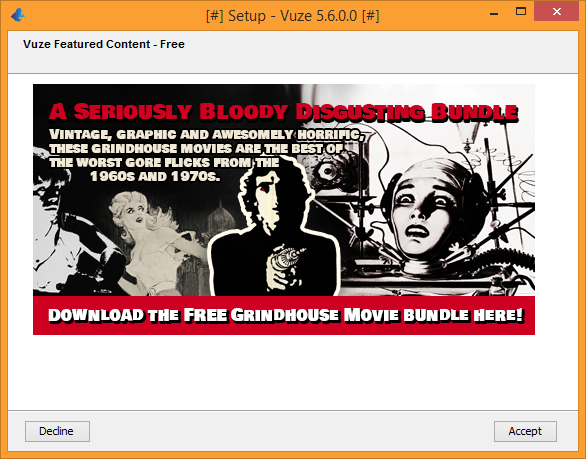
Note: Offers may differ per install, per system.
Screenshot 8: Clicking Accept will only add the Torrents to your downloads, Vuze is now installed.
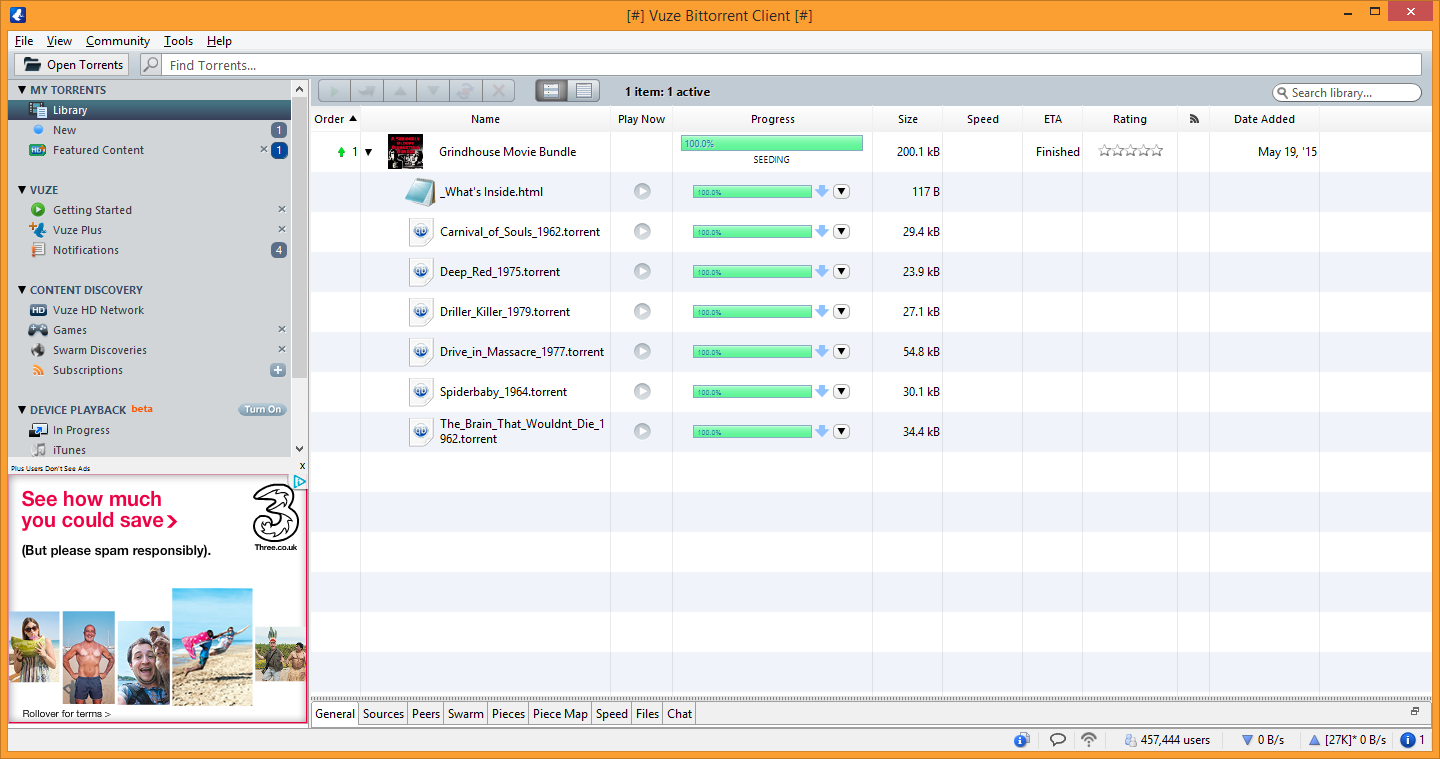
Bottom Left: The free version of Vuze Torrent Client supports built-in Ads.
End of Vuze Torrent Client software.
--------------------------------------------------------------------------------------------------
Does Vuze Leap and Vuze Torrent Client offer Adware/PUP/Toolbars?
- Yes
Does Vuze Leap and Vuze Torrent Client install Java?
- Yes, only for Vuze Torrent Client
--------------------------------------------------------------------------------------------------
Does a Customized install prevent Adware/PUP/Toolbars?
- No.
Does Unchecky prevent Adware/PUP/Toolbars on default install options?
- No, it did not prevent some unwanted programs in this test.
Further Reading: Why Your Mouseclicks Matters Guide by @Nico@FMA
In the first round, I have no Anti-Adware specific software installed to prevent, only controlled and educated mouse-clicks.
In the second round, I have installed Unchecky to test if it can protect against Click-Happy users.
Contents:
- Program 1: Installing Vuze Leap
- Program 2: Installing Vuze Torrent Client
- Brief FAQ
- Unchecky with Vuze Leap and Vuze Torrent Client (Default/Accept)
Program 1: Installing Vuze Leap
Screenshot 1: Default screen for Vuze Leap.
Screenshot 2: Marking 'Customize install options' will bring you this screen.
Adware / PUP Warning
Screenshot 3: Before Leap is installed you will be get a 'Search Offer' aka Yahoo Toolbar or Vuze Toolbar powered by Yahoo Search.
Clicking on CANCEL will only REJECT the SEARCH OFFER.
Offers may differ per install, per system.
Screenshot 4: Installer proceeds to install Vuze Leap and is automatic after you click on CANCEL from SEARCH OFFER above.
Screenshot 5: You can now use Vuze Leap.
End of Vuze Leap software.
--------------------------------------------------------------------------------------------------
Program 2: Installing Vuze Torrent Client (using Web / Stub Installer)
Screenshot 1: Vuze requires Java Runtime Environment (JRE) and will automatically start to download.
Remember to uninstall Java if you plan to uninstall Vuze software.
Screenshot 2: Default screen for Vuze Torrent Client
Screenshot 3: Marking 'Customize' will bring you this screen and additional options, prior to install.
Adware / PUP Warning
Screenshot 4: Before Vuze is installed you will be get a 'Free Search Offer' aka Spigot Toolbar, powered by Yahoo Search.
Clicking on DECLINE will only REJECT the SPIGOT Toolbar.
Note: Offers may differ per install, per system.
Screenshot 5: More Sponsored software aka "Recommended by Vuze"
Clicking on DECLINE will only REJECT the PRO PC CLEANER software.
Note: Offers may differ per install, per system.
Screenshot 6: Vuze will now be installed... (keep scrolling)!
Screenshot 7: Vuze may offer Feature Content to it's users, optional. Safe to Accept/Decline.
Note: Offers may differ per install, per system.
Screenshot 8: Clicking Accept will only add the Torrents to your downloads, Vuze is now installed.
Bottom Left: The free version of Vuze Torrent Client supports built-in Ads.
End of Vuze Torrent Client software.
--------------------------------------------------------------------------------------------------
Does Vuze Leap and Vuze Torrent Client offer Adware/PUP/Toolbars?
- Yes
Does Vuze Leap and Vuze Torrent Client install Java?
- Yes, only for Vuze Torrent Client
--------------------------------------------------------------------------------------------------
Unchecky with Vuze Leap and Vuze Torrent Client (Default/Accept)
Does a Customized install prevent Adware/PUP/Toolbars?
- No.
Does Unchecky prevent Adware/PUP/Toolbars on default install options?
- No, it did not prevent some unwanted programs in this test.
Further Reading: Why Your Mouseclicks Matters Guide by @Nico@FMA


 Use those majorgeeks links that were kindly provided!


