


Apple today updated its iCloud.com website, which is the way you can access your iCloud apps and settings from any web browser. With today's refresh, iCloud.com supports some of the features that have previously been introduced in iOS.
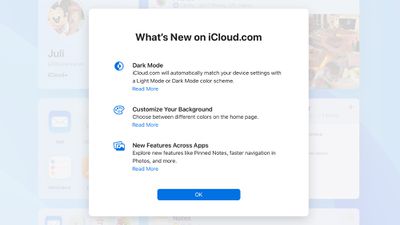
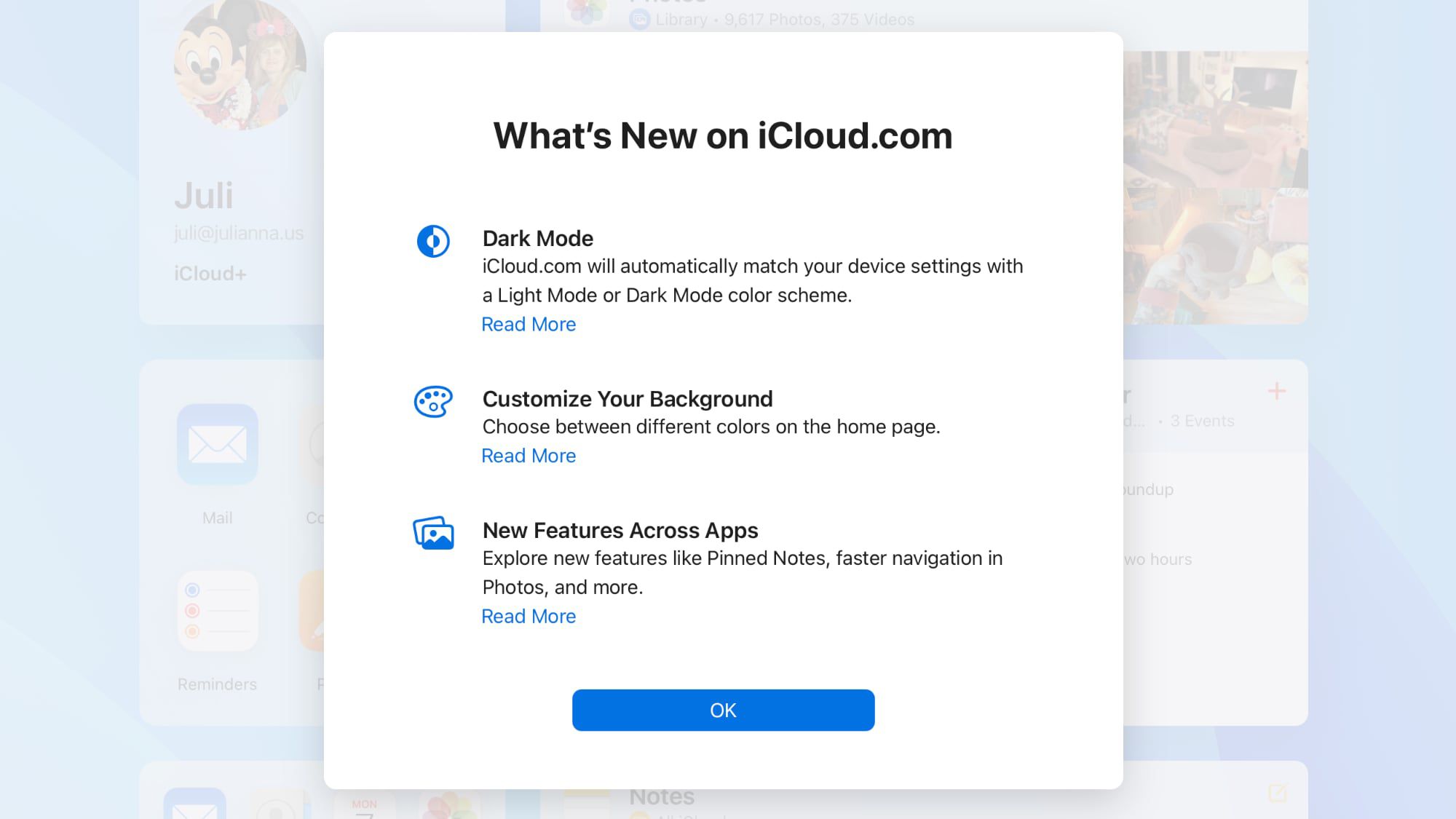
There's now a Dark Mode option that will match your Mac's Light Mode or Dark Mode color scheme, plus a customizable homepage where you can select different colors for your background.
There's support for pinned notes, improved navigation in the Photos app, and a Shared View for iCloud Drive. Apple has a full list of what's new when you log into iCloud.com. Here's the list:
These new iCloud.com options should be available for all users as of now.
- Dark Mode
- Customizable background
- A refreshed design for the Calendar app and support for Hijri calendar.
- Shared View for iCloud Drive that shows files that have been shared with you.
- Option to jump to a month or year in Photos by clicking the calendar icon.
- Option to modify date, time, and location of a photo from the info pane.
- Option to display an album in the Photos tile on the iCloud.com homepage.
- Important notes can be pinned to the top of the list in the iCloud Notes app.
- In Reminders, new lists can be created and recurring reminders can be completed.
Apple Adds 9 New Features to iCloud Website
Apple today updated its iCloud.com website, which is the way you can access your iCloud apps and settings from any web browser. With today's...
 www.macrumors.com

