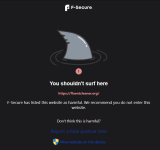
Adguard DNS blocked it for me.The Bitdefender TrafficLight extension did not block this site.
The Avira Browser Safety extension did.


Open MalwareTips from your Home Screen or desktop. Follow discussions, find answers and pick up where you left off.
If you cannot find an install option, update your browser or use its bookmark option to keep MalwareTips close.
After installation, open the app and sign in. Enable push notifications in Preferences if you want alerts. On iPhone and iPad, push requires a Home Screen web app and iOS or iPadOS 16.4 or later.
Sign in to manage notificationsInstallation is optional. Your notification settings stay under your control.
Adguard DNS blocked it for me.The Bitdefender TrafficLight extension did not block this site.
The Avira Browser Safety extension did.



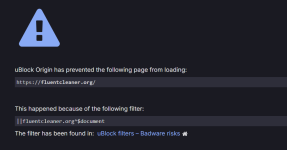
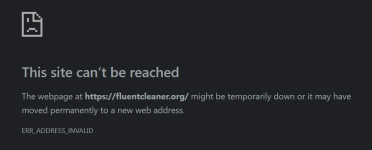
Those websites commonly detected by most vendors are not a challenge.In so many ways the site was blocked, F-Secure, FF and uBlock Origin, and my backup, NextDNS Windows app/Hagezi Pro enabled.
View attachment 299754 View attachment 299755
Those websites commonly detected by most vendors are not a challenge.
The real one is a website not detected except by one or two.





Website Ripper - Darcy Ripper

 genoffice.ai
I found this new office software today make sure to check it out!
GenOffice is a free, open-source alternative to Microsoft Office for macOS, Windows and Linux. It opens and saves native .docx, .xlsx and .pptx files, edits PDF, Markdown and HTML, and puts an AI agent next to every document — not a chat box bolted on the side, but an editor that reads the file, makes the change, and shows you exactly what it touched.GenOffice — Free, Open-Source AI Office Suite
Edit Word, Excel, PowerPoint and PDF files with built-in AI. Free, open-source desktop office apps for macOS, Windows and Linux. Download GenOffice.
- Real formats, byte-preserving. Only what you edit is rewritten. Everything else in the file survives byte-for-byte, so documents keep working in Word, Excel and PowerPoint.
- AI you can review. Edits land as tracked changes and diffs with one-click rollback. Spreadsheets get live formulas, not pasted numbers. Decks and pages are generated onto the canvas and stay fully editable.
- Local by design. Files open, edit, save and convert on your machine. PDF → Word / Excel / PowerPoint, Markdown → Word and HTML → Word all run on-device. Only the AI calls leave the machine, to the provider you choose.
- Your keys or none. Sign in with Genspark and skip keys, or bring your own key for Claude, OpenAI, Gemini, DeepSeek, Kimi, GLM, Qwen, Doubao, MiniMax, Grok, Mistral, OpenRouter, Requesty, or any OpenAI-compatible endpoint, local servers included.

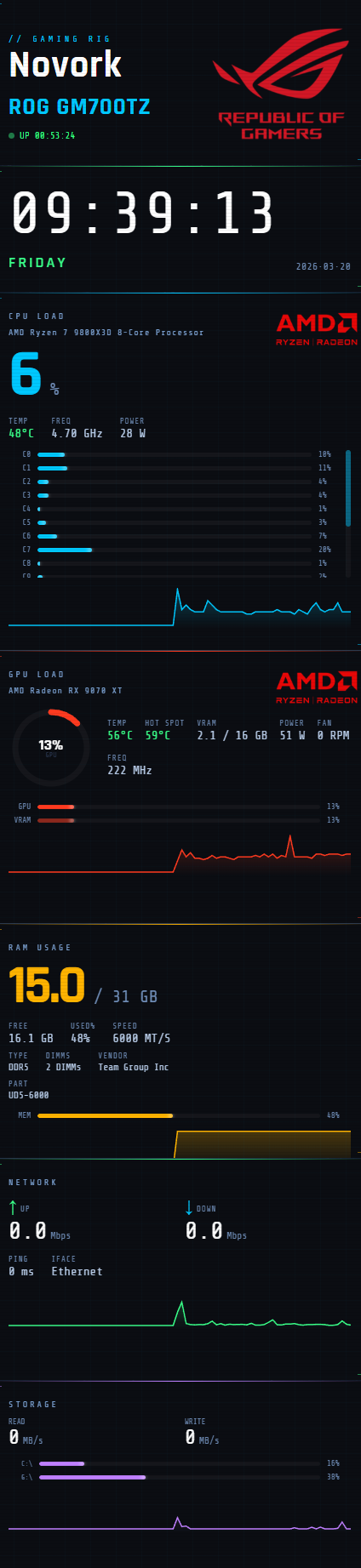
 rigstats.app


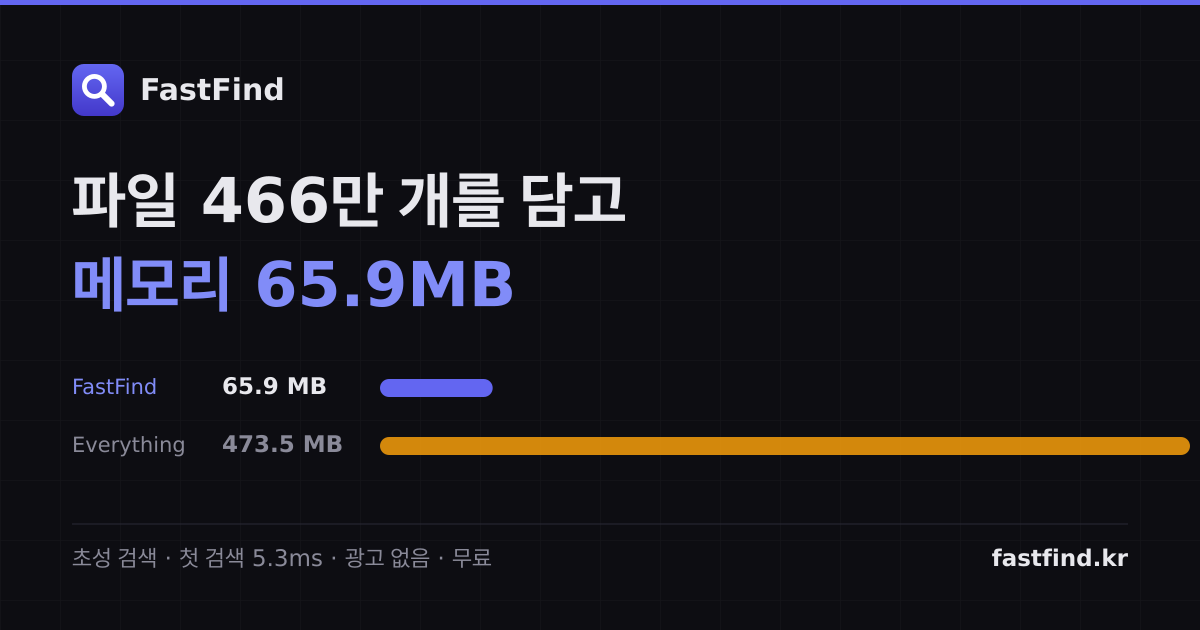

Looks like it's Korean, not Chinese. It's interesting nonetheless. Though I never thought there was a speed issue with everything. I will check it out tomorrow.@jackuars This Chinese tool is interesting.FastFind — Free file search for Windows
Tired of slow Explorer search? 5.3 ms across 4.66 million files. Free, portable, no ads.fastfind.kr
Members who viewed this thread in the last 5 minutes