New Update Bitdefender - BDTS updates

Latest version of Bitdefender​

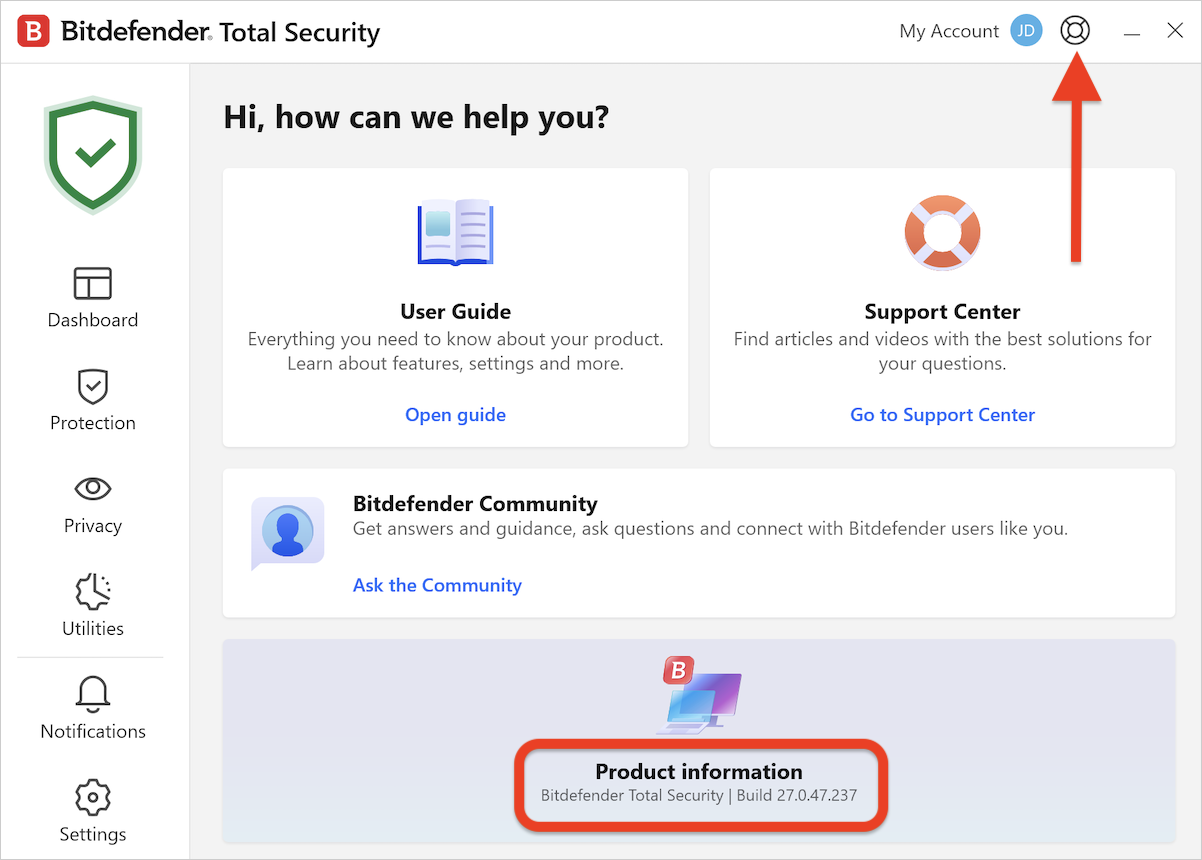
  • The latest version of Bitdefender security solutions for Windows is 27.0.57.313, released on March 10, 2026.
Changelog:
  • Integrated latest libraries and dependencies
 
Just updated

1773671422913.png
 

Latest version of Bitdefender​

  • The latest version of Bitdefender security solutions for Windows is 27.0.58.324, released on April 16, 2026.
Changelog:
  • Fixed an issue where the “Restart” button did not reboot the PC at the end of the Bitdefender uninstallation.
  • Fixed an issue preventing the Bitdefender interface from opening.
 

Latest version of Bitdefender​

  • The latest version of Bitdefender security solutions for Windows is 27.0.59.328, released on April 23, 2026.
Changelog:
  • Added a new firewall version
  • Added a new Safepay version
  • Added a Trustpilot rating pop-up when closing the threat-blocked window
  • Improved the update process
  • Improved fast startup performance
  • Fixed an issue where only button backgrounds were displayed in the Spammers and Friends window from the Antispam toolbar
  • Fixed an issue where File Shredder actions could fail to complete
  • Fixed an issue where multiple Safepay pop-ups were triggered on certain websites
  • Fixed an issue where Password Manager appeared in Safepay instead of SecurePass by adding a Password Manager vs. SecurePass toggle
  • Fixed an issue where the Uninstall button did not work in the single security solution recommendation pop-up
  • Fixed an issue where the single security solution recommendation pop-up continued to appear after uninstalling the other security solution
 
Half a gig writes are more common than I realized. But based on what a user has on their PC, an ESET update can potentially write more than what Bitdefender writes due to ESET's startup scan after every update. The extra writes from this scan can be mitigated only by using RamDisk for C:\Windows\Temp folder.
Among the popular big boys, Kaspersky writes the least. Two Kaspersky signature updates writes less than one Avast, Avira, Bitdefender, ESET and Microsoft Defender update.
A speed improvement in Bitdefender's updating process is welcomed but it's probably not going to be improved by a lot. I didn't mind its updating speed on an SSD tbh since it happened in the background and usually took less a minute. Only the first signature update after installing the product is ridiculously slow.
 
Half a gig writes are more common than I realized. But based on what a user has on their PC, an ESET update can potentially write more than what Bitdefender writes due to ESET's start-up scan after every update. The extra writes from this scan can be mitigated only by using RamDisk for C:\Windows\Temp folder.
Among the popular big boys, Kaspersky writes the least. Two Kaspersky signature updates writes less than one Avast, Avira, Bitdefender, ESET and Microsoft Defender update.
A speed improvement in Bitdefender's updating process is welcomed but it's probably not going to be improved by a lot. I didn't mind its updating speed on an SSD tbh since it happened in the background and usually took less a minute. Only the first signature update after installing the product is ridiculously slow.
I think MD has even smaller disk writes with update than K.
 
I think MD has even smaller disk writes with update than K.
I might've written this before but I was wrong which I later corrected. Microsoft Defender's signature update writes data in an unexpected place. I mean it was unexpected for silly me. It doesn't write in the typical definition folder. It's mpcache or something like that where the writes happen. I can check when I get back to my PC. Those are the actual signature database.
The last time I checked, every update wrote at least 320 MB or was it 330? 🤔.
In comparison, Kaspersky writes like 157/150/120 MB. It's not always the same. Maximum Kaspersky database is stored on the disk but some are stored in the cloud hence the comparatively smaller size. They also have KSN cache (hashes of new prevalent threats, probably) which are synced from time to time, it seems. This writes almost nothing.
Anyway, perhaps we shouldn't talk too much about other products in a Bitdefender thread.
I will try checking in a VM this, improved updating process of Bitdefender.
 
Half a gig writes are more common than I realized. But based on what a user has on their PC, an ESET update can potentially write more than what Bitdefender writes due to ESET's startup scan after every update. The extra writes from this scan can be mitigated only by using RamDisk for C:\Windows\Temp folder.
Among the popular big boys, Kaspersky writes the least. Two Kaspersky signature updates writes less than one Avast, Avira, Bitdefender, ESET and Microsoft Defender update.
A speed improvement in Bitdefender's updating process is welcomed but it's probably not going to be improved by a lot. I didn't mind its updating speed on an SSD tbh since it happened in the background and usually took less a minute. Only the first signature update after installing the product is ridiculously slow.
Sorry for my ignorance if this question sounds stupid. Does performing an AV scan cause disk writes? Till now I had the idea that it only caused reads since the AV reads the files. Although I have startup scan disabled, I run a full scan with ESET once a month.
 
Sorry for my ignorance if this question sounds stupid. Does performing an AV scan cause disk writes? Till now I had the idea that it only caused reads since the AV reads the files. Although I have startup scan disabled, I run a full scan with ESET once a month.
It's not a stupid question at all. I even had this question before. Usually, a scan does not cause much disk writes unless the AV has to scan an archive that has to be unpacked to scan or a big exe file that it determines to be suspicious, not whitelisted in the cloud and can be unpacked by the engine as well.
Usually smaller files are unpacked in memory to scan but bigger files are unpacked on disk.
For example, I had a cracked FIFA game a few years ago whose main cracked exe file was 500/600 MB+. ESET'S scanning engine internally determined it to be suspicious. The file size was way above the size that an AV typically submits to their cloud for deeper analysis or have it whitelisted. Such crack files are usually not whitelisted even though they are not malicious. Even Kaspersky's reputation was unknown even though it knew the age of the file and other info.
So after every signature update, this file was scanned by ESET. Often due to encryption or whatnot, such files cannot be unpacked by a scanning engine but this file was unpackable. This caused every ESET signature update to cause a total of 1.27 GB of disk writes.
This is why I said, based on what a user has on their PC, the disk writes by ESET can increase. In my ESET VM where not much is installed, it writes 530 MB or something. Btw, it's not like ESET scans every single crack game exe's. That was the only cracked exe I ever saw it scanning.
A monthly full scan is never required with something like ESET because it already scans after evey update the common locations where an active malware may persist. ESET can be configured to not scan archive, runtime packers and other things or startup scan itself can be completely turned off too but I won't recommend it.
Since it's a Bitdefender thread, Bitdefender due to their matured behavior blocker don't feel the need to scan files after every signature update.
 
The last time I checked, every update wrote at least 320 MB or was it 330? 🤔.
This is what I like about MD, I don't look at how much the AV writes with each update; instead, I look at the cumulative writes at the end of the day. In my use case, Kaspersky writes less, but the total will be about 800 MB. In contrast, MD writes about 320 to 330 MB at startup and that's all. Sometimes it gets another update in the same day, so it reaches about 640 MB, which is still less than other AVs. However, keep in mind that I'm talking about MD in its default settings; if you use hardening tools like DefenderUI or Andy Ful's, you'll force it to update every two hours, which will result in disk writes that are worse than any other AV (with all due respect to the developers of these tools).
 
Looks like a lot of changes under the hood. I can't see any differences in the firewall. It is still pretty basic. I am not a big fan of the separate protected browser. And there secure pass is every time activated when I start the SafePay, even after disable it.

New version is running smooth. I only have sometimes a slow start-up of Firefox.
 

You may also like...