Solved Can't open Excel files in protected view anymore

Gandalf_The_Grey

Level 85
Thread author
Verified
Honorary Member
Top Poster
Content Creator
Well-known
Forum Veteran
Apr 24, 2016
7,738
6
81,344
8,389
54
The Netherlands
Briefly explain your current issue(s)
Can't open Excel files in protected view anymore
Steps taken to resolve, but have been unsuccessful
Reinstalled Windows 11 and Office 365.
Summited false positive to Avira.
Disabled web protection on router.
Your current Antivirus
Microsoft Defender on High settings by ConfigureDefender and Simple Windows Hardening on basic recommended settings.
Since last Friday I can't open Excel files delivered by mail and saved to my Downloads folder in protected view anymore.
I get the error message : "The file can't be openend in the protected view.

Windows Defender and Simple Windows Hardening logs show no blocks.
But P-Link HomeShield Pro (powered by Avira) shows a blocked domain: augmentation.osi.officeppe.net with reason phishing.
I have submitted it as false positive to Avira.
When disabling the web protection of my TP-Link router nothing changes, I still can't open Excel files in protected view.
So, it is probably a coincidence, but wanted to mention it, because I'm not sure.

This is the most recent mention of the same problem I could find:
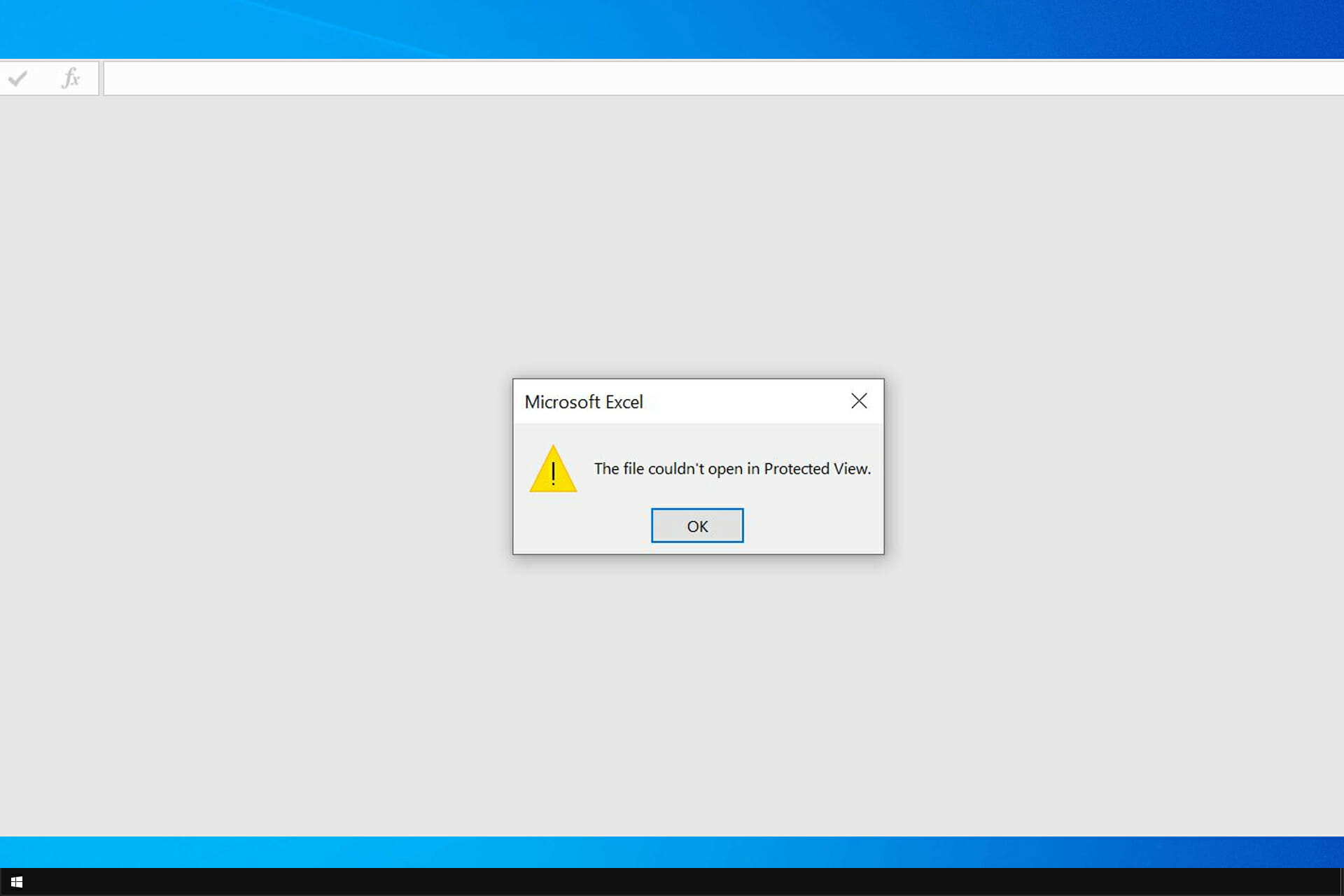
But I don't think there is a solution on that webpage.

I have reinstalled Windows 11 and Office 365, but that does not help.
Of course unblocking a file or disabling protected view solves my problem, but it is not a good resolution security wise.

Does anybody has had the same problem and knows a solution to this problem?
 
Solution
Yesterday evening I changed my security config from Microsoft Defender, ConfigureDefender and Windows Hybrid Hardening back to FS Protection and Simple Window Hardening.

And starting today I noticed that the problem is resolved... (y)

The issue could be caused by Microsoft Defender, ConfigureDefender or Windows Hybrid Hardening, I am not sure, but glad it is resolved.
There was no recent Windows 11 or Microsoft 365 update.
It seems like you have already tried reinstalling Windows 11 and Office 365 without success. Since you have submitted the blocked domain as a false positive to Avira, it might be worth reaching out to their support for further assistance. Additionally, you can try checking if there are any updates available for your antivirus software and perform a full system scan to ensure there are no other security issues causing this problem. If none of these steps resolve the issue, you may need to consider contacting Microsoft support for further troubleshooting.
 
  • Like
Reactions: [correlate]
Upvote 0
HomeShield Pro is like a network scanner/firewall thingy, right? So once file is already downloaded on your PC how it is blocking it?

My bet would be on either CD or SWH is blocking the file.

Edit: Disabling both of them, reboot and try again.
You are probably right that HomeShield Pro has nothing to do with it.

CD with the default settings for Microsoft Defender, SWH with Windows defaults restored and a reboot unfortunately did not make any difference.
 
Upvote 0
You are probably right that HomeShield Pro has nothing to do with it.

CD with the default settings for Microsoft Defender, SWH with Windows defaults restored and a reboot unfortunately did not make any difference.
It was a shot in the dark, got no more ideas sorry.
 
Upvote 0
@Gandalf_The_Grey Have you check this Exploit Protection setting? When enabled could also give a similar problem
1694462910915.png
 
Last edited by a moderator:
Upvote 0
@Max90 Thanks' for the suggestion.
That setting is uit/off for Excel and Word.
When I enable this protection, I get the same error. So somewhere, something is blocking or missing a program. The click-to-run in office 2013 which caused a similar problem also needed an update because something was blocked. Outlook had a trouble shooting option in the past, can you find one for Excel? Is you problem only related to Excel?

I remember you using Office365, so something in the cloud could also be blocked. Did you check your (next) DNS logs also?
 
Upvote 0
I will try the Microsoft Support and Recovery Assistant tomorrow.

augmentation.osi.officeppe.net was blocked by TP-Link HomeShield Pro, but I have submitted it as false positive and disabled its web protection for now.
 
Upvote 0
Since last Friday I can't open Excel files delivered by mail and saved to my Downloads folder in protected view anymore.
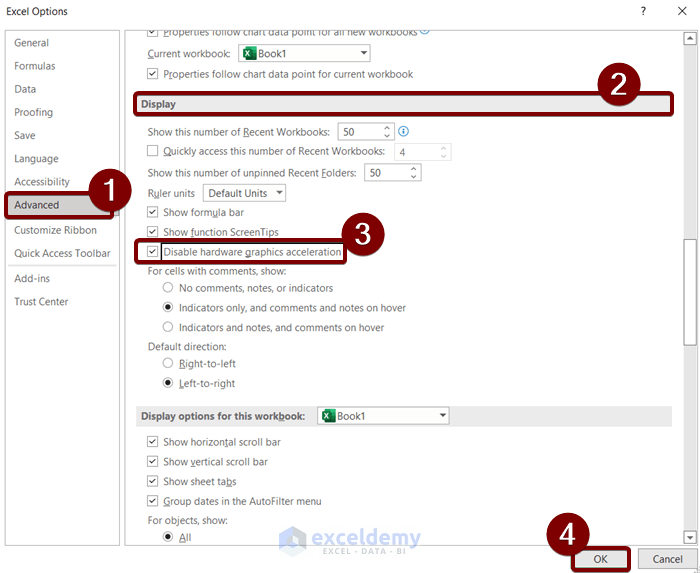
Several people reported similar issues. Some people recommend disabling Hardware Graphics Acceleration or updating DisplayLink Driver, but I am not sure if this can help.
 
Upvote 0
So far nothing helped unfortunately.
For now manually unblocking works.
I will wait for tonight's Patch Tuesday and hope that a fix is included.
If not, I will try the Microsoft Support and Recovery Assistant later this week.
 
Upvote 0
I had a somewhat similar issue with MS word file. The error I got was a little bit different than yours, but solution was similar i.e. unblocking file.
1696349945536.png

Nothing is wrong with file as I can open it after unblocking it in file properties. I am the author of file, but it was made on another system (downloaded from Gmail)
Did you find any solution?
 
Upvote 0
I had a somewhat similar issue with MS word file. The error I got was a little bit different than yours, but solution was similar i.e. unblocking file.
View attachment 278929
Nothing is wrong with file as I can open it after unblocking it in file properties. I am the author of file, but it was made on another system (downloaded from Gmail)
Did you find any solution?
No, unfortunately I have not found a solution yet.
Microsoft support let me reinstall M365 and changed some setting's but that not help.
 
Upvote 0
Since last Friday I can't open Excel files delivered by mail and saved to my Downloads folder in protected view anymore.
I get the error message : "The file can't be openend in the protected view.

Windows Defender and Simple Windows Hardening logs show no blocks.
But P-Link HomeShield Pro (powered by Avira) shows a blocked domain: augmentation.osi.officeppe.net with reason phishing.
I have submitted it as false positive to Avira.
When disabling the web protection of my TP-Link router nothing changes, I still can't open Excel files in protected view.
So, it is probably a coincidence, but wanted to mention it, because I'm not sure.

This is the most recent mention of the same problem I could find:

But I don't think there is a solution on that webpage.

I have reinstalled Windows 11 and Office 365, but that does not help.
Of course unblocking a file or disabling protected view solves my problem, but it is not a good resolution security wise.

Does anybody has had the same problem and knows a solution to this problem?
Are you able to re-create this on another networked-connected PC? Could it be a bad Office update around the time it first started?

Check where the Downloads folder is located. Sometimes it's under the local user, other times it could be under OneDrive folder.

Try:
  1. Turn off Protected View > Save
  2. Cold boot your PC
  3. Turn on Protected View
 
Upvote 0
Yesterday evening I changed my security config from Microsoft Defender, ConfigureDefender and Windows Hybrid Hardening back to FS Protection and Simple Window Hardening.

And starting today I noticed that the problem is resolved... (y)

The issue could be caused by Microsoft Defender, ConfigureDefender or Windows Hybrid Hardening, I am not sure, but glad it is resolved.
There was no recent Windows 11 or Microsoft 365 update.
 
Upvote 0
Solution