New Update Chrome strengthens security on Windows: Network Service gets its own sandbox

Gandalf_The_Grey

Level 86
Verified
Honorary Member
Top Poster
Content Creator
Well-known
Forum Veteran
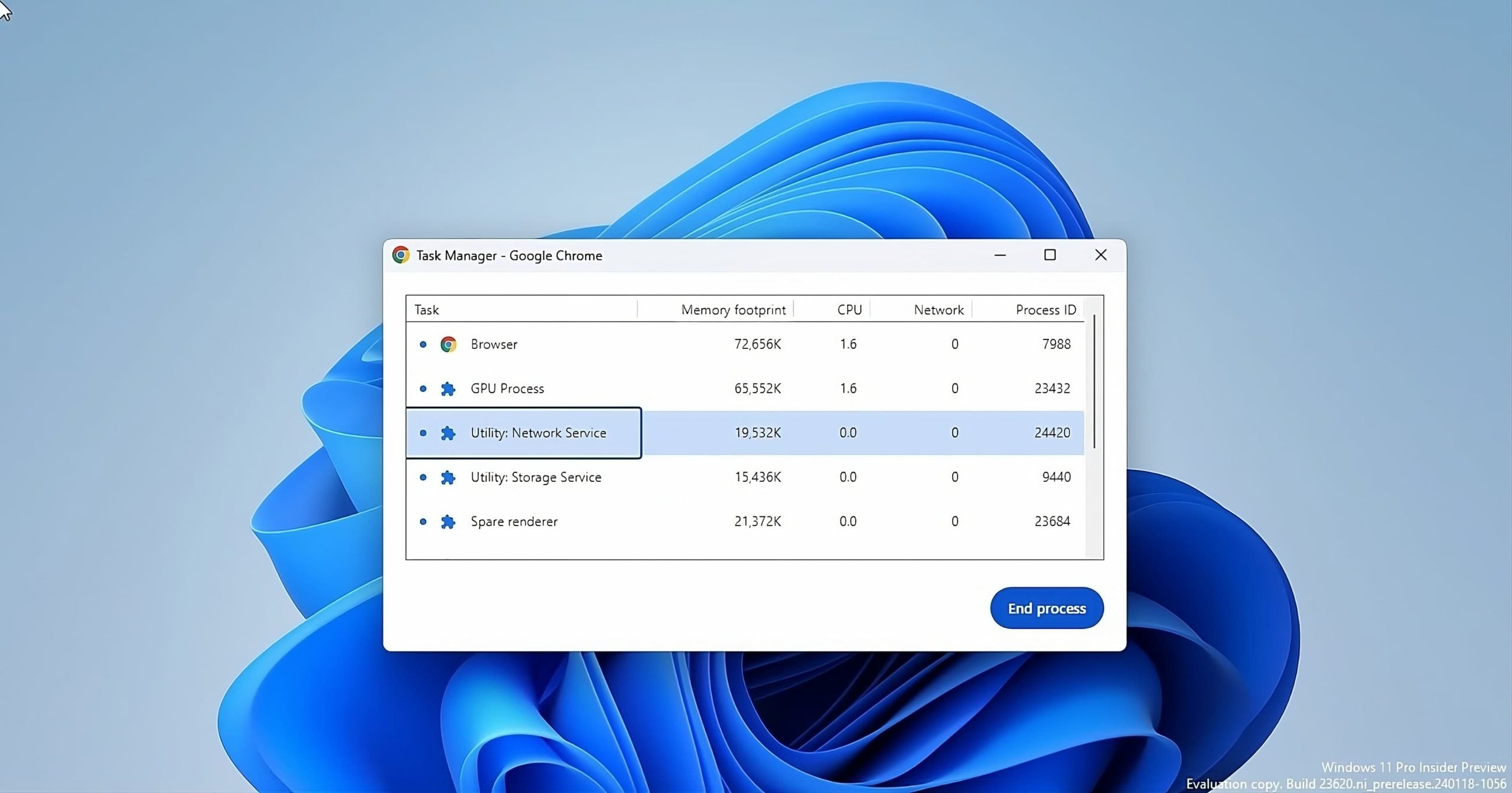
Google is taking Chrome security to the next level on Windows by adding an extra layer of protection to the Network Service. This crucial background process, responsible for all your internet connections in Chrome, will be placed in a special sandbox environment.

This isolation aims to prevent harmful third-party code from tampering with the service, potentially enhancing your browsing security. Google is planning to introduce this security enhancement to the public with Chrome 122.

What is Network Service and what does it do?

The Network Service is an important background process that handles network connections and data in Chrome. It works tirelessly behind the scenes to:
  • Download website content like text, images, and videos.
  • Establish and maintain connections to websites you visit.
  • Handle data transfers smoothly and efficiently.
  • Perform various network-related tasks.
 
I hope it will work in Edge, when I enable Network Service sandbox, I am automatically logged out everywhere, as if first party cookies are blocked. Once disabled, I am logged in without logging in.
 

Attachments

  • capture_02022024_171750.jpg
    capture_02022024_171750.jpg
    20.7 KB · Views: 238
@TairikuOkami

I had problems on Chrome logging in, because Chrome kept blocking third-party cookies (I had the pleasure of belonging to the 1% being selected for that experiment). After allowing all coolies, this problem disappeared.

Now watching Africa cup on laptop with below settings on Chrome

1706907393021.png
 
Last edited by a moderator:
@TairikuOkami

I had problems on Chrome logging in, because Chrome kept blocking third-party cookies (I had the pleasure of belonging to the 1% being selected for that experiment). After allowing all coolies, this problem disappeared.

Now watching Africa cup on laptop with below settings on Chrome

how did you enable appcontainer for renderer process?
 
how did you enable appcontainer for renderer process?
Code:
reg add "HKLM\Software\Policies\Microsoft\Edge" /v "RendererAppContainerEnabled" /t REG_DWORD /d "1" /f
I also run Edge with the most important parameters, just in case.
Code:
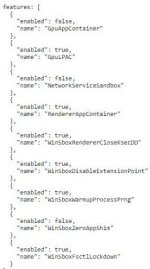
--enable-features="EnableCsrssLockdown,EncryptedClientHello,IsolatePrerenders,IsolateSandboxedIframes,RendererAppContainer,WinSboxDisableExtensionPoint" --disable-webgl --no-pings
 

Recently browsing

Members who viewed this thread in the last 5 minutes

Back
Top