If you want script protection, but embedded code detection is getting you down, there is another way to do it.
This takes a little more work and patience, but it seems to work.
1 Enable HIPS.
2 In the HIPS settings, there is something called heuristic command-line analysis, click on the link there, and note the processes that are being monitored (some of them might not exist on your computer, unless you installed special software)
3 Now, in the file rating/file list, mark those same processes as "unknown". Most of these processes appear two times on your computer, if you have 64 bit.
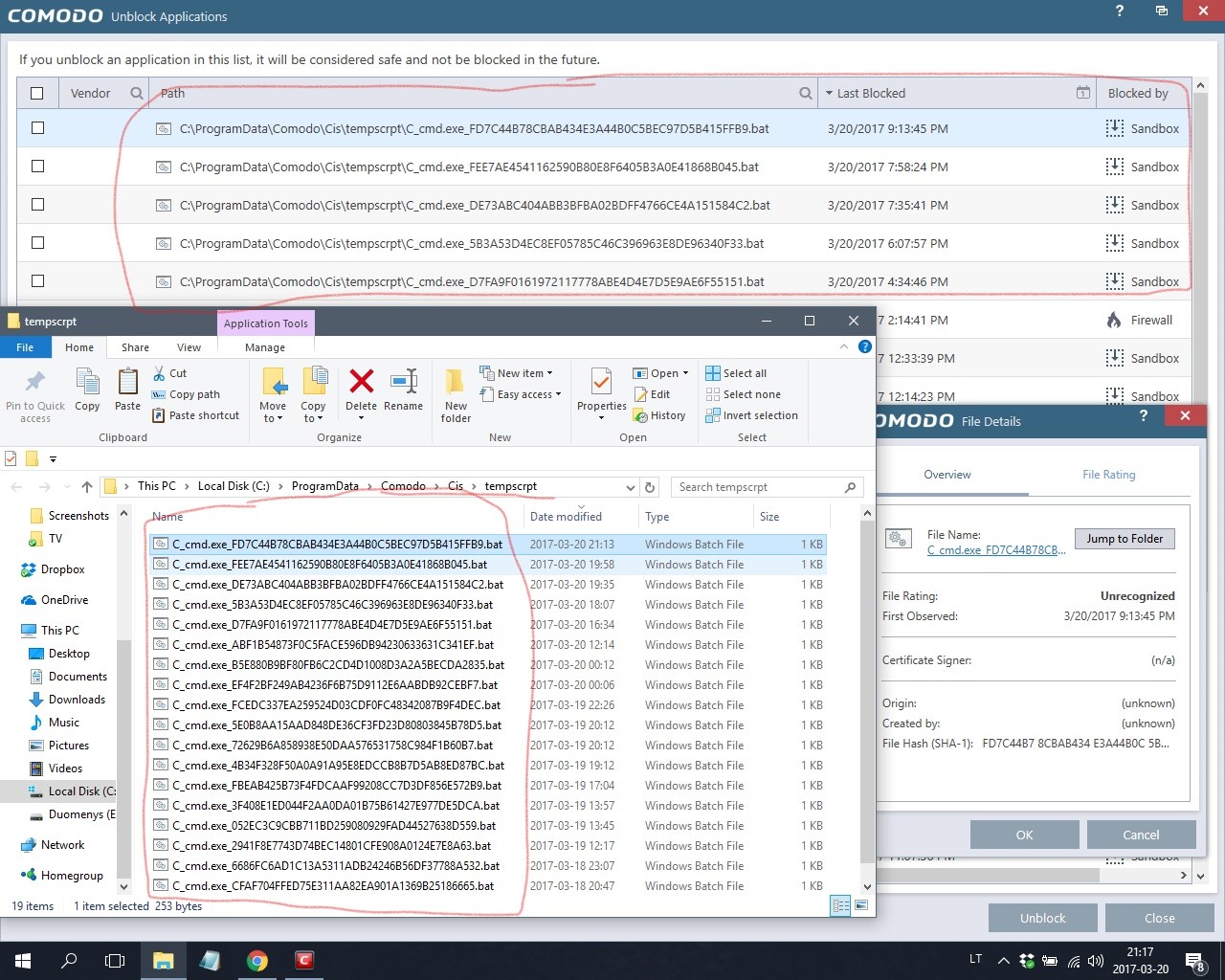
4 If you have autosandbox enabled, make ignore rules for the processes you need to run sometimes, such as cmd and rundll32 and regsvr32.
Others, such as powershell, you don't need to make ignore rules, unless you are a powershell user. (Note that there are a total of 4 executable powershell files on a 64x system. Two of them are called powershell_ise.exe)
Now, after doing all that, you will get HIPS prompts when scripts try to run.
If you hit "allow" when you get the prompts regularly generated by your reliable apps, your programs will be able to run, and after a couple times, you won't get prompts anymore.
Warning: if you use HIPS, don't get into the habit of blindly clicking "allow".


 Thread starter
Tadas247
Thread starter
Tadas247



 Software Review COMODO Internet Security Pro 2027
 New Update Sandboxie-Plus v1.18.4 / 5.73.4 Latest