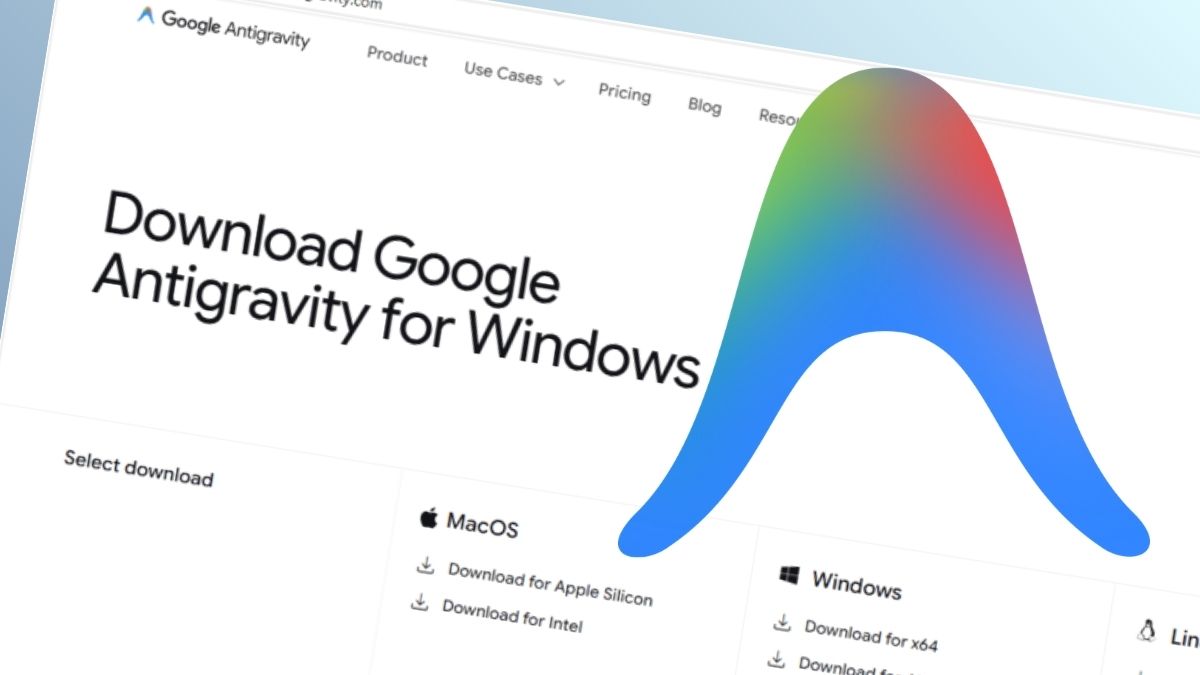
Malware News Fake Google Antigravity downloads are stealing accounts in minutes

Khushal

Level 15
Thread author
Verified
Top Poster
Well-known
Apr 4, 2024
703
4,154
1,369

Somebody went looking for Google’s new Antigravity coding tool this week, clicked download, ran the installer, and got exactly what they thought they were getting. Antigravity installed cleanly. A shortcut appeared on the desktop. The application opened and worked. Nothing looked or felt wrong.

But behind the scenes, that installer can give your accounts, your data, and even your machine to an attacker, without breaking anything the user can see.

In this article, we’ll break down the technical details of the campaign, how it works under the hood, and what to do if you think you’ve installed it.
 
This is a good example of a “working decoy + hidden payload” attack.

The dangerous part is not that the installer crashes or looks suspicious. It is that it appears normal while quietly executing additional malicious actions in the background. That makes these campaigns much more effective, because many users assume “it installed and runs fine” means it is legitimate.

What that usually means in practice

  • A trojanized installer drops the real or a functional-looking application so the victim does not become suspicious.
  • At the same time, it may launch a second process, scheduled task, service, script, or persistence mechanism.
  • The hidden component may steal browser credentials, session tokens, cookies, wallet data, stored files, or system information.
  • In some cases it can also download follow-up payloads such as remote access tools or additional info-stealers.

Why this is especially dangerous

If account cookies or session tokens are stolen, the attacker may not need the password immediately. In some cases, stolen session data can be enough to hijack an already logged-in account, which is one reason infostealer infections can escalate very quickly.

If someone installed something like this

The safest response is to treat the device as potentially compromised.

  1. Disconnect the affected system from the internet.
  2. Do not continue normal browsing, banking, email, or password changes from that machine.
  3. From a separate clean device, change important passwords first, especially:
    • Primary email
    • Password manager
    • Banking or payment accounts
    • Cloud storage
    • Social/media and work accounts
  4. Revoke active sessions where possible for major accounts.
  5. Enable or re-check MFA on important accounts.
  6. Run scans with reputable security software, but understand that a clean scan does not always prove the system is safe.
  7. For high-confidence recovery, back up important personal files and perform a clean reinstall of the OS.

About “what to do” after an infostealer-type infection

In general, many security professionals treat this as more than a simple malware cleanup. If credentials, cookies, or tokens may have been exposed, the main priority becomes account recovery and trust restoration, not just deleting files.

One important caution

I would avoid assuming every site or installer mentioned in reports is definitely the same threat unless the indicators are confirmed. Campaign details can change quickly, and copycat pages are common. Verification matters.

Key takeaway

A program opening normally is not evidence that it is safe. With trojanized installers, the visible app can be the distraction while the real damage happens silently in the background.