
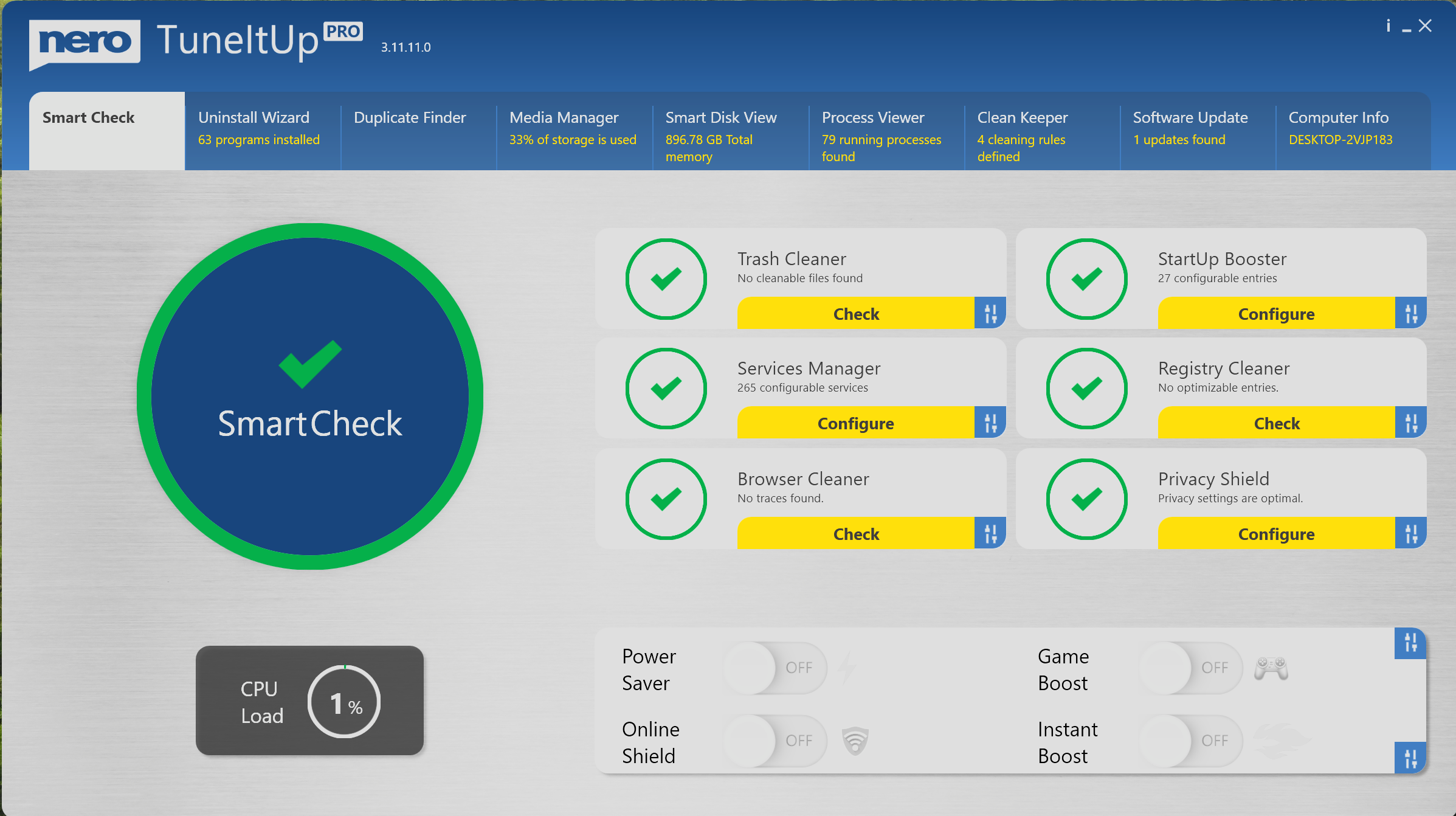
It's got a much nicer layout than CCleaner, here is a screenshot.... Hope I can place the image here without messing this post up.


Open MalwareTips from your Home Screen or desktop. Follow discussions, find answers and pick up where you left off.
If you cannot find an install option, update your browser or use its bookmark option to keep MalwareTips close.
After installation, open the app and sign in. Enable push notifications in Preferences if you want alerts. On iPhone and iPad, push requires a Home Screen web app and iOS or iPadOS 16.4 or later.
Sign in to manage notificationsInstallation is optional. Your notification settings stay under your control.
 Thread starter
annaegorov
Thread starter
annaegorov


I purchased Nero TuneItUp back in 2023 for a casual use Windows 11 S Surface Go 3, because I needed a simple cache cleaning tool similar to CCleaner. It never worked it cleaned nothing, support was useless even when I provided evidence, and I eventually deleted it and moved on.It's got a much nicer layout than CCleaner, here is a screenshot.... Hope I can place the image here without messing this post up.
View attachment 299163

 github.com
 Stick with Privazer or Wise Disk Cleaner or Bleechbit is my advice.


People really like to look for trouble. I got burned long time ago using CCleaner—lesson learned.I've never seen it before. Not to disparage anyone who uses utility apps like this, but I try to do as much as I can through what Windows offers, and leave my laptop leaner and cleaner from to many installed apps.

How though? I used to use CCleaner with winapp2.ini and had zero problems until it was sold to AVAST and became bloatware. The problem I have now with cleaners is that they don't delete EDGE history. You have to do it manually through EDGE. Even after killing EDGE through cleaners the history remains, never use to be like this something has changed.People really like to look for trouble. I got burned long time ago using CCleaner—lesson learned.
Members who viewed this thread in the last 5 minutes

