


Apple released macOS Tahoe 26 a couple of days ago. We take a closer look at that's new in it.
macOS 26 shares a lot of features with iOS 26 and iPadOS 26, so I'm not going to repeat the common features, I'll just focus on the Mac-specific features. Please refer to my previous article to learn about what's new in iOS 26. Also, here's my coverage of the macOS Tahoe announcement.
Liquid Glass is everywhere, whether you like it or hate it. Just like iOS 26 you can change the color of your icons on macOS 26. Head to the System Settings > Appearance, and select between Default, Dark, Clear or Automatic. Clear has its own light and dark versions, and applies the Liquid Glass effect for app icons.
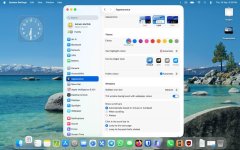
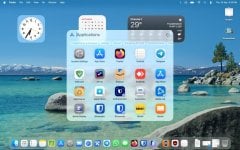
App windows are rounder in macOS 26. macOS 26 removes the launchpad in favor of a small window-based launcher of sorts. It's called Apps, because it lists all your apps, and has various categories to organize them in. The reason why this change was made is because of the new Spotlight enhancements.
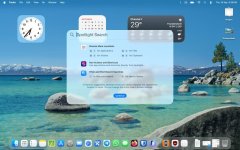
Spotlight is different, it now displays results for files, folders, apps, messages, calendar events, etc. Press the hotkeys displayed next to a result to perform the action. You can also assign quick keys to open apps or run some system actions easily. See that magnifying glass on the menu bar? Click on it to open Spotlight. You can now access your clipboard history from Spotlight, this is optional, and requires your permission to be enabled.
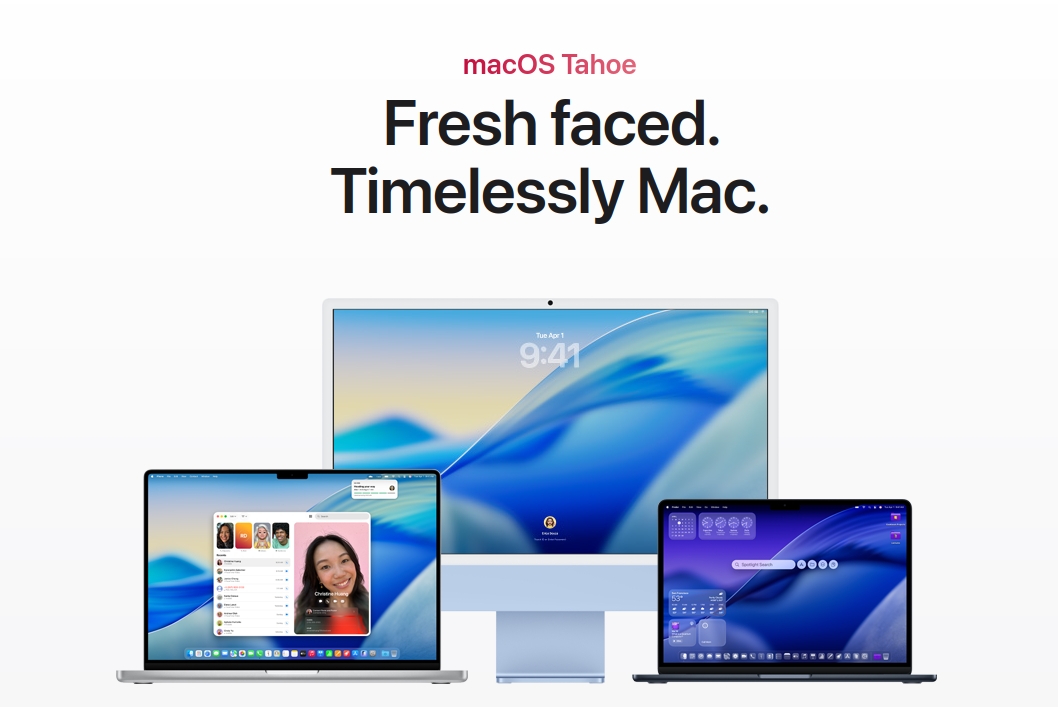
Here are the new features in macOS Tahoe 26 - gHacks Tech News
Apple released macOS Tahoe 26 a couple of days ago.
 www.ghacks.net


