



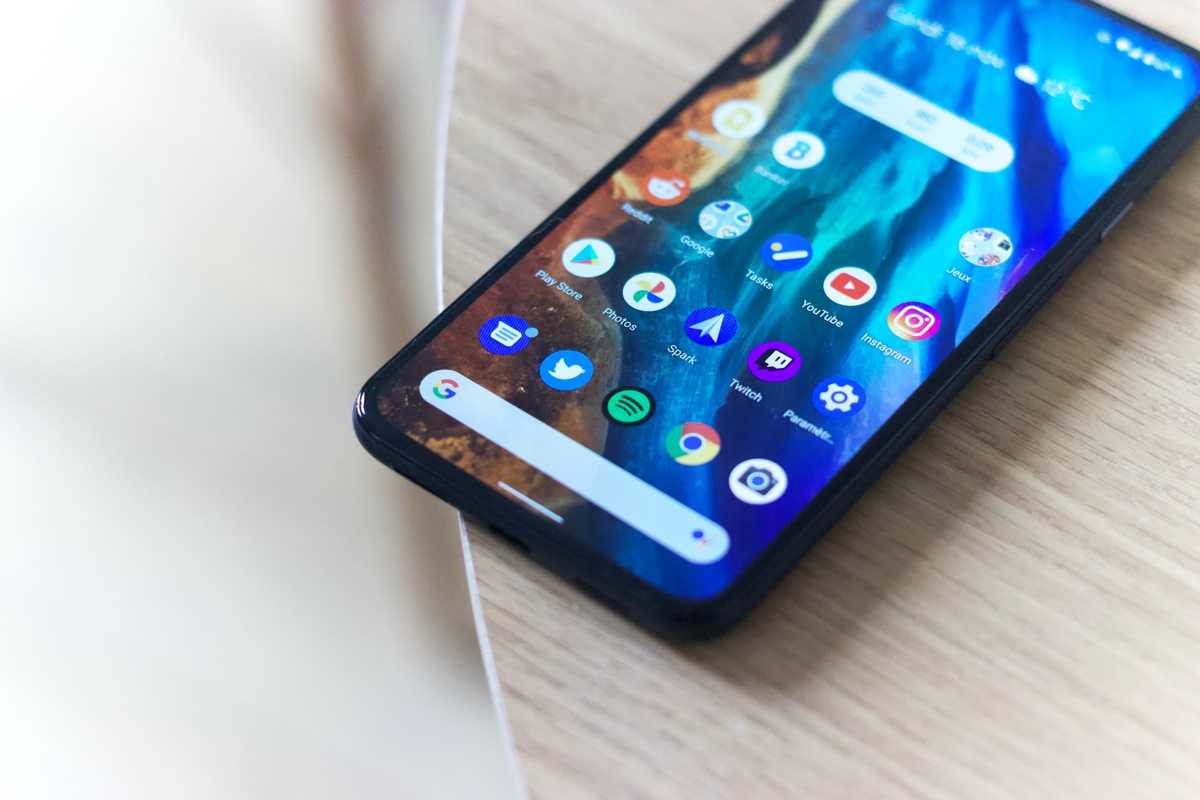
One of the easiest options to display and control Android devices on desktop computers is provided by the open source tool scrcpy. The developer of the tool released version 2.0 of the application recently. What makes scrcpy a good option, besides that it is open source, is that it requires no installation on the Android device, and just a small program on the desktop PC.The application supports several features, including the ability to record the screen of the device, even if it is off on the Android device, two-way copy-paste functionality, support for mouse and keyboard input, audio forwarding on Android 11 and up, and more.
How to display and control your Android device on your desktop computer - gHacks Tech News
Find out how to display and control any Android device, even those with dead screens, on Windows, Linux or Mac desktop systems.
www.ghacks.net


