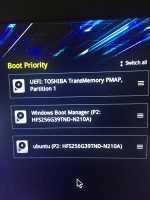
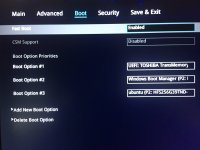
- Describe the problem
- BSOD, Macrium backup
- What have you tried?
- 1. Try all option in advanced options page and can not boot to windows 10.
2. Make recuse USB by using macrium backup, but Laptop doesn't recognize USB.
3. Get into BIOS try to make USB boot
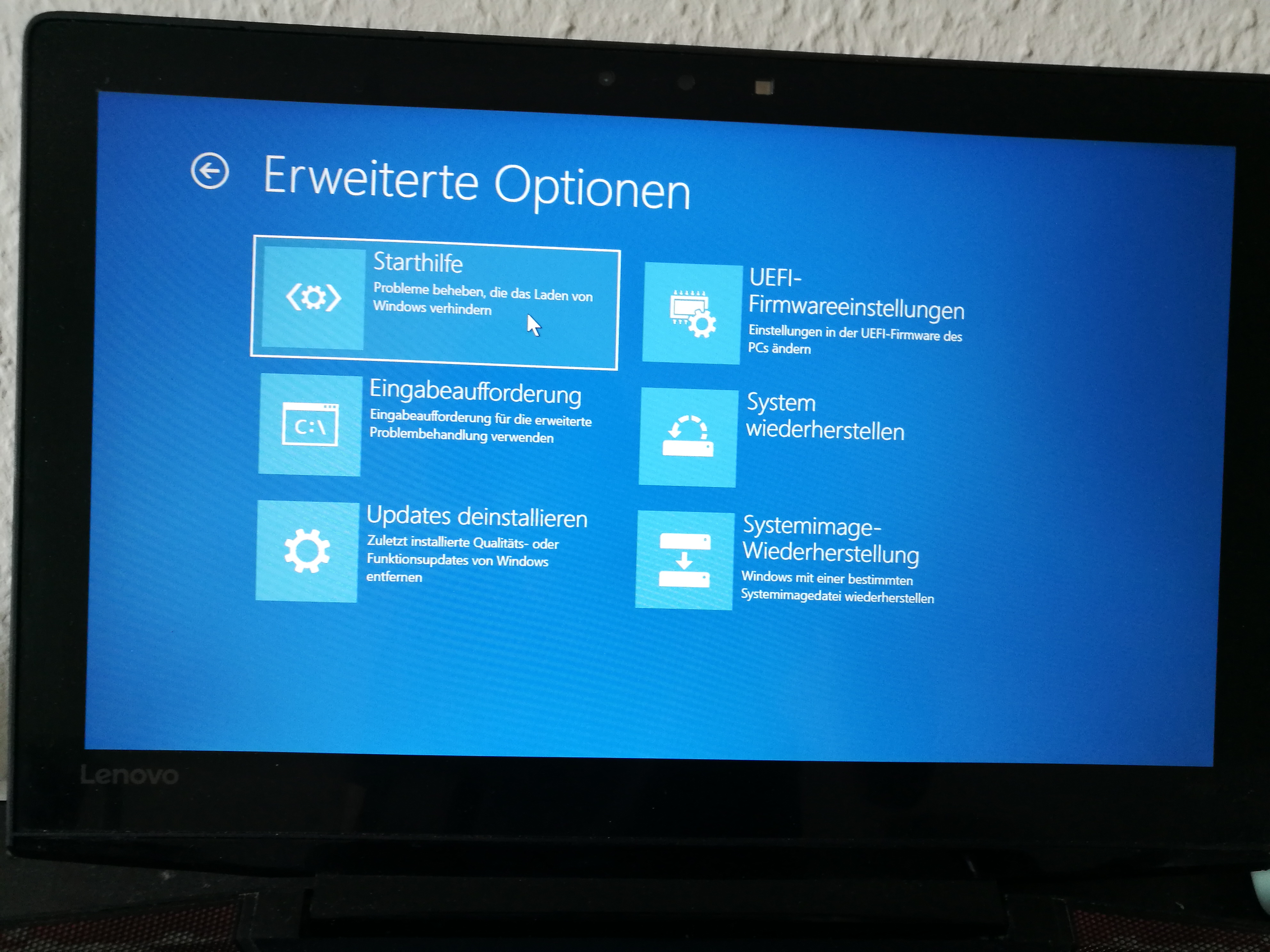
My lenovo y700 got BSOD and stuck on advanced option screen as below and all options didn't work.
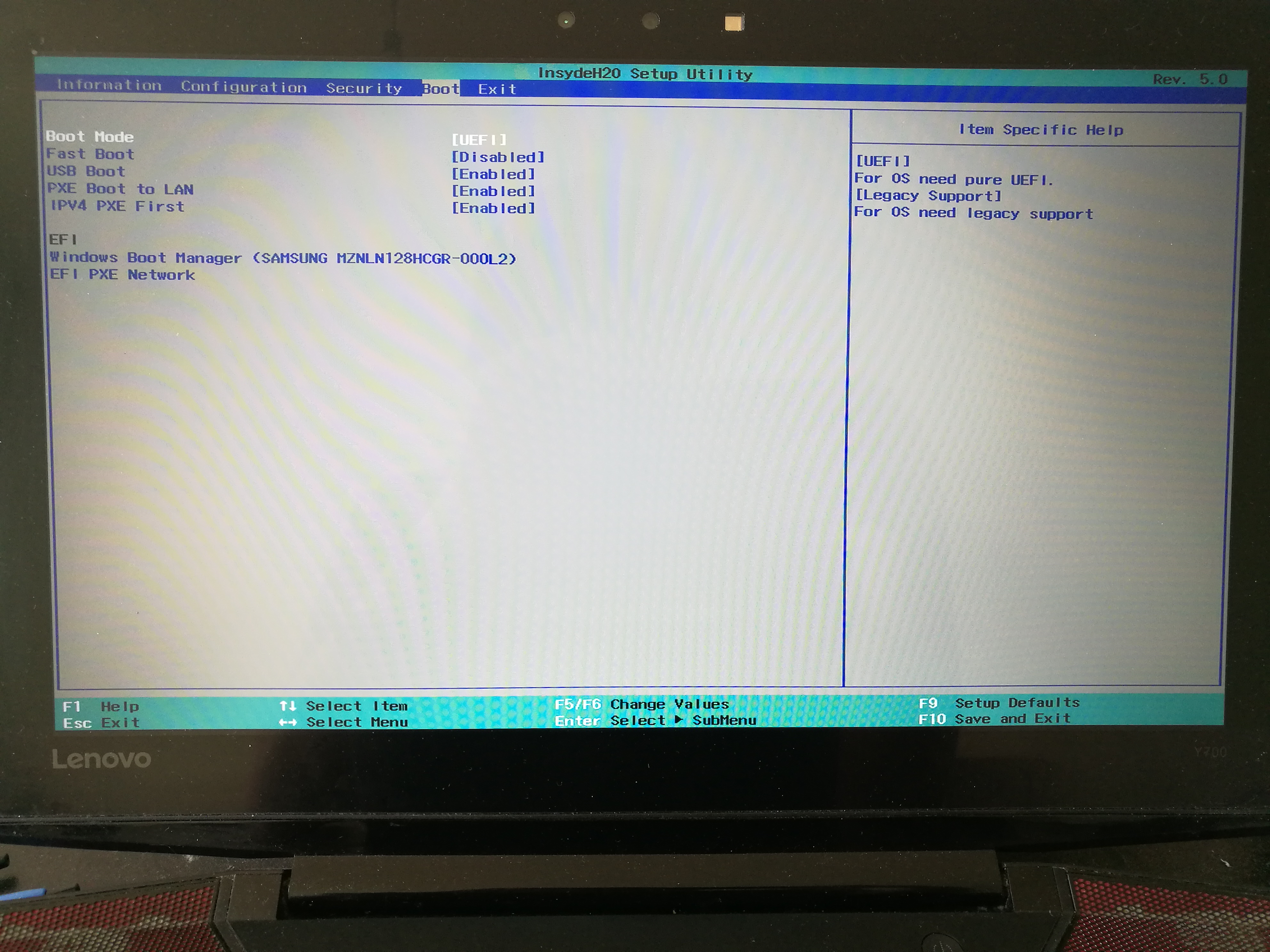
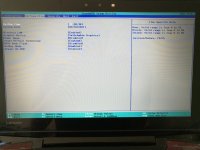
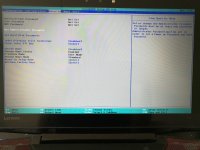
I also do regular backup by macrium backup. Thanks to this community. I have windows drive backup file, but I can't access macrium to restore. I use macruim pc to make rescues USB, but my laptop doesn't recognize it. I went to BIOS. It said USB boot is enabled, but it still did not detect USB drive.
I need help to restore my backup. Thanks in advance. Any cofigurtation, I need to change for USB boot.
I also do regular backup by macrium backup. Thanks to this community. I have windows drive backup file, but I can't access macrium to restore. I use macruim pc to make rescues USB, but my laptop doesn't recognize it. I went to BIOS. It said USB boot is enabled, but it still did not detect USB drive.
I need help to restore my backup. Thanks in advance. Any cofigurtation, I need to change for USB boot.