
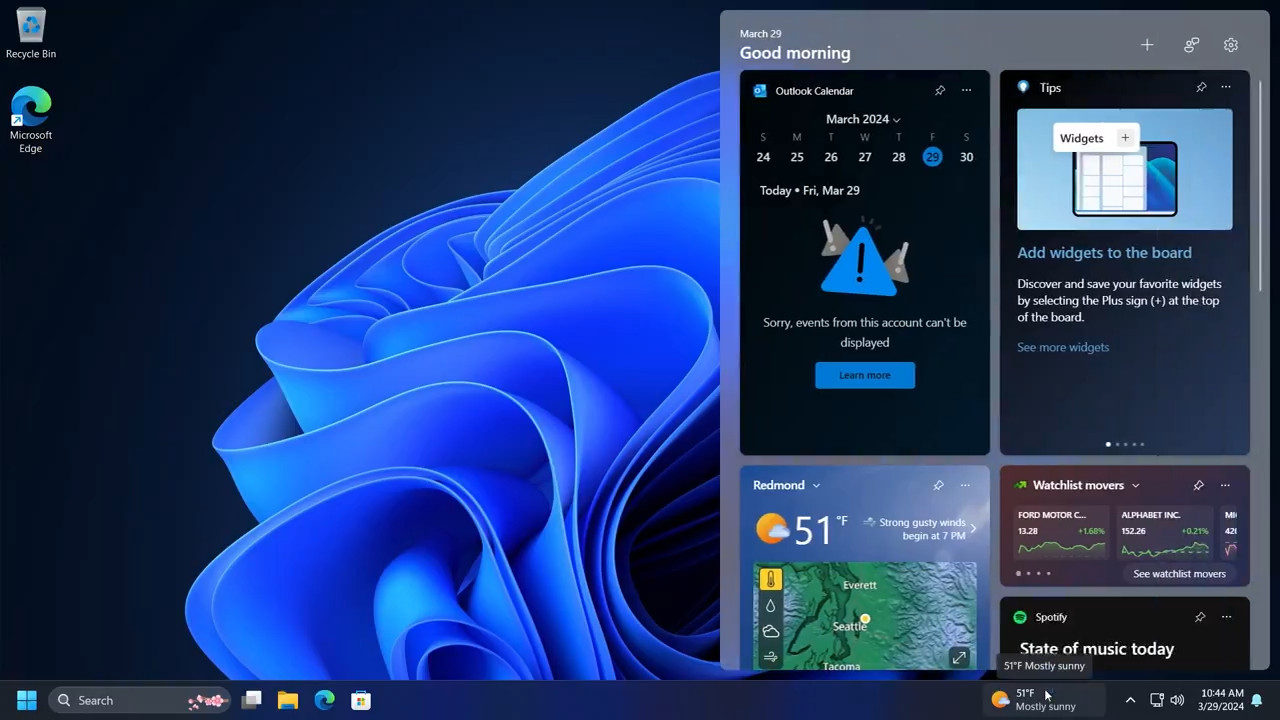
Since 3 days my Windows 11 widgets icon location moved from left to right as shown in the screenshot, is this the new location for it, or something wrong with it?



Open MalwareTips from your Home Screen or desktop. Follow discussions, find answers and pick up where you left off.
If you cannot find an install option, update your browser or use its bookmark option to keep MalwareTips close.
After installation, open the app and sign in. Enable push notifications in Preferences if you want alerts. On iPhone and iPad, push requires a Home Screen web app and iOS or iPadOS 16.4 or later.
Sign in to manage notificationsInstallation is optional. Your notification settings stay under your control.


It could be that you have placed so many program links on the left side that you have triggered a registry setting. That would be a happy accident too me, I would prefer it over on the right, it was more informative. Please post if you find the cause.Since 3 days my Windows 11 widgets icon location moved from left to right as shown in the screenshot, is this the new location for it, or something wrong with it?
View attachment 284015
I think it is a registry error, today it moved more toward center, and show the condition too.It could be that you have placed so many program links on the left side that you have triggered a registry setting. That would be a happy accident too me, I would prefer it over on the right, it was more informative. Please post if you find the cause.

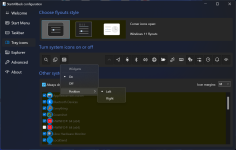
Windows 11 22635.3420 (Beta) moves Widgets to the right. The button to show their info and open the pane is now located next to the system tray instead of being placed in the left taskbar corner. But the change is not available to everyone: Microsoft is rolling out it to a small group of users first to collect some feedback. Here's how to enable the new position for widgets on demand.
Members who viewed this thread in the last 5 minutes


 Mine is centered and widgets are still on the left side.