


Gandalf_The_Grey
Level 86
Verified
Honorary Member
Top Poster
Content Creator
Well-known
Forum Veteran
Yes, it’s December, but the holidays have predictably messed with the usual schedule, which I think we can all agree is rarely regular anyway. In any event, there is a new Preview Update for Windows 11 versions 24H2 and 25H2 ahead of next week’s normal Patch Tuesday update. You know, assuming that happens on schedule.
Preview Update KB5070311 will upgrade Windows 11 versions 24H2 and 25H2 to builds 26100.7309 and 26200.7309, respectively. And as hinted at by recent Release Preview builds, this is a big one.
New features and other changes include:
Agent in Settings improvements (Copilot+ PCs only). The search results menu now shows more results, there are inline recommended settings for making changes more quickly, and dialogs will appear explaining when you can’t adjust a setting further.
Click to Do improvements (Copilot+ PCs only). The Click to Do context menu has been streamlined so that it’s easier to access the Copy, Save, Share, and Open options, and large images and tables on-screen now trigger the context menu automatically.
Windows Studio Effects improvements (Copilot+ PCs only). You can now use Windows Studio Effects with secondary USB webcams.
Windows Search improvements. You can now find the photos that AI categorized in the Photos app using Windows Search with semantic search.
File Explorer improvements. In addition to some minor updates for Copilot+ PCs, there are major improvements to how Dark mode works, a streamlined context menu, and various fixes.
Settings improvements. A Virtual Workspaces setting was added to Advanced Settings. The Mobile Devices settings page now lets you manage your mobile devices without needing new windows. And the About page has been redesigned.
Desktop Spotlight improvements. There are two new items in the Desktop Spotlight context menu, Learn more about this background and Next desktop background.
Full Screen Experience (FSE) improvements. The FSE is now available on more Windows 11 gaming handhelds.
Windows Share improvements. You can now share multiple files using the Drag Tray, and you can disable the Drag Tray.
There is a lot more, but you can check the original post for the full list.
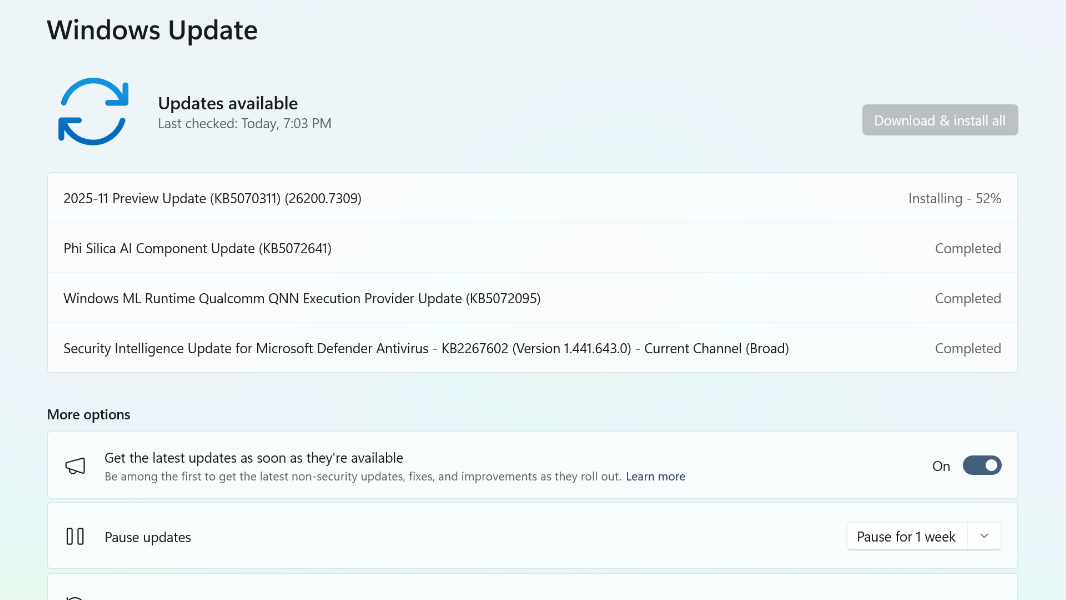
Microsoft Finally Releases the November Week D Preview Update for Windows 11
Yes, it's December, but the holidays have predictably messed with the usual schedule, which I think we can all agree is rarely regular anyway.
 www.thurrott.com

