


- Briefly explain your current issue(s)
- the file C:\windows\system32\lsm.exe does not exist
- Steps taken to resolve, but have been unsuccessful
- no steps taken
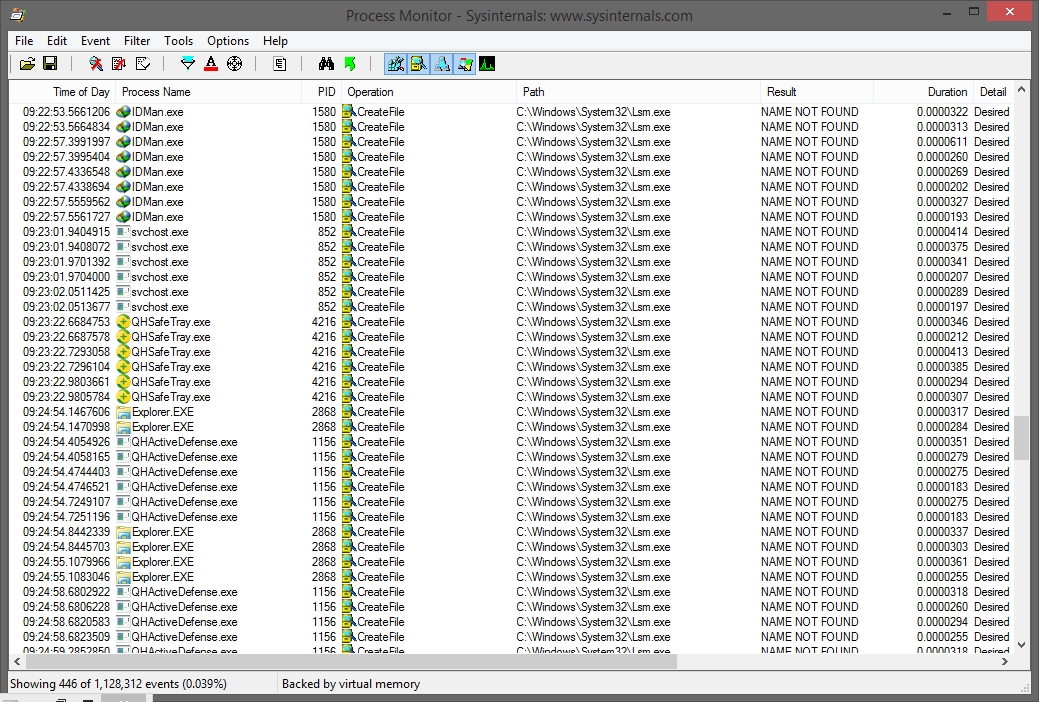
here is a log of process monitor.
So many process a looking for file C:\windows\system32\lsm.exe
But it does not exist.
i search on another computer with windows 8.1 recently installed . there is no such file named lsm.exe
instead there is lsm.dll
So many process a looking for file C:\windows\system32\lsm.exe
But it does not exist.
i search on another computer with windows 8.1 recently installed . there is no such file named lsm.exe
instead there is lsm.dll
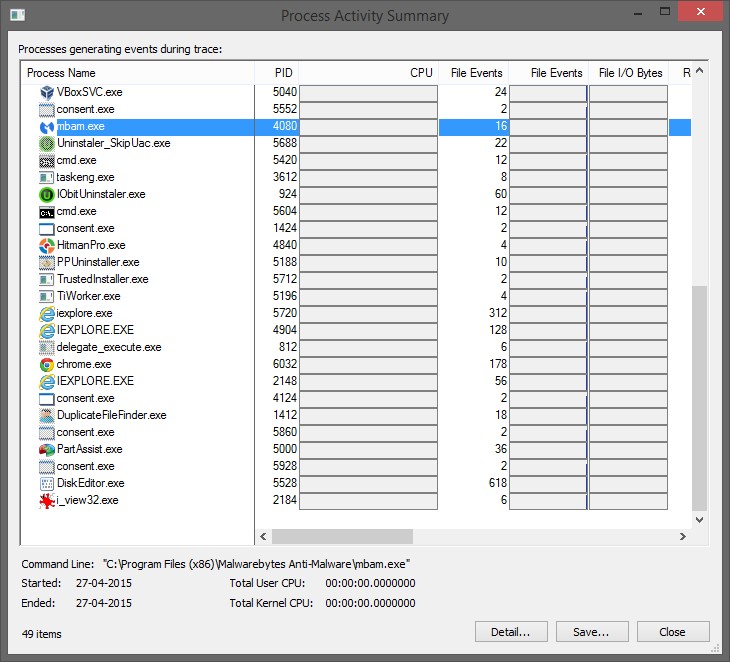
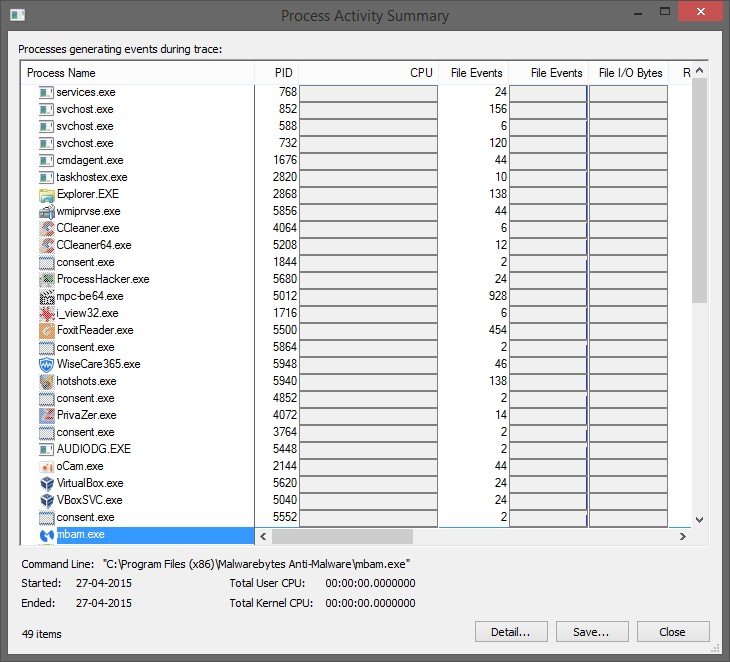
- So many processes looks for this same executable lsm.exe
Last edited:


