Mozilla has released
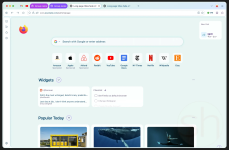
Firefox 157, rolling out the browser's new design to everyone on desktop and mobile, according to a September 29 post on the Mozilla Blog and the official Firefox 157 release notes.
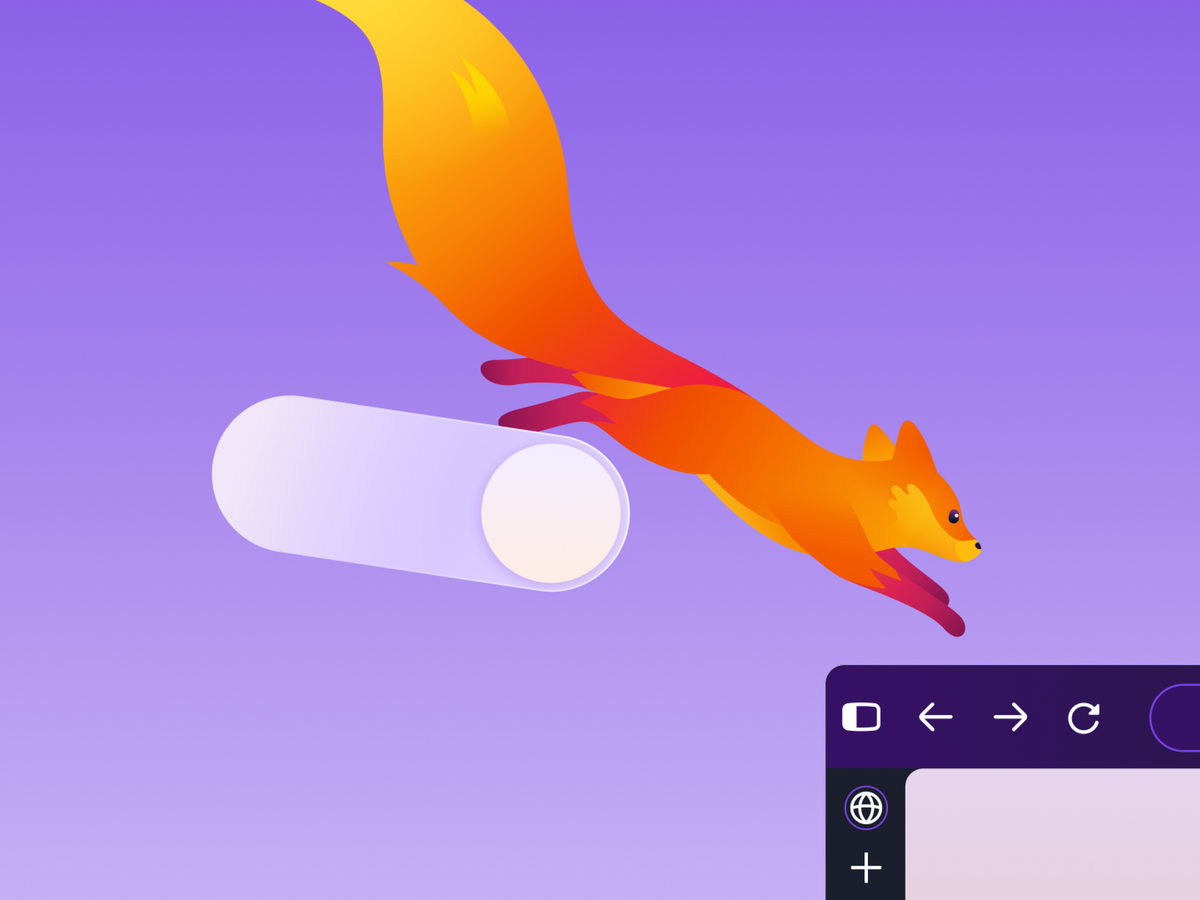
Mozilla describes the update as the biggest visual refresh in years, with a modernized look across toolbars, the sidebar, menus, and individual features.
Testers have been using the new design in Firefox Nightly for the past few months. Mozilla says the refreshed colors, icons, and themes now cover the whole browser, from tabs and toolbars to the New Tab page and Private Browsing, "with no cost to your browser performance."
New Firefox 157 Design Options and Returning Compact Mode
The redesign comes with more control over how Firefox looks. Compact Mode is back after requests from users who wanted more room for web content. It reduces toolbar and tab spacing, and Mozilla added an auto compact option for smaller screens. The release notes say the mode also helps in split screen layouts.
Other additions in Firefox 157 include:
- a new theme picker with built in themes in light and dark versions, plus new wallpapers
- a dedicated New Tab area to pin and organize frequently used shortcuts
- the updated sidebar, now enabled for everyone, with the panel switcher at the top for users of the previous sidebar
- page dialogs, color and date pickers, and form autocomplete menus that follow the site's light or dark scheme
Firefox users who prefer the old sidebar can restore it for now. Doing so also turns off vertical tabs:
- Type about:config in the address bar and accept the warning.
- Search for sidebar.revamp.
- Set the preference to false.
Mozilla says the preference will remain available until the end of 2027. The "Show sidebar" option has been removed from Settings.
Search, Video, and Privacy Changes in Firefox 157
Amazon is no longer included as a built in search engine in Firefox 157. Users who still want it can add Amazon as a custom search engine in the search settings.
Firefox Suggest now offers address bar suggestions in 16 additional European countries, including Spain, Poland, Sweden, and Switzerland, and can be controlled in the Firefox Suggest settings.
WebRTC video calls can now use hardware AV1 decoding on supported devices instead of always decoding AV1 in software. The release also fixes some 8 bit HDR videos looking dull and gray on Windows, the Windows taskbar staying visible over full screen video, and phone or tablet video appearing sideways or upside down in calls.
A new privacy warning appears in the site information panel and in Settings when Firefox has been set up to record its encryption keys, a configuration that could let other software on the computer read encrypted web traffic.
Firefox 157 is rolling out through the browser's regular update channel. Mozilla says it continues to refine the new design, and the old sidebar fallback ends with 2027.