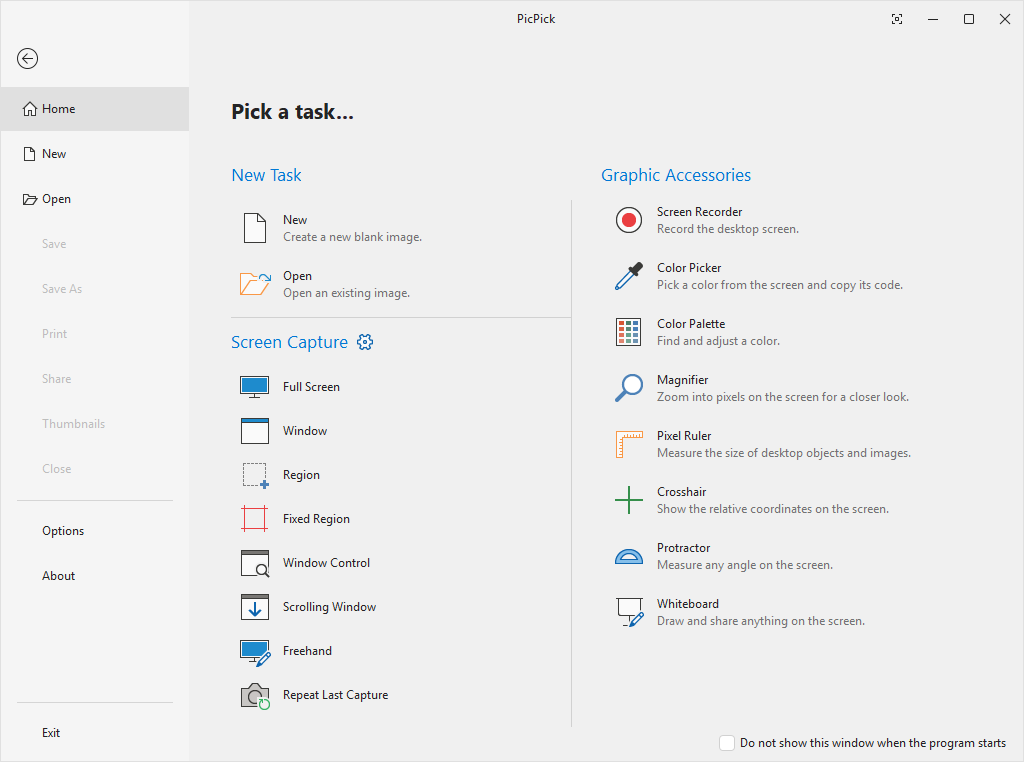
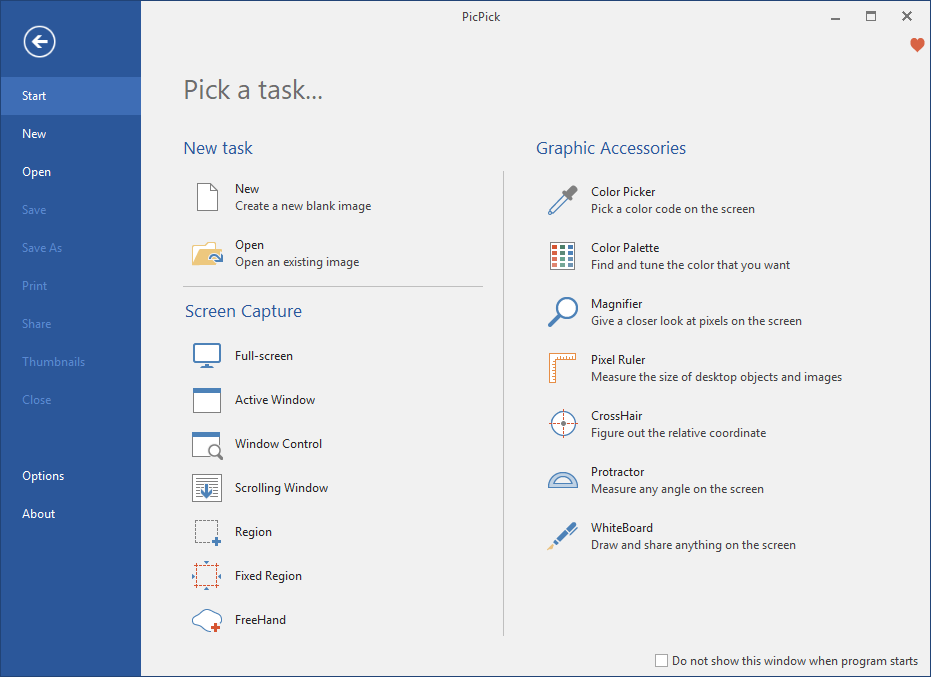
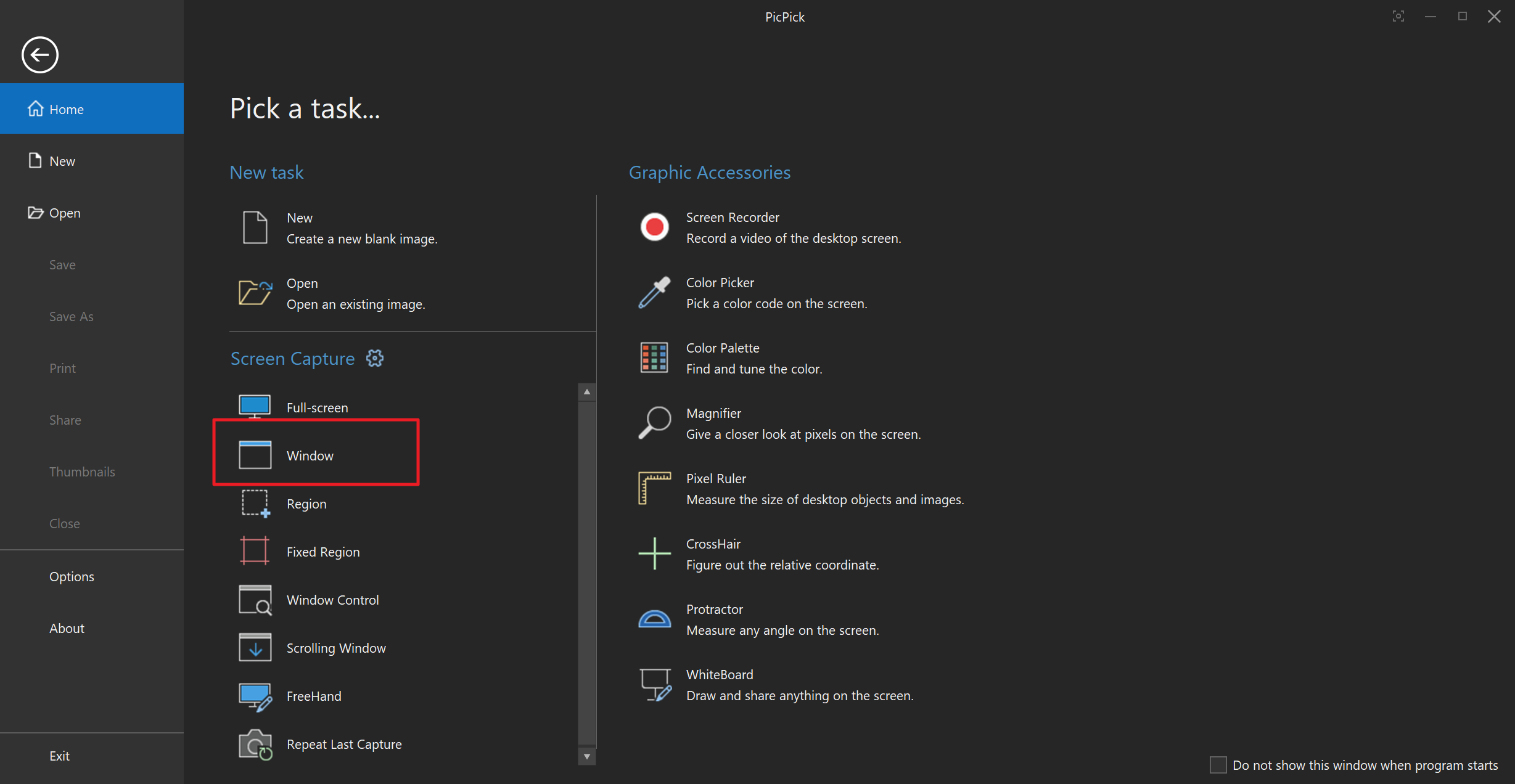
New Update PicPick - A full-featured screen capture and recording tool

silversurfer

Super Moderator
Verified
Top Poster
Staff Member
Malware Hunter
Forum Veteran
Homepage: PicPick - All-in-one Graphic Design, Best Screen Capture and Recording Software, Image Editor, Color Picker, Pixel Ruler and More
Download: Free Version | Portable
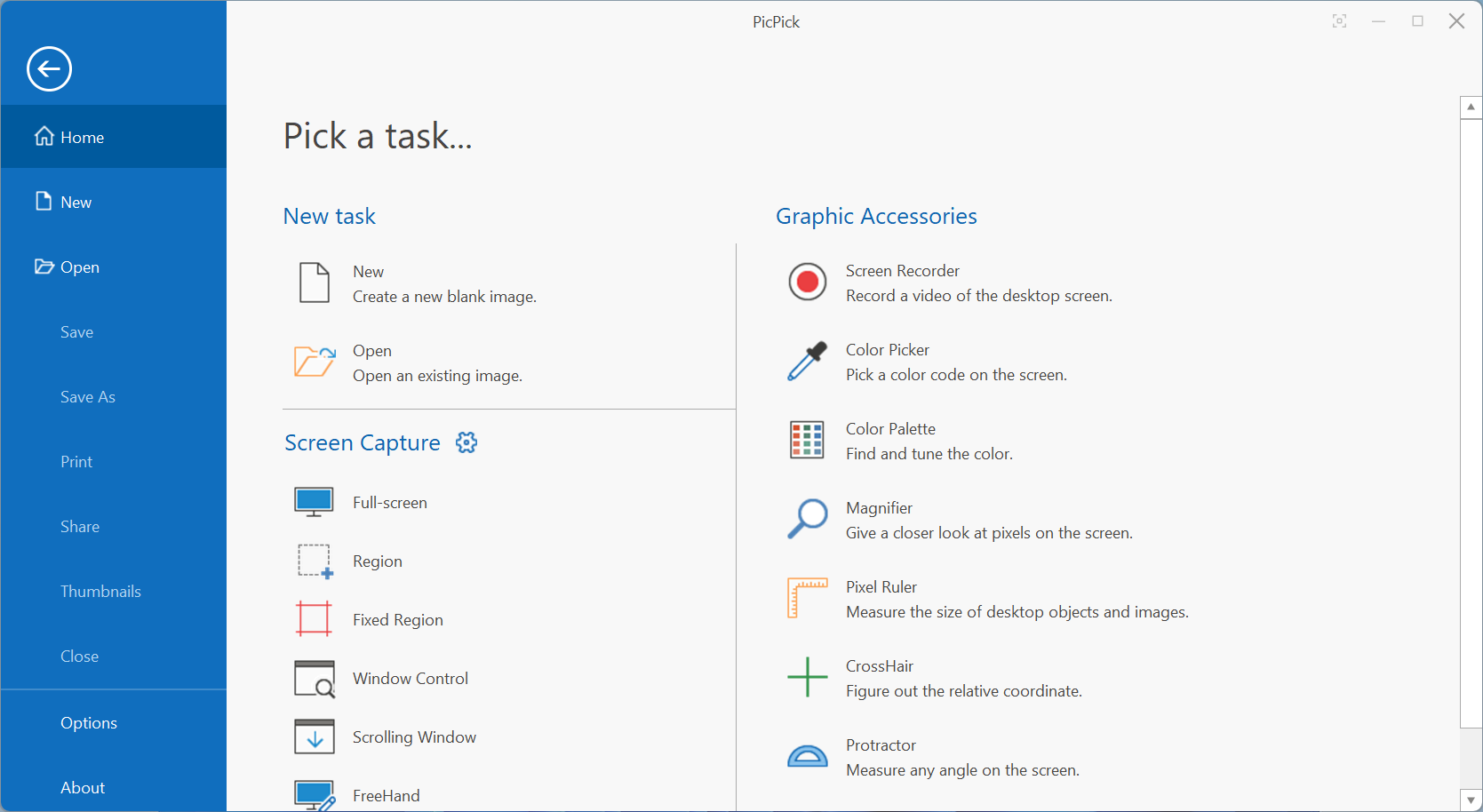

The new version of PicPick comes with an improved capture interface. It offers new functionality but also improvements.

PicPick 7.0 supports delayed captures. The feature was missing in previous versions. It enables users to capture the screen after three, five or 10 seconds, making it ideal for captures that require preparation or items that require interaction.

The new timed delay capture feature is available in PicPick's mini toolbar, which it displays when users activate the capture functionality. It is also available from the program's system tray icon, under Screen Capture > Time Delay, and in the program settings under Capture > Capture Options.

The time delay option is not linked to a particular capture type. Once the desired delay has been set, it becomes available for all screen capture options the program supports.
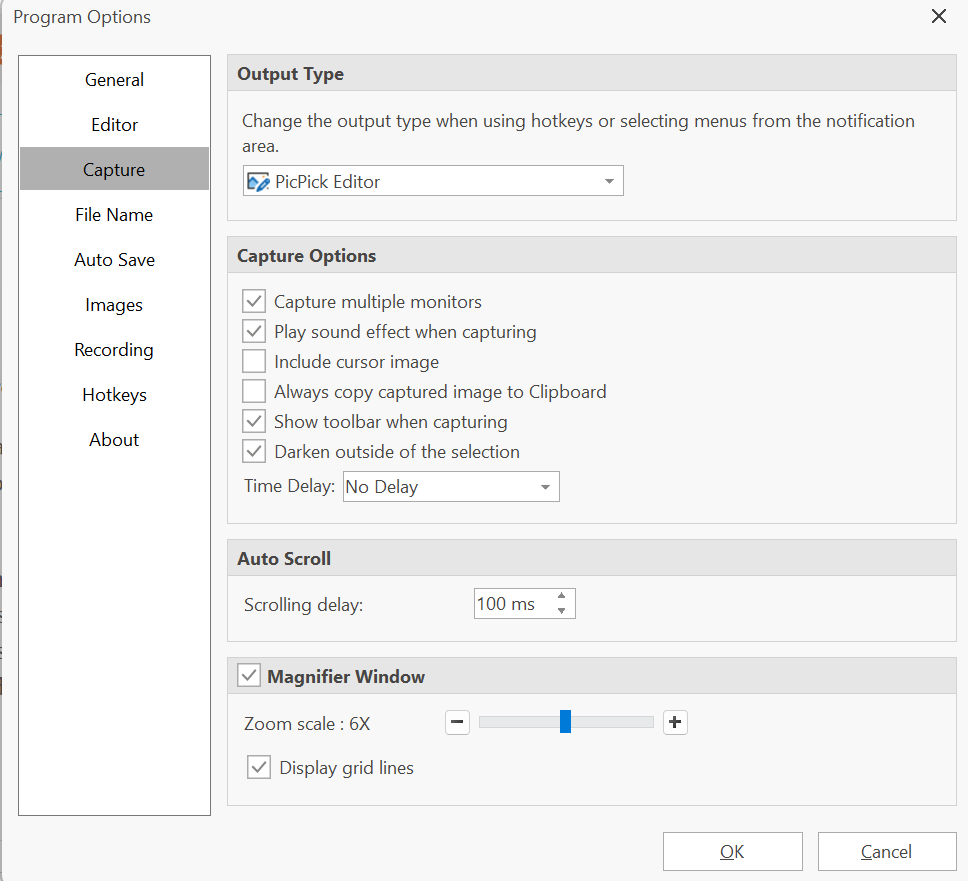
picpick options
 
v7.0.1 (2022-11-21)
  • Added an option to display shape gallery in the Ribbon by default
  • Improved icons in Quick Access Toolbar
  • Fixed the selection tool doesn't scroll when dragging a large area.
  • Fixed an issue when closing a Screen Recorder while recording.
  • Other minor bug fixes
 
v7.0.2 (2022-12-23)
  • Fix an issue where the shape outline style option was not displayed
  • Fix a text rendering bug on the line and arrow.
  • Fix an issue where the Ctrl+T shortcut does not work in the image editor
 
v7.1.0 (2023-02-24)
  • Improved opening an image from a URL
  • Added a color picker on More Colors window
  • Fixed a white outline issue when adding text on the arrow or line
  • Fixed an issue where the text tool cannot select a specific size
  • Allow license activation without admin privileges
  • Added Ctrl+F1 shortcut key to minimize the Ribbon
  • Use a secure connection when checking or downloading the software update
 
v7.2.0 (2023-06-03)
  • Added Window Capture
  • Screen Recorder can now record multiple audio inputs
  • Added Customize option of Quick Access Toolbar
  • Enhanced printing feature
    • Improved printing and preview result quality
    • Added image scaling options
    • Improved header/footer and margin settings
  • Enhanced PDF export
  • Added a feature to restore all settings to default
  • Fixed an issue of failing auto-save after reaching the maximum limit
  • Fixed an issue of file name converting to ignore case when opening an image
  • Fixed multiple files not opening on the image editor
  • added a new keyboard shortcut for save as (Ctrl + Shift + S)
  • added keyboard shortcuts in Whiteboard


Last edited:

7.2.2 (2023-08-02)​

  • Fixed an issue of default file format when saving an image
  • Improved a performance of fixed region capture
  • Fixed an issue of displaying a recording limit popup
  • Print Preview displays a whole page by default
  • Support Per-Monitor (V2) DPI Awareness
  • Added Window Capture button on the Capture Toolbar
  • Added an option to disable recent opened images
 

7.2.3 (2023-10-04)​

  • Fixed an issue where the capture area didn't cover the entire screens on the multiple monitor environment.
  • Fixed an issue where some of the key tips were missing on the image editor.
  • Fixed an issue where the border on fixed region capture was hidden when arrow keys were pressed.

Download: Free Version | Portable
 

7.2.5 (2023-11-14)​

  • Fixed a bug where printer source and color settings were not being set as default printer settings.
  • Fixed several bugs related to fixed region capture.
  • Fixed a bug that caused the scroll bar position to reset when changing the canvas size.
  • Added missing Fullscreen button on the View tab.
Source: PicPick - changelog

Download: Free Version | Portable
 

7.2.7 (2024-02-13)​

  • Minor bugs are fixed.

7.2.6 (2024-02-09)​

  • Fixed a bug where the countdown displays a negative value when the capture key was pressed repeatedly.
  • Fixed a bug where the capture size would be slightly off when adjusted with the mouse in the fixed region capture mode.

Download: Free Version | Portable
 
Last edited:
A full-featured screen capture and recording tool, Intuitive image editor, color picker, color palette, pixel-ruler, protractor, crosshair, whiteboard and more.
FREE
For personal, non-commercial use only

 
Thanks for sharing! PicPick indeed offers a comprehensive set of tools for designers. It's a great resource for personal, non-commercial use.
 

7.3.0 (2025-02-03)​

  • Improved screen recorder stability.
  • Optimized PicPick editor for faster loading time.
  • Fixed a bug where the printer settings failed to load when no paper sources were available.

7.3.1 (2025-02-04)​

  • Fixed a bug where the program did not start on a specific computer.
 

7.3.2 (2025-02-27)​

  • Fixed an issue where the program occasionally became unresponsive.
  • Updated full-screen recording to exclude the recording toolbar from the captured video.
  • Improved the New menu to retain user-defined colors.
  • Fixed an issue in the Save All where only unsaved images are now properly saved.
  • Other minor bug fixes
 

7.3.4 (2025-03-03)​

  • Fixed an issue where the landing page was displayed after capturing.
  • Fixed an issue where the window title was broken.

7.3.3 (2025-03-01)​

  • Fixed an issue where the multi window shows misaligned or partially rendered.
 

7.3.6 (2025-05-15)​

  • Fixed an issue where an image disappeared when the window was moved between monitors
  • Fixed an issue where scroll-captured images contained an unintended red border
 

7.4.0 (2025-06-23)​

  • Added support for saving in WebP file format
  • Added horizontal scrolling in the Image Editor with Shift and mouse wheel
  • Fixed control capture failing to detect specific windows
  • Fixed focus loss during delayed active-window captures.
 

7.5.0 (2026-05-22)​

  • Updated the user interface with a newly redesigned look and feel
  • Improved readability in Dark Mode
  • Added a timestamp watermark feature
  • Added 33%, 66%, and 150% zoom presets
  • Enhancement to remember separate colors for the last used drawing, text, and shape tools
  • Changed the thumbnail view button to always appear on the tab
  • Added a "Paste in New Tab" feature (Ctrl+Shift+V)
  • Added a “Delete File” option to the tab menu.
  • Fixed an issue where saved files were not added to the Recent Documents list
  • Improved usability of the Backspace key
  • Improved the Number Stamp so its text color automatically adapts to the background
  • Improved the ruler with automatic DPI detection
  • Improved the image editing tools to allow changing ruler units
  • Fixed an issue where the recorder icon was repeatedly added to the Windows taskbar settings
  • Fixed an issue where the print functionality was not working properly
 

Recently browsing

Members who viewed this thread in the last 5 minutes

Back
Top