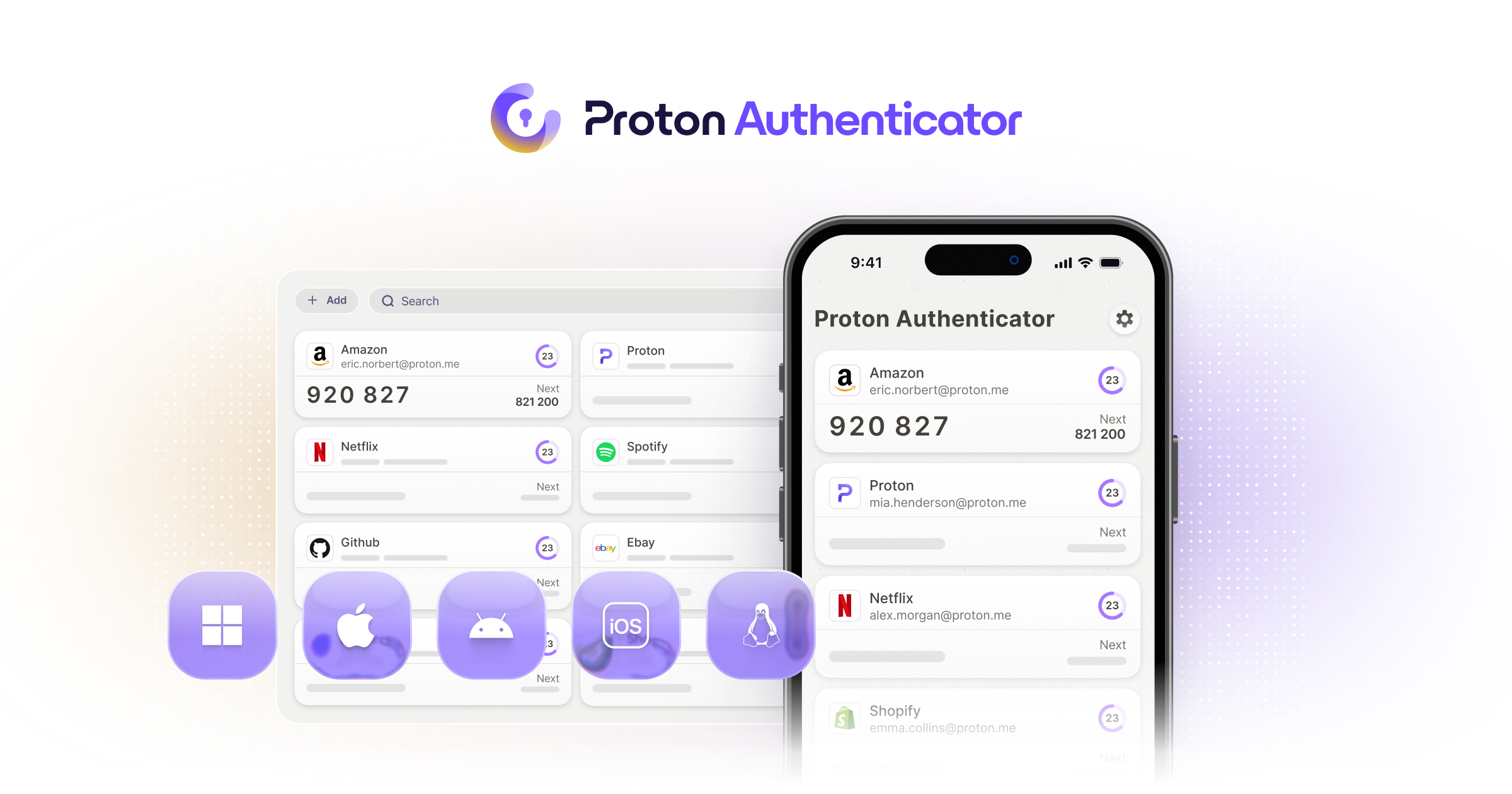
New Update Proton launches free standalone cross-platform Authenticator app

Military-level 💂‍♂️
More or less. I believe there are people more important than me who don't use MFA, they just use passwords, and simple ones at that. And do you know anyone in my family who uses MFA? No one does, believe it or not, only I use MFA. 99% of my accounts are protected by MFA, access keys and also YubiKey. My family members must have accounts protected by MFA because I activated it lol. :)
 
More or less. I believe there are people more important than me who don't use MFA, they just use passwords, and simple ones at that. And do you know anyone in my family who uses MFA? No one does, believe it or not, only I use MFA. 99% of my accounts are protected by MFA, access keys and also YubiKey. My family members must have accounts protected by MFA because I activated it lol. :)
I was using sms 2fa for some accounts before; after finding no one is trying to hack me, I stopped, especially I have read sms 2fa is not that secure and can be cirumvented, although I do not get the exact mechanism to do so.
 
  • Like
Reactions: piquiteco
I only recommend that people use MFA with a time-based authenticator if you back up your data. If you don't back up your data and uninstall the app, and also run the risk of losing your backup, I don't recommend activating MFA, otherwise you'll have a bigger headache trying to recover your accounts, as they will be locked and you will lose access to them. ;)
I was using sms 2fa for some accounts before; after finding no one is trying to hack me, I stopped, especially I have read sms 2fa is not that secure and can be cirumvented, although I do not get the exact mechanism to do so.
Yes, it is indeed unsafe to use SMS-based MFA. The most commonly used method by attackers is SIM swapping, which is a technique used by attackers to take control of your phone number. There are other methods, such as attacks on the Signalling System 7 (SS7) and social engineering. (y)
 
I only recommend that people use MFA with a time-based authenticator if you back up your data. If you don't back up your data and uninstall the app, and also run the risk of losing your backup, I don't recommend activating MFA, otherwise you'll have a bigger headache trying to recover your accounts, as they will be locked and you will lose access to them. ;)

Yes, it is indeed unsafe to use SMS-based MFA. The most commonly used method by attackers is SIM swapping, which is a technique used by attackers to take control of your phone number. There are other methods, such as attacks on the Signalling System 7 (SS7) and social engineering. (y)
The attacker will find my e-mail inbox empty, my social media account with no friends, and will obviously add my to charity lists when find out my bank balance 🥲
 
The attacker will find my e-mail inbox empty, my social media account with no friends, and will obviously add my to charity lists when find out my bank balance 🥲
Don't you use KeepassXC? If you do, it has MFA, although I don't recommend putting all your eggs in one basket. If you keep it offline and a copy on a memory card, you can activate MFA without any problems on any account, and you'll be safer and better off than not having MFA, and KeepassXC still works offline. Try it out one day, it's not rocket science. :)
 
I did not decalre their uselessness; they are just inconvenient, especially for less tech aquainted users, and for diseased users like me 🤕
Inconvenient? You do know what you're not required to enter 2FA code every single time you sign in? If you're signing in from the same device you were signed in before, you just need to enter the password. 2FA codes are only used in cases when website doesn't recognize new device or IP address. For rest, just password is used.
Yes, but I also have backups elsewhere, such as on a memory card encrypted with a different password from the main backup, I have a backup on my offline KeePass on another USB stick, and I have an extra battery for my device in case it no longer holds a charge. As it has an AMOLED screen and I only use it for MFA and don't use the device all the time, the battery lasts a week. It would be very unfortunate if I had problems all at once and, for some reason, also lost the backup. It is always better to be safe than sorry. So, the backup saves my skin in these situations. the backup file is small and then you just import it into Aegis on another device and it takes less than 5 minutes to send the file via Bluetooth and that's it, imported into Aegis and back up and running on another device, without any effort or internet access because I save the apk apps on my memory card so I don't need access to the store to install them. I'm not stupid, I take a lot of precautions when it comes to backup. The only thing I can't forget or lose is my master password. Other than that, everything is safe and backed up with encryption. ;)
You didn't store the backup of the backup of the backup somewhere deep in the mountains of Switzerland?????????????

Well... I'm not that paranoid because I use multiple way of verification for my accounts; e-mail, phone, 2FA codes, backup codes, device verification and such. Even if I lose the access to 2FA, I could still sign in without any problem to my accounts. You're doing exactly the same I did before, until I actually find my peace and realized that no one is going after me and there's no need for having backup of backup of backup of backup spread across 10 different cloud services. Same goes for my PC security config; I used to use million 3rd party security tools; after I realized that they just sit in the background doing nothing except using system resources, I just got rid of them all and left just default antivirus and firewall. 0 problems. 🙂
 
I went from Microsoft Authenticator to Ente Auth recently, Happy so far. I can still authenticate Microsoft Apps on my phone with prompts from Outlook which is installed on my Android phone.
I am intrigued by the Proton offering though, and will keep an eye on this thread.
 
This one intrigues me. I'm currently using Ente Auth as I needed something that has apps for Windows, Android, Linux as well as cloud backup like Authy. Ente felt like the best option at that time. Already using Proton Pass so as @Jonny Quest said, not putting all in the same basket is probably a good idea. Happy with Ente Auth for now.

Talking about not putting all in the same basket, when I imported my passwords from my KeePassXC to Proton Pass, most of my 2FA codes which were also stored in KeePassXC were imported into my Proton Pass. Storing 2FA codes in Proton Pass is a paid feature yet the importing feature unintentionally made this feature free for me. It spoiled me how I never have to open my 2FA app. After entering password through the Proton Pass extension, it automatically shows me a popup with the 2FA code and there's a fill in button in it. On Android, the 2FA code is automatically shown on top of my G-Board which I just need to tap to fill.
I cannot manually add any more 2FA in the free version, but this feel like a bug in their service. It should not import 2FA codes in the free version.
I should contact their support to inform them about it (they should be aware of it already) and ask them to remove my 2FA codes from Proton Pass if possible, but I've been too lazy to do that 😶
 
I like the Proton authenicator. It's very clean and easy to use. I switched from aegis to this, and switching was very easy.
I haven't visited the Proton site yet, so does Proton auth app import already saved 2fa data from other apps...?? Last time I looked at switching apps, importing data was problematic iirc
PS just read @SeriousHoax post... good info
 
this feel like a bug in their service
I like when corporate bugs get exploited
Jack Nicholson Yes GIF
 
I haven't visited the Proton site yet, so does Proton auth app import already saved 2fa data from other apps...?? Last time I looked at switching apps, importing data was problematic iirc
PS just read @SeriousHoax post... good info
Check out the thumbnail image on my post, and see if that helps answer your question.


Check out the thumbnail image on my post, and see if that helps answer your question.


Thanks, "Easily import your existing codes..." I'll try it and see if it works for me
 
I haven't visited the Proton site yet, so does Proton auth app import already saved 2fa data from other apps...?? Last time I looked at switching apps, importing data was problematic iirc
PS just read @SeriousHoax post... good info

I had no problem. I just exported the encrypted json, then imported it into Proton. I had no issues at all.
 
You didn't store the backup of the backup of the backup somewhere deep in the mountains of Switzerland?????????????
Yes, in the mountains of Switzerland on the border with Italy, from here I can see the whole landscape and admire it. :LOL:
Well... I'm not that paranoid
BTW, at no point did I say that you are paranoid. If you are referring to me as a paranoid user, no problem, I don't sweat it, let it roll, I don't care. (y)
because I use multiple way of verification for my accounts; e-mail, phone, 2FA codes, backup codes, device verification and such. Even if I lose the access to 2FA, I could still sign in without any problem to my accounts. You're doing exactly the same I did before, until I actually find my peace and realized that no one is going after me and there's no need for having backup of backup of backup of backup spread across 10 different cloud services. Same goes for my PC security config; I used to use million 3rd party security tools; after I realized that they just sit in the background doing nothing except using system resources, I just got rid of them all and left just default antivirus and firewall. 0 problems. 🙂
So, you use a different form of verification than I do. I use MFA, access keys, and YubiKey for all accounts that accept security keys, and I use the Advanced Protection Programme for all my Google accounts. I have backup codes, but I've never needed to use them. I don't usually leave sessions open and save cookies in the browsers I use. For most services, I open my email account or other service in a new private window, so every time I log in, I need to enter the MFA token again or touch my YubiKey with my finger to access my account. I'm not too lazy to pick up my phone and see which token I'm going to enter. Yes, now I'm more relaxed about backup because I have a lifetime licence for Proton Pass, which I bought a few years ago when the product was launched. I don't have any security issues. When I installed two AVs at the same time and other tools, it was just out of curiosity on my part. :)
 
BTW, at no point did I say that you are paranoid. If you are referring to me as a paranoid user, no problem, I don't sweat it, let it roll, I don't care.
No hard feelings, but this is paranoid behavior. Keeping backup on 100 different locations and backups of backups on another 100 locations. It's just too much. I'm not saying you're doing it, it's just hyperbole.

All you need is phone with 2FA and multiple ways of identity verification (e-mail, 2FA code, phone number, security key etc.). You don't need to store 2FA codes on another phones, backed up to three cloud service providers with decryption keys buried somewhere underground. If you lose 2FA code, you still have e-mail. If you lose 2FA code and e-mail, you still have phone number. If it happens that you lose 2FA code, e-mail, phone number (extremely unlikely), you still have security key. There's no need for huge amount of backups.

I would know because I was keeping backups on 5 different cloud services when I was a kid as I thought there are increased chances of me being hacked. Then I realized I don't need to do that because average boring people aren't the target for these attacks.
For most services, I open my email account or other service in a new private window, so every time I log in, I need to enter the MFA token again or touch my YubiKey with my finger to access my account. I'm not too lazy to pick up my phone and see which token I'm going to enter.
See? This is what I'm talking about. This is paranoid behavior. Always using private window and singing in again and again because you're afraid of cookie theft. No doubt cookie theft exists and there were attacks like this, but take a look who was the victim and how they were hacked. It's really important to see how exactly they were infected so you won't make their mistake.

Linus Tech Tips was a victim of cookie theft. Their employee opened malicious attachment and it stole their cookies. But Linus isn't just an average person; he is famous person running a famous company. Hence the reason why they were hacked multiple times. He wasn't the only one, many celebrities were hacked too, even Elon Musk.

You really don't have a reason to worry about getting hacked. If you're taking precautions (don't visit shady sites, download suspicious programs, have AV/Firewall, never open suspicious attachments,...), chances of you getting hacked are equal to zero.
I like to be paranoid, just too fatigued to do so 😟
Maybe it's better it stays that way. I know people that were so paranoid they had a lot of security software installed which ultimately helped them get infected/hacked. The more software/services you use, the greater are chances of getting infected/hacked. No software/service is immune to bugs and by using a lot of them, you're essentially opening more ways for them to get you.
 
You really don't have a reason to worry about getting hacked. If you're taking precautions (don't visit shady sites, download suspicious programs, have AV/Firewall, never open suspicious attachments,...), chances of you getting hacked are equal to zero.
You're absolutely right. Thanks (y) If people are celebrities, they don't worry so much about it, so why am I, an ordinary person, so concerned about MFA? Paranoid? Maybe it's the placebo effect? Maybe both at the same time. Don't worry, this month I'll clean up the extras and rest my head, literally speaking, of course. :)
 
You're absolutely right. Thanks (y) If people are celebrities, they don't worry so much about it, so why am I, an ordinary person, so concerned about MFA? Paranoid? Maybe it's the placebo effect? Maybe both at the same time. Don't worry, this month I'll clean up the extras and rest my head, literally speaking, of course. :)
I'm truly sorry if I offended you in any way, that really wasn't my intention. My intention was to show you (and others) there's no really need for doing so much backups. If anything, saving data on multiple locations can make you more vulnerable to any data leak. Same goes for using multiple security software (which I saw some of members here use); more software = more security bugs.

We should all keep our PCs and online accounts safe. What we shouldn't do is lose our heads with hypothetical scenarios that would (or could) never happen. If we constantly think negative thoughts and made up scenarios (like what ifs), we live in constant fear. And I don't know about anyone here, I like to live my life care-free, without thinking about stuff that are out of my control.

Yes, I know... I'm getting on the nerves of God and devil saying here how there are tiny chances of any of us get hacked. But it's the truth. Anyone not believing this should just ask themselves:
when was the last time I heard someone was seriously hacked?
when was the last time I heard someone lost access to all of their online accounts?
when was the last time I heard someone had all of their bank accounts emptied?
when was the last time I heard someone was hacked through 0-day exploit?

We came a long way regarding security and hackers eventually gave up on targeting individuals because there are bigger fish in the pond. I'm not kidding; ransomware used to target everyone. Today it almost exclusively targets businesses, as hackers realized we, average people, don't care if we lose something; no one will pay them. Same attitude can't apply to businesses which, if they don't have a backup, have no other options than pay.

I personally haven't saw a malware for more than 10 years for sure, maybe even longer. I never had any of my online accounts broken into or any of data leaked (I don't count my spam e-mail address whose purpose is exactly this). And I believe my philosophy took a huge part here.
 

You may also like...