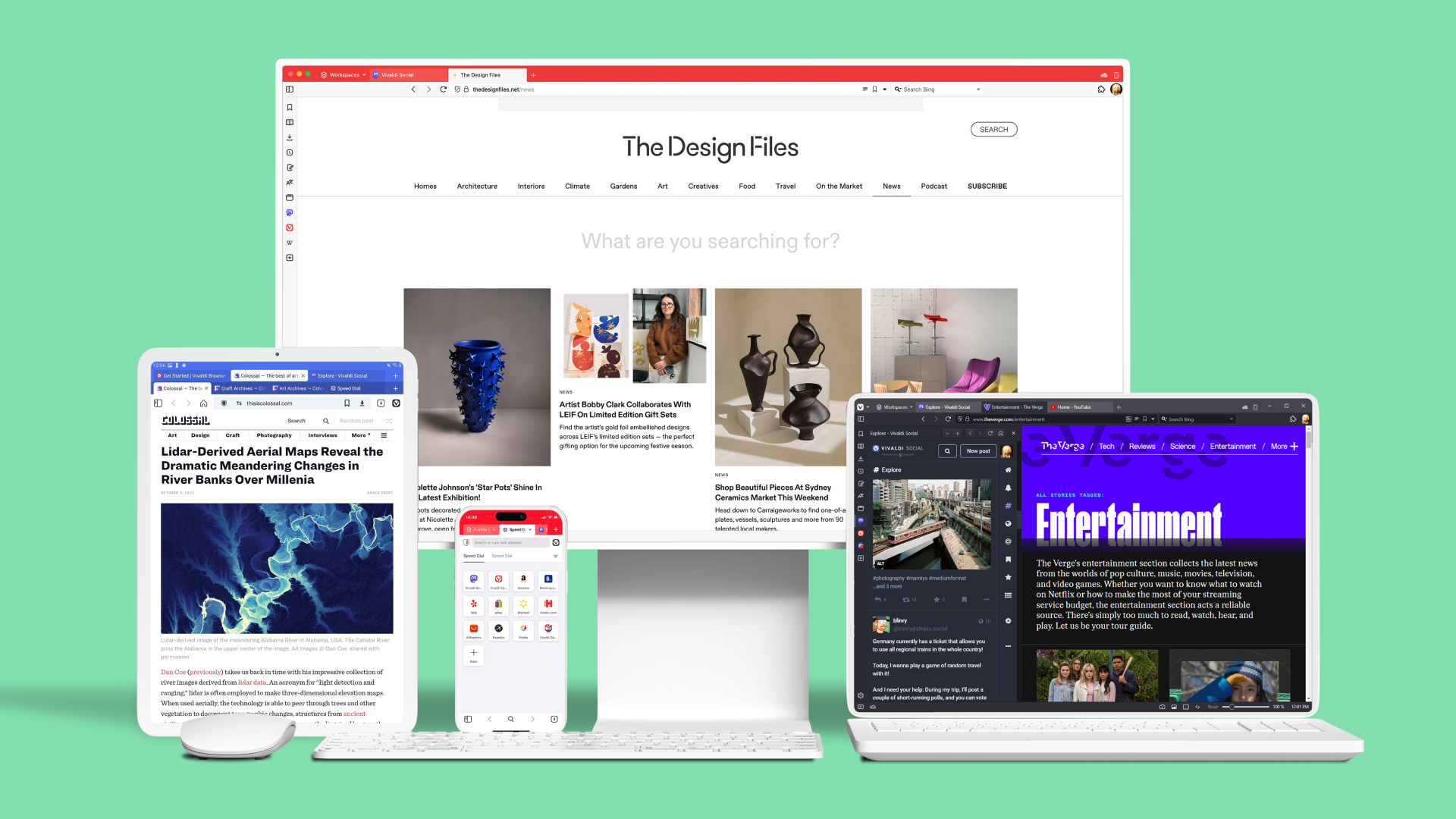
Vivaldi 6.2 speeds up performance and adds this unique feature

 www.ghacks.net
Vivaldi 6.2 is the newest version of Vivaldi Technologies web browser. The new version marks a major milestone for the project, as it speeds up the opening of new browser windows significantly in many cases. Also new is the ability to customize the address field output when you type by selecting the sources Vivaldi pulls information from.
Vivaldi Technologies notes that it is now rendering browser windows through React portals. The effect of the code refactoring is that the browser opens windows faster now and that it uses less memory for browser windows.
The company explains that the JavaScript Framework Portal Windows derives from React. Vivaldi engineers worked on the project for several years to implement the feature in the browser. The main goal was to reduce memory and CPU usage, and also introduce improvements that would not have been possible otherwise.
Vivaldi Technologies ran benchmarks to compare the before and after performance. Vivaldi's window opening speed improved by 37% after the changes were implemented claims the company. The benchmarks were run on a low-end Intel 2GHz Core i3 processor. Compared to an older version of the browser from 2018, windows opened 64% faster, according to Vivaldi Technologies.
Vivaldi 6.2: Address Field customizations
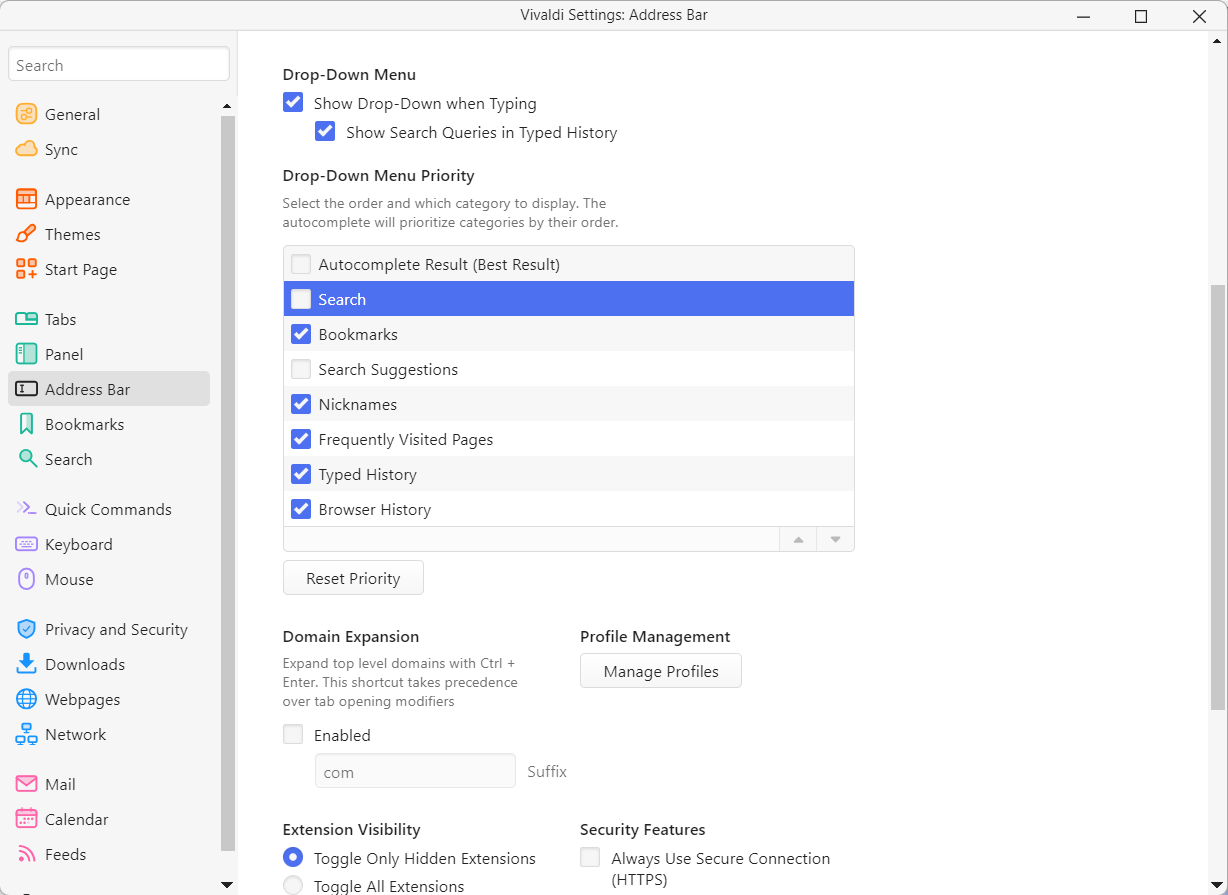
Vivaldi 6.2 ships with several new features and improvements. One of the most interesting ones is the ability to change the priority of address field items that the browser displays when users type in the address bar.
All modern web browsers use several sources they pull data from: from search, the user's bookmarks, the browsing history, or pages visited frequently.
Vivaldi users may control the output of the browser in Vivaldi 6.2 by changing priorities and removing entire sources from the list of sources Vivaldi uses. It is possible to turn off search entirely to only get local results, or to keep search and bookmarks, but disable the browsing history.
You can change the the priority and data sources of the output in the following way in Vivaldi 6.2:
There is a handy Reset Priority button to restore the original configuration at any time.
- Select the Vivaldi Menu and then Settings.
- Switch to Address Bar in the sidebar of the Settings window that opens.
- Scroll down to Drop-Down Menu Priority.
- There, you may uncheck any of the available sources:
- Autocomplete Results.
- Search.
- Bookmarks.
- Search Suggestions.
- Nicknames.
- Frequently Visited Pages.
- Typed History.
- Browser History.
- Most of the options may also be moved. Select them and use drag & drop, or the up/down icons in the lower right corner of the interface.
- Note that the first two options, Autocomplete Result and Search, can't be moved at this time.
Vivaldi 6.2 speeds up performance and adds this unique feature - gHacks Tech News
Vivaldi 6.2 is the newest version of Vivaldi Technologies web browser; it improves the performance and adds unique features to the browser.
www.ghacks.net
Last edited:


 And if you have any questions let me know.




 this time we can give applause for all of Vivaldi Team