New Update Vivaldi Desktop Releases

Vivaldi 7.3 Build 3635.14
This update includes a security fix from Chromium upstream to resolve “CVE-2025-4664: Insufficient policy enforcement in Loader”.

The following improvements were made since the fifth 7.3 minor update:
  • [Chromium] Backported upstream patches for issues CVE-2025-4609 and CVE-2025-4664
 
Vivaldi 7.4 Build 3684.38
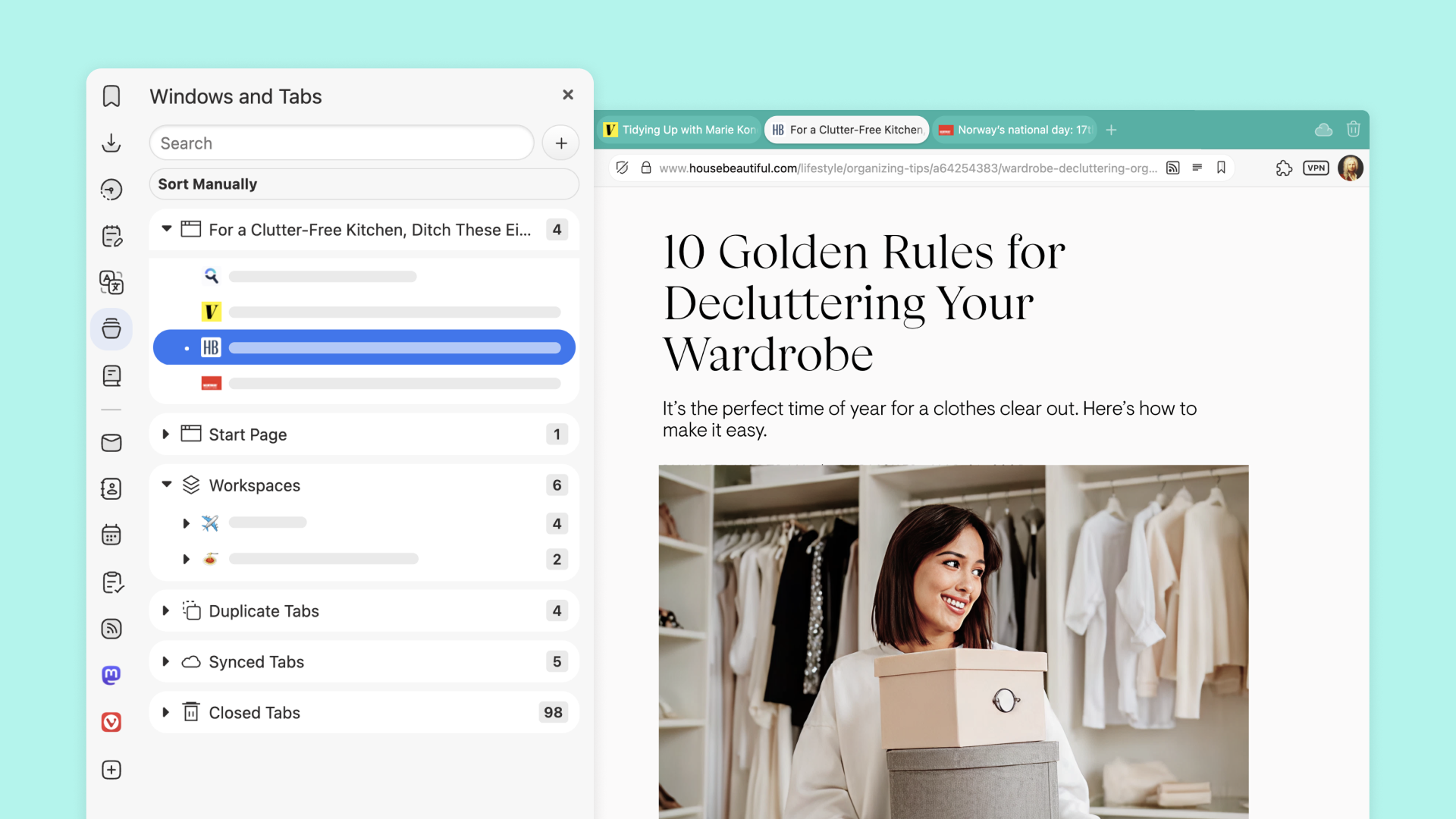
This release is about thoughtful improvements that make your browser faster, smarter, and even more yours. Whether you’re the kind of person who lives by keyboard shortcuts, loves a perfectly organized panel, or simply wants a smoother ride through the internet, this update has something for you. And yes, we might have snuck in a little nod to life’s big questions, because sometimes the answer is 42.

Sometimes, progress isn’t about fireworks. It’s about the quiet, consistent improvements that make your everyday browsing smoother, faster, and just a little more delightful.

Vivaldi 7.4 is exactly that kind of release. A solid upgrade that reinforces why so many of you choose Vivaldi: a browser that works for you, not the other way around.
 
Vivaldi 7.4 Build 3684.43
This update includes security fixes from Chromium upstream, along with several important fixes for Vivaldi.

The following improvements were made since the initial 7.4 stable release:
  • [Blocker] Add support for strict3p and strict1p rule options (VB-116879)
  • [Chromium] Update to 136.0.7103.151
  • [Crash] Memory leak and crash in AdverseAdFilterListService (VB-117050)
  • [Crash][Autofill] Save Address and edit (VB-116526)
  • [Extensions] The Chrome Web Store states “Add to Google Vivaldi” in some locales (VB-117262)
  • [Media] HTML5 video does not start with old GTxxx GPUs (VB-116704)
  • [Settings][Dark/Light Mode] Switch Fails to Override Website System Mode (VB-117103)
 
Vivaldi 7.4 Build 3684.46
This update includes security fixes from the Extended Support Release (ESR) branch of Chromium upstream, including one to resolve “CVE-2025-5419: Out of bounds read and write in V8”.

The following improvements were made since the first 7.4 minor update:
  • [Chromium] Update to 136.0.7103.162 (includes CVE-2025-5419)
 
Vivaldi 7.4 Build 3684.50
This update includes security fixes from the Extended Support Release (ESR) branch of Chromium upstream.

The following improvements were made since the second 7.4 minor update:
  • [Chromium] Update to 136.0.7103.170
  • [Crash][Mail][JSError] RangeError: Maximum call stack size exceeded (VB-115288)
 
Vivaldi 7.4 Build 3684.52
This update includes security fixes from the Extended Support Release (ESR) branch of Chromium upstream, plus a couple of other key fixes.

The following improvements were made since the third 7.4 minor update:
  • [Address bar] URL is searched instead of opening (VB-117198)
  • [Chromium] Update to 136.0.7103.179
  • [Settings][Workspaces] Add Workspace Rule button hidden by 4th rule (VB-117181)
 
Vivaldi 7.4 Build 3684.55
This update fixes a few situations with broken dialogs, that users have reported.

The following improvements were made since the fourth 7.4 minor update:
  • [Dialogs] Certain dialogs can be hard to close with high UI Zoom and/or small monitors (VB-117950)
  • [Dialogs] Certain dialogs are shown when they should not be (VB-114977)
 
Vivaldi 7.5 Build 3735.41
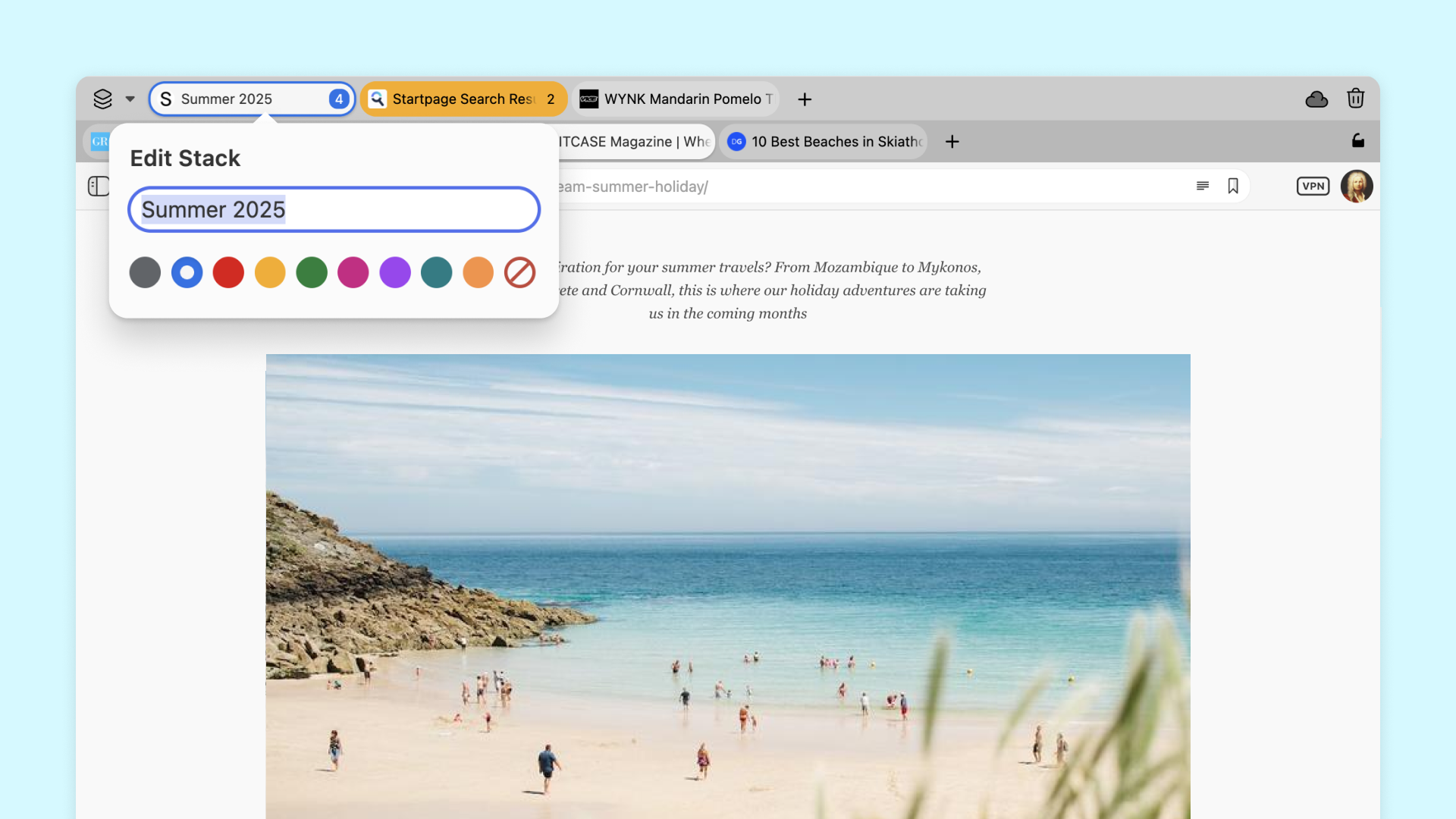
This update brings both refinement and power. It’s a release shaped by your feedback and driven by our commitment to putting you in full control of your browser. With long-requested colored Tab Stacks, enhanced privacy through DNS over HTTPS, and a host of meaningful improvements across the board, it’s about delivering the thoughtful upgrades that make a real difference in how you browse every day.
[Chromium] Update to 138.0.7204.143: includes fix for CVE-2025-6554 “Type Confusion in V8”
 
Using it as my main for few days; just add adguard base, annoyances, and tracking filters to its adblocker and it will be as powerful as Brave adblocker, with the advantage of customizability.

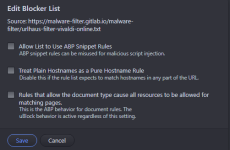
For advanced protection, interested users might adding the filter from URLhaus:
Code:
https://malware-filter.gitlab.io/malware-filter/urlhaus-filter-vivaldi-online.txt


In Vivaldi => Settings => Privacy = Ad Blocking Sources => Add List:

viva.png
 
For advanced protection, interested users might adding the filter from URLhaus:
Code:
https://malware-filter.gitlab.io/malware-filter/urlhaus-filter-vivaldi-online.txt


In Vivaldi => Settings => Privacy = Ad Blocking Sources => Add List:

View attachment 289381
Customizability I have just mentioned; I even added hagezi multi ultimate and oisd filters.
 
Using it as my main for few days; just add adguard base, annoyances, and tracking filters to its adblocker and it will be as powerful as Brave adblocker, with the advantage of customizability.
AdGuard filters are not fully compatible with Vivaldi's ad blocker; Vivaldi shows invalid and unsupported rules. The AdGuard DNS filter fully supports Vivaldi.
 
AdGuard filters are not fully compatible with Vivaldi's ad blocker; Vivaldi shows invalid and unsupported rules. The AdGuard DNS filter fully supports Vivaldi.
most adguard filters are valid on vivaldi adblocker; without, you will get ads on YT when you select open in new tab from the main page, not by clicking directly on the video in the main page.
 
  • Like
Reactions: Sorrento and rashmi
most adguard filters are valid on vivaldi adblocker; without, you will get ads on YT when you select open in new tab from the main page, not by clicking directly on the video in the main page.
You should at least enable the following from the built-in filter lists.
EasyPrivacy
EasyList
English (Peter Lowe's List)
Remove annoyances (Fanboy's Annoyance List)
Remove cookie warnings (Easylist Cookie List)
 

You may also like...