Open MalwareTips from your Home Screen or desktop. Follow discussions, find answers and pick up where you left off.
If you cannot find an install option, update your browser or use its bookmark option to keep MalwareTips close.
After installation, open the app and sign in. Enable push notifications in Preferences if you want alerts. On iPhone and iPad, push requires a Home Screen web app and iOS or iPadOS 16.4 or later.
Sign in to manage notificationsInstallation is optional. Your notification settings stay under your control.
It does for me.doesn’t support a secure connection
And because it's now being detected by more and more security companies, as we see, website started "dying". It's just the matter of hours until it disappears completely.

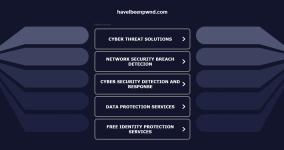
For me, the Have I Been Pwned website is loading normally, with a secure connection and a valid certificate. What am I missing?This thread came to mind, so I thought I'd check it out again. It now looks to be a dead page, without any popup, blocked page notification.
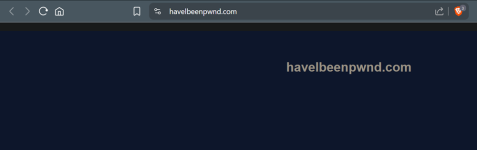
The real website is working fine, but when I visit the fake one, I now just get the following page.For me, the Have I Been Pwned website is loading normally, with a secure connection and a valid certificate. What am I missing?![]()

Okay, I understand. Now when I access it, there is a blue background with nothing written on it, but the connection is secure. Although the website has no content and appears harmless, why didn't the antivirus programs block it with a notification?The real website is working fine, but when I visit the fake one, I now just get the following page.
View attachment 289215
You've provided the answer, because it's harmless and it's no longer a fake Have I Been Pwned.Although the website has no content and appears harmless, why didn't the antivirus programs block it with a notification?
Members who viewed this thread in the last 5 minutes