


Open Windows UpdatesHow can I get this update? I can't understand
click on the button "Check for updates"
If it is not offered to you, get it from Download Windows 10
Open Windows UpdatesHow can I get this update? I can't understand

I've got two internal drives in two of my laptops and the upgrade completed with no issues, on both of them.Is there anyone out there with a second hard disk, who succeeded in this update?
I have OneDrive on my second hard disk. Maybe that's why the update is failing for me? I even tried disconnecting the SATA cable to hide the second hard disk from the updater, but it still failed.I've got two internal drives in two of my laptops and the upgrade completed with no issues, on both of them.
I have a 4TB spinner & a 128 GIG SSD, & it went OK, as before I made a mistake of leaving O&O ShutUp on which messed things up on first PC so restored an image & all was OK, this was from an ISO burned to DVD though.Is there anyone out there with a second hard disk, who succeeded in this update?


It's certainly possible.I have OneDrive on my second hard disk. Maybe that's why the update is failing for me?
You can find it here UUP (Unified Update Platform) Generation Project (v2.4.6) [by @rgadguard & mkuba50]So where to get the ISO?
It screwed my Master's Project just before my final presentation date but I had Macrium reflect and used older backup to save myself from getting 0 marks.Windows Update ate my term paper...

I believe with fresh installs MS is automatically putting a certain amount of space on one side (reserved) this I think can be lowered but not totally prevented. But 10 is a lot, has it rolled under the table or under the bed? Just an idea.Did complete clean install with usb stick image, everything working as well as before...my 10gt of space just gone somewhere and theres no windows.old since it was completely fresh install
 One day I'm going to be to old to go through these bi yearly updates.
I have the same kind of setup SSD Windows and HDD Data with one drive (with desktop, pictures and documents) and music and video's.I have OneDrive on my second hard disk. Maybe that's why the update is failing for me? I even tried disconnecting the SATA cable to hide the second hard disk from the updater, but it still failed.
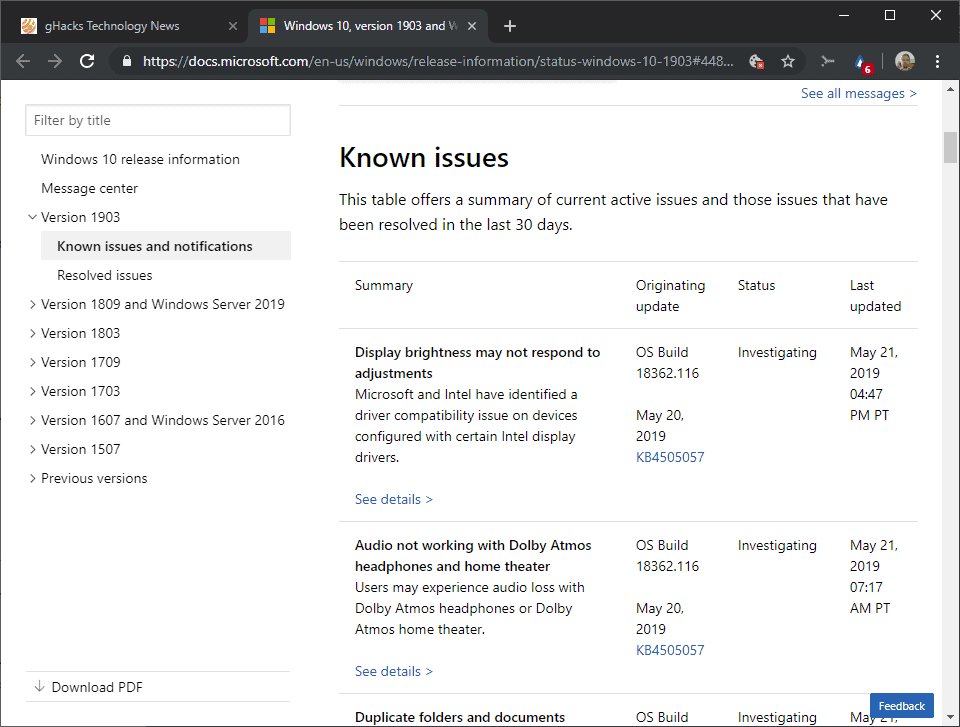
 www.ghacks.net
When you do a clean install of 1903, 7GB of space is reserved for updates and temporary files.Did complete clean install with usb stick image, everything working as well as before...my 10gt of space just gone somewhere and theres no windows.old since it was completely fresh install
 redmondmag.com
Me at work, PC has 4 HDDs and another connected through network, the Update went with no issues so far.Is there anyone out there with a second hard disk, who succeeded in this update?

I have OneDrive on my second hard disk. Maybe that's why the update is failing for me? I even tried disconnecting the SATA cable to hide the second hard disk from the updater, but it still failed.

I unlinked my OneDrive account, but the update still failed. Must be something else.I have OneDrive on my second hard disk. Maybe that's why the update is failing for me? I even tried disconnecting the SATA cable to hide the second hard disk from the updater, but it still failed.


