F


The MalwareTips app
Your community, one tap away.
Open MalwareTips from your Home Screen or desktop. Follow discussions, find answers and pick up where you left off.
- Home Screen access
- Optional push alerts
- Your community
You're ready to explore.Explore what's new
Installation instructions
iPhone & iPad
- Open MalwareTips in Safari and tap Share. You may need to open the Page Menu first.
- Choose Add to Home Screen. If it is not listed, use Edit Actions to add it.
- Keep Open as Web App enabled if shown, then tap Add.
Android
- Open MalwareTips in Chrome or another browser that supports app installation.
- Open the browser menu and look for Install app, Install and create shortcut, or Add to Home screen.
- Choose Install and confirm. Wording varies by browser.
Desktop
- Chrome: use the install icon in the address bar, or the menu under Cast, save and share.
- Edge: open the menu, then More tools, Apps and Install this site as an app.
- Safari on Mac: choose Share or File, then Add to Dock. Firefox on Windows: look for the web apps button in the address bar.
If you cannot find an install option, update your browser or use its bookmark option to keep MalwareTips close.
Keep up with your conversations
After installation, open the app and sign in. Enable push notifications in Preferences if you want alerts. On iPhone and iPad, push requires a Home Screen web app and iOS or iPadOS 16.4 or later.
Sign in to manage notificationsInstallation is optional. Your notification settings stay under your control.
You are using an out of date browser. It may not display this or other websites correctly.
You should upgrade or use an alternative browser.
You should upgrade or use an alternative browser.
New Update Windows 11 25H2 will come with a debloat option to remove default apps (via GPO)
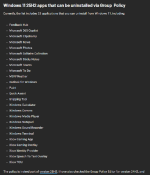


i have managed to remove, and i still have build 24 H2 )i have removed Xbox and other unneeded Apps. Uninstall option are available under installed apps
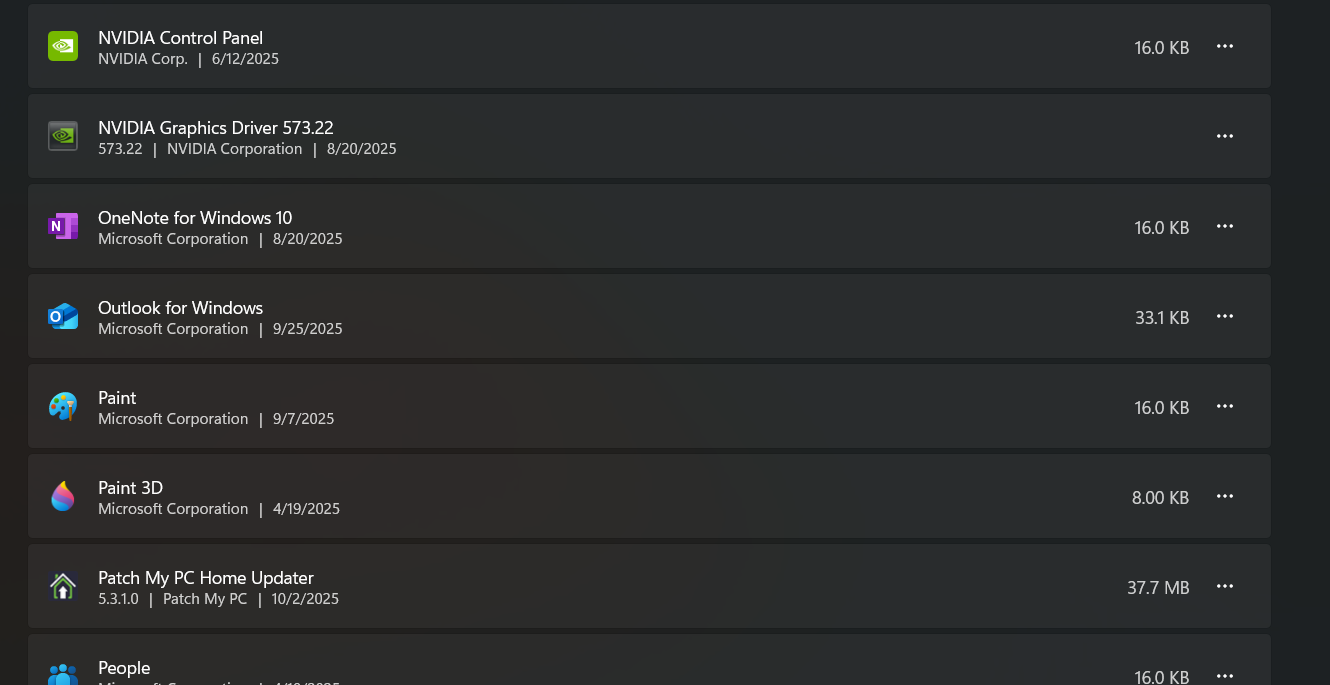

I already removed most of them in Windows 11 Ent 23H2.

You will not be able to have paint under any circumstancesWill it be a set of checkboxes ? I want to keep Paint ?

Will an update reinstate the removed apps? If yes, then it defeats the purpose.

Group Policy is respected by Windows AFAIK.Will an update reinstate the removed apps? If yes, then it defeats the purpose.

Not when it comes to disabling Defender.Group Policy is respected by Windows AFAIK.

Never seen before...strange!I see some new Windows apps on my system. Do you guys have these apps, and did you remove them?
Local Artificial Intelligence Manager
Microsoft Office Actions Server
Start Experiences App
Windows Application Compatibility Enhancements
"Start Experiences App" and "Windows Application Compatibility Enhancements" are there in the Windows "Installed Apps" and "System Components" sections. "Local Artificial Intelligence Manager" and "Microsoft Office Actions Server" show up in HiBit's Windows Store Apps Manager.Never seen before...strange!

Only some, like "Microsoft Edge Game Assist".Will an update reinstate the removed apps?
I always disable defender, but I had a hard time enabling it after upgrading to 28000.1, I had to remove all policies to get it running to update.Not when it comes to disabling Defender.
The only apps that reappear for me are Game Assist, Ink Handwriting Main Store, and Office Push Notifications Utility.If its in Microsoft's Big Plan to take over apps will be back, they will just appear without warning
I have all of them except, "Microsoft Office Actions Server". Among other three, only "Windows Application Compatibility Enhancements" is shown in settings. The other two are shown in HiBit only."Start Experiences App" and "Windows Application Compatibility Enhancements" are there in the Windows "Installed Apps" and "System Components" sections. "Local Artificial Intelligence Manager" and "Microsoft Office Actions Server" show up in HiBit's Windows Store Apps Manager.
Perhaps it's because I use Microsoft Office, specifically the 2021 Professional version. Do you use Microsoft Office?I have all of them except, "Microsoft Office Actions Server".
Yeah, I also have office installed.Perhaps it's because I use Microsoft Office, specifically the 2021 Professional version. Do you use Microsoft Office?
Recently browsing
Members who viewed this thread in the last 5 minutes


