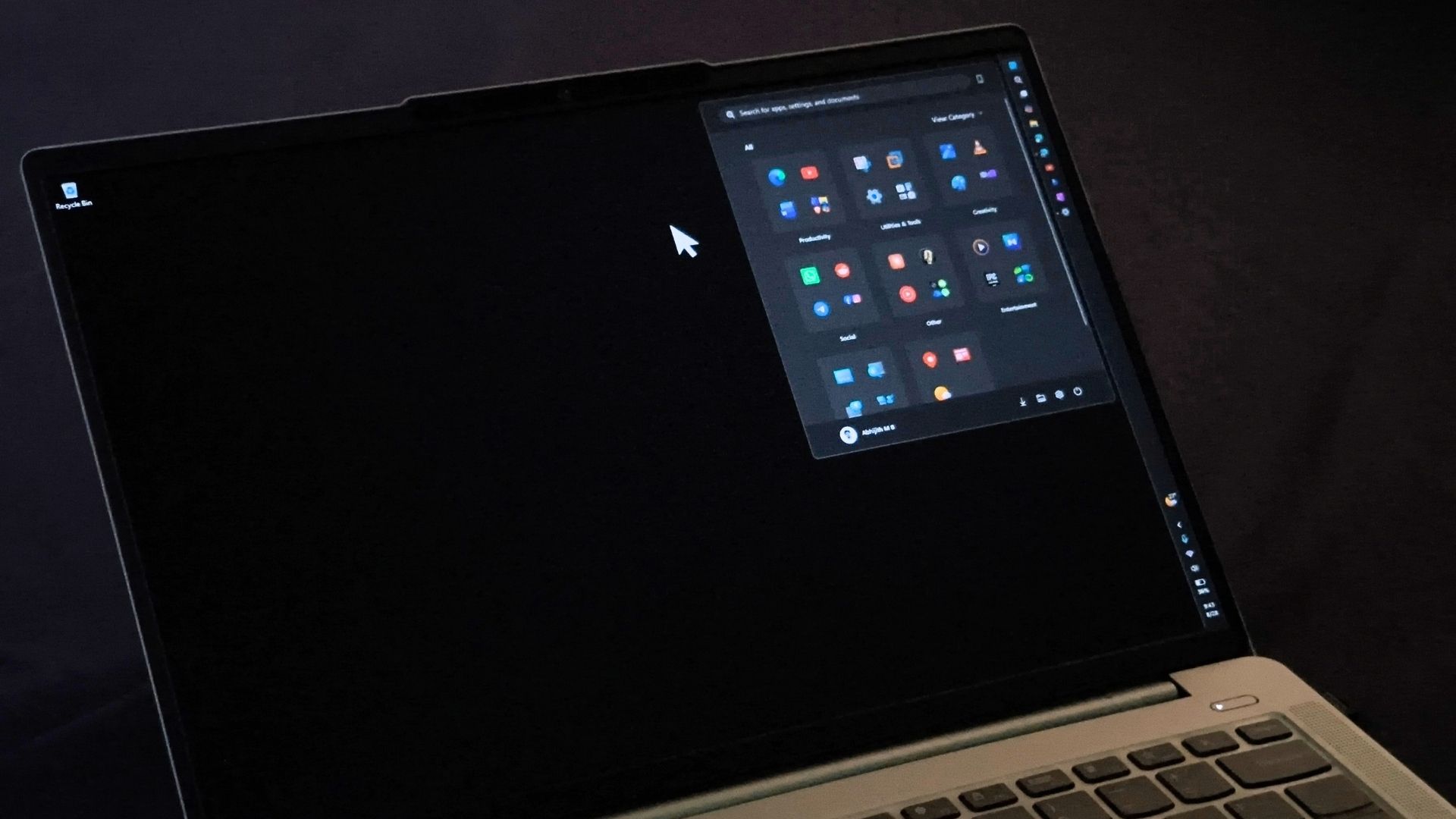
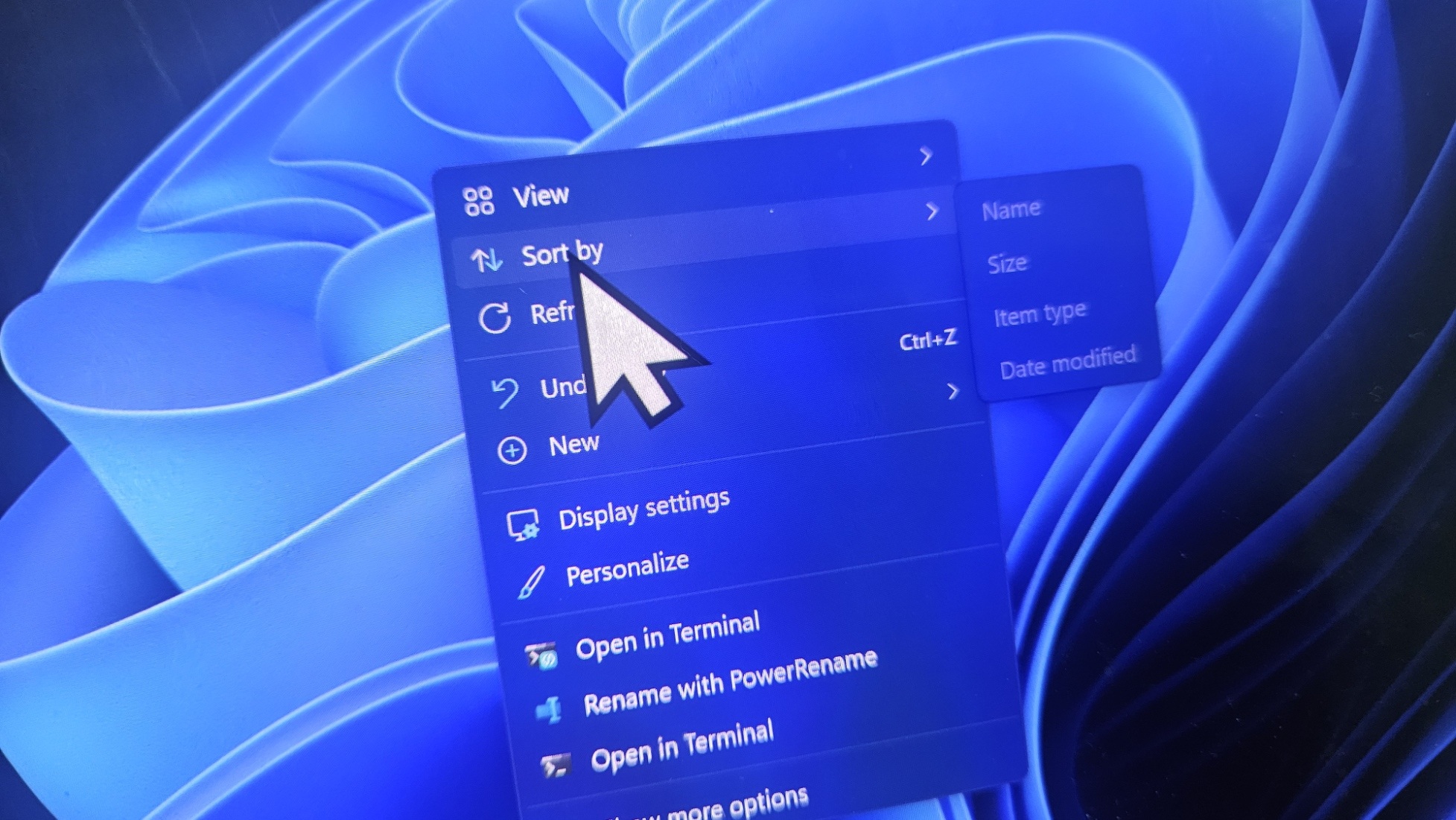
New Update Windows 11 KB5120998 out with major new features (Preview Update)

Preview update continues to fail, gets to restart @ 100% then BAM rollsback every time. All security software except ESET disabled.

So I thought my next step was to reinstall Windows using MS media creation tool and I get this
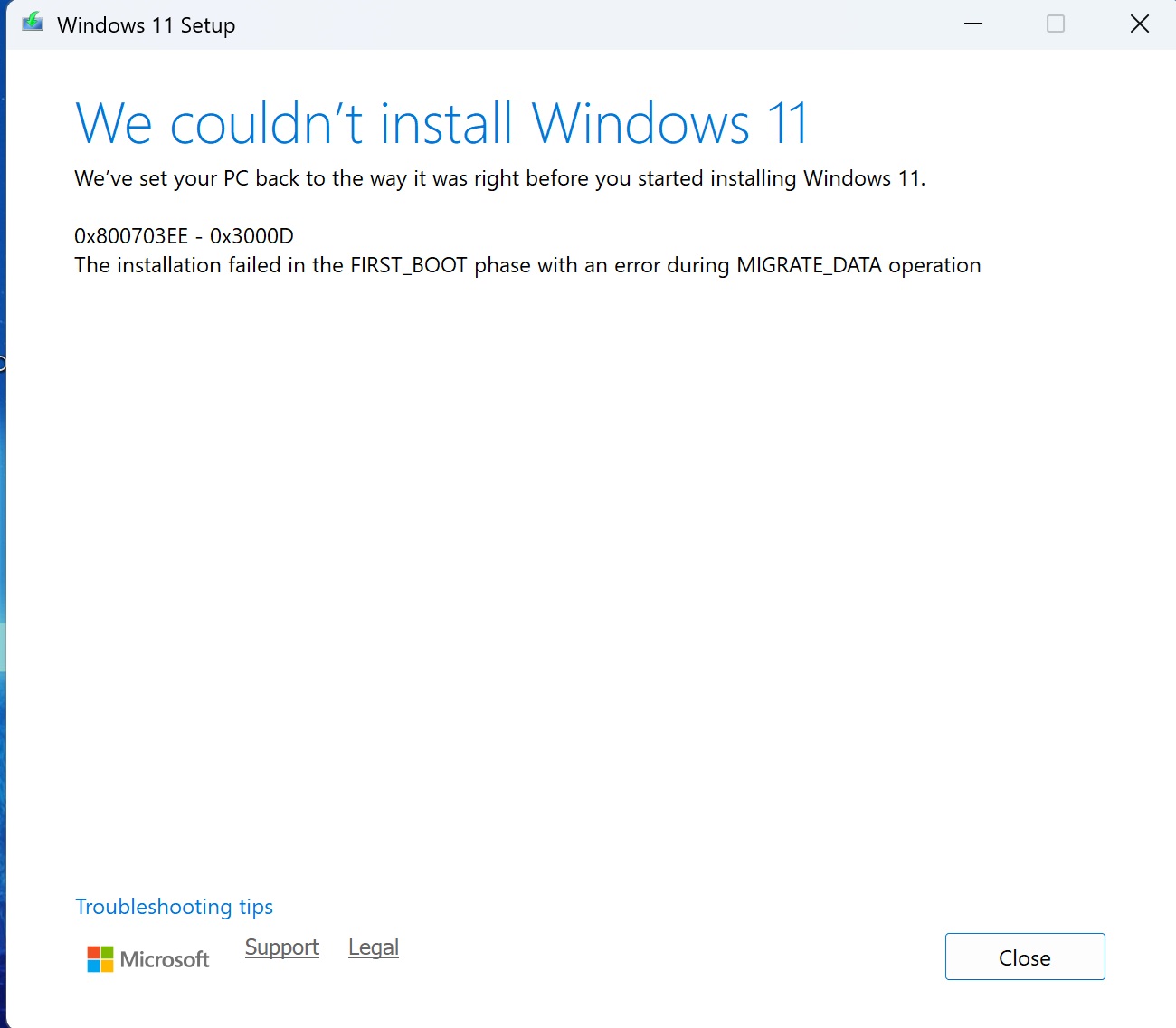
Untitled.jpg


WHY OH WHY, never had so many problems.

Time to donate my machine to Kaspersky 🤪🤪🤪🤪 me thinks. Who has their European office address in Switzerland? Might drop it by on my travels 😆😆😆
 
Preview update continues to fail, gets to restart @ 100% then BAM rollsback every time. All security software except ESET disabled.

So I thought my next step was to reinstall Windows using MS media creation tool and I get this

View attachment 299703

WHY OH WHY, never had so many problems.

Time to donate my machine to Kaspersky 🤪🤪🤪🤪 me thinks. Who has their European office address in Switzerland? Might drop it by on my travels 😆😆😆

Kaspersky got talented people.
Donate it to MS instead so they can improve QA before any release.
Below is the HQ:

Headquarters Address
One Microsoft Way, Redmond, WA 98052, USA Phone Number: (425) 882-8080
 
Come on people, & no offense intended to others a simple full image made with free Hasleo (for example) that takes for me 20 seconds would have saved the day, & a user could have gone back in the same time, even if you can't boot the system, simply booting from a USB into Hasleo etc. would still get Windows exactly as it was, in under a minute, why don't everyone don't do that????
 
Last edited:
Come on people, & no offense intended to others a simple full image made with free Hasleo (for example) that takes for me 20 seconds would have saved the day, & a user could have gone back in the same time, even if you can't boot the system, simply booting from a USB would still get Windows exactly as it was, in under a minute, why don't everyone don't do that????
I never install updates without a full system backup, but it is ridiculous. Lately, MS seems to have lost quality control. Updates cause more issues.
 
'In response to the Feedback Hub post, Microsoft now reports that it has received the complaints and is looking into it' - MS Need to get their skates on before next Patch Tuesday Sept 08 & fix the issues.

Edit; I was going to try it but for some reason had a change of mind...!
 
So you boot your system from the external SSD?

No, here the step by step procedure :
1) System Clone on external SSD M2
2) Remove the internal M2 SSD from the slot in the device
3) Insert the external (1) cloned SSD M2 in the empty slot in the device

Also :
1) My 'C' drive only contains the Windows operating system
2) All my files (documents, photos, emails ...) are stored on external 'online' & 'offline' SSD's
 
I've never uninstalled updates. I always restore a system backup. Does installing the update completely fix the introduced issues?

It seems so, I dont see any issue or bug anymore.

It is worth noting that uninstalling the Windows Update fixed it for everyone who tried. “Same here. Uninstalling KB5120998 fixed it for me,” and another user said the same after removing the patch through Windows Update history.

 
In my case, I installed update KB5120998 and everything went well. I also took the opportunity to install the KB5121794 Enablement Package, which transforms the current version into 26H2, raising the build number to 26300.9278.