
Or you can try a Repair Installation via Windows Update. Simple and painless.No, that's one thing I haven't tried. I run ESET Internet Security, do you think that could likely be the problem? Thanks for the suggestion!


Open MalwareTips from your Home Screen or desktop. Follow discussions, find answers and pick up where you left off.
If you cannot find an install option, update your browser or use its bookmark option to keep MalwareTips close.
After installation, open the app and sign in. Enable push notifications in Preferences if you want alerts. On iPhone and iPad, push requires a Home Screen web app and iOS or iPadOS 16.4 or later.
Sign in to manage notificationsInstallation is optional. Your notification settings stay under your control.
Or you can try a Repair Installation via Windows Update. Simple and painless.No, that's one thing I haven't tried. I run ESET Internet Security, do you think that could likely be the problem? Thanks for the suggestion!
It could be the problem. A friend had a similar issue two years ago. Windows downloaded and installed the update. The update hit 100% after a restart, then said it was "cleaning and reverting the system." Windows reported an unsuccessful update upon reaching the desktop. He eventually updated Windows after uninstalling his security software.No, that's one thing I haven't tried. I run ESET Internet Security, do you think that could likely be the problem? Thanks for the suggestion!

I disable MD realtime protection with every Windows update to speed up the install.It could be the problem. A friend had a similar issue two years ago. Windows downloaded and installed the update. The update hit 100% after a restart, then said it was "cleaning and reverting the system." Windows reported an unsuccessful update upon reaching the desktop. He eventually updated Windows after uninstalling his security software.
I tried that and it still failed with the same error. May have to try uninstalling ESET. Thanks for the suggestion.Or you can try a Repair Installation via Windows Update. Simple and painless.
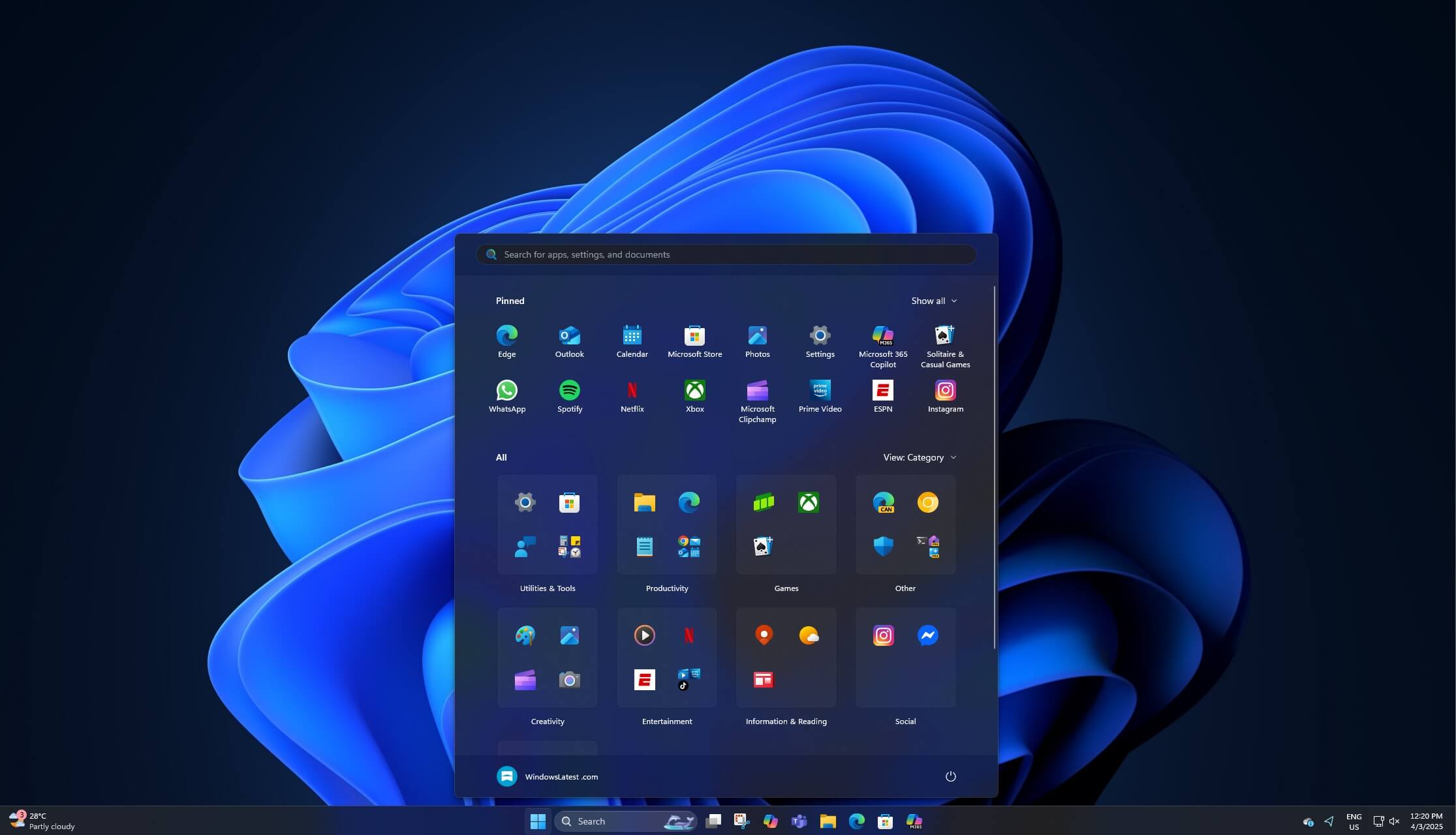
 www.windowslatest.com
A more stable release
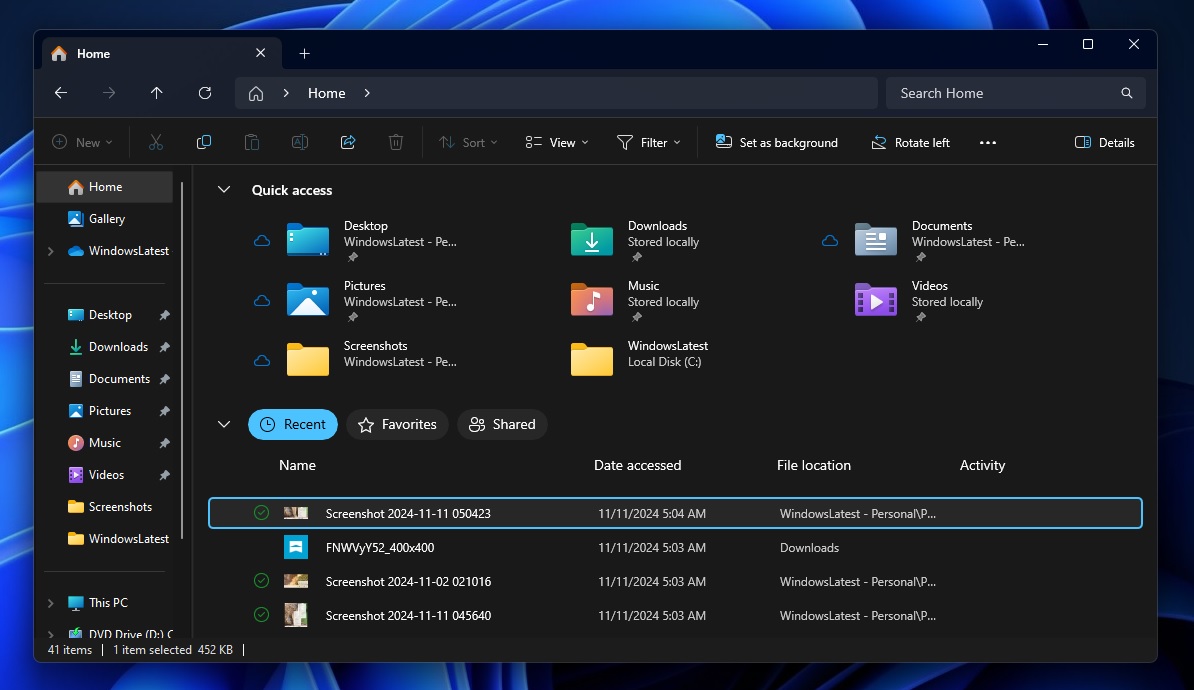
Unlike last year’s update, Windows 11 25H2 will focus more on fixing issues, including those with the File Explorer. One of the recent builds recently patched a long-standing bug where File Explorer’s “Home” tab takes several seconds to load. And we’re also seeing improvements in Settings’ “Home” page load speed in preview builds.
You’ll eventually get all of these fixes in 24H2 as well, but 25H2 will ship with quality improvements out of the box.
Windows 11 25H2 officially gives Microsoft time to focus on bug fixes rather than adding new features because it doesn’t have to promote the release as a “feature upgrade.”
Based on the information we have, Windows 11 2025 Update will begin rolling out to everyone in October or around that period. It will reset the support lifecycle clock. Enterprises will get 36 months of support, and Pro/Home (consumer editions) will be supported for 24 months.
Uninstalled AdGuard for Windows and tried but the update failed again. Then I uninstalled ESET IS and AppCheck and attempted the update, still failed with the same error. Seems like it's not meant to be on my system.It could be the problem. A friend had a similar issue two years ago. Windows downloaded and installed the update. The update hit 100% after a restart, then said it was "cleaning and reverting the system." Windows reported an unsuccessful update upon reaching the desktop. He eventually updated Windows after uninstalling his security software.
Do you have an image to revert back?Seems like it's not meant to be on my system.
No, but each time the 24H2 update fails it reverts back to 23H2.Do you have an image to revert back?
I hope you restarted the system after uninstalling the programs. Are you using any system optimizer tools like O&O ShutUp, etc.? How are you updating Windows? Maybe download the ISO and try an in-place upgrade. You can also run the commands "chkdsk /f" and "sfc /scannow" using an elevated Command Prompt to check for any issues on the system.Uninstalled AdGuard for Windows and tried but the update failed again. Then I uninstalled ESET IS and AppCheck and attempted the update, still failed with the same error. Seems like it's not meant to be on my system.
Without a backup, it appears your only hope is a clean install, my friend.No, but each time the 24H2 update fails it reverts back to 23H2.
I know my system met all hardware requirements for Windows 11 up thru 23H2, didn't bypass any requirements when installing and updating the OS.I'm doubting whether a fresh install will resolve the issue if a repair install didn't resolve the problem. Could it possibly be a hardware issue?
What reasoning is this conclusion based on?I'm doubting whether a fresh install will resolve the issue if a repair install didn't resolve the problem.
Not a long term solution. 23H2 end-of-life is 11/11/25, including security updates.Think I'm going to leave well enough alone and stay locked to 23H2 by using InControl software,
According to Microsoft's description, a Windows repair installation involves replacing the currently installed version of Windows with a completely new installation of the operating system. I therefore assume that there are no significant differences compared to a clean installation of the operating system, which also overwrites all other programs and data. Of course, I can't completely rule out the possibility that this might resolve a hidden error that has been preventing the installation of Windows 24H2.What reasoning is this conclusion based on?
Did you attempt an in-place upgrade using the Windows ISO, too? If not, consider trying it to see if it makes a difference.I always reboot after uninstalling any programs, and I've tried the repair installation but it fails with the same error. I've run chkdsk and sfc commands with no change. Thanks!
Members who viewed this thread in the last 5 minutes


