Advice Request Windows Defender Security Centre closes

Please provide comments and solutions that are helpful to the author of this topic.
Status
Not open for further replies.

ParaXY

Level 6
Thread author
Verified
Mar 14, 2017
273
482
467
CI
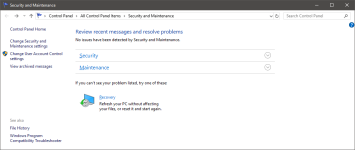
After installing some WIndows Updates this week I can't seem to open Windows Defender Security Centre anymore. I can see it running in the system tray:

upload_2018-3-8_13-16-7.png


But when I try to double click this is opens and closes very quickly. If I try to open it from Settings:
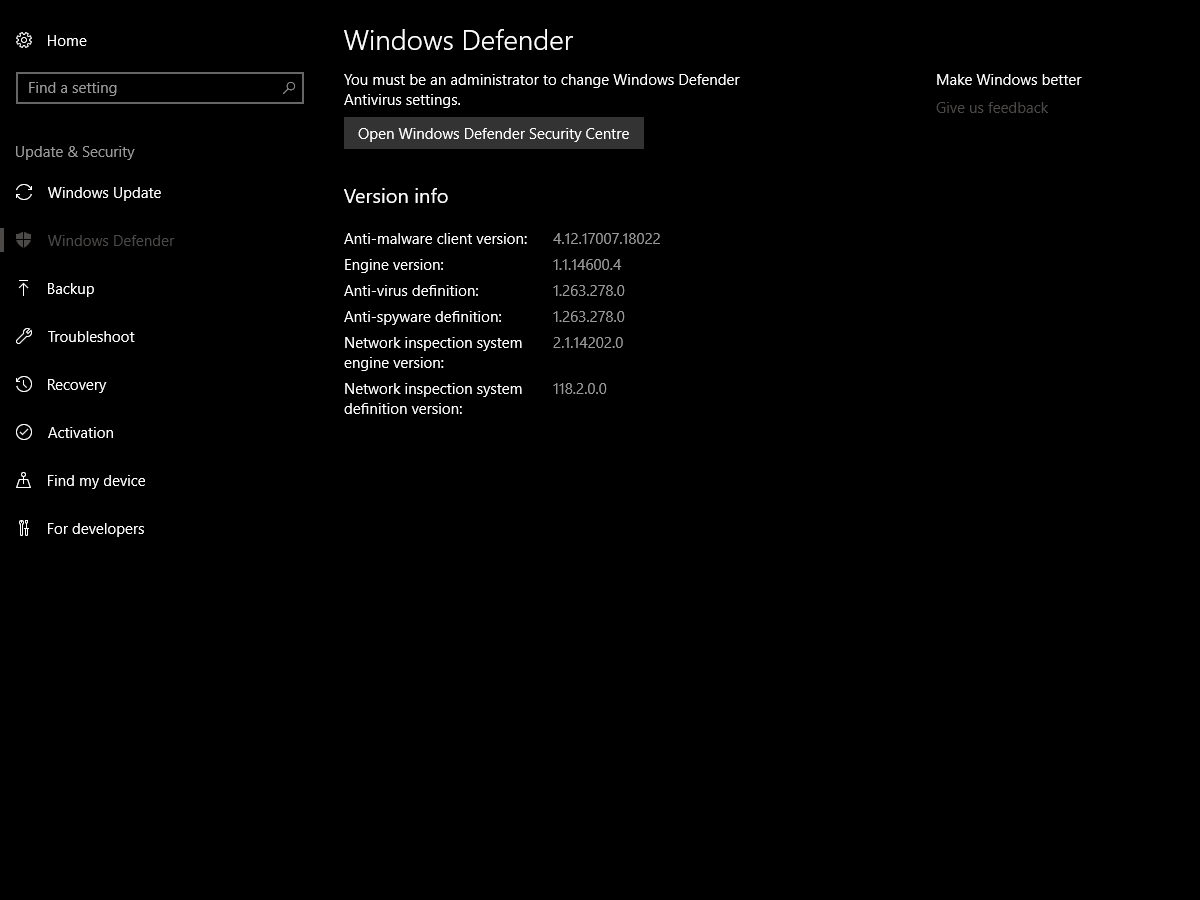
upload_2018-3-8_13-17-11.png


It also doesn't open. Logging in as an admin doesn't help either.

I had a look in Event Viewer and can't see any errors and it seems to still be updating (I think) but I just can't get the GUI to open to check/change things.

Any ideas how I can launch Windows Defender Security Centre again?

I thought it may be AppGuard so I disabled it temporarily but it didn't seem to help.
 

Attachments

  • upload_2018-3-8_13-18-20.png
    upload_2018-3-8_13-18-20.png
    25.7 KB · Views: 495
  • Like
Reactions: vtqhtr413
Unfortunately, I also got into the problem with Windows 10.
I can fix the problem by switching windows.
 
Switching Windows?

Windows Defender was just one problem.
I had some other problems.
I did a lot, but did not answer.
I had to change Windows.

Windows 10/1709, unfortunately, had a lot of problems since the release.
 
  • Like
Reactions: vtqhtr413
Windows Defender was just one problem.
I had some other problems.
I did a lot, but did not answer.
I had to change Windows.

Windows 10/1709, unfortunately, had a lot of problems since the release.

It's really strange because I have been running 1709 since it was released and it's been really good.

If this is going to be an issue hopefully 1803 sorts it out!
 
Thanks, I tried that and it came back clean.
Did you try running a DISM scan?

In command prompt type (dism /online /cleanup-image /restorehealth)

Run it, let it finish, then restart the system.

I would say look in start up services, but as you pointed out, it is running already, but not able to open. You have not stated that any third party application was installed and removed that could have caused this, so from this little info, it sounds of file corruption, whether by MS or a 3rd party.
 
Did you try running a DISM scan?

In command prompt type (dism /online /cleanup-image /restorehealth)

Run it, let it finish, then restart the system.

I would say look in start up services, but as you pointed out, it is running already, but not able to open. You have not stated that any third party application was installed and removed that could have caused this, so from this little info, it sounds of file corruption, whether by MS or a 3rd party.

I ran dism /online /cleanup-image /restorehealth successfully and rebooted but I still can't launch the security centre.
 
I ran dism /online /cleanup-image /restorehealth successfully and rebooted but I still can't launch the security centre.
Without any more information to lead to the cause at hand, only thing I could recommend is refreshing/reset your copy of windows 10 via settings/update&security/recovery/reset this PC. You can chose to refresh the system and keep your personal files intact.
 
I installed the Office updates released this week. Argh, if a reset/refresh is needed of Win10 then I will leave it broken. 1803 is just around the corner so I will wait ti upgrade to that. Thanks for the help!
 
Make sure you have a file named "wscui.cpl" in Windows\system32 folder. If yes, try to start it, if no, you can copy it from another PC. just type wscui.cpl in cortana

  • Start the .exe manually
Right-click and 'run as administrator' on C:\Program Files\Windows Defender\MSASCui.exe
 
  • Like
Reactions: vtqhtr413
Make sure you have a file named "wscui.cpl" in Windows\system32 folder. If yes, try to start it, if no, you can copy it from another PC. just type wscui.cpl in cortana

  • Start the .exe manually
Right-click and 'run as administrator' on C:\Program Files\Windows Defender\MSASCui.exe

Thanks for the suggestions. I could run wscui.cpl just fine and got this:

upload_2018-3-8_20-22-33.png


Running MSASCui.exe gave me the old Defender:

upload_2018-3-8_20-18-31.png


Not sure what this proves though?
 

Attachments

  • upload_2018-3-8_20-18-1.png
    upload_2018-3-8_20-18-1.png
    21.8 KB · Views: 605
Status
Not open for further replies.