Changelog can be read here: Announcing Windows 10 Insider Preview Build 21313


The MalwareTips app
Your community, one tap away.
Open MalwareTips from your Home Screen or desktop. Follow discussions, find answers and pick up where you left off.
- Home Screen access
- Optional push alerts
- Your community
You're ready to explore.Explore what's new
Installation instructions
iPhone & iPad
- Open MalwareTips in Safari and tap Share. You may need to open the Page Menu first.
- Choose Add to Home Screen. If it is not listed, use Edit Actions to add it.
- Keep Open as Web App enabled if shown, then tap Add.
Android
- Open MalwareTips in Chrome or another browser that supports app installation.
- Open the browser menu and look for Install app, Install and create shortcut, or Add to Home screen.
- Choose Install and confirm. Wording varies by browser.
Desktop
- Chrome: use the install icon in the address bar, or the menu under Cast, save and share.
- Edge: open the menu, then More tools, Apps and Install this site as an app.
- Safari on Mac: choose Share or File, then Add to Dock. Firefox on Windows: look for the web apps button in the address bar.
If you cannot find an install option, update your browser or use its bookmark option to keep MalwareTips close.
Keep up with your conversations
After installation, open the app and sign in. Enable push notifications in Preferences if you want alerts. On iPhone and iPad, push requires a Home Screen web app and iOS or iPadOS 16.4 or later.
Sign in to manage notificationsInstallation is optional. Your notification settings stay under your control.
You are using an out of date browser. It may not display this or other websites correctly.
You should upgrade or use an alternative browser.
You should upgrade or use an alternative browser.
Windows Insider Build Releases info


Gandalf_The_Grey
Level 86
Verified
Honorary Member
Top Poster
Content Creator
Well-known
Forum Veteran
Maybe never:When this will be out?
Moving forward, the Dev Channel will receive builds directly from the active development branch, and new features will show up in these builds first. While features in the active development branch may be slated for a future Windows 10 release, they are no longer matched to a specific Windows 10 release. This means that builds from the active development branch simply reflect the latest work in progress code from our engineers.

Flight Hub - Windows Insider Program
Flight schedules and status for Windows Insider Program
docs.microsoft.com
10th March 2021 - Build 21332
 blogs.windows.com
via
 www.ghacks.net
Announcing Windows 10 Insider Preview Build 21332
UPDATE 3/15: We are starting to roll out Cumulative Update Build 21332.1010 (KB5001478). This update does not include anything new and is designed to test our servicing pipeline. Hello Windows Insiders, today we are releasing Window
blogs.windows.com
via
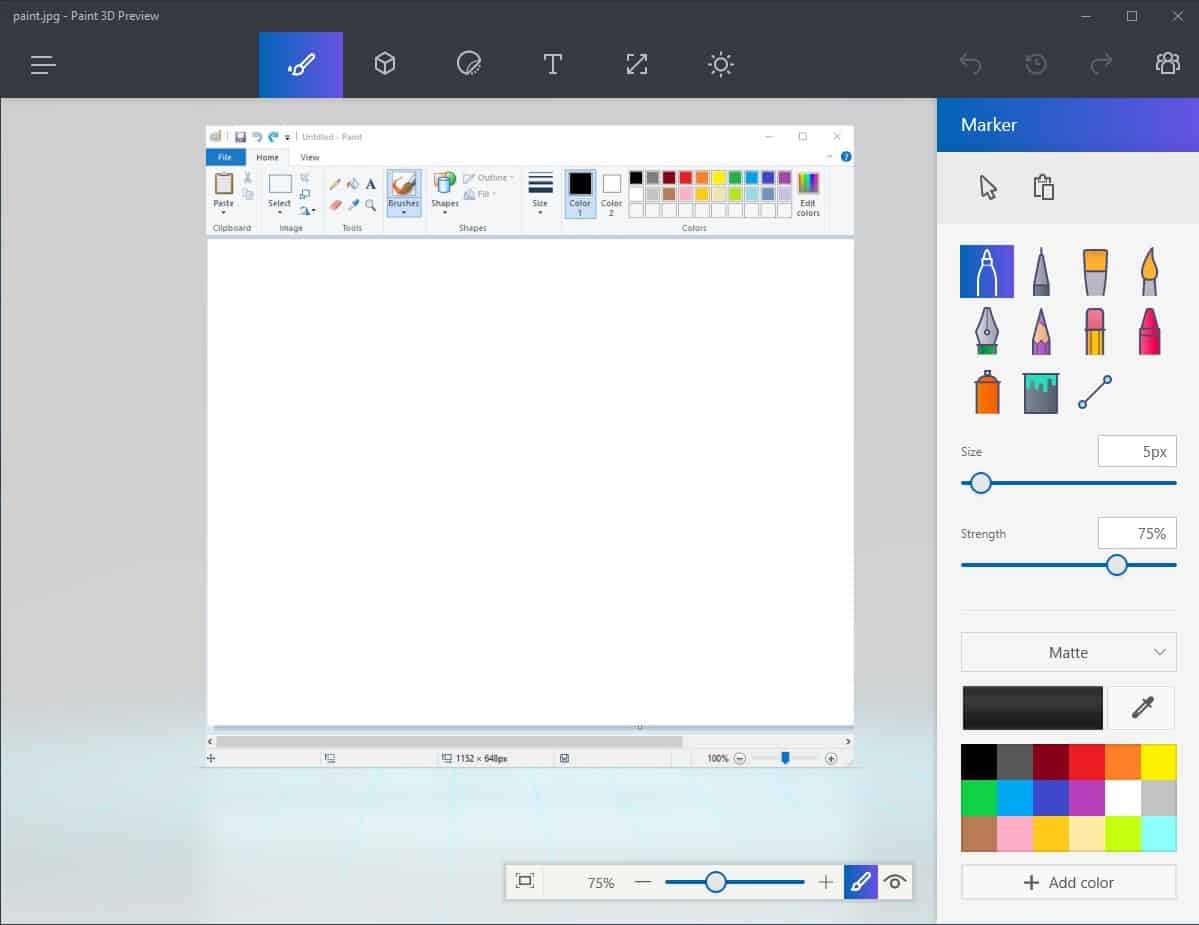
Microsoft removes Paint 3D and 3D Viewer in new Windows installations - gHacks Tech News
Clean installations of Windows 10 won't come with the Paint 3D and 3D Viewer applications anymore going forward. The apps are still available on the Microsoft Store.
www.ghacks.net

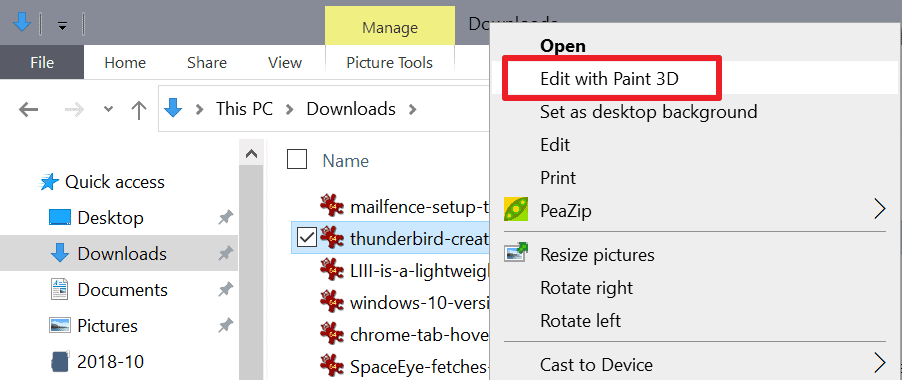
"Microsoft will remove the Paint 3D menu item as well in future versions of Windows 10"
 www.ghacks.net
Up until now, you had to edit the Registry manually to remove these context menu entries. As spotted by Windows Latest, this won't be necessary anymore going forward, at least not for the Paint 3D entry as it too will be removed by Microsoft on systems that come without it preinstalled or on devices the app is removed from.
Microsoft will remove the Paint 3D menu item as well in future versions of Windows 10 - gHacks Tech News
Future versions of Microsoft's Windows 10 operating system won't include Paint 3D preinstalled anymore, and the Edit with Paint 3D context menu will also be removed.
www.ghacks.net

Great, how am I suppose to edit pictures now? Time to start looking for 3rd party app. I will never understand MS's approach to add bloatware and to remove useful stuff instead. 
F
ForgottenSeer 85179
Good old PaintGreat, how am I suppose to edit pictures now? Time to start looking for 3rd party app. I will never understand MS's approach to add bloatware and to remove useful stuff instead.

Setup PCPC setup
You can still probably download it from the Microsoft storeGreat, how am I suppose to edit pictures now? Time to start looking for 3rd party app. I will never understand MS's approach to add bloatware and to remove useful stuff instead.
Only if it works (sometimes it does, sometimes it does not), besides I generally avoid those scripted nightmares from MS store.You can still probably download it from the Microsoft store
Attachments
F
ForgottenSeer 85179
Did you block something?Only if it works (sometimes it does, sometimes it does not), besides I generally avoid those scripted nightmares from MS store.
I personally doesn't have problems with Store.
The problem is, that store and it's apps are not real software, they are basically scripts very sensitive to everything. Normal software would not just stop working at random.I personally doesn't have problems with Store.

Got KB50000842 update today which removes flash. No issues.
March 29, 2021—KB5000842 (OS Builds 19041.906 and 19042.906) Preview
March 29, 2021—KB5000842 (OS Builds 19041.906 and 19042.906) Preview
F
ForgottenSeer 85179
What? Apps are programs tooThe problem is, that store and it's apps are not real software, they are basically scripts very sensitive to everything. Normal software would not just stop working at random.
They are are basically batch files too dependent on the OS. Like Windows Updates can stop working, because of using a dot instead of a comma, for crying out loud.What? Apps are programs too
Getting started with WinUI
Learn how WinUI and the Windows App SDK work together, create your first app, and continue with guided Windows app projects.
docs.microsoft.com
Last edited:
F
ForgottenSeer 85179
I don't read anything about Batch or scrips in generally.They are are basically batch files too dependent on the OS. Like Windows Updates can stop working, because of using a dot instead of a comma, for crying out loud.
Getting started with WinUI
Learn how WinUI and the Windows App SDK work together, create your first app, and continue with guided Windows app projects.docs.microsoft.com
Don't know why you're saying that but sounds you're mix here some stuff.
Recently browsing
Members who viewed this thread in the last 5 minutes
You may also like...
- B
-
S
- Windows 11
- Stephen Lines
- · 0
- S
-

- S