


The MalwareTips app
Your community, one tap away.
Open MalwareTips from your Home Screen or desktop. Follow discussions, find answers and pick up where you left off.
- Home Screen access
- Optional push alerts
- Your community
You're ready to explore.Explore what's new
Installation instructions
iPhone & iPad
- Open MalwareTips in Safari and tap Share. You may need to open the Page Menu first.
- Choose Add to Home Screen. If it is not listed, use Edit Actions to add it.
- Keep Open as Web App enabled if shown, then tap Add.
Android
- Open MalwareTips in Chrome or another browser that supports app installation.
- Open the browser menu and look for Install app, Install and create shortcut, or Add to Home screen.
- Choose Install and confirm. Wording varies by browser.
Desktop
- Chrome: use the install icon in the address bar, or the menu under Cast, save and share.
- Edge: open the menu, then More tools, Apps and Install this site as an app.
- Safari on Mac: choose Share or File, then Add to Dock. Firefox on Windows: look for the web apps button in the address bar.
If you cannot find an install option, update your browser or use its bookmark option to keep MalwareTips close.
Keep up with your conversations
After installation, open the app and sign in. Enable push notifications in Preferences if you want alerts. On iPhone and iPad, push requires a Home Screen web app and iOS or iPadOS 16.4 or later.
Sign in to manage notificationsInstallation is optional. Your notification settings stay under your control.
You are using an out of date browser. It may not display this or other websites correctly.
You should upgrade or use an alternative browser.
You should upgrade or use an alternative browser.
Unmaintained WiseVector Free AI Driven Security
-
 Thread starter
Thirio
Thread starter
Thirio
- Start date
- 2,411 Replies
- 677,410 Views
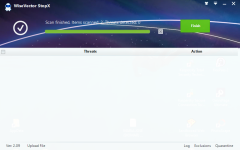
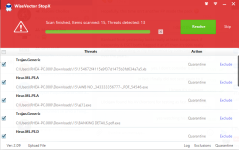
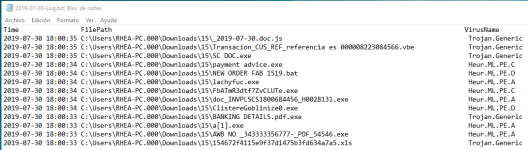
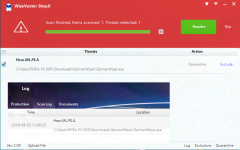
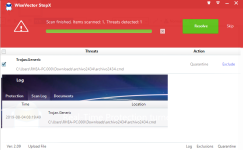
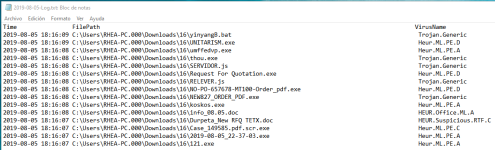
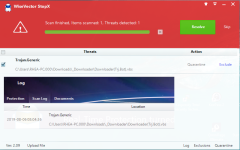
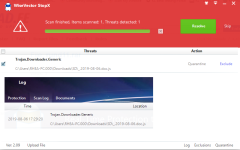
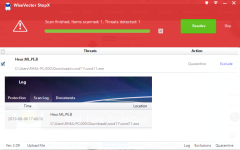
Last special malware sample posted yesterday by @silversurfer:
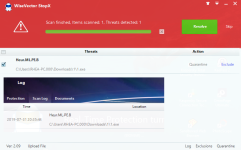
And mixed malware pack posted yesterday by @Der.Reisende:
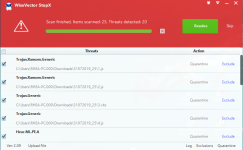
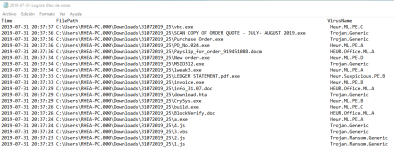
Last edited:
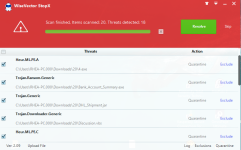
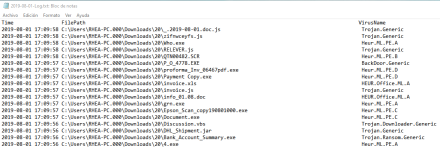
WV has false positive with TCP Optimizer
I submitted it as FP a few days ago but now it's still detected. I submitted again using "upload file"
I submitted it as FP a few days ago but now it's still detected. I submitted again using "upload file"
I guess You mean a FP on execution? I've just scanned here on demand and not detected...
yes, it's on execution onlyI guess You mean a FP on execution? I've just scanned here on demand and not detected...

Sorry for the false positive, we have fixed it.WV has false positive with TCP Optimizer
Regards,
WiseVector

Don't know what is it but if I quit WiseVector, Overwatch opens as usually.Hi,
We have just installed Overwatch in Windows 10 X64 1903, it can work well with WiseVector StopX.
If you still have WiseVector StopX installed, please try the following steps:
1. Quit WiseVector StopX before starting Overwatch, to see Overwatch can open or not. (If not, there must be another reason for the problem)
2. If Overwatch can open, please start WiseVector StopX and go to "Advanced Settings" then exclude Overwatch.exe in the "Advanced Detection" to see the problem can be resolved or not.
Looking forward to your feedback.
Regards,
WiseVector
I added it to several exclusions and still wont open with wisevector:

Don't know what is it but if I quit WiseVector, Overwatch opens as usually.
I added it to several exclusions and still wont open with wisevector:
Hi,
Thanks for your reply.
This issue really makes us confused, since Overwatch and WiseVector StopX can work well together in our test.
If it's convenient for you, can you please tell us your email address? We would like to ask you more questions.
Our email address is support@wisevector.com.
Regards,
WieseVector
@WiseVector: My KTS is constantly moving to Low Restricted group some WV services (I have to move manually them to Trusted group), and I guess it's because of this:
Any idea?
Hi,
After sending several emails to the related department of Kaspersky, finally they replied us as below:
I will keep you posted.
Regards,
WiseVector
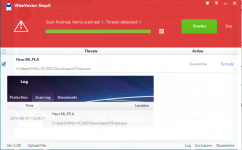
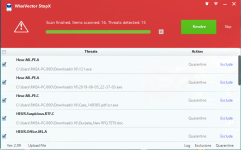
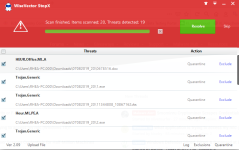
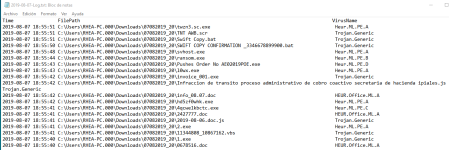
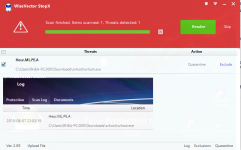
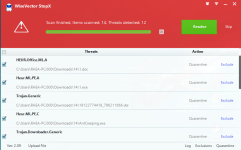
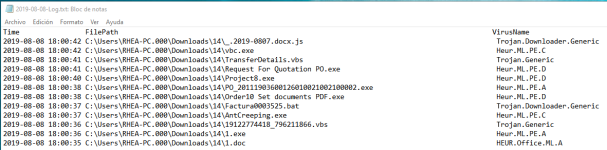
Last malware pack & special malware sample posted today by @Der.Reisender:
Recently browsing
Members who viewed this thread in the last 5 minutes
