


Your phone says it has no service. Then a sign-in alert appears on another device for an account that normally texts you a security code.
Those two events may have nothing to do with each other. But there’s one thing to check before you wait for the bars to come back.
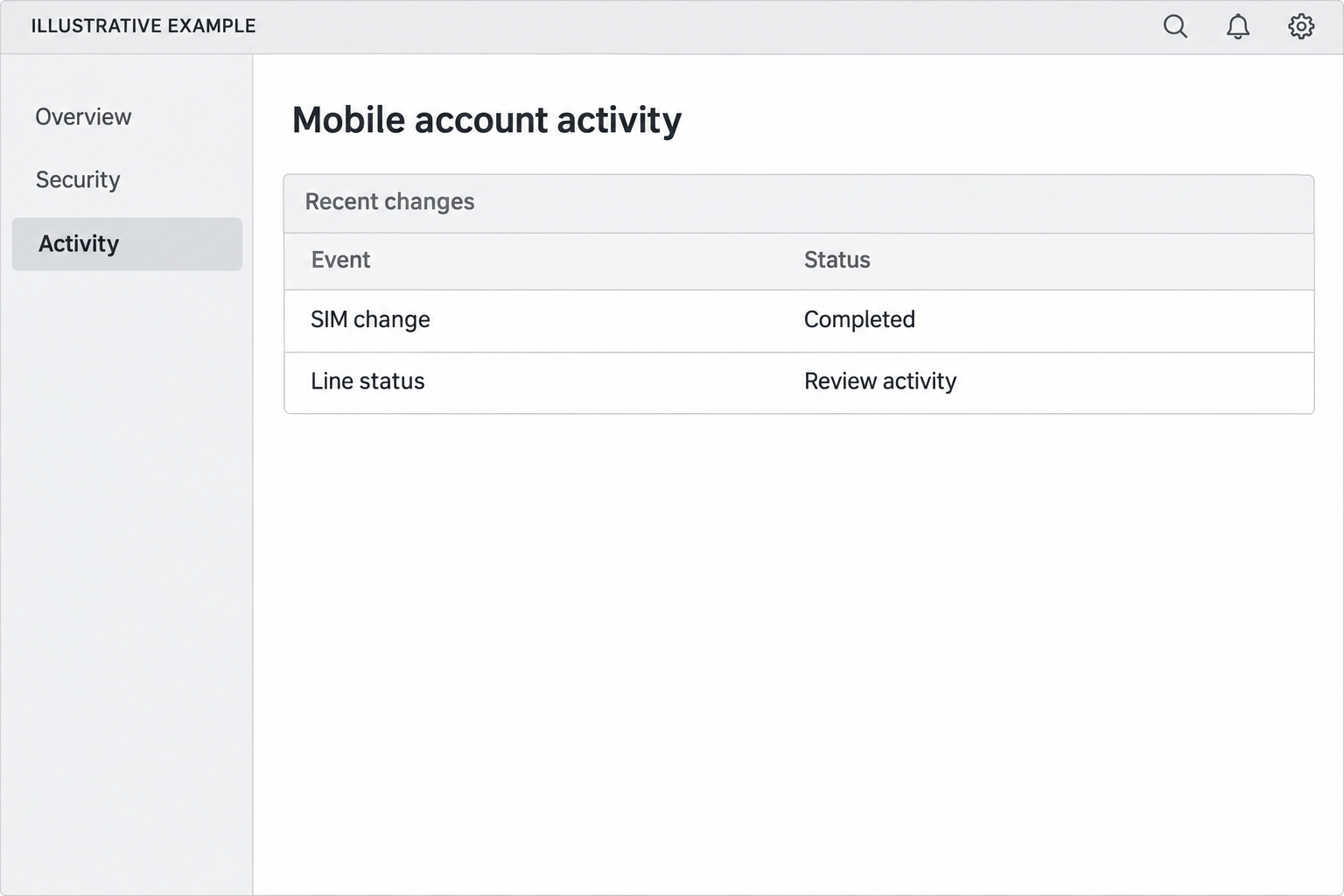
Overview
A SIM swap takes control of the number, not necessarily the phone
A SIM swap scam moves control of your mobile number to a SIM that someone else controls. You can still have your device while another person receives calls and texts.
People legitimately switch SIMs when changing devices. An unexpected change is different. If your service suddenly disappears around the same time as unusual account activity, contact your carrier independently.
No service by itself doesn’t prove fraud.
A local outage, roaming problem or damaged device can look similar. The timing and your carrier’s record are more useful than the signal bars alone.
The Bennett case shows the financial risk
The U.S. Justice Department says Kimionte Bennett pleaded guilty to conspiracy to commit wire fraud. In February 2026, he received a 70-month federal prison sentence.
According to prosecutors, the number changes let the group receive security codes that helped it access victims’ cryptocurrency accounts. The court records put actual losses at $1,769,438.
The court ordered restitution in that amount. An order to pay isn’t the same as proof that every victim received the money, and it doesn’t cover an unrelated scam.
Check the phone service and financial accounts in parallel
- Use another working device to reach your carrier if you can’t make a call. Start from a bill, the official site or a known store.
- Ask the carrier whether there was a recent SIM change or number transfer you didn’t request. Note the reference number and time.
- If a bank or exchange is showing unexpected activity, contact it right away. You don’t have to wait for the carrier to finish restoring service.
- Check the email account that receives password reset notices. Protecting the mobile account doesn’t sign somebody out of your email.
- Avoid retrying a text-based reset while control of the number is uncertain. Use an independently verified recovery channel instead.
How the Bennett SIM Swap Scam Worked
Step 1: The mobile account changes without the owner’s agreement
Prosecutors said the victims’ phone numbers were temporarily reassigned. The key fact from the victim’s perspective is that they didn’t authorize the change.
You don’t have to figure out how the change was approved before calling your provider.
Ask what happened on the line and whether there is a record of a change request.
If only one line on a family plan lost service, mention it.
If everybody nearby is affected, say that too. The support agent can distinguish an account event from a wider outage.
Step 2: Incoming calls and texts no longer reach the old SIM
An affected phone may still open apps over Wi-Fi. That doesn’t tell you whether messages to the number are reaching the right device.
If your carrier confirms a change, ask for the time it took effect. It gives you a starting point for reviewing account notifications and transactions.
Tell support whether you changed phones recently or started a legitimate transfer. The timeline matters when the symptoms overlap with something you did authorize.
Step 3: An account relying on text messages may be exposed
In Bennett’s case, the group used control of the phone numbers to receive authentication codes. Prosecutors connected that access to theft from cryptocurrency accounts.
A SIM change by itself isn’t a password for every service.
Different accounts ask for different factors. Check which ones use the number for sign-in or recovery before deciding what’s exposed.
An account alert can help you narrow the problem. Don’t approve a new sign-in because somebody calls to say it will restore your number.
Step 4: The theft can happen while you’re trying to restore service
The people losing access to a phone line may be focused on the carrier, while a financial account is already showing new activity. Treat those problems as connected until checked.
If someone else is with you, ask them to help find official contact information. You can speak to the carrier while another person helps you reach the relevant financial provider.
For a crypto exchange, ask about locking the account or restricting withdrawals if it offers that option. Explain that you might no longer receive codes at your usual number.
Step 5: Getting the number back doesn’t undo account activity
Once the carrier restores your line, review what happened during the gap. Look for password changes, new access, withdrawal notices or changes to recovery information.
A working phone doesn’t mean that another account’s login sessions ended. Use the account’s security and recovery controls to check that separately.
Tell providers about the unauthorized SIM change when you report an incident. If you know the time and date, they can use that alongside their own security and transaction records.
What to Check in the First Few Minutes
Write down the first time you noticed the issue. A failed call, a missing text or an unexpected account notification can help mark the timeline before you contact anyone.
Try using Wi-Fi to check for an outage from the carrier’s own site.
If the provider reports a widespread outage but you also see unexpected financial activity, still report that activity.
Use an existing session on a trusted device where possible. It may let you review account alerts without asking for another code to be sent to the affected number.
Check that the device and account you’re viewing are the ones you use. It is easy to mistake an old contact number or notification for a new change under pressure.
If support is closed on one channel, look for its fraud or emergency route independently. Don’t accept help from an unsolicited number just because it answers faster.
Give each provider a concise account of what happened. A mobile provider needs to know about the line; a bank or exchange needs the suspicious account activity and timing.
You don’t need to read out a code to a caller who offers to restore service. Use the support process you reached yourself and ask what it is verifying.
What to Do if You Have Fallen Victim to This Scam
- Contact the carrier immediately. Ask it to secure the mobile account, restore control of the number and review recent SIM or number-transfer changes.
- Alert affected banks and exchanges. Use official fraud routes, explain that text verification may be compromised and ask whether they can restrict activity while reviewing it.
- Protect your primary email from a trusted device. Check recovery information, sessions and security alerts. Change exposed passwords and remove access you don’t recognize.
- Secure financial and other sensitive accounts. Along with passwords, verify contact information, payment destinations, approved devices and recovery methods.
- Preserve the records. Keep the carrier’s incident number, screenshots, dates, notices and transaction IDs. If cryptocurrency moved, retain the network and hash.
- Report the loss. Start with the relevant authorities and your payment provider. The FBI’s crypto fraud guide explains which transaction details help if crypto was stolen.
- Review safeguards after restoration. Ask the carrier about protections for SIM and port changes, then switch sensitive accounts away from text verification where practical.
If your financial provider needs a new contact before it can help, choose one you control and verify how the change is recorded.
Don’t use contact details suggested by an incoming caller.
If you’re locked out of email and your exchange at the same time, start official recovery for both.
Explain the carrier incident so an automated text isn’t treated as your only option.
Save relevant confirmations before closing alerts or deleting messages. Don’t share private security codes, recovery keys or full financial account numbers in public posts about the fraud.
Make Your Most Important Accounts Less Dependent on SMS
The FTC’s SIM swap guidance recommends a carrier account PIN and stronger authentication where available. Ask the carrier which account actions its PIN actually protects.
Check whether the carrier has separate safeguards for replacing a SIM and transferring a number out.
A control described as a port lock may have a narrower purpose than you expect.
On important accounts, look for a security key, passkey or authenticator app if supported. Read the recovery options too. A service may still allow a reset by text.
Set up a backup recovery method before you need it. Store recovery codes somewhere private and accessible without the compromised phone line, not in an account you can’t recover separately.
Start with the email account used to reset other passwords, then review banking and exchange accounts. A few high-impact changes are easier to verify than a dozen rushed changes.
If you have had the same number for years, it may be listed on accounts you forgot about. Review the ones that hold funds or identity information first.
On a shared mobile plan, agree who can request changes and how others will be notified. Plan owners and line users may need to coordinate during an incident.
Reconstruct the Gap After Your Carrier Restores Service
Start with the time the change started and ended.
Compare it with the dates listed on account alerts. Different services may display different time zones, so keep that in your notes.
Check for activity you expected before reporting everything as fraud. A regular subscription or a transfer you started earlier may settle during the same period without being related.
In email, review account changes as well as messages. Check whether a new forwarding address, recovery contact or unfamiliar session appeared. Keep anything relevant for the provider’s investigation.
In a financial account, look beyond the current balance. Inspect completed and pending activity, new payment destinations, and notices about account settings. Ask support what else it can see.
If a crypto provider asks for a withdrawal identifier, use the record in your own account.
Don’t take a transaction screenshot from someone who contacts you offering to retrieve the money.
If you use more than one mobile line, tell support which number was affected.
Some accounts might use another number for recovery, and that can affect which steps you need to take.
If you borrowed a device to make a call, don’t leave your accounts signed in on it.
Use a device you trust for recovery, then review where your sessions are active.
Watch for follow-up messages after service returns. A new caller pretending to finish the carrier investigation can ask for the same security information you just worked to protect.
When you file a report, include whether the provider confirmed a SIM replacement or a number port. If it hasn’t answered yet, label it as unknown rather than guessing.
If you manage a relative’s account, write down the support procedures together before a problem occurs. Use an authorized account role rather than sharing a single password.
If you replace the phone later, test the recovery methods for the important accounts you secured. Don’t remove a backup until you’re sure the replacement works independently.
If a sign-in method still uses the affected number as a fallback, make a note of it. Check whether you can change that without locking yourself out.
After you set up a new sign-in method, write down which services still need the carrier number. That list can make the next alert quicker to investigate.
Don’t publish unredacted screenshots of withdrawal records. Give investigators the relevant transaction details through an official reporting channel and share only what is needed publicly.
Frequently Asked Questions
Does losing signal mean I’ve been SIM swapped?
Not automatically. Check for outages and ask the carrier about account changes. Unexplained loss of service alongside unexpected sign-in activity deserves prompt attention.
Is a SIM swap the same as porting my number to a new carrier?
Not exactly. A replacement SIM can occur within your existing provider. A port transfers the number between providers. Ask support which event, if any, is recorded.
Can I still use Wi-Fi after a SIM swap?
Often yes. Internet access over Wi-Fi doesn’t show that calls or texts are reaching your SIM. Use a trusted connection to check official accounts and support.
Should I change passwords before I get the number back?
If you have a trusted route that doesn’t depend on the affected number, secure critical accounts promptly. Don’t rely on sending more codes to a number somebody else may control.
Does the Bennett restitution order guarantee my crypto will be refunded?
No. The order concerns losses in that prosecution. It doesn’t guarantee payment to every victim or apply to transactions outside the case.
Is disabling text verification enough?
It helps only where you can replace it with a supported stronger method and review the fallback. Protect the carrier account and check the recovery options on each important service.
The Bottom Line
If your line goes unexpectedly silent and you see unfamiliar account activity, check with the carrier and the affected financial provider. Don’t wait for your phone to recover by itself.
Once your number is back, review what changed while it was out of your control. Preserve the transaction records, report the loss and strengthen the accounts that relied on texts.

Join the discussion
0 commentsShare your experience or ask a question about this article.
Discussion
Start the conversation
Have a question or something useful to share? Add the first comment.