


A name you don’t recognize appears in the inquiry section of your credit report: Credco, CoreLogic or Cotality. Searching for it leads to several different privacy pages.
The right place to start depends on what you saw. A credit inquiry, an employer-held record and an advertising preference call for different requests.
Overview
Credco can appear because a lender ordered a report
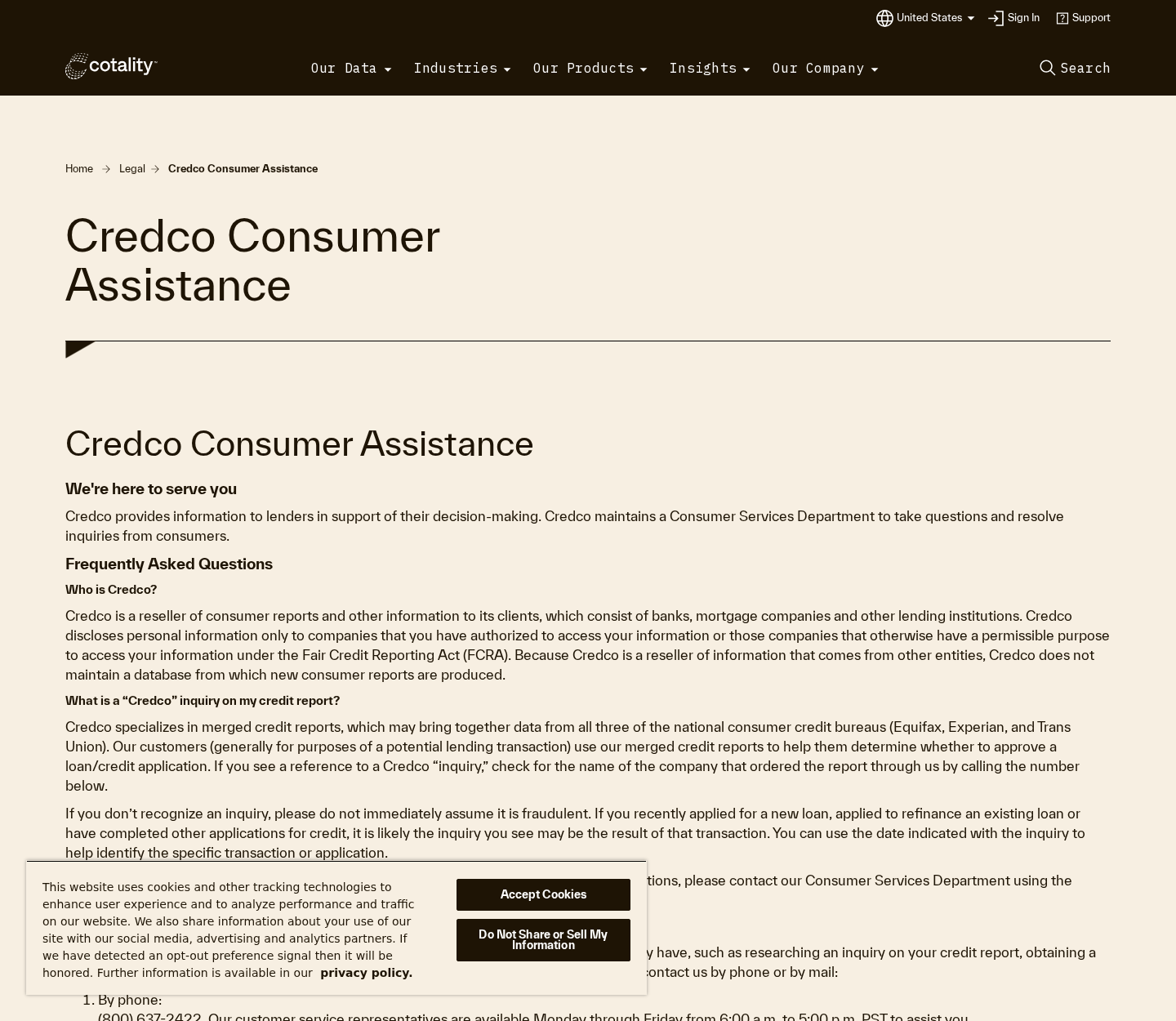
Cotality describes Credco as a reseller that can combine information from Equifax, Experian and TransUnion for lenders. An inquiry under its name does not identify the lender by itself.
A Cotality privacy request is not a credit dispute
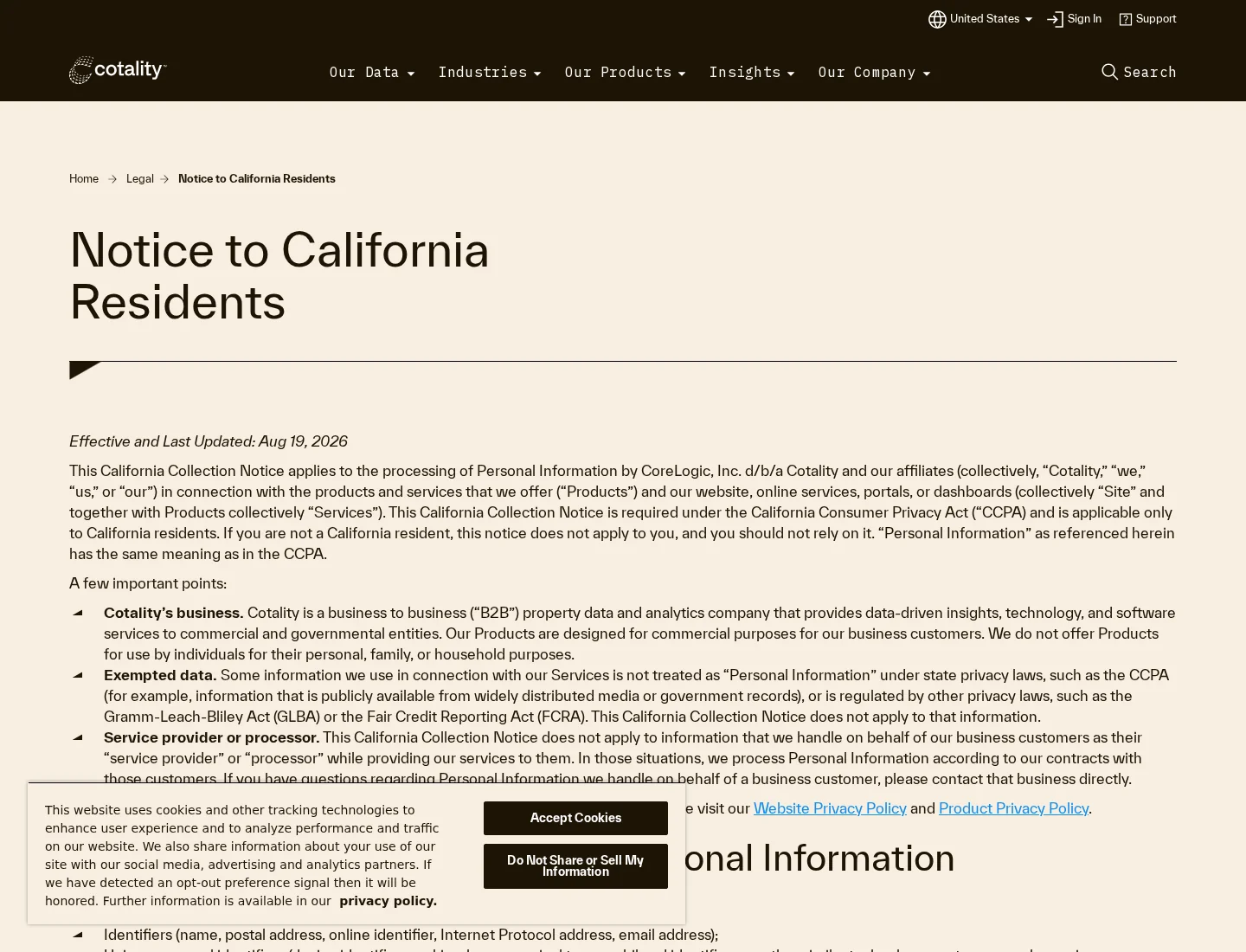
The California Collection Notice lists rights over certain personal information. It specifically excludes information covered by other laws, including the Fair Credit Reporting Act, from that notice’s scope.
Pick the route by the result you need
- If you don’t recognize a Credco inquiry, identify the company that ordered the report and match it to an application you actually made.
- If a credit report contains an error, use the dispute process for that report, not the cookie controls or the employee privacy form.
- If the issue is a website, business or employment record, start with the privacy notice and select the route for that relationship.
How to Make a Cotality Opt-Out or Privacy Request
Step 1: Check which name appears on the record
Cotality’s California notice identifies the business as CoreLogic, Inc., doing business as Cotality. The same site has a separate Credco Consumer Assistance page for credit reports.
Keep the wording as it appears on your notice, report or email. A lender using Credco, a Cotality recruiting contact and a website advertisement are not interchangeable.
If a mortgage servicer or another business displayed the information, record where you saw it. Cotality says some information it handles belongs to a business customer’s processing relationship.
For that situation, the collection notice directs you to the business itself. Ask which company can correct the record before sending duplicate requests to multiple departments.
Step 2: Choose the privacy right that fits
Enter cotality.com independently and open California Collection Notice from the footer. In section four, look for the rights that apply to California residents.
Choose an access request if you want to know what the company holds. Use correction when a detail is wrong, or deletion when you want eligible data removed.
Ask to opt out of sale or sharing if that’s the use you want stopped. This is different from asking Cotality to delete all information it can locate.
The California notice doesn’t establish the same rights for everyone outside the state. Use the company’s current privacy policy or verified contact for your situation rather than selecting California incorrectly.
Step 3: Use the contact listed for your relationship
Cotality lists an Online Privacy Portal and 866-221-9291 in the notice for California requests. The portal link opened a privacy preferences panel when we followed it.
The business form links to a standalone Online Privacy Portal page. If that page also opens only preferences and no request fields, use the phone route below.
When you call the published California number, state whether you want access, correction, deletion or an opt-out. Ask for a reference and instructions for any verification.
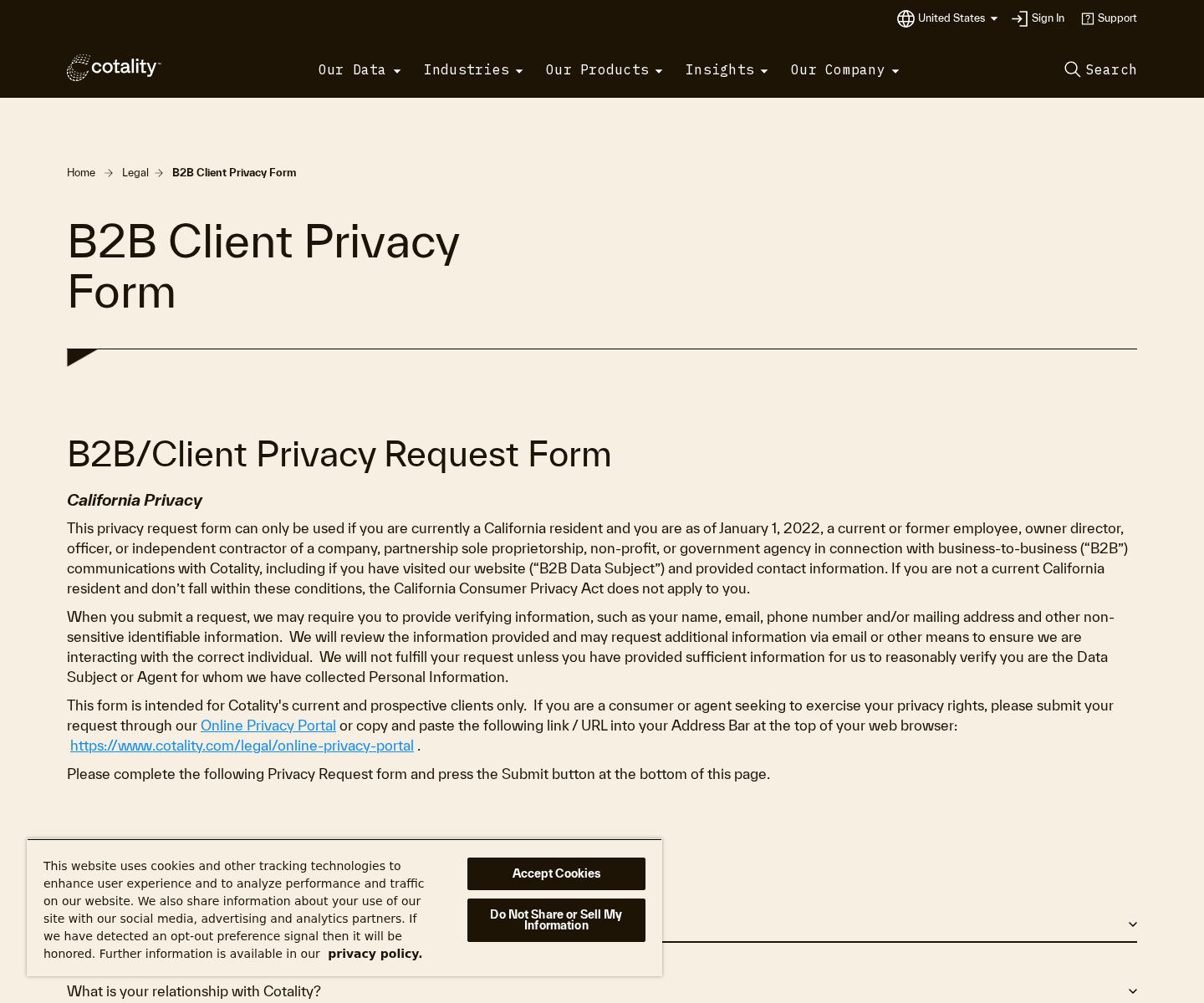
For a professional relationship with Cotality, the notice links to the B2B/Client Privacy Request Form. Its own introductory wording distinguishes eligible business contacts from consumers using the general portal.
For employment or application data, choose the Employee/Applicant Privacy Form instead. Check the form’s eligibility notice, choose the request matching your goal and complete the required fields.
For advertising trackers only, open the site’s cookie preferences and decline unnecessary tracking options. The notice also says Cotality recognizes the browser’s Global Privacy Control signal.
Step 4: Save what you sent and check what changed
Before submitting, use a short description connecting your request to the right record. Include the relevant customer, website or employment context without attaching unrelated financial documents.
Save the date, request type and any reference you receive. For an access, correction or deletion request, Cotality says it may verify details it already has about you.
Verify the destination in the original notice before answering a request for identification. Don’t send a credit report or Social Security number in reply to an unexpected email.
When you hear back, check which data the reply addresses. A browser preference confirmation is not evidence that a record was corrected, deleted or made unavailable to lenders.
Three Examples of Requests That Sound Alike but Aren’t
Your work contact appears in business materials
Suppose a business account still has your old work email. Ask for the correct email to replace it in the record, rather than asking to remove your credit information.
If your company administers that account, check with its administrator too. A privacy request to Cotality is not a way to change access permissions at your own employer.
The B2B form is labeled for qualifying California business contacts. If you no longer have the work inbox, give a safe reply address and explain which old address identifies you.
You applied for a job and want to delete your application data
Cotality’s applicant policy separately describes a self-service option for the online application account. Sign into the recruiting account you used, open Account Settings and choose Delete My Information.
Read what the account says will happen before completing that action. Keep any records you need, such as confirmation of a completed application or a pending conversation with recruiting.
If you cannot sign in or need an answer about information outside the portal, check the applicant policy’s contact options. Use the published employee and applicant form if you qualify.
You want to find out what data was shared
The California notice names categories such as identifiers, commercial information and non-precise location information. The presence of a category does not mean Cotality holds that information about every reader.
Ask what information relates to you and what categories of recipients received it, if those disclosures apply. The reply can help you decide whether to request correction or opt out.
If your concern is solely that a particular ad followed you between visits, explain which browser or device showed it. That gives the website preference question a clear scope.
Why a Credco Inquiry Can Appear Under a Different Name
A mortgage company may request a combined credit report rather than asking you to obtain separate reports. That helps explain why the inquiry can display a name you never contacted.
Credco says it supplies reports to banks, mortgage companies and other lenders. It also says it resells information from other entities rather than producing reports from its own original database.
Start with the inquiry date, not the name alone. Compare it with applications, preapproval activity or recent refinancing paperwork, then confirm who ordered it through verified contact information.
Look for the inquiry on the report itself, not just a credit-monitoring notification. Save the bureau, name as displayed and date so you can refer to the exact entry.
There is a difference between remembering a mortgage application and proving that it explains an inquiry. Ask the lender whether it used Credco for that specific application and date.
Check the lender’s name as well as the date. A similarly named company or inquiry from a different period is a reason to keep checking, not to dismiss the entry.
An inquiry is a record that someone requested information. It doesn’t, on its own, prove that a loan account was opened or that the request was unauthorized.
If the lender says an application was submitted through a comparison service or broker, ask for the application reference and relevant disclosure before concluding it matches yours.
Do not send a screenshot of your entire report when asking for the inquiry’s identity. Start with the line that concerns you and use a verified channel for further evidence.
What to Do About a Credco Credit Report Entry
-
Get the underlying report and keep your reference. Use the verified bureau portal or the authorized
AnnualCreditReport.comsite, then note which bureau shows the inquiry.Copy the entry’s exact wording and date. If you have a current credit application, look up the lender from your own paperwork rather than a link in an alert.
-
Ask Credco who requested the report. Open Credco Consumer Assistance under Cotality’s legal pages. Its dedicated consumer line is
800-637-2422, separate from the general California privacy line.Ask for the identity of the requester and how to obtain a copy of the relevant Credco report. Record what you’re told and request a case reference if available.
The consumer assistance page lists phone and mail options and explains identification for written requests. Verify the current mailing address there before sending sensitive documents through that route.
-
Describe the specific problem if the inquiry or account is wrong. Explain what appears, why it doesn’t match your records and what correction you’re asking the recipient to make.
For a source detail that is wrong, contact the bureau showing it and the lender or company that reported it. For a Credco report issue, contact Credco too.
Keep copies of supporting records and your dispute. The CFPB’s credit dispute guide explains why the credit reporting company and the company supplying the information may both need to investigate.
-
Take separate precautions if the evidence points to misuse. If an application or account isn’t yours, contact the lender’s fraud department using the lender’s verified site or number.
Review the reports from all three national bureaus and look for other unfamiliar accounts. If you want a freeze, ask Equifax, Experian and TransUnion separately to place one.
A freeze helps restrict new credit access; it doesn’t correct a bad entry or stop misuse of an existing account. For identity theft, file a report at
IdentityTheft.gov.
If you mail a dispute, use copies rather than the only originals of your evidence. Keep the submission date and the confirmation number or proof of delivery.
When the company responds, compare each correction with the report that originally showed the problem. A note from the lender alone doesn’t tell you whether the bureau updated its file.
If a valid freeze is blocking a legitimate application, ask the lender which bureau it needs before requesting a temporary lift. Set it again after the authorized review.
When a Privacy Request Will Not Fix the Underlying Record
A county record needs a correction at its source
A property data product can contain details that originated with a county office. Ask where the detail came from and compare it with the relevant official record.
If the public record itself is wrong, contact the office that maintains it. If only the copy is wrong, ask the business displaying the copy to correct that version.
Get the corrected entry or confirmation in writing. A correction in one copy does not tell you whether a lender or other customer received an older version.
A deleted marketing record does not undo a loan application
Stopping eligible data sharing does not necessarily affect materials retained for an application. Ask the lender about its own record if you need to change application details.
Likewise, asking a bureau to correct an inquiry does not tell the company’s website to stop using optional tracking. If both affect you, keep the requests separate.
Match a refusal or delay to the request you filed
If a reply says the data is outside the notice, ask whether it was excluded as public information, handled on a customer’s behalf or covered under another process.
If the company says it could not match you, confirm what identifiers it requires through its verified contact. Do not fill an unrelated form to force a match.
For a time-sensitive loan, let the lender know which report entry is in question. Provide the reference from your dispute instead of telling the lender the entry is already corrected.
Ask the loan officer which report the lender actually used. That helps you avoid correcting a separate monitoring display that wasn’t part of the decision.
Frequently Asked Questions
Does a Credco inquiry mean somebody stole my identity?
An unfamiliar inquiry may belong to an application you made through a lender. Confirm the requester and date before treating it as fraud or assuming it is harmless.
Will a Cotality opt-out remove a Credco inquiry?
A privacy opt-out is not a dispute about an entry on your credit report. Use the reporting company’s dispute channel and contact Credco about its own report.
Are CoreLogic and Cotality the same name for this notice?
The California notice identifies CoreLogic, Inc. as doing business as Cotality. Keep whichever name appears on the document and choose the contact tied to that particular service.
Can a job applicant use the business client form?
Use Cotality’s employee and applicant form for hiring records. The business form is for eligible professional relationships, not a catch-all for every case involving Cotality.
Should I send my identification to a privacy email?
First verify the request through the contact you reached independently. Ask which details are necessary, whether a safer channel exists and what the company will retain.
Can I freeze credit through the Cotality privacy portal?
Use the verified national bureau routes for nationwide freezes. A website sharing preference does not place a credit freeze, correct an inquiry or address an existing account.
The Bottom Line
Use the Cotality opt-out for eligible privacy choices, not to remove a credit inquiry. If Credco appears on a report, find out who ordered it and when.
For an actual error, file a dispute with the right reporting company and data source. For possible identity theft, contact the lender without waiting for a privacy request.

Join the discussion
0 commentsShare your experience or ask a question about this article.
Community experiences
Did this happen to you?
Your experience could help someone recognize the same scam. Submit a private report for our team to review.
I experienced this tooReports are reviewed before publication. Sharing publicly is always your choice.
Discussion
Start the conversation
Have a question or something useful to share? Add the first comment.