


A page billing itself as an FC 27 Prime Gaming promotion promises free packs. To claim the reward, it tells you to connect your EA account.
Many players already use EA’s Web and Companion Apps for Ultimate Team. That familiarity is exactly why the address on the next screen matters.
Overview
What the fake reward offers
The promotion combines the FC 27 name with Prime Gaming branding and tells players they have a reward to collect. It asks them to connect with EA.
The game, the Amazon brand and EA’s sign-in service are real. The offer examined in this case is not an official promotion from those companies.
- The invitation points to a page using the FC 27 and Prime Gaming names together.
- The next screen looks like EA, but the sign-in stays on a different domain.
- The captured flow asks for the password and, in some cases, an EA security code.
What researchers actually observed
Security researchers documented a copied EA sign-in that transmitted the information entered. In the version they examined, the flow then sent visitors to the real Ultimate Team app.
That final redirect is why checking only the last address is not enough. Check the page that actually asks you to type your password or verification code.
The fastest way to protect the account
Open FC 27 or the official EA app independently if you want to check for rewards. You don’t need to establish whether a private post is genuine first.
If you typed your EA password into the fake page, reset it through EA immediately. If you also entered a code, follow the account compromise steps below.
How the Fake FC 27 Prime Gaming Reward Scam Works
Step 1: A pack becomes the reason to sign in
Opening packs is a familiar part of Ultimate Team. The false offer leans on that experience, making the sign-in sound like a routine step toward a reward.
There is no need to test the advertised pack or count the promised players. The important question is who is asking you to sign in and why.
The page tells players they will continue to EA to authorize access. Treat that statement as a claim until the browser actually shows a genuine EA address.
One of the domains documented in the campaign resembled FC 27 and Prime Gaming in its wording. Familiar words in a name do not make it official.
Step 2: The copied EA screen takes the password
The sign-in imitates the appearance of EA’s usual account screen and offers several familiar sign-in options. It is not the sign-in service the page promised to open.
Researchers found that some of the apparent alternative sign-in buttons did not act like ordinary sign-in options. The site guided visitors toward entering their EA credentials.
A form can look right down to the wording on its buttons and still lead to the wrong organization. The browser’s address bar provides a separate check.
Don’t type a different password as a test. If the address is wrong, close the page and use your normal account route to see whether anything needs attention.
Step 3: A security code becomes part of the deception
The captured flow could ask for a one-time verification code after the password. It presented the request as another part of the EA sign-in process.
A genuine code can arrive during a fraudulent sign-in attempt. The presence of a real EA email or message does not make the page that requested it safe.
Two-factor authentication still helps protect the account. The problem is that a scammer who gets a current code may be able to finish a particular sign-in attempt.
Security codes belong on the login you started through an independently verified site. Do not send them to a seller or a person offering account recovery.
Step 4: The real destination makes the earlier screen easier to overlook
Researchers observed the fake flow handing visitors off to EA’s actual Ultimate Team Web App. It can look like a normal sign-in journey once the address becomes familiar.
Landing on EA afterward does not take back information already typed elsewhere. If you’re retracing your steps, look for the address at the point you supplied it.
History may show several entries from the visit. You can use them to reconstruct the sequence without reopening a suspicious page or sharing its link with friends.
If you can’t remember which screen took the password, act on the possibility that it was exposed. That is a better choice than trying the offer again.
How to Find Ultimate Team Without Trusting the Promotion
Start with the game you already use or EA’s own Web and Companion App guidance. This moves the sign-in away from the supposed reward sender.
Check the address before entering credentials. On a genuine EA subdomain, the registered domain still ends in ea.com; a longer name merely containing those letters is different.
In a phone’s in-app browser, the address may be less obvious than it is on desktop. Don’t chase it through menus when you can open EA separately.
Start from the genuine promotion publisher, too, if you are verifying an offer said to come from another company. Check the specific campaign rather than the logo.
A screenshot of somebody else’s pack opening is not confirmation that your account qualifies for an offer. It might show an unrelated purchase or ordinary in-game reward.
Do not make the existence of a campaign depend on whether a friend received the same link. A shared post may expose several people to the same copy.
A password manager that recognizes the genuine site may not fill its saved entry on the wrong domain. Treat that pause as a reason to check.
If a code arrives when you didn’t start a login, don’t approve anything in response. Open your EA account independently and review the access available to you.
When the genuine Companion App will not let you in
EA publishes separate requirements for getting started with the Web and Companion Apps. If something is unavailable, check those requirements before assuming the promotion can fix it.
Choose the EA account you already use for the game. A sign-in with a different email may land you in an account without the club you expected.
An absent club on a different account does not establish that your original club was stolen. Start by confirming which account is connected to your normal platform.
If early access or the Transfer Market is the problem, read the instructions for that feature. A giveaway page cannot grant access just because it advertises packs.
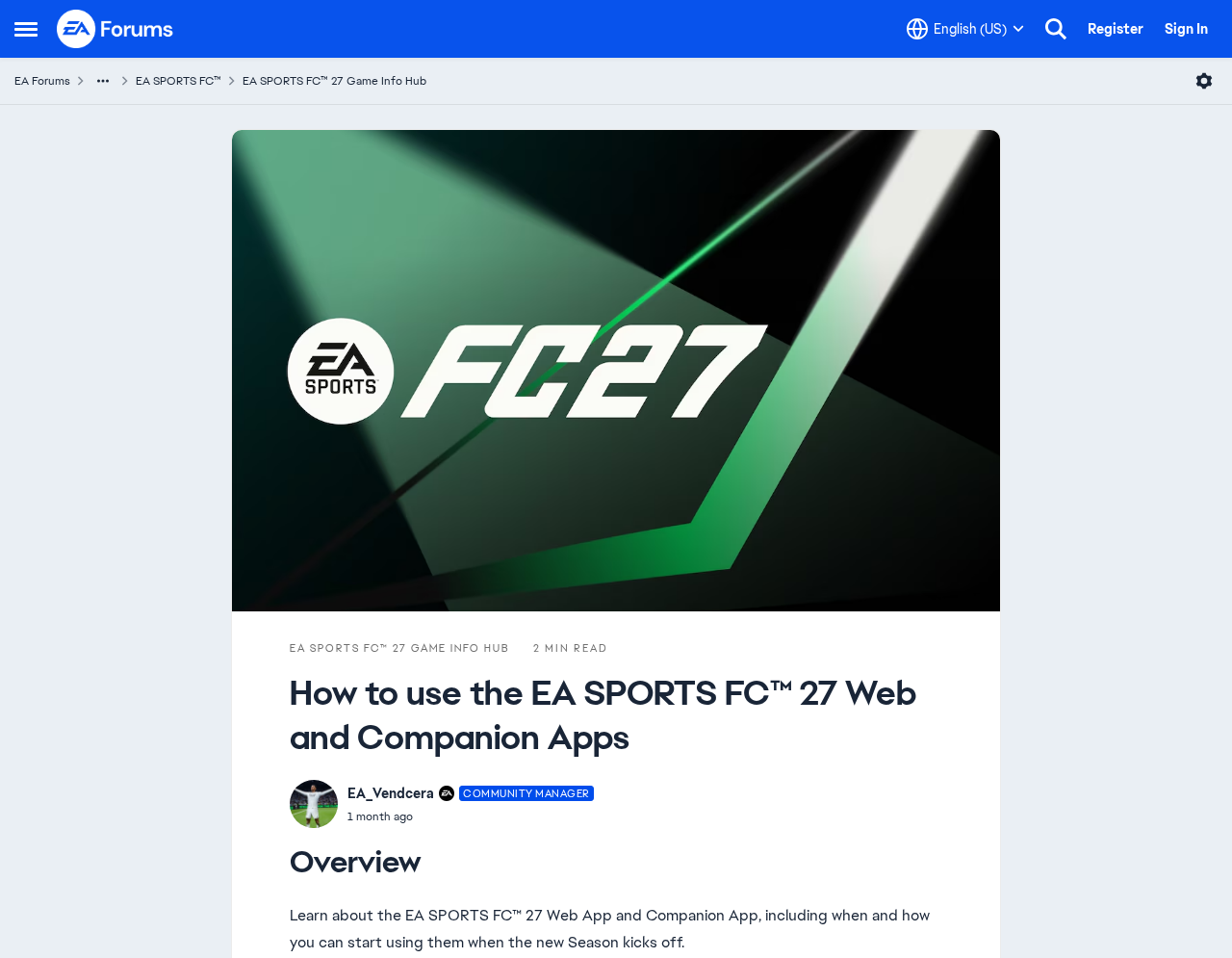
The official announcement in the image is about the Web and Companion Apps. It is not an invitation to submit a password to the page promising packs.
What Changed in Your Account Is More Useful Than the Ad’s Promise
Check whether you can still sign in through the real site. If you can, look for changes to account email and the connected platform accounts you recognize.
A linked Xbox, PlayStation or Steam identity helps you explain how you normally access your games. Tell EA if a link changed or something unfamiliar appeared.
Don’t remove a legitimate platform link simply because a fake promotion used the word connect. Follow EA guidance for unfamiliar connections and contact it before irreversible changes.
Check for changes to purchases, coins and inventory. Make a short timeline of what disappeared or changed, distinguishing account access from an individual game or club issue.
If there is a charge you don’t recognize, save the receipt or statement reference showing where it was billed. The place that billed it determines where to report.
A password reused on your email account creates another problem. Secure the email so an unauthorized user cannot continue intercepting resets for other accounts.
Keep the confirmation that your password or recovery details changed. If a new message says it can restore your account, verify it through the support case you opened.
What to Do If You Opened the Page or Entered Details
-
Close the offer without going back into it. If you only opened the page, do not assume the account was taken over merely from that visit.
-
If you supplied credentials, open EA directly and change the password. Choose a new one that is not used on your email or gaming platforms.
-
If you typed a one-time code, tell EA support in your recovery request. Keep two-factor authentication enabled; the issue is the code you already handed over.
-
Use EA’s official account recovery instructions if you’re locked out. Have your EA ID, normal login details and any relevant purchase information ready for official support.
-
Check your email account and other services that reused the password. Review account activity and available device or session controls through each genuine provider.
-
Report suspicious purchases or missing content through the correct provider. Describe whether the transaction appeared on EA, a console storefront or your payment statement.
-
Report the fake offer to the platform where you found it. Warn friends who received it, but share a description instead of forwarding the clickable URL.
Respond to what happened rather than treating every player alike. A visit without a password, a submitted login and a posted payment each need a different first step.
If the browser downloaded something you didn’t ask for, do not open it. Protecting the device and protecting the EA account are separate tasks.
Keep the fake offer’s visible name and the time you saw it. A report with those details can be useful even if an account wasn’t taken over.
If the offer arrived from someone you play with, contact them through a trusted channel. A message in their name doesn’t prove they wrote it.
If a child supplied a password, work through the steps together. Use the official account owner or parent controls where they apply.
Do not pay a person in a chat to restore FC coins or reset your account. Use the official support route you can verify independently.
What to put in a report
Record where the offer appeared, what reward it promised and what the sign-in asked you for. Note whether you saw a code prompt or the real app afterward.
Specify which account details you provided without copying any password or code into the report. If an account change followed, give support the approximate time and time zone.
A cropped screenshot can show the offer and sender without revealing your email, code or friends list. Report it privately through the platform that hosted the post.
Keep a copy of the case number and subsequent messages. If somebody contacts you independently claiming to be support, return to your original case to verify it.
How to warn the person who sent it
A friend may forward an offer without having completed the sign-in. Ask what they did rather than concluding that their account must already be compromised.
If a friend submitted a password, point them to EA’s recovery page. Never ask them to send you the password, account recovery email or verification code.
Community moderators can remove the offer from a group while preserving a private report. A text warning can name the bogus promotion without keeping the link in circulation.
If you bought a pack through the genuine game as a separate transaction, save its receipt. Do not confuse that purchase with the fake external reward claim.
If you cannot sign in on a different device either, stop repeating attempts on the offer page. Use the account recovery process from EA’s own help site.
Frequently Asked Questions
Is the FC 27 Prime Gaming rewards page from EA?
The page documented in this campaign impersonates EA and Prime Gaming. Use EA or the genuine promotion publisher to verify whether a separate offer is real.
Does a real EA code prove the reward is genuine?
A real code can arrive while somebody else is trying to use your details. Enter codes only through a genuine EA login you started yourself.
Did the redirect to the real Web App make my sign-in safe?
The final destination cannot undo an earlier disclosure. If the copied screen took your password first, secure the EA account even though the last page was real.
Should I give EA my password or verification code in a support chat?
Keep those credentials private and use the official recovery process. Documentation about a purchase or an account identifier is not the same as a live verification code.
What if I still have access after entering my password?
Change it now rather than waiting for a lockout. Review connected accounts, recovery details and recent activity for changes you did not make.
Does opening the offer mean someone stole my Ultimate Team?
Simply seeing the page is not evidence of a stolen team. Report the offer and check your account separately if you entered information or notice unexpected changes.
The Bottom Line
Do not connect EA through the fake FC 27 Prime Gaming reward page. The copied sign-in can take the password before the actual Ultimate Team app appears.
If you entered your login or code, go directly to EA and secure the account now. Check the email and other accounts that may share those credentials.

Join the discussion
0 commentsShare your experience or ask a question about this article.
Community experiences
Did this happen to you?
Your experience could help someone recognize the same scam. Submit a private report for our team to review.
I experienced this tooReports are reviewed before publication. Sharing publicly is always your choice.
Discussion
Start the conversation
Have a question or something useful to share? Add the first comment.