


An automated call says someone changed your account. The recording asks you to press a number if the change was unauthorized.
The caller names MoonPay, and the number on your screen looks local. You might not even have a MoonPay account.
Overview
The robocall borrowed the name of a real crypto service
A person in New Zealand reported getting an automated call from a local mobile number.
The recording named MoonPay, said something had changed on an account and asked for a keypad response.
The recipient did not press anything. They later called the displayed number, reached a disconnected-number message and said they did not believe they had a MoonPay account.
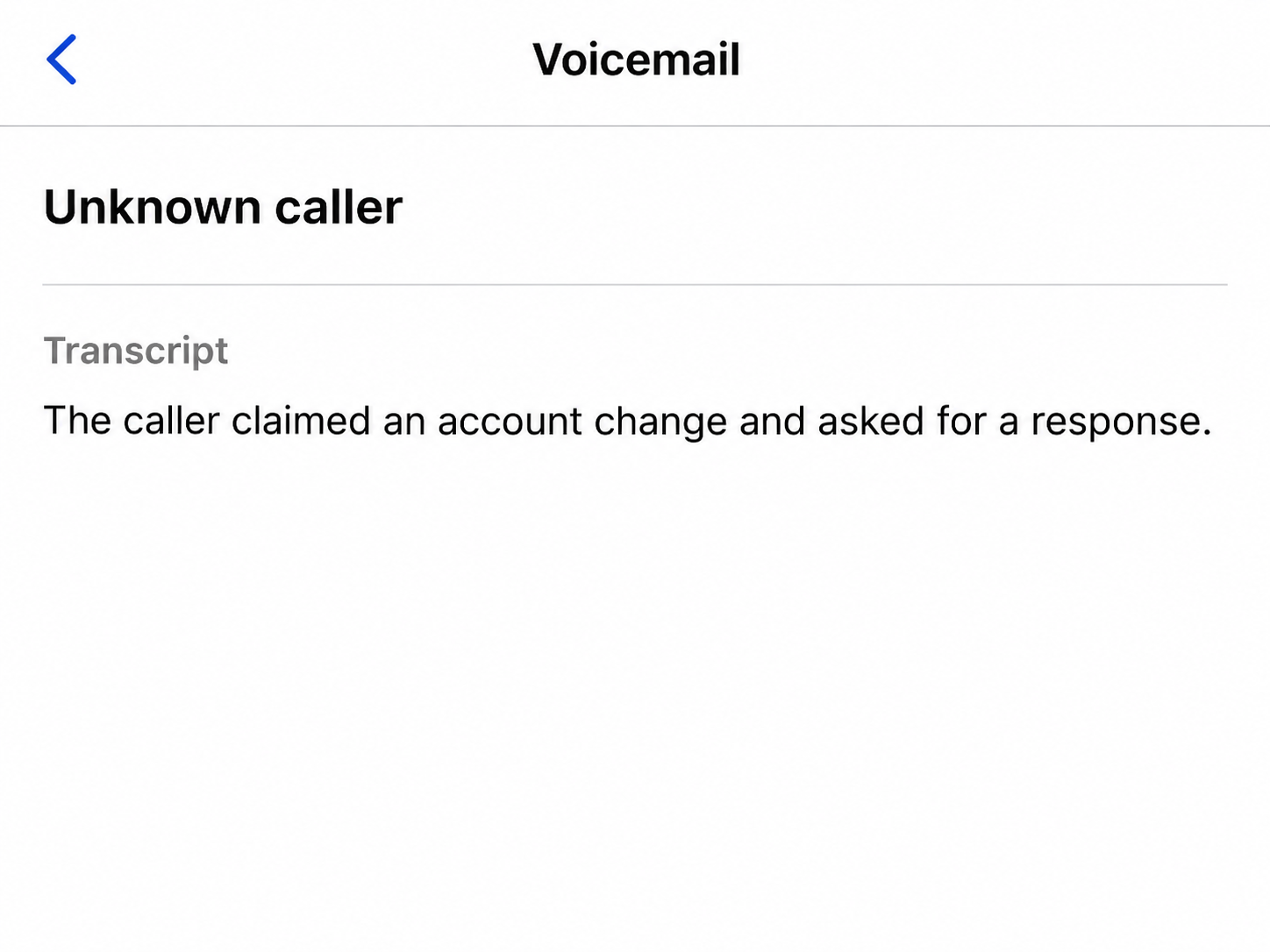
The lead image reconstructs the reported call as a generic transcript. The original recording was unavailable, and the public account does not identify what change the caller claimed to see.
MoonPay says it does not contact people this way
MoonPay’s safety guidance says it does not initiate contact by telephone, social media or messaging apps.
If you want to check the claimed account change, hang up and reach the real service through its official site.
A caller can make a local number appear on your screen. A disconnected callback leaves the caller’s actual location and identity unknown.
The person did not speak to an operator, provide a verification code or report a loss. The observed part of this attempt was the automated account-change claim and keypress request.
If you receive the call, these are the details worth recording:
- The date, time and number the phone displayed.
- The service or company named by the recording.
- The account change or transaction the caller claimed to see.
- The response the recording asked you to make.
- Any later text, email, payment or attempt to access an account.
The fraud alert can feel urgent without having any account data
A recording can claim an account changed without knowing whether you use the service. That uncertainty is part of what makes the message effective.
New Zealand’s National Cyber Security Centre has separately documented criminals posing as police or wallet support to target cryptocurrency holders.
Its warning explains the broader risk of handing sensitive details to unexpected callers.
That advisory cannot identify who made this particular call. It explains why you should check an account scare through a provider you reached yourself.
How the Fake MoonPay Call Works
Step 1: The call looks local when it arrives
An ordinary mobile prefix can make a call seem more relevant than an obvious international number. The number on your screen tells you what the phone received as caller ID.
A disconnected callback does not mean the person who placed the call disappeared when you hung up.
The displayed number may belong to an unrelated person or may be out of service.
Keep the number for reporting if you still have it.
Avoid confronting anyone who later answers it, since caller ID may point to someone who had nothing to do with the call.
If your phone offers a spam report option, use it after recording the important details.
A number block can reduce repeat calls from that display without necessarily stopping the wider campaign.
Step 2: The recording announces an account change
Fraud alerts normally make people want to check what happened. A robocall can exploit that reflex by naming a company and leaving the exact activity vague.
In the reported case, the recipient did not recall the precise change. The important detail was that the recording presented it as a change the listener needed to respond to.
A stranger can send a broad account warning to people who have never used the service.
Hearing a provider’s name does not prove that somebody has opened an account in your name.
Open the service independently if you already use it. An actual account alert can be examined through a verified support channel without continuing with the caller.
Step 3: The keypress keeps the conversation on the caller’s terms
The recording asked the recipient to respond if they had not authorized the change. That sounds like a protective step while keeping the listener inside the incoming call.
The person in this case ended the call without pressing a key.
There is no verified record of where the prompt would have led or what a person might have been asked next.
If a recording offers to connect you to a security team, hang up and contact the company yourself. You lose nothing by changing to an independently verified route.
Pressing a key does not by itself show that money left an account. What matters for your next step is whether you later shared something or approved an action.
Step 4: A second contact may turn the scare into a request
Impersonators can follow a warning with a request for a password, verification code, wallet recovery phrase or transfer. Those are separate actions with different consequences.
MoonPay’s impersonation guidance covers unauthorized activity messages and gives users a way to report impersonation. Save evidence you can provide without repeating any links or sharing secrets.
The reported robocall did not reach this stage. The examples explain common follow-up risks and help readers recognize a demand if another message arrives.
If a caller says your funds must move to protect them, stop. Check activity through the real service and ask what protections apply to the account you actually use.
How to Check a Crypto Alert After Hanging Up
Decide whether you recognize the service from your own records
Start with your own records and installed apps. Search for payments or account notices you received through your usual channels before the call arrived.
If you remember paying for crypto through a wallet app, check how the app handled the purchase. You may recognize the payment provider even if you rarely visit its website.
If you have no relationship with the provider and see no charge, avoid creating an account simply to check a random phone warning. Save enough information to report the impersonation.
A verified charge or application gives you something concrete to ask about. Tell the real provider what you can document without assuming the caller had access.
Check any actual transaction from the payment side
Review your bank or card activity through its official app. Compare the merchant, date and amount with earlier payments you recognize or a purchase you recently made.
If a charge is unfamiliar, call the card issuer through a verified number. Ask whether it sees a pending authorization or a completed payment and what it can restrict.
For an actual crypto transfer, keep the transaction ID privately with the amount and time. The service that handled the purchase or transfer may need it for investigation.
An impersonation call and a card charge can require separate reports. Give each company the transaction and account details it can independently check.
Protect login information differently from wallet recovery information
If you read out an account verification code, tell the real service what the notice said the code was for. Check the time and any account change that followed.
If you typed a password into a site someone texted you, change it through the provider’s official site. Review signed-in devices and check who controls the recovery details.
A wallet recovery phrase controls access differently from a password for a hosted account. If you shared one, get help from the official wallet provider without repeating it to anybody.
MoonPay’s guidance for suspected crypto scams outlines reporting and account checks. Use contact information you opened independently so you know who is receiving your report.
Save the call without following the number back
If the call left a voicemail, keep the original and note any details the caller mentioned. A recording provides better evidence than trying to recreate it from memory.
Save any follow-up text as a screenshot with the time, sender and message visible. Keep sensitive account details and transaction records out of any public warning.
If a second call mentions the report you made, open the report through the same official channel you used before.
A new caller can claim to be assigned to the case.
If you are helping somebody else, give them time to check their own records. They can contact you separately if they need help locating a trustworthy support route.
Separate a real support notification from a lookalike reply
If an email arrives after the call, read it without opening its links or attachments. Ask the provider whether an account notice was actually sent for the stated time.
A message can mention the same account-change story with a new link. The shared wording does not establish that the sender represents the service.
Keep an existing report number so you can follow up without starting over. Report a new request separately if it concerns another account or payment.
If someone asks for money to recover a previous transfer, save the message and decline the offer. Ask the original provider what help is available.
Check whether the warning was about a change you made
If you changed an account detail recently, open the service from a route you used before the call. Check that the time and action match your own request.
A call that follows a legitimate change can still be unrelated. Give support the time and activity rather than asking it to validate the caller’s phone number alone.
If the call says a new device was added, review your device or session list through the genuine service. Ask support how to sign out an unfamiliar session.
If the recording claims a transfer is on hold, ask the service whether it can see an order. A pending card authorization and a completed crypto transfer are different events.
Check which company can trace your purchase
When you buy through a wallet app, the wallet and the payment processor can have different records. Look for the receipt in the app where you started.
Give the payment processor the order reference it issued. Give the wallet provider a transfer reference only when a transaction actually appears on the wallet side.
If you find no matching activity, report the call as impersonation. There is no reason to supply a new account or move money to prove that nothing changed.
What to Do if You Have Fallen Victim to This Scam
-
End the call and keep its details with any voicemail or follow-up message. Record which account change the recording claimed and whether you responded.
-
Check your real account from the official service if you use MoonPay. Open its support independently if you see an unfamiliar order or account change.
-
Call your bank if money or card details were involved and give it the merchant, amount and time. Ask which account protections it recommends immediately.
-
Report any credential or wallet exposure separately so each provider knows what it can secure. Keep passwords, codes and recovery phrases out of the report itself.
-
Use New Zealand Police’s online reporting service if you are in New Zealand and the incident warrants a report. Preserve any transaction reference privately for investigators.
-
Return to the provider you reported to if someone calls back about recovery. Ask that provider to verify any claimed update before you respond.
If you heard the message and hung up, review your accounts through the usual channels before deciding whether any further action is needed.
No disclosure or payment was reported in this case.
Frequently Asked Questions
Can an unexpected phone call really come from MoonPay?
MoonPay’s published guidance says it does not contact people through phone calls. End the incoming call and open the service yourself if you want to check a real account.
Does a New Zealand mobile number identify the caller?
The number can be spoofed, so it cannot by itself identify a person or show their location. Note it for the report and avoid calling it back.
Does the call mean someone opened an account using my details?
A recorded claim does not establish that an account exists. Investigate if you find an actual charge, application or other evidence through a source you trust.
What if I pressed the number but shared nothing?
End the call and check your account independently. Take additional steps if you later approved an action, sent money or disclosed a password, verification code or recovery phrase.
Can my bank tell me if a crypto transfer settled?
Your bank can check a payment it handled. If you sent cryptocurrency from a wallet, keep the actual transfer reference and contact the service that handled that transfer.
Should I use a support number supplied by a second caller?
Use the company’s official support route you found independently. Ask it to check any reference you already have and share only information relevant to that case.
The Bottom Line
Hang up when an automated call claims MoonPay changed your account and asks you to respond.
Check real activity through MoonPay or your payment provider using contact details you find yourself.
If you shared something or transferred money, report what actually happened. Keep the original call and transaction details so the relevant provider can examine the right account.

Join the discussion
0 commentsShare your experience or ask a question about this article.
Community experiences
Did this happen to you?
Your experience could help someone recognize the same scam. Submit a private report for our team to review.
I experienced this tooReports are reviewed before publication. Sharing publicly is always your choice.
Discussion
Start the conversation
Have a question or something useful to share? Add the first comment.