


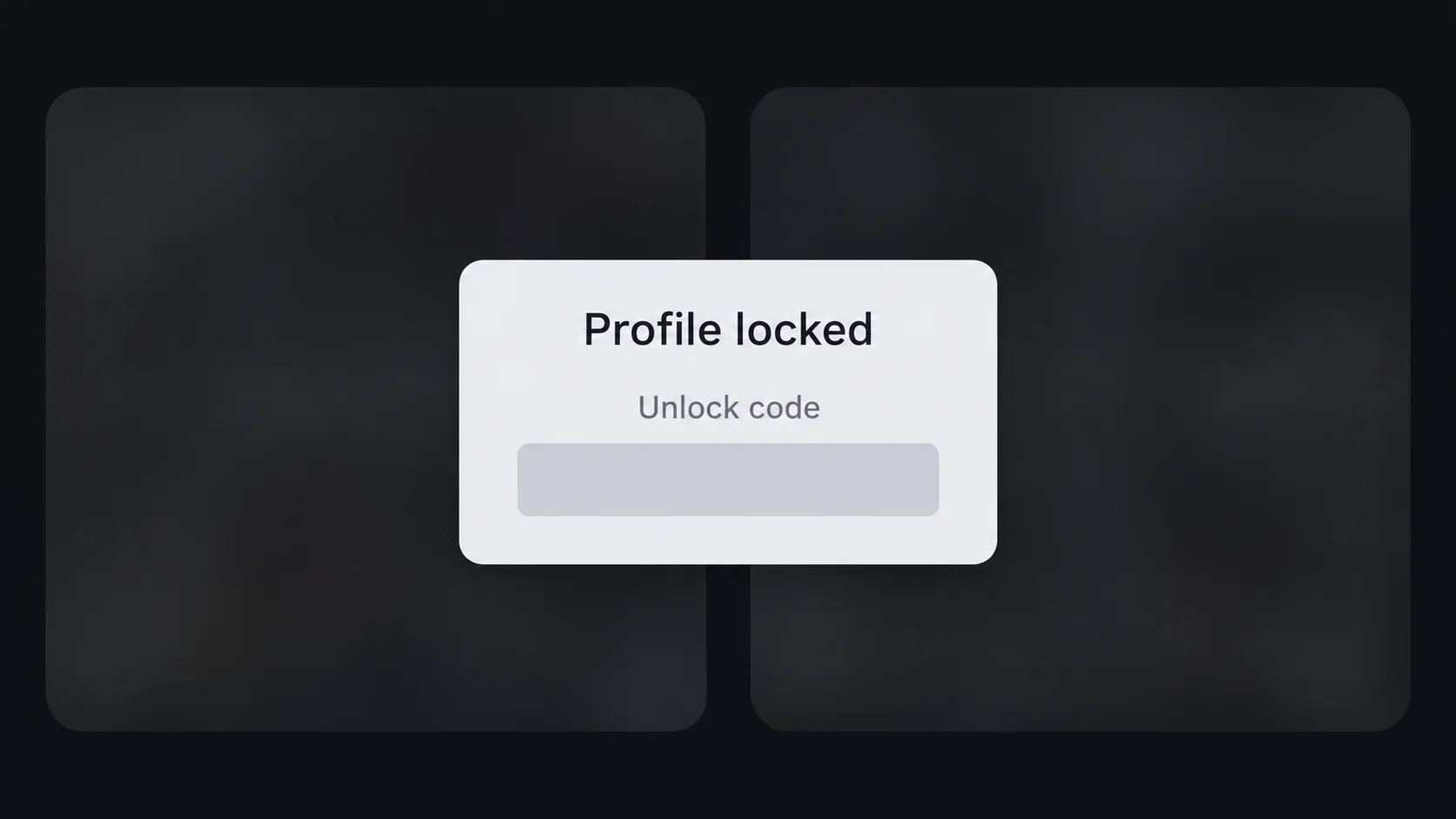
The profile is there, but the chat is locked. A short code seems like a small price of admission when the conversation has already caught your interest.
That was the premise of the Android app researchers called GhostChat. The locked profiles made it feel exclusive, even though the app wasn’t what it claimed.
Overview
An invitation to a chat that wasn’t a dating service
GhostChat was Android spyware dressed up as a dating and messaging app. ESET’s investigation traced a sample submitted from Pakistan and found a set of profiles presented as locked.
The name is what researchers gave this malicious program. It isn’t a reliable label for every app that uses a ghost icon or calls itself private chat.
The sample copied the icon of an unrelated dating app that was available from Google Play. ESET says the malicious package itself was never available there.
The lead recreates the locked-profile idea without identifying contacts. Researchers didn’t establish how the app was distributed, so a WhatsApp conversation doesn’t tell you how it arrived.
Privacy risk begins before you meet anyone
The spyware requested access on launch. Researchers observed it collecting information before someone finished signing in, so an unused unlock code doesn’t tell you what stayed private.
A dating service might need a photo you choose for your profile. That is different from a new app asking to read your contacts or browse existing files before chatting.
ESET identified collection of contacts, photos and documents. The app could also check for newly added files later, which made leaving it installed consequential even after closing the dating screen.
Three situations that call for different responses
A copied photo gallery, an unwanted WhatsApp conversation and a linked account are not the same incident. Start with the action that actually happened:
- If you received an invitation but installed nothing, decline the invitation and leave any downloaded package unopened.
- If you installed GhostChat, plan for Android cleanup and possible exposure of files, photos or contacts the app could read.
- If you approved a separate WhatsApp device link, remove that session from WhatsApp itself. Uninstalling another app does not automatically do that.
ESET connected the spyware to other activity that included a deceptive WhatsApp device-linking page. A chat opened from GhostChat is not, by itself, an account link.
How the GhostChat Dating App Scam Works
Step 1: A private invitation makes an unfamiliar app seem worth trying
The attraction is access to people rather than a feature list. A locked profile suggests there is something real on the other side that isn’t available to everyone.
The app’s copied icon adds familiarity without establishing who made it. A recognizable image can make a file look like a supported app even when you’ve never verified its publisher.
The important question is where that particular copy came from. An installable file received separately doesn’t inherit the reputation of a genuine listing that happens to share an icon.
Step 2: The app asks to see data before it offers the chat
GhostChat showed permission requests before the login screen. That ordering can catch someone who wants to finish setting up and assumes each permission is necessary.
Android’s permission dialog tells you what an app is asking to access. Its appearance doesn’t verify that the stated dating purpose is genuine, or that the permission is reasonable.
Consider what granting access to contacts means. You’re reading one profile, but agreeing to share an address book could expose information about people who never joined.
Step 3: Two different gates help sell the illusion of exclusivity
The app showed a login screen first, followed by a catalog of locked profiles. ESET found that the observed login and profile codes were built into the app.
That undercuts the impression that a real service is checking whether you belong. Entering a code does not make the identity on the profile authentic.
The sample opened a WhatsApp conversation associated with the selected profile after a matching code. Opening the chat did not verify who controlled the account.
Step 4: The collection of private data continues out of sight
The spyware could collect photos and documents while the visible app was doing something that appeared unrelated. It could also look for newly created material while still installed.
Closing a profile, blocking a WhatsApp contact or declining to send a photo does not remove Android permissions already granted to the fake app.
Tell whoever is investigating how long the app was installed. What you saw on the screen cannot establish exactly which files were copied.
Step 5: A different lure can connect another person’s device to your account
In related activity, researchers found an impersonation page that tried to get users to approve a WhatsApp device link. It was separate from the locked dating profile flow.
Messaging a person and giving a new device access are two different actions. Take an unexpected linking prompt seriously even if you never installed the dating app.
If you still control the account, look in Linked devices for a browser or device you don’t recognize. Removing the session matters even if the phone itself seems fine.
What to Do if You Have Fallen Victim to This Scam
-
Stop interacting with the person or the app. Don’t send another code or photo to see whether the profile opens. Write down the app name and when you installed it.
If the package is still only a download, leave it unopened. If the app ran on your phone, disconnect mobile data and Wi-Fi while you determine the next steps.
-
Handle WhatsApp access separately from phone cleanup. On a trustworthy primary phone, open WhatsApp, tap the three-dot menu on Android, and choose Linked devices.
Select an unfamiliar device and tap Log out, then check the list again for other entries. WhatsApp explains unlinking on both Android and iPhone.
If the only primary phone is still suspect, secure or replace it first, or use WhatsApp’s official account support from a clean device. Don’t share verification codes with anyone.
-
Change a real password only where it could matter. If you entered a password you actually use elsewhere into the fake app, change it on the real service.
Do this on a different device. Look for unfamiliar sign-ins or new recovery details. A code someone issued for a single fake profile is not the same as your password.
-
Consider who else’s information was on the phone. Personal documents and address books often contain information belonging to family, clients or coworkers.
If work records might have been accessible, report the incident to the person responsible for your organization’s data. Don’t send them files through the chat where the incident began.
If a contact receives an unusual request from your account, warn them using a verified channel. Tell them not to trust unexpected requests for codes, money or photos.
-
Preserve threats without giving the sender more leverage. Save existing messages and the time they arrived if someone threatens to publish photos or documents.
Block and report the contact through WhatsApp once evidence is saved. If you are being threatened or feel unsafe, use a trusted device and contact local authorities or support.
How to Remove GhostChat From Android
Step 1: Find the app in Settings rather than on the home screen
If you own the phone, open Settings and select Apps. On a Pixel, choose See all apps to display installed entries beyond the shortcuts on your screen.
Use the name you remember and when it appeared to locate the suspect entry. Open the system’s app details, not the chat or profile screen.
For a managed handset, send the name and incident time to IT and wait for their instructions. They may need to see the permissions before anything is removed.
Step 2: Check which data the suspected app could read
In its App info screen, tap Permissions. Note whether contacts, photos, videos or files were allowed. Tap a granted category and choose Don’t allow where available.
This stops that Android permission from applying to the app. It doesn’t recall a photo or document that the app could already have sent while the permission was in effect.
You can also search Settings for Install unknown apps, then select the browser or file manager that handled this package. Disable permission for that source if it was granted.
Don’t revoke permissions from every communications app. Limit changes to the identified suspect and the installation route, then check whether the control now shows it is disabled.
Step 3: Uninstall the app and remove the leftover installer
From the app’s settings page, choose Uninstall and confirm the Android prompt. Return to Apps and check that the entry has disappeared before using the device again.
If a known unwanted app won’t uninstall, keep the device offline and try the manufacturer’s safe mode or contact authorized support. Don’t disable an employer’s mobile management to force removal.
If you do not need the package for evidence, use the file manager to delete the matching file from Downloads without opening it.
Step 4: Check Android with Play Protect and a current scanner
Once the unwanted app is removed, open the Play Store app and tap your profile photo, then Play Protect. Run the manual check if the Scan button is shown.
For a second check, find Malwarebytes for Android in Google Play. Check the publisher name and tap Install, then select Open after installation.
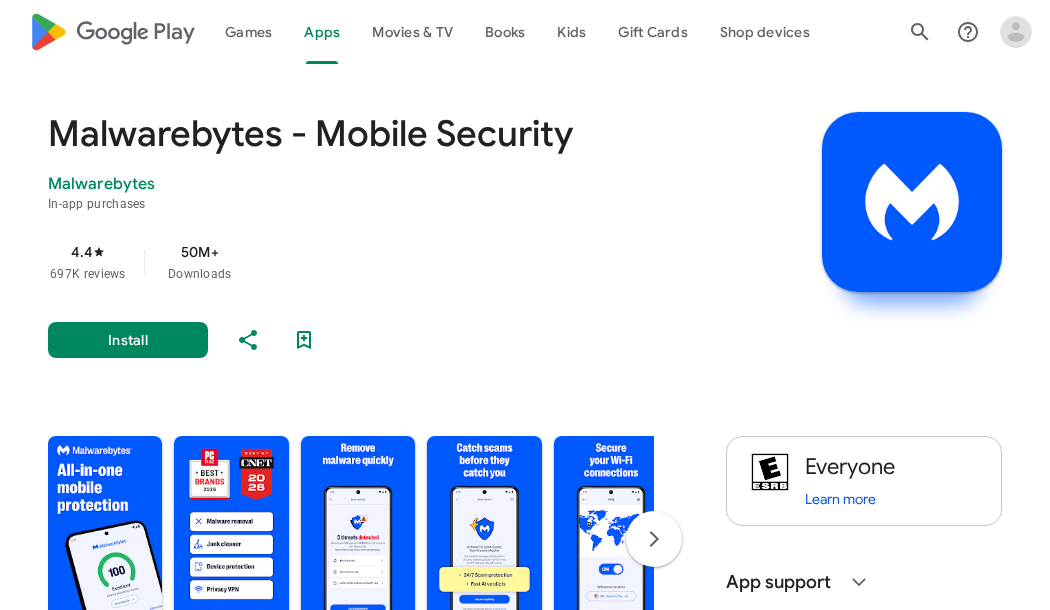
If an unknown app is still active or controls the screen, do not reconnect merely to get the scanner. Ask for help from a separate device first.
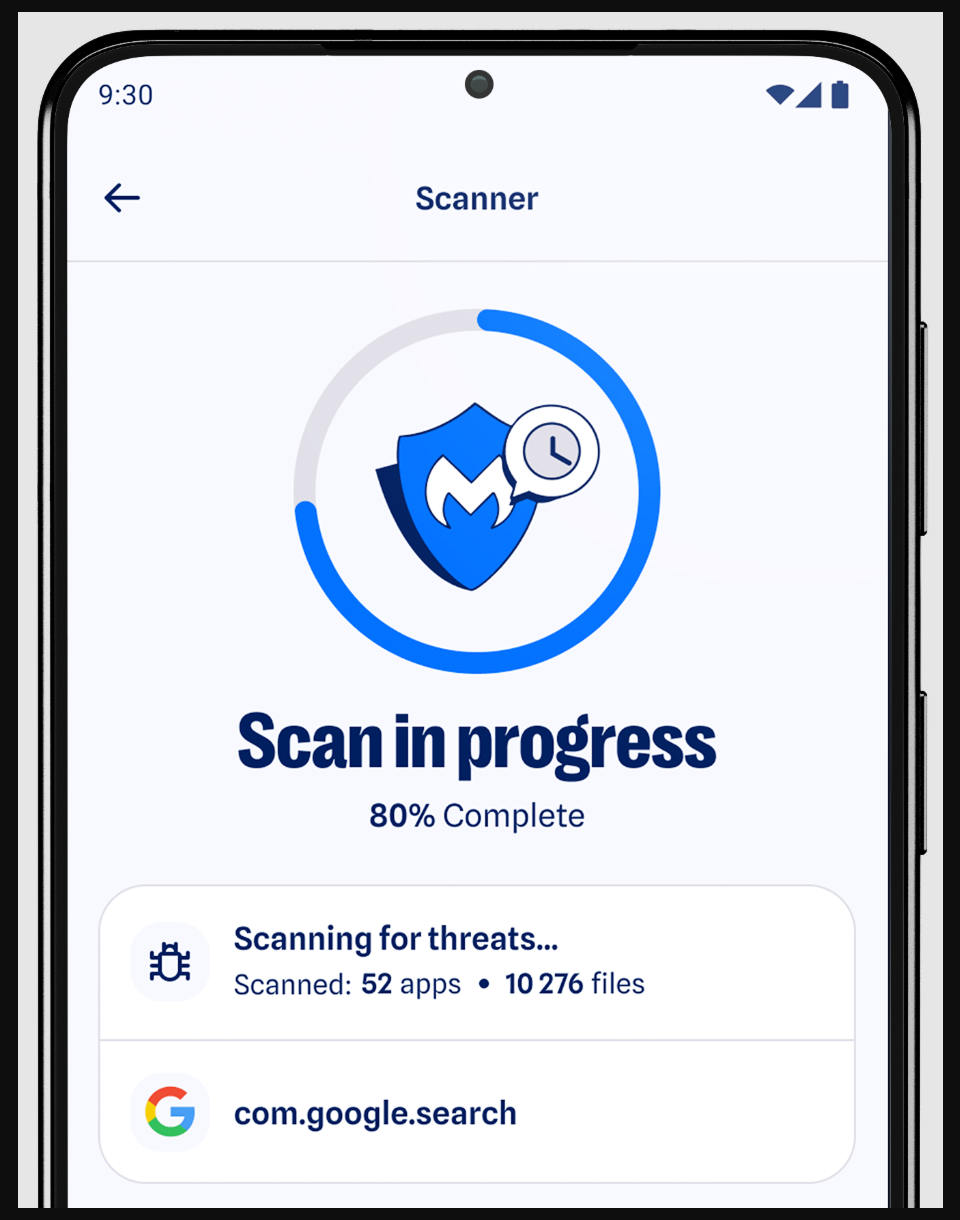
In Malwarebytes, open the dashboard, find Device, and choose Scan now. Review the official app’s file access prompt if you need it to scan files as well as installed apps.
The genuine scanner screens are shown here to distinguish a real security check from an app’s own status message. A progress indicator should finish before you make decisions about detections.
Step 5: Verify the removal result instead of ignoring detections
Look for the final scan summary, including how many apps and files were checked. If there is a detection, note its name and check the action menu beside it.
For a confirmed malicious app, choose Uninstall app and accept the Android prompt. For a flagged file rather than an app, use the available removal action.
If Android wants a restart, complete it on the personal phone, then repeat the check. A detection that returns, or one that cannot be removed, needs further review.
The optional Malwarebytes Android plan may earn MalwareTips a commission. The steps for revoking permissions and uninstalling GhostChat do not depend on a paid plan.
Step 6: Get help if the phone still shows evidence of spyware
If a suspicious entry reappears, save that detail and stop using the phone for sensitive work. The mobile removal forum can help identify a safe next step.
Don’t wipe the phone merely because the app tried to sell a chat. If it was installed and can’t be reliably removed, discuss a reset with an authorized specialist.
Before resetting, verify which photos and documents are backed up and confirm access to your Google or Samsung account. A reset erases local data and does not undo previous disclosure.
After the device is fixed, install apps from verified listings and check WhatsApp for unfamiliar linked devices again. Avoid restoring the original installer from your downloads or backup.
Frequently Asked Questions
Was the unrelated dating app in Google Play part of GhostChat?
ESET says GhostChat copied a legitimate app’s icon but was never distributed through Google Play. Do not treat the two packages as equivalent based on an icon.
Does receiving a profile code infect my phone?
The invitation or code isn’t a completed installation. If it came with a package, leave that file unopened. The documented spyware needed the app to run on Android.
What if I granted permissions without signing in?
Don’t rely on the absence of a completed sign-in. Researchers observed collection before login was finished. Revoke the permissions, uninstall the app and consider what data was accessible.
Does opening someone’s WhatsApp chat let them read my other conversations?
Starting a chat does not, by itself, link their device to your account. Check Linked devices if you scanned a linking code or approved a device prompt.
Can I tell exactly which photos were taken?
The app interface doesn’t show a reliable transfer history. Note what was on the phone and which permissions you granted. A qualified investigator can look beyond those observations.
Will removing GhostChat delete the data that already went out?
Uninstalling limits activity from that copy of the app. It does not erase someone else’s copy of a document or remove a separate account session.
The Bottom Line
Don’t install a private dating package just to unlock a profile. The codes were part of the lure, while the app could request access to information unrelated to chatting.
If the app ran, isolate the phone, uninstall it through Android Settings and check for remaining detections. If you approved an unfamiliar WhatsApp link, revoke that session as well.

Join the discussion
0 commentsShare your experience or ask a question about this article.
Community experiences
Did this happen to you?
Your experience could help someone recognize the same scam. Submit a private report for our team to review.
I experienced this tooReports are reviewed before publication. Sharing publicly is always your choice.
Discussion
Start the conversation
Have a question or something useful to share? Add the first comment.