


A cluster of bad ratings lands on your Google Business Profile. Then a stranger offers to make the reviews disappear if your business pays.
The demand changes what you need to save. A normal review report can address individual posts, but Google has a separate route for the extortion attempt itself.
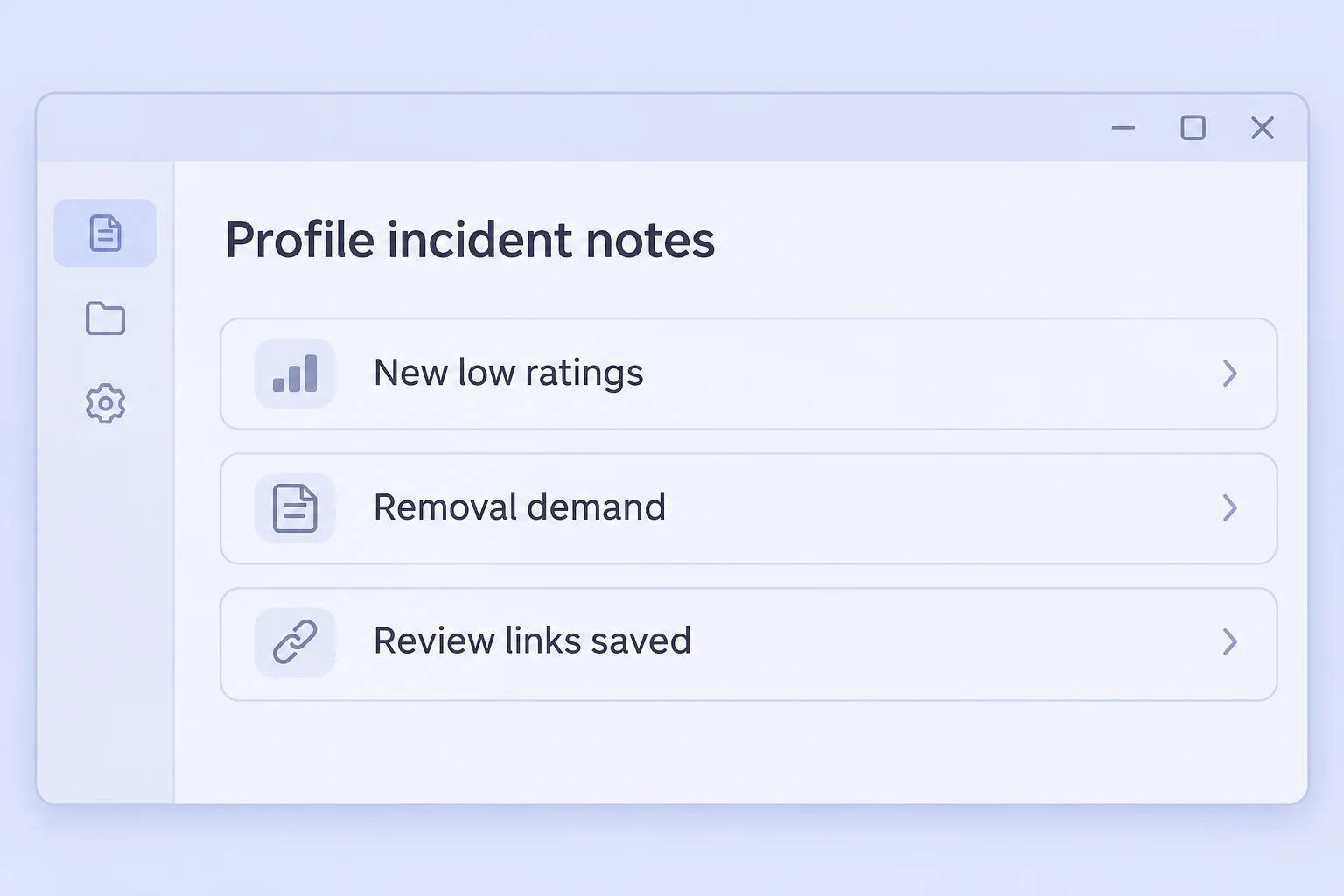
Overview
The demand is central to an extortion report
Google describes negative review extortion as a pattern that can involve multiple low ratings and a demand for money, goods, or services in exchange for removal.
A bad rating alone doesn’t prove extortion. A message that demands payment to remove reviews gives Google a separate allegation to investigate, even if you don’t know who posted them.
Assemble what a reviewer can actually check
Screenshots preserve what was visible at the time. Direct links help Google identify the individual entries, and a brief timeline connects what happened without assuming more than you can show.
- Save the full demand, including the date, sender details, and what was requested.
- Copy individual review links rather than submitting only the profile’s overall rating.
- Note when the ratings appeared and distinguish an observed connection from a suspected one.
Report the threat separately from genuine criticism
Use the merchant extortion form if you were directly targeted by a demand. Use Google’s review policy tools for individual posts that may violate its rules.
Leave legitimate customer complaints out of the extortion report. A dispute about service quality is not evidence of coercion simply because it happened on the same day.
What to Do If Someone Demands Payment to Remove Google Reviews
- Do not pay, offer goods, or try to negotiate. Save the message with the visible sender and time, then stop engaging with that contact.
- Open your listing in Google Maps and copy the direct link to each suspicious review. Preserve screenshots and note when you first saw the ratings.
- Submit the Google Merchant Extortion form. Include your role, the affected profile, review links, and screenshots of the actual demand.
- Separately report individual reviews that appear to violate Google’s review policies, using the review tool rather than treating every low rating as fake.
- Keep the confirmation and continue logging related demands. If you paid, contact the payment provider promptly; if someone threatens physical harm, prioritize safety and contact the appropriate authorities.
If staff handle both a general inbox and a booking inbox, ask them to forward the original message internally to your designated incident contact rather than answering it.
Don’t use a form link sent by the person who made the demand. Open Google’s official help or merchant form independently so you know where the evidence goes.
Build a Timeline Without Guessing Who Wrote the Reviews
Start with the first review you noticed and the first message demanding something of value.
Write down dates and the local time zone if that helps join records from different channels.
Save screenshots that show the full demand and enough surrounding context to understand it. Where visible, keep the sender’s account, address, or contact details in your private evidence.
If a voicemail or call was the only demand, write down what was said and when. Retain any existing voicemail rather than calling again merely to create a cleaner record.
Keep what the message claims distinct from what you saw. A person can take credit for real negative reviews without actually controlling the accounts that wrote them.
If the sender identifies particular reviews, say which ones they named. If you’re linking a review because it fits the timing, mark it as suspected rather than attributed.
Don’t use blank profiles, odd grammar, or a low rating as the sole reason to identify a poster as an extortionist. Those are possible clues, not proof of control.
Copy a link to the specific review
On Google Maps, look up your business name and city, select the matching listing, and open Reviews. Confirm the location if the same company operates several branches.
Find the individual review and select its More menu, then Share review. Choose the link option and copy the generated address into your incident notes.
Open the copied link separately to confirm it takes you to the intended review. If the entry changes or disappears, keep the link and original screenshot with the timestamp.
Google’s review documentation explains the individual link controls. A link to the business or to the main Reviews tab is not the same as a direct review link.
For several branches, use one short list of review links per profile. Note which demand mentioned which location, and don’t claim a different listing was targeted without evidence.
Use the Two Reporting Routes for Different Jobs
Use the merchant extortion form for the demand itself, not as a more urgent version of a routine complaint. Google describes that channel as specific to direct extortion.
The form asks for details about the business, your relationship to it, suspect reviews, and the person who demanded money or favors. Attach the actual communications you retained.
Use a contact address you can monitor. If the confirmation gives you a case number, keep it with the evidence so someone else doesn’t start the same report from scratch.
Before submitting attachments, remove unrelated customer records and internal credentials that Google doesn’t need. Keep the details relevant to the demand visible in the private report.
If you see low ratings but never receive a demand, use the ordinary policy reporting process for reviews that you believe violate a rule. Do not submit an invented message.
Flag and track an individual review
Open the Reviews Management Tool, confirm the Google account associated with the profile, and select the right business. Choose the option to report a new review for removal.
Find the review in the tool and choose Report. Select the reason that matches the material issue, then submit the report and save your reference if one appears.
Return to the tool to view the decision. A review awaiting evaluation isn’t a refusal, and tagging the same review again doesn’t supply new evidence.
Google’s review reporting guidance describes a one-time appeal for eligible decisions. Select the previous report and appeal options, then choose the eligible review and submit the appeal form.
If you appeal, explain the specific policy concern clearly. If a direct payment demand also exists, keep the extortion report reference handy so you can tell the two processes apart.
Don’t recruit customers to wash out the ratings
It is reasonable to ask real customers for honest feedback through your normal practices. Don’t offer discounts, services, or rewards for posting or changing a review.
Don’t direct staff to flood a listing with positive reviews. Sustained accurate responses and a well-documented platform report address different problems without creating another review-policy issue.
If you respond publicly to an ambiguous review, keep the reply factual and invite ordinary follow-up through your verified contact.
Never publish the demand message or a customer’s private details.
Keep the Listing and the Payment Exposure Separate
A wave of suspicious reviews doesn’t by itself mean someone has owner or manager access. A changed phone number, unfamiliar manager, or account warning deserves its own verification.
Open the profile through your usual account and check that its contact details and hours still match your records.
If you see unexplained changes, handle them as a separate access issue.
If you only received a demand, don’t share your Google password to get results faster. A person who says they can remove reviews doesn’t need access to the account.
If you’ve already sent payment, preserve the transaction details and contact the financial provider through its verified support route. Describe exactly what was promised and what you authorized.
If the same person sends a second invoice, don’t pay it to recover the first amount. Keep the new message and its timing in the existing case record.
If someone who was not part of the original exchange claims to guarantee removal, check whether they are actually from Google using the support case you already opened.
Put the Report Together So Someone Else Can Follow It
Start with a brief factual description of the demand: what was requested, which profile it concerned, and how the person said the reviews would change.
Next, point out which attachment contains the demand.
If one screenshot contains the demand and a list of reviews the sender named, describe that connection without asserting that the sender authored them.
A second screenshot may show another request after you stopped responding. Add it with its own date instead of splicing the messages into an image that hides the sequence.
Pair each review link with its captured date and a note about why you included it. Keep entries that genuinely concern your business separate from suspected policy violations.
If you have several messages with overlapping information, keep the originals and give the clearest copies to the platform.
You don’t need to convert the entire case into a public post.
If some reviews disappeared before you filed
Save the links and screenshots you already have and note that you cannot see the entries now. You can still preserve the messages asking for a payment.
Don’t claim the sender removed them unless you have evidence. Reviews can disappear for reasons Google hasn’t disclosed to you, and timing alone is not a final explanation.
If a profile link opens the listing but no longer the review, record that observation. Separate it from the earlier screenshot so the reviewer understands both states.
Don’t ask the sender to repost anything to make it easier to document. If you lack a link, give the relevant date and visible details without guessing a URL.
If the demand targets more than one location
Match business names and addresses to the profiles you actually manage. A common brand name doesn’t make two location reviews interchangeable.
Have one employee collect the evidence and coordinate reports. When branches report independently, share references internally so the same demand doesn’t get described as several unrelated contacts.
If a branch did not receive a threat, say whether you are reporting a related review or a new incident. Use the extortion form only for an actual direct demand.
For reviews that name a service your business does not provide, note that fact where it helps. Don’t add customer names or private order lists to prove the point.
Keep Customer Replies and Incident Reports Separate
A review can be hard to classify when its details resemble a genuine complaint. If you reply, address the issue rather than accusing the reviewer of joining an extortion attempt.
You can tell real customers how to reach your usual contact without offering compensation for changing a rating. Use your established process for a refund or service correction.
Avoid quoting the threat publicly or asking readers to message the account that sent it. Public attention can expose your staff and does not authenticate the accusations.
Track review decisions in your own notes. If one entry is removed and another remains, treat them as separate outcomes rather than telling customers Google verified every suspicion.
Google says it may not share details of the investigation. Don’t fill that gap by naming an alleged perpetrator or promising a date when the rating will return to normal.
If a threat includes an immediate danger or an actual demand for payment beyond review removal, retain the evidence and seek appropriate help. A platform report isn’t an emergency response.
If the next message looks like a reply from Google, compare it with the case you already opened. Sign in through your usual route before taking any account action.
For US incidents involving a financial scam, FTC ReportFraud is a separate record from Google’s review process. A federal report does not remove a review.
Frequently Asked Questions
Does a sudden group of one-star reviews prove extortion?
No, because bad ratings and an extortion demand are different pieces of evidence. Capture the reviews, but use the dedicated form when someone directly demands something for removal.
Can I submit only screenshots of the reviews?
Screenshots help, but Google asks for direct review links and evidence of the communications. Save the actual demand, relevant timestamps, and the individual review addresses when available.
Should I pay if reviews are affecting my business?
Do not pay the person making a coercive removal demand. Payment does not guarantee that the reviews will disappear and may lead to more demands.
Do ordinary customer disputes go into the merchant extortion form?
No, because the form is designed for direct demands involving review removal. Use Google’s regular reporting tools when an individual review appears to violate a policy.
Can I appeal a review Google did not remove?
Google offers a one-time appeal for eligible reports through its Reviews Management Tool. Check the status of your previous report before submitting a new appeal.
Do suspicious reviews mean my account was accessed?
No, low ratings can be posted without management access to your profile. Check separately if settings changed, an unfamiliar person was added, or account security alerts appeared.
The Bottom Line
Don’t pay someone who demands money to remove Google reviews. Save the demand, capture the specific review links, and report the incident through Google’s merchant extortion process.
If you already paid or shared account access, act on that exposure separately. A review decision won’t settle a payment claim or secure the Google account for you.

Join the discussion
0 commentsShare your experience or ask a question about this article.
Community experiences
Did this happen to you?
Your experience could help someone recognize the same scam. Submit a private report for our team to review.
I experienced this tooReports are reviewed before publication. Sharing publicly is always your choice.
Discussion
Start the conversation
Have a question or something useful to share? Add the first comment.