


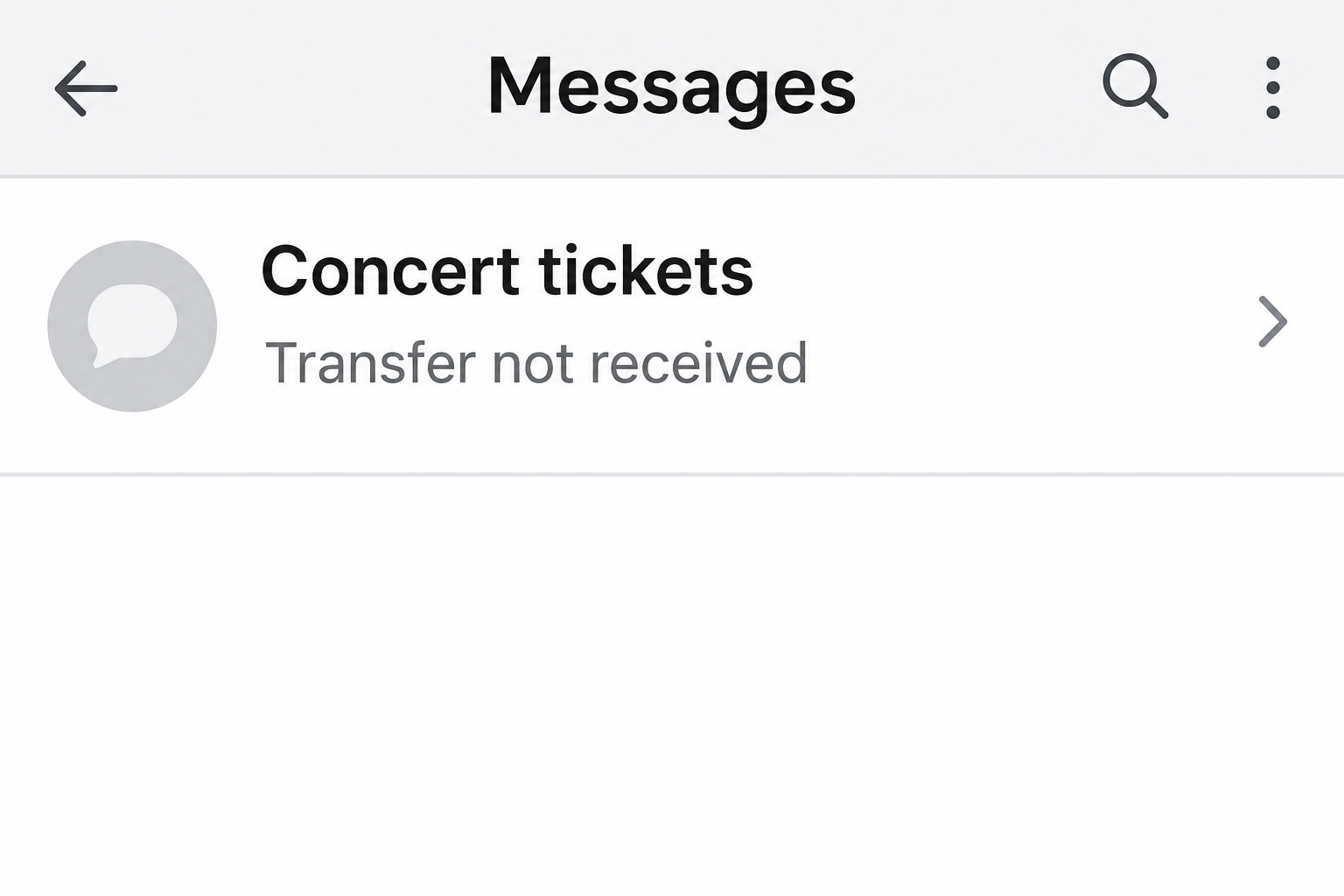
Your friend has two concert tickets they can’t use. You know they follow the band, and the offer comes from the Instagram account you’ve messaged for years.
When you ask how to get the tickets, they say they need payment first. Here’s what to check before you assume you’re still talking to your friend.
Overview
The account can be real even when the seller isn’t
In a hacked Instagram ticket scam, the profile, old photos, and message history can all belong to someone you know. It’s the person replying who has changed.
That separates this fraud from an obvious imitation account. There may be no alternate spelling, missing photo, or newly created profile to tip you off.
The ticket offer works because it fits the person. If your friend goes to gigs every month, a post about spare tickets might not seem worth a second look.
A real account, however, can’t tell you who is using it today. And even if the owner really is selling, you still need to verify the ticket.
What happened in the reported Oasis case
The Guardian described how a hijacked Instagram account was used to offer Oasis tickets. Friends of the account holder sent a combined £1,400.
The original story described messages that sounded familiar enough to fool people who knew the account holder. Some learned the truth when they reached her outside Instagram.
The details that made the offer believable included a realistic price and the account owner’s interest in music. Neither detail verified that someone could transfer a ticket.
Report Fraud has identified fake tickets offered to friends and family as one use of compromised accounts. Its wider loss figures cover more than tickets alone.
Verify three claims before you pay
- Confirm the person outside Instagram using a number or contact route you already had.
- Confirm that the event organizer actually allows the ticket to be transferred or resold.
- Confirm what happens to your payment if the ticket does not arrive or cannot be used.
A conversation with your real friend doesn’t fix a nontransferable ticket. A ticket screenshot doesn’t establish that your real friend sent it.
How the Hacked Instagram Ticket Scam Works
Step 1: A trusted account starts making unfamiliar offers
The case doesn’t establish how the criminal originally got into the account. For a buyer, the immediate concern isn’t solving that mystery; it’s checking who’s selling.
A ticket offer may arrive as a story, a direct message, or a forwarded screenshot from another friend. Each one can appear to lead back to the same familiar profile.
A mutual friend who shares it might mean well. They can confirm where they saw the offer, but not that they spoke to the seller independently.
If the profile suddenly asks friends to share a sale more widely, don’t follow that request until the owner confirms it through another channel.
Step 2: The conversation feels ordinary enough to continue
A normal chat doesn’t necessarily stay focused on the tickets. There might be a bit of small talk before the sender mentions the venue, the date, or the seat.
An impersonator using the account can sound more convincing than a stranger. Details that seem intimate can also appear in visible posts or earlier messages.
You don’t need to start quizzing the seller about private memories. Move the conversation to somewhere the account holder already uses, without asking for a new number.
A separate channel is valuable because you choose it yourself. Switching to a contact the seller just supplied would leave that person in charge of both sides.
Step 3: Payment leaves the conversation before the ticket arrives
A seller may want payment by bank transfer and explain why the recipient’s name is different. In the Oasis case, the receiving account was attributed to another friend.
That explanation can make a mismatch sound reasonable. It doesn’t create a relationship between your payment and the people who issued the event ticket.
Even a match between the displayed payee and a name you recognize doesn’t show that the account controls the ticket. Look at verification and payment protection separately.
If somebody tells you to use a personal payment option just to avoid a fee, check the provider’s terms before clicking. Different transaction types can carry different protections.
Step 4: A picture or promise stands in for a real transfer
A screenshot can show a section, row, or order confirmation without giving you a usable ticket. Someone could reuse the same image in several conversations.
An event app may require an official transfer to your own account. For other events, resale or transfer rules may be different, and some tickets can’t be reassigned.
Don’t open a sign-in page sent in the chat to see whether a transfer arrived. Instead, open the ticket issuer’s own app or website and check there.
If a seller stops replying, don’t send another payment to restart the transfer. The first problem to solve is where the original money went.
How to Check a Ticket Offer From a Friend
Choose the second channel yourself
Use a phone number you already have, a separate messaging thread you trust, or a conversation in person. Ask about the event and what they’re selling.
Put the question in plain terms: did they post tickets for that show, and do they still control the Instagram account? Don’t begin by sending money to prove anything.
If you don’t have an independent way to reach them, ask a mutual friend to get in touch. Don’t make that friend another messenger inside the suspect chat.
A seller may have a perfectly good reason not to answer at once. Waiting for confirmation is safer than filling in the silence with assumptions.
Check the issuer’s rules for that specific show
Start from the venue or promoter’s public listing. Follow its route to the authorized ticket vendor and look for the transfer rules on that event.
If resale is limited to an official exchange, don’t treat a third-party screenshot as an alternative way in. Ask whether the seller can use the approved route.
Some issuers don’t release certain transfers until close to the event. Check the restriction with the issuer, not with a screenshot of somebody else’s conversation.
An emailed confirmation can look convincing even when the actual ticket isn’t assigned to you. See whether the issuer recognizes your booking under your own account.
Know exactly what your payment buys
Confirm the date, access restrictions, fees, and who you’re paying. A ticket to a different night may be genuine but useless for the trip you’ve planned.
Ask whether the payment stays inside a ticketing service or goes directly to the seller. Check the protections for that exact option before sending anything.
If a so-called hold requires an off-platform payment, you may be sending money without securing a ticket. Don’t pay a reservation charge just to keep the conversation open.
Report Fraud’s ticket guidance recommends starting with a box office, promoter, or recognized ticket seller. Check that the listing you open actually belongs to the intended service.
When Your Own Profile Is the One Selling Tickets
Your first warning may come from a friend asking whether you got their payment. Find out what they saw without asking them to return to the suspicious conversation.
If you still control the account, secure it and remove fraudulent offers promptly. Preserve enough information to report the posts without keeping ticket barcodes in public view.
When you’re locked out, use the platform’s help route for a compromised account. Avoid anyone in your replies promising to restore access in exchange for money.
Warn contacts through a different, established channel. Tell them not to pay, click, or send account codes, and ask anyone who paid to call their provider.
If your email account handles password resets, make sure you control it. Check its login activity, recovery details, and forwarding settings as part of the response.
Once you regain access, review active sessions and any connected apps you don’t recognize. Use a new, unique password and enable a passkey or two-step verification when available.
The UK National Cyber Security Centre’s account recovery guide explains how to deal with unfamiliar logins and notify contacts. It also covers access you can’t recover.
Do not take responsibility for refunding strangers on behalf of the scammer. Give people the facts you have and let their bank or payment service handle the individual transactions.
What a Friend Who Wasn’t Targeted Can Do
Help find out when the messages started
An account owner may not know how long the posts were visible or who received them. A friend can help by saving what they actually saw.
If you have the first message, include the day and time and say whether it was a story or a private chat. Those details can clarify who needs a warning.
Don’t guess when access changed hands. You can warn people about an offer you actually saw without assigning every recent message to the intruder.
Make the warning more useful than the original post
Tell nearby friends which account was affected and what was offered. Use a channel that doesn’t depend on whoever currently has access to that account.
Ask people not to contact the account to confirm the warning. That would direct them back to the person who may still be sending payment requests.
Don’t turn the warning into another ticket marketplace
If someone in the group offers replacement tickets, verify that separately. Being present in a discussion about the scam doesn’t prove someone owns a ticket.
For a group booking, have each person check their own payment rather than assuming one bank report covers everyone. Combine times and offer details, not payment credentials.
What to Do if You Have Fallen Victim to This Scam
End the sale before another payment leaves your account.
Do not send a balance, transfer charge, or supposed cancellation payment. If you’ve only discussed the tickets, tell the real account holder directly.
Find the event through the venue or promoter if you still want a ticket. Don’t try to salvage the original offer by changing payment methods.
Call the bank or payment service you actually used.
Give the date, amount, payment reference, and recipient details from your own receipt. Explain that the seller was impersonating a person you know.
Describe the payment honestly, including whether you authorized it under false pretenses. Ask whether it can be stopped or investigated, without assuming the result.
Keep the payment record and the ticket conversation separate.
Save the story or message, visible account name, transfer demand, and any purported ticket confirmation. Keep the transaction reference and statement as separate records.
Don’t put someone’s bank details or an unredacted QR code in a public warning. Share sensitive records only through proper reporting or support channels.
Report the account misuse and make a fraud report.
Use the platform’s tools to flag the post or chat. Explain that the account itself may be compromised rather than assuming the owner created a fake advertisement.
In England, Wales, or Northern Ireland use Report Fraud. In Scotland, report the fraud to Police Scotland. Outside the UK, use your local fraud reporting route.
Deal with any access or credentials you gave away.
If you entered your ticket or social account password on a page from the chat, change it using the legitimate service. Review recent sessions and account changes.
Secure any other accounts where you reused that password. If you handed over card data or an authorization code, tell the bank what you disclosed.
Let anyone you referred know what happened.
If you forwarded the sale, reach those friends directly and tell them not to pay. Ask them to warn others without forwarding the original post again.
If people need to coordinate a report, share the date and nature of the fraud. Keep payment records private so a public thread doesn’t expose more information.
Frequently Asked Questions
Can the offer be fake if the profile is definitely my friend’s?
Yes, the account can be genuine while the person using it is not your friend. Call through a familiar number and verify the offer there.
Does a ticket screenshot show that the seller has access?
No, the picture could have been forwarded or reused. What matters is whether the ticket is valid and assigned through the issuer’s approved process.
Should I trust a friend of a friend who shares the post?
Ask whether they know the seller independently or just saw the same post. An honest referral can still pass along information from a hijacked account.
Does it matter if the event hasn’t enabled transfers yet?
Check the timing and rules with the issuer. Don’t pay outside an official option solely because a seller says they can transfer the ticket later.
Can I still report if no money was sent?
Yes, report the suspicious message or listing through the platform and alert the account holder separately. That may help stop the offer reaching more people.
What if I received an actual ticket but the issuer rejects it?
Keep your purchase record and ask the issuer why the ticket cannot be used. Tell your payment provider what you received and what the issuer said.
The Bottom Line
Don’t buy tickets based on the reputation of an Instagram profile. Verify your friend somewhere else, then use a transfer or resale method the event actually accepts.
If you already sent money, call your payment provider and save the conversation. Tell the real account holder through a separate channel so they can warn other people.

Join the discussion
0 commentsShare your experience or ask a question about this article.
Community experiences
Did this happen to you?
Your experience could help someone recognize the same scam. Submit a private report for our team to review.
I experienced this tooReports are reviewed before publication. Sharing publicly is always your choice.
Discussion
Start the conversation
Have a question or something useful to share? Add the first comment.